


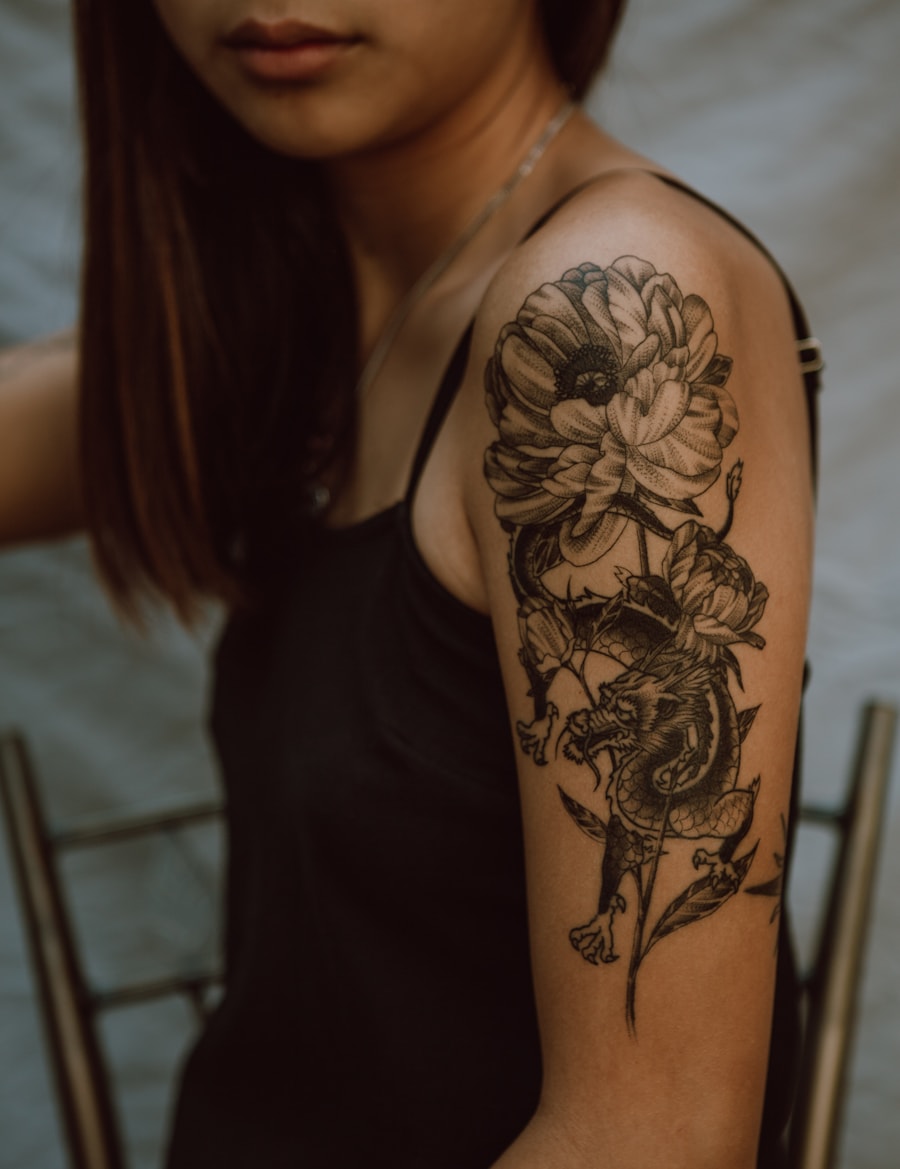
Browse the idea space
Move quickly across style, motif, placement, and size before narrowing the concept.
Compare tattoo styles by line weight, shading, color and composition. Explore focused examples and choose a direction to discuss with your tattoo artist.
Browse tattoo ideas by style, motif, and placement, then jump into a focused generator page.
Move quickly across style, motif, placement, and size before narrowing the concept.

Use related pages to jump into fine line, butterfly, hand, forearm, or stencil workflows.

Every path leads back to a ready prompt and generator action.
Browse visual directions before generating your own custom tattoo concept.
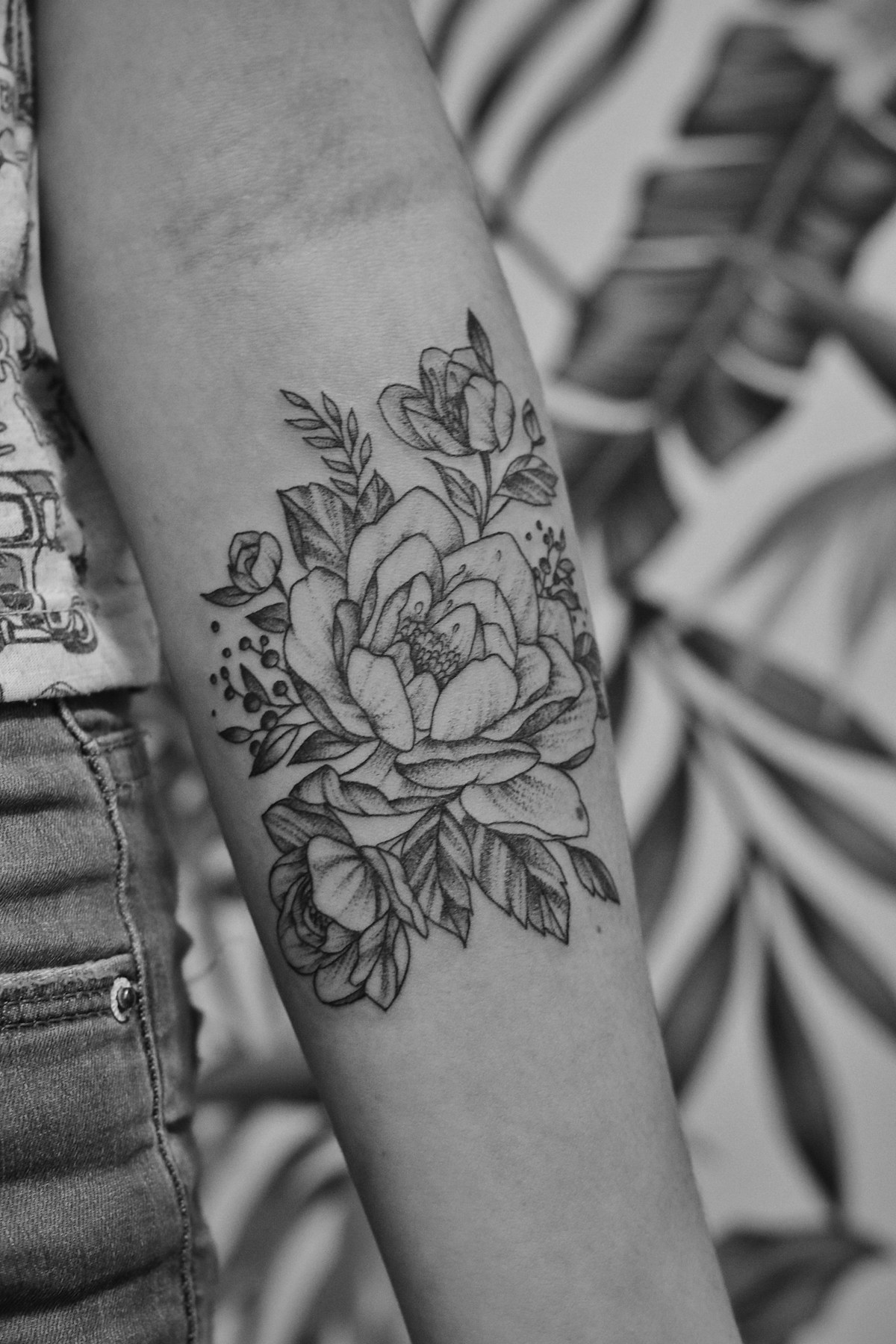

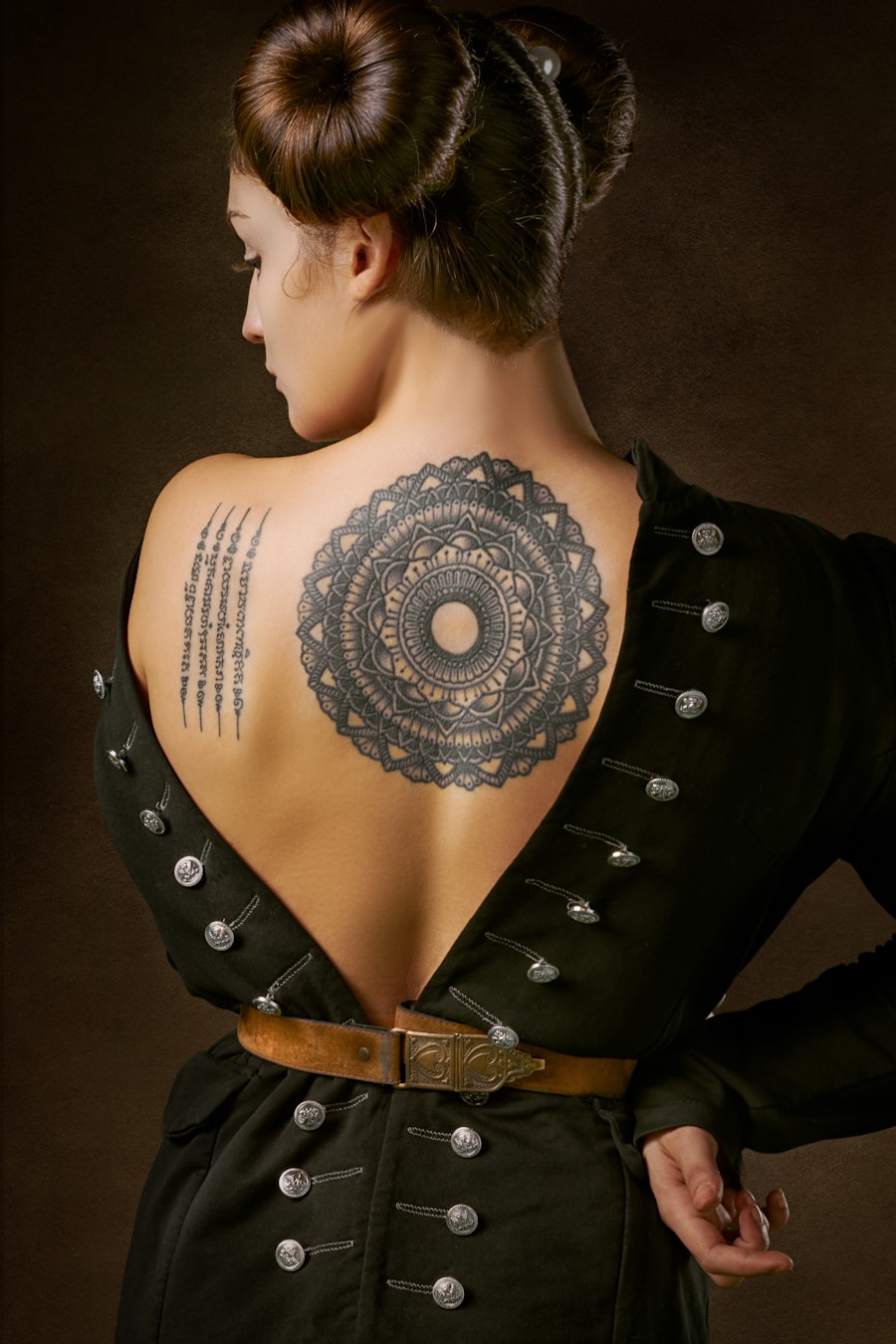
Quick answers for using AI-generated tattoo designs as inspiration and artist reference.
Yes. Use the prefilled tattoo styles prompt, adjust the controls, and generate multiple tattoo concepts for visual exploration or artist reference.
Include the subject, tattoo style, placement, size, line weight, color preference, and whether you want a stencil-ready or fully rendered design.
Use the image as a concept reference. A professional tattoo artist should refine sizing, line durability, placement, and skin fit before tattooing.
This page is tuned for browse tattoo ideas by style, subject, size, and placement. It combines example prompts, page-specific controls, related tattoo ideas, and direct generation actions.
Describe the tattoo you want, generate several directions, and use the best result as your creative reference.
Generate Now