


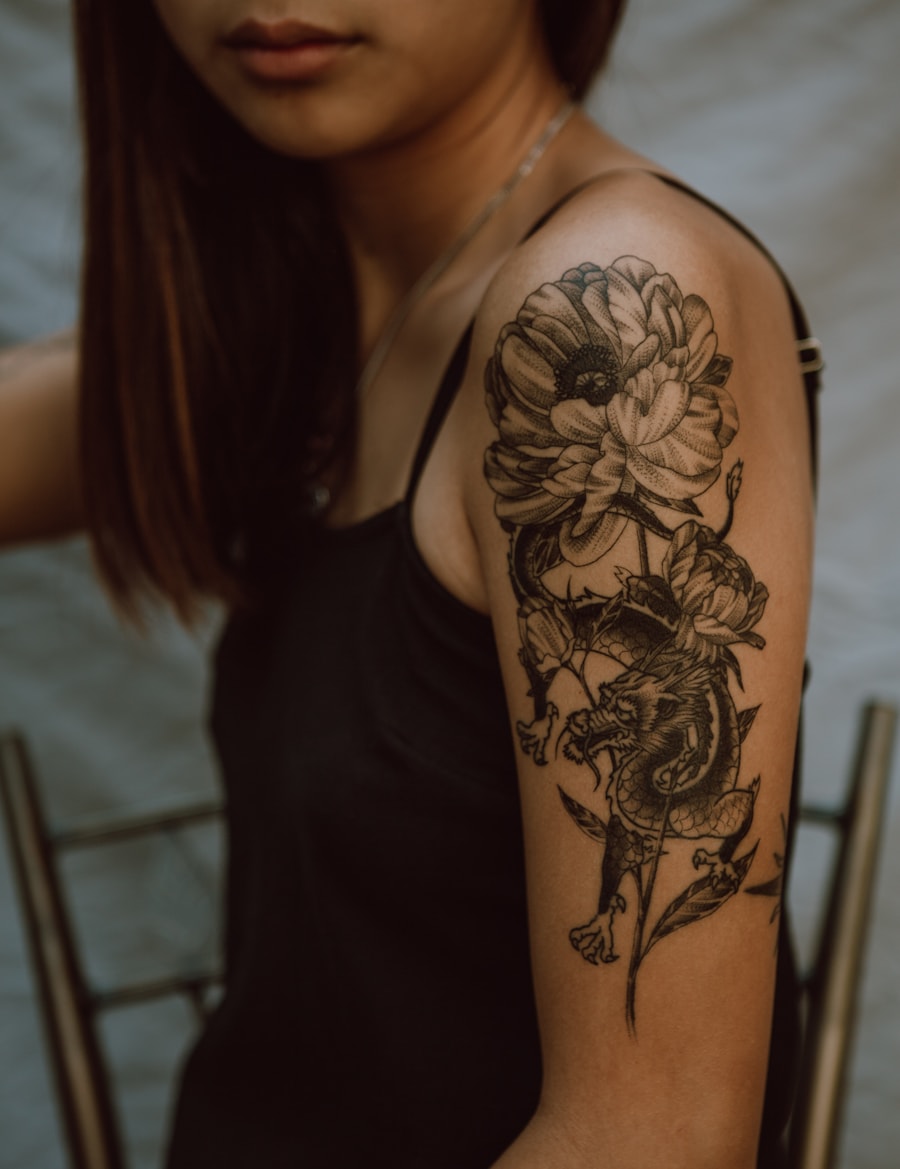
Browse the idea space
Move quickly across style, motif, placement, and size before narrowing the concept.
استكشف آلاف أفكار الوشم المبتكرة باستخدام الذكاء الاصطناعي. يقوم PromeAI بإنشاء أفكار وشم مخصصة بأي أسلوب أو موضوع أو موقع وضع على الفور.
Browse tattoo ideas by style, motif, and placement, then jump into a focused generator page.
Move quickly across style, motif, placement, and size before narrowing the concept.
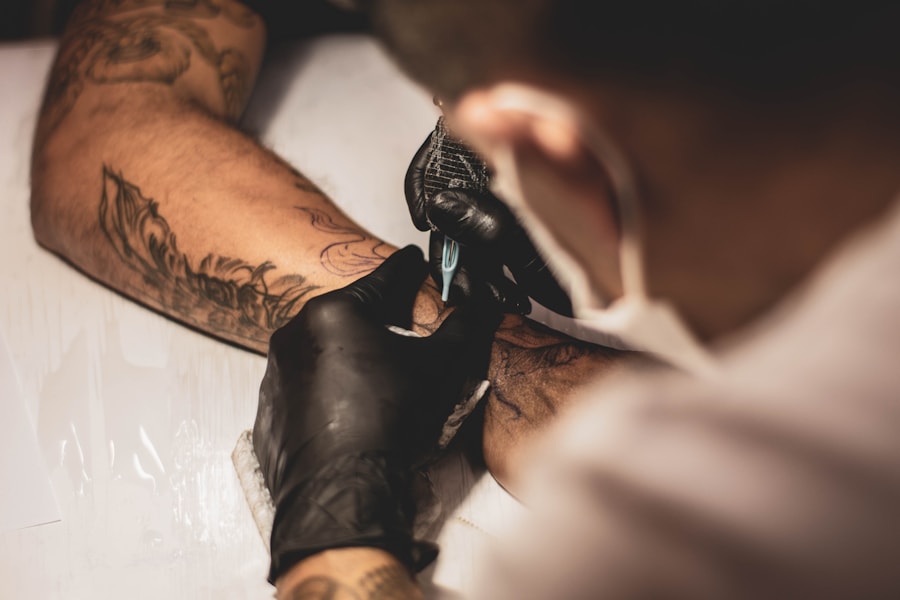
Use related pages to jump into fine line, butterfly, hand, forearm, or stencil workflows.
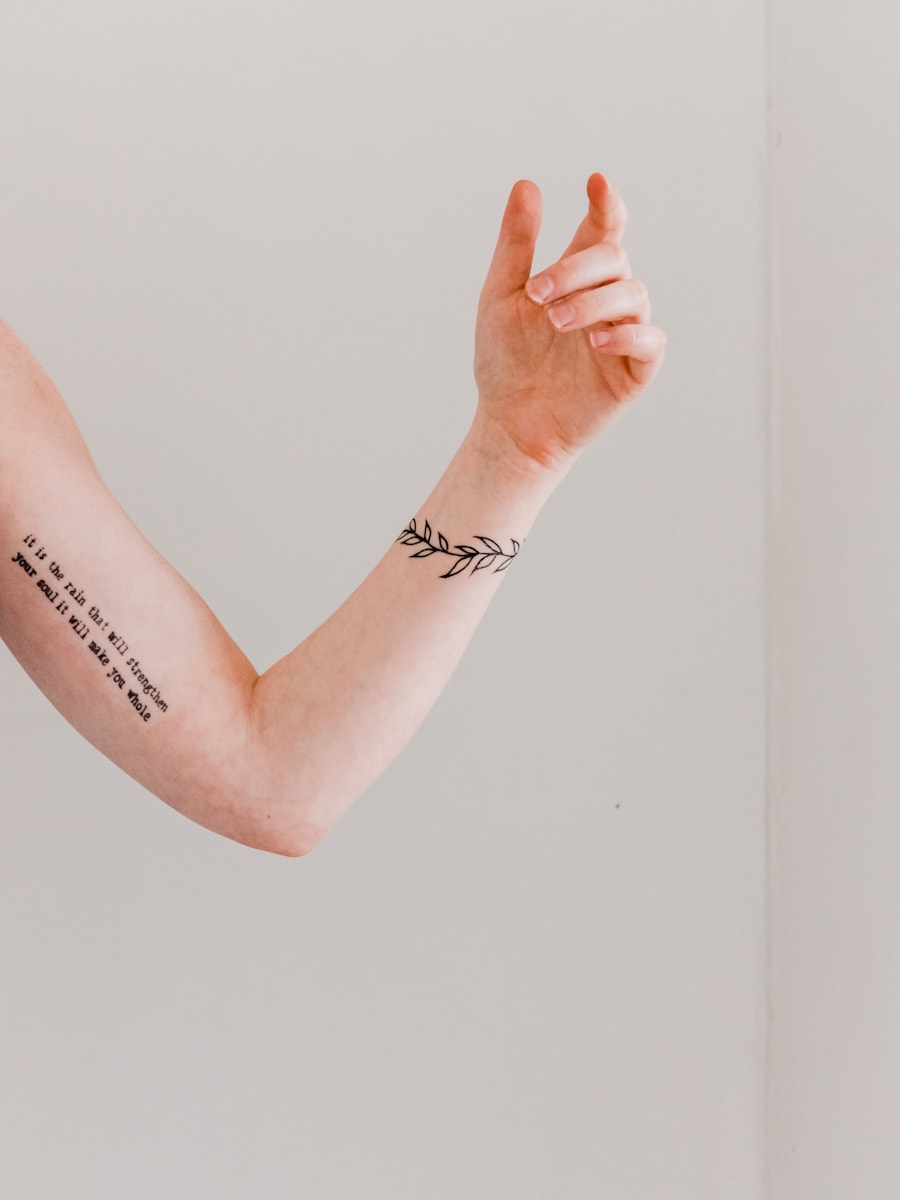
Every path leads back to a ready prompt and generator action.
Browse visual directions before generating your own custom tattoo concept.
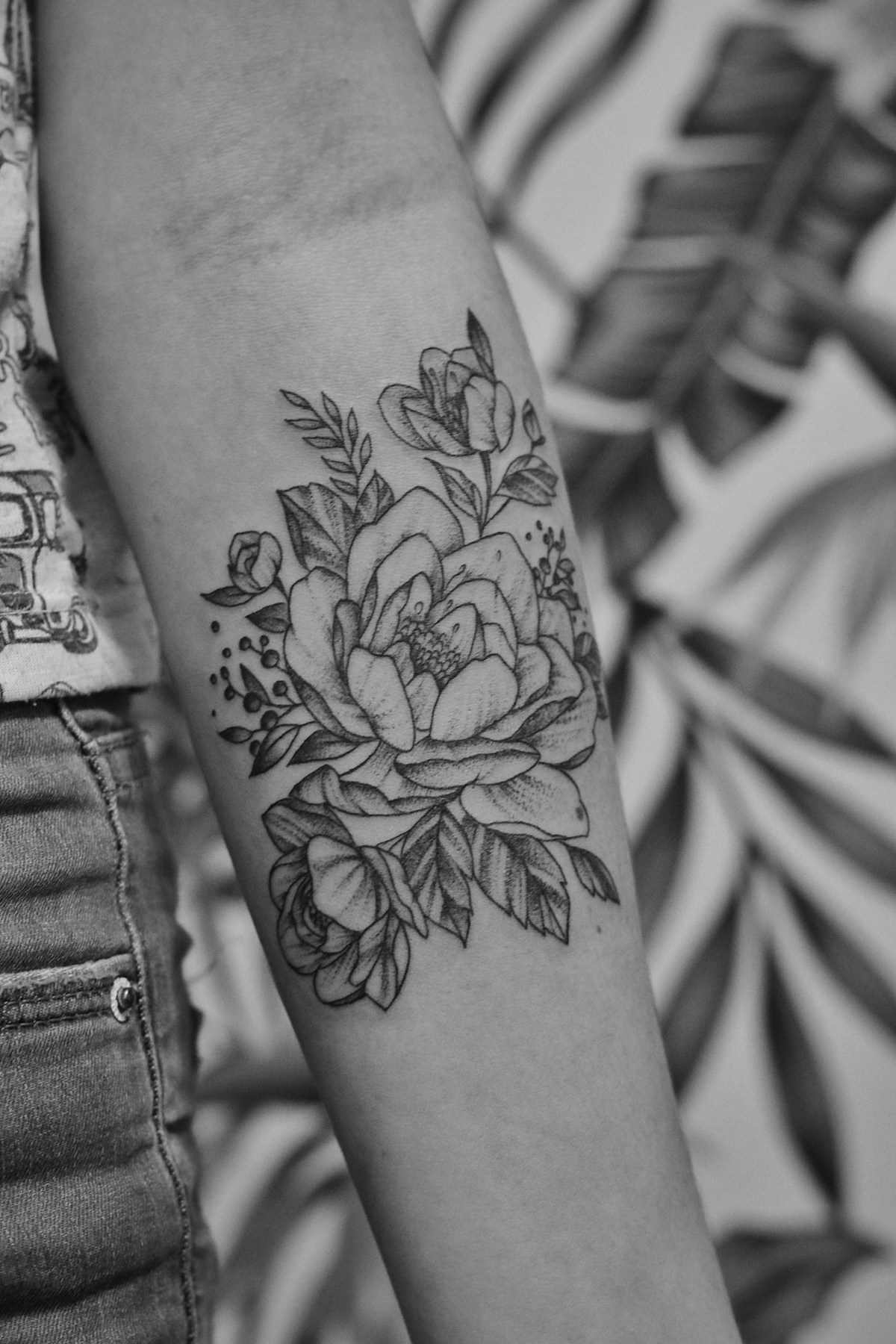

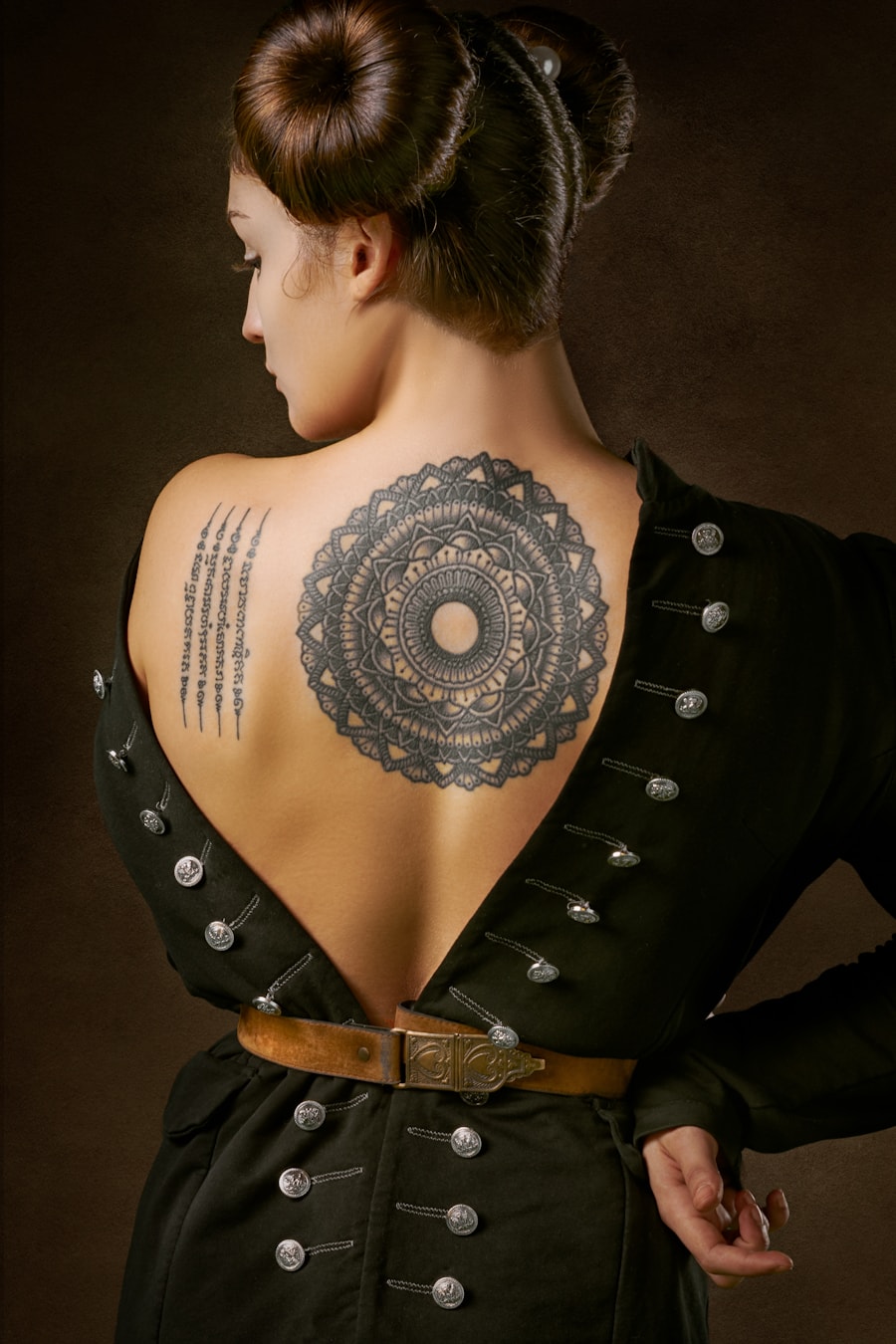
Users rely on PromeAI to move from a rough tattoo idea to a clear visual reference.

I could test several tattoo directions before booking a consultation. It made my idea much easier to explain.

The prompt-based workflow is helpful for quickly exploring composition options with clients.

I used the generated references to compare placement and style before deciding what to refine.
Quick answers for using AI-generated tattoo designs as inspiration and artist reference.
نعم. استخدم نص الإرشاد المملوء مسبقا لأفكار الوشم، اضبط عناصر التحكم، وأنشئ مفاهيم وشم متعددة للاستكشاف البصري أو كمرجع لفنان الوشم.
قم بتضمين الموضوع، أسلوب الوشم، مكان الوضع، الحجم، وزن الخط، تفضيلات الألوان، وما إذا كنت تريد تصميمًا جاهزًا للاستنسل أو تصميمًا كاملاً مُعالج.
استخدم الصورة كمرجع مفاهيمي فقط. يجب على فنان وشم محترف تحسين الحجم، ومتانة الخطوط، ومكان الوضع، والملاءمة مع الجلد قبل تطبيق الوشم.
هذه الصفحة مُصممة خصيصًا لتصفح أفكار الوشم حسب الأسلوب والموضوع والحجم ومكان الوضع. تجمع بين نصوص إرشادية مثالية، وعناصر تحكم خاصة بالصفحة، وأفكار وشم ذات صلة، وإجراءات توليد مباشرة.
Describe the tattoo you want, generate several directions, and use the best result as your creative reference.
Generate Now