


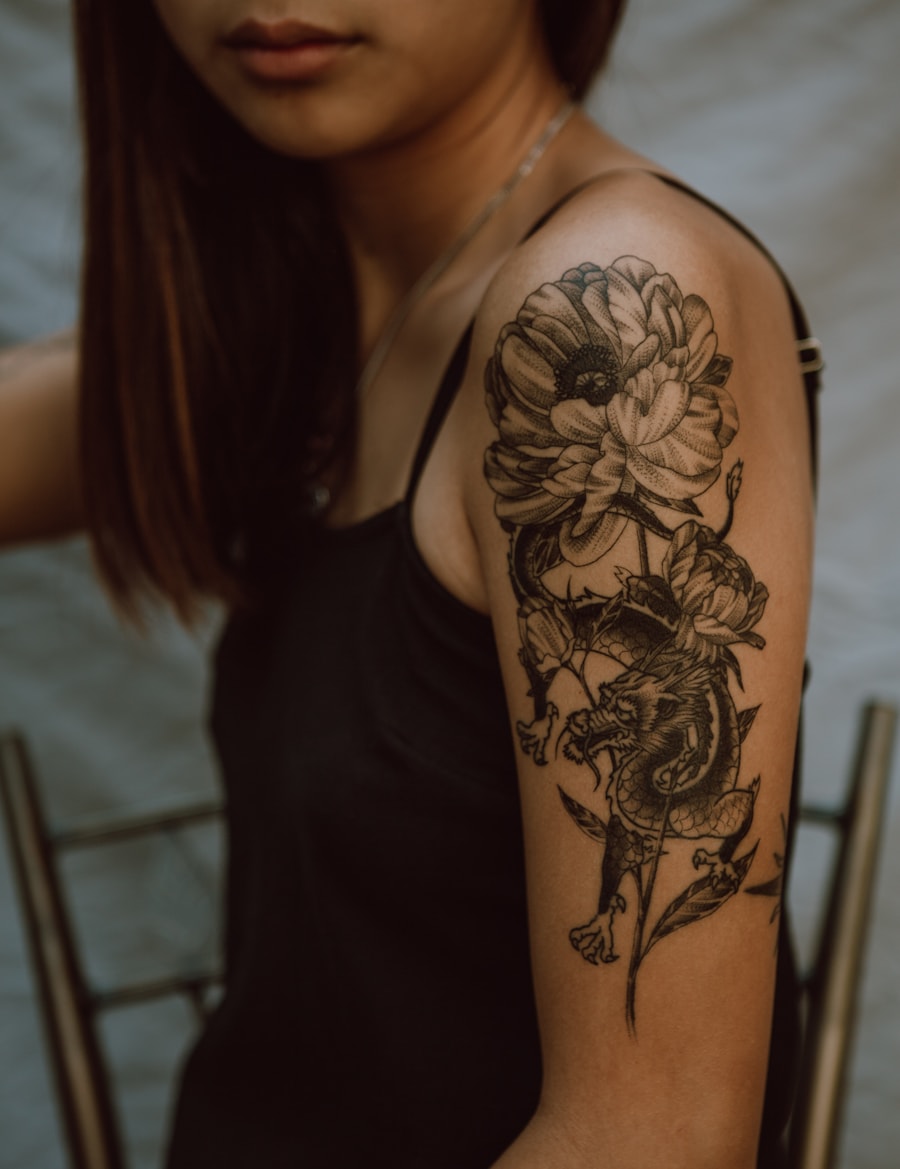
Create practical references
Turn a rough टैटू फॉन्ट जेनरेटर idea into a cleaner working direction.
PromeAI के टैटू फॉन्ट जेनरेटर से कस्टम टैटू लेटरिंग डिजाइन करें। गॉथिक, स्क्रिप्ट, कैलीग्राफी और हर प्रकार के टैटू फॉन्ट स्टाइल बना सकते हैं।
Use PromeAI to produce practical टैटू फॉन्ट जेनरेटर references with clearer structure and artist handoff value.
Turn a rough टैटू फॉन्ट जेनरेटर idea into a cleaner working direction.
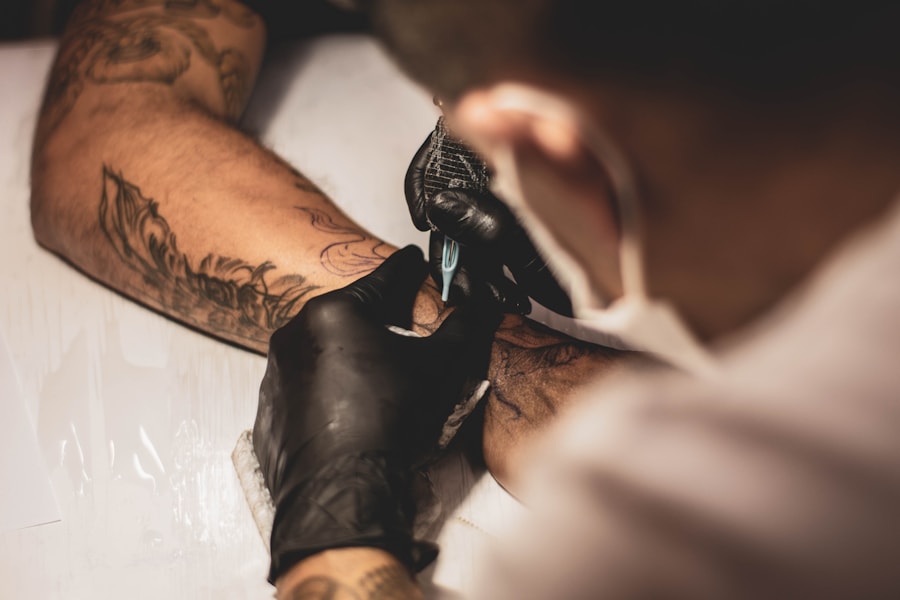
Keep linework, spacing, contrast, and detail clear enough for real tattoo planning.
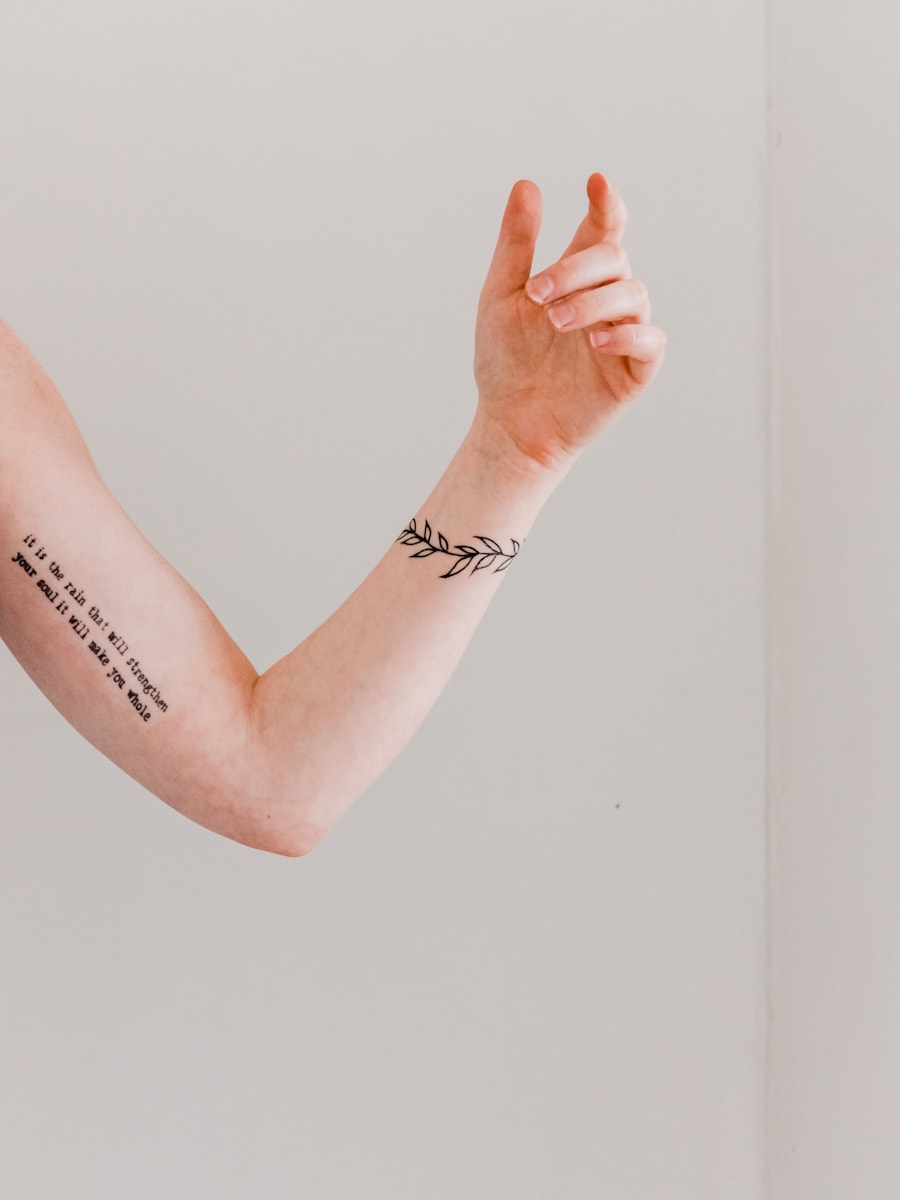
Use the output as a starting reference for final professional refinement.
Browse visual directions before generating your own custom tattoo concept.
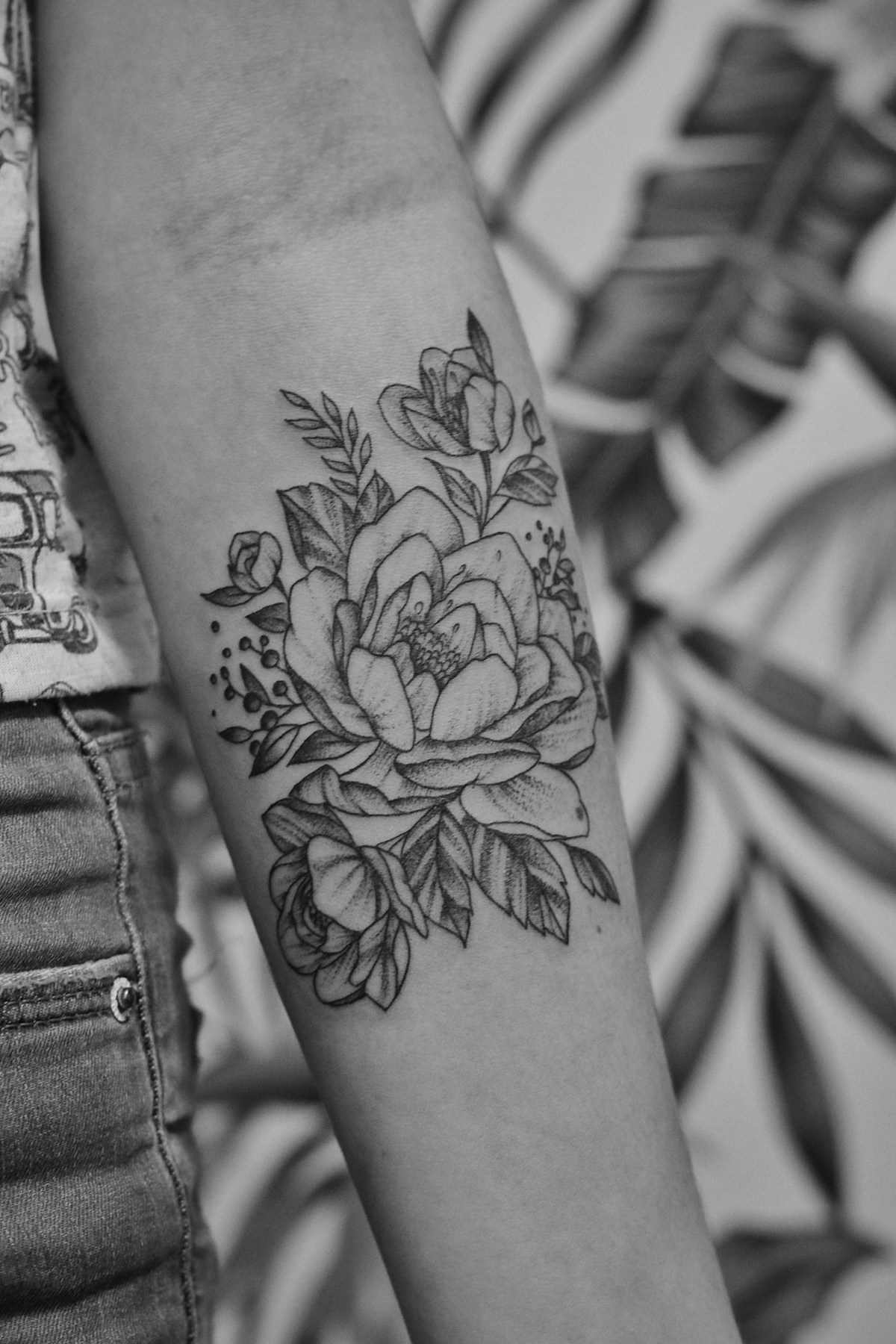

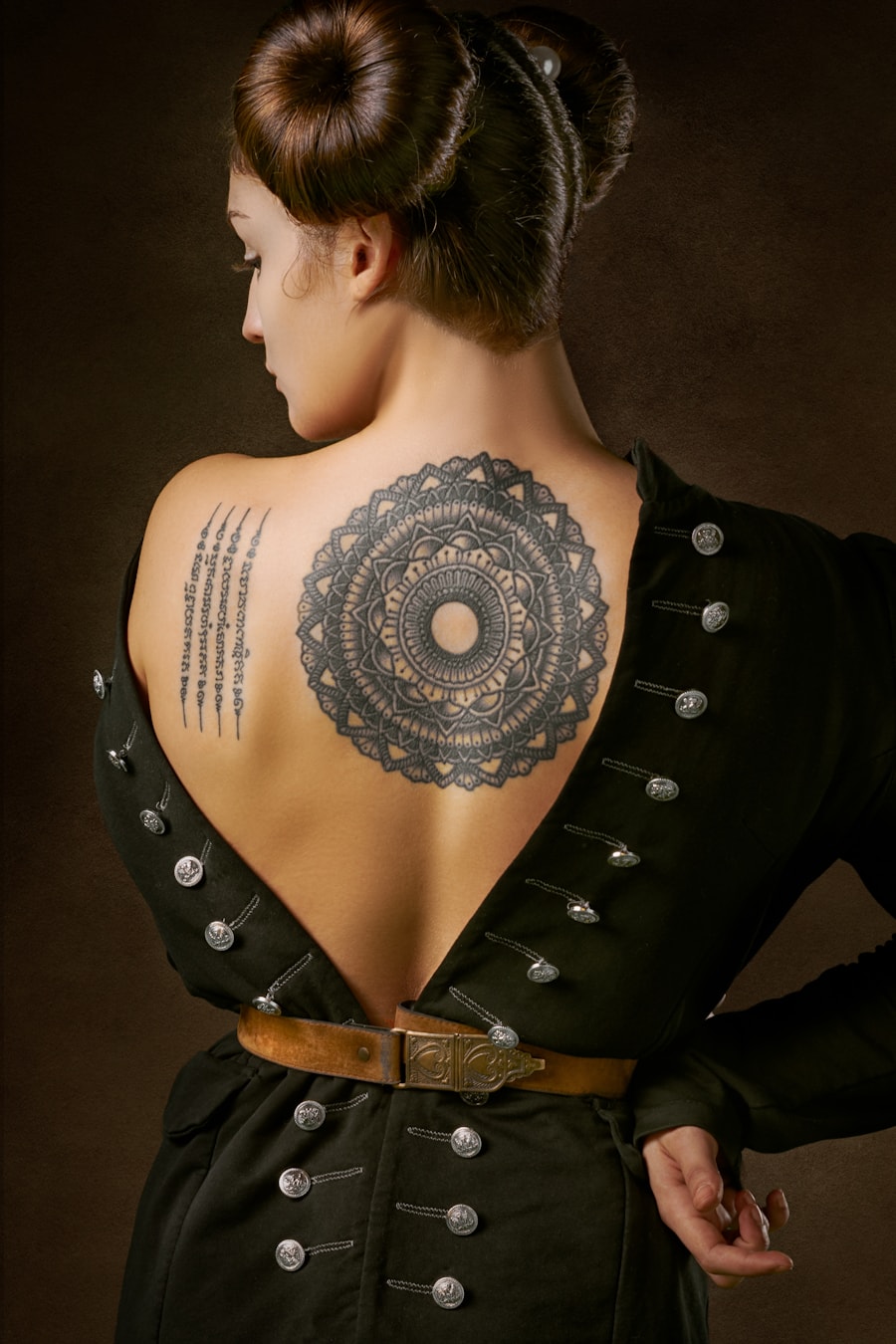
Users rely on PromeAI to move from a rough tattoo idea to a clear visual reference.

I could test several tattoo directions before booking a consultation. It made my idea much easier to explain.

The prompt-based workflow is helpful for quickly exploring composition options with clients.

I used the generated references to compare placement and style before deciding what to refine.
Quick answers for using AI-generated tattoo designs as inspiration and artist reference.
हां। पूर्वभरित टैटू फॉन्ट जेनरेटर प्रॉम्प्ट का उपयोग करें, कंट्रोल को एडजस्ट करें, और विजुअल एक्सप्लोरेशन या आर्टिस्ट रेफरेंस के लिए कई टैटू कॉन्सेप्ट जेनरेट करें।
इसमें विषय, टैटू स्टाइल, शरीर पर प्लेसमेंट, आकार, लाइन की मोटाई, रंग पसंद, और आप स्टैंसिल-रेडी या पूरी तरह रेंडर किया हुआ डिजाइन चाहते हैं या नहीं, यह सब शामिल करें।
इमेज को केवल कॉन्सेप्ट रेफरेंस के रूप में उपयोग करें। टैटू बनाने से पहले प्रोफेशनल टैटू आर्टिस्ट को आकार, लाइन की टिकाऊपन, प्लेसमेंट और त्वचा के अनुकूलन को रिफाइन करना चाहिए।
यह पेज स्टैंसिल या लेटरिंग जैसे व्यावहारिक टैटू आउटपुट बनाने के लिए विशेष रूप से ट्यून किया गया है। इसमें उदाहरण प्रॉम्प्ट, पेज-विशिष्ट कंट्रोल, संबंधित टैटू आइडिया और डायरेक्ट जेनरेशन एक्शन शामिल हैं।
Describe the tattoo you want, generate several directions, and use the best result as your creative reference.
Generate Now