


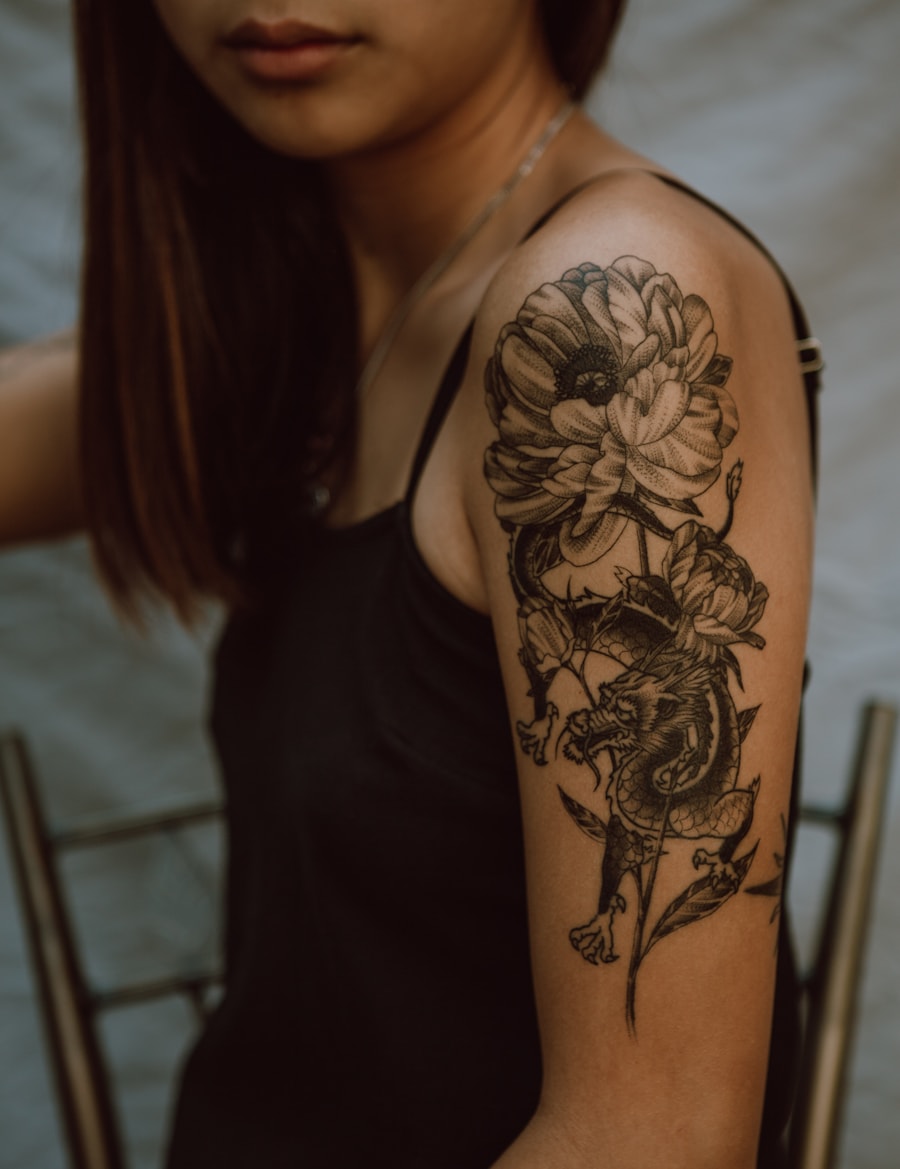
Match the style language
Keep ジオメトリックタトゥー outputs aligned with the line weight, composition, and level of detail users expect.
AIで精密なジオメトリックタトゥーを作成できます。PromeAIのジオメトリックタトゥー生成機能は、左右対称の模様や神聖幾何学模様のデザインに対応しています。
Generate ジオメトリックタトゥー designs with the right line quality, visual balance, and tattoo-friendly detail.
Keep ジオメトリックタトゥー outputs aligned with the line weight, composition, and level of detail users expect.
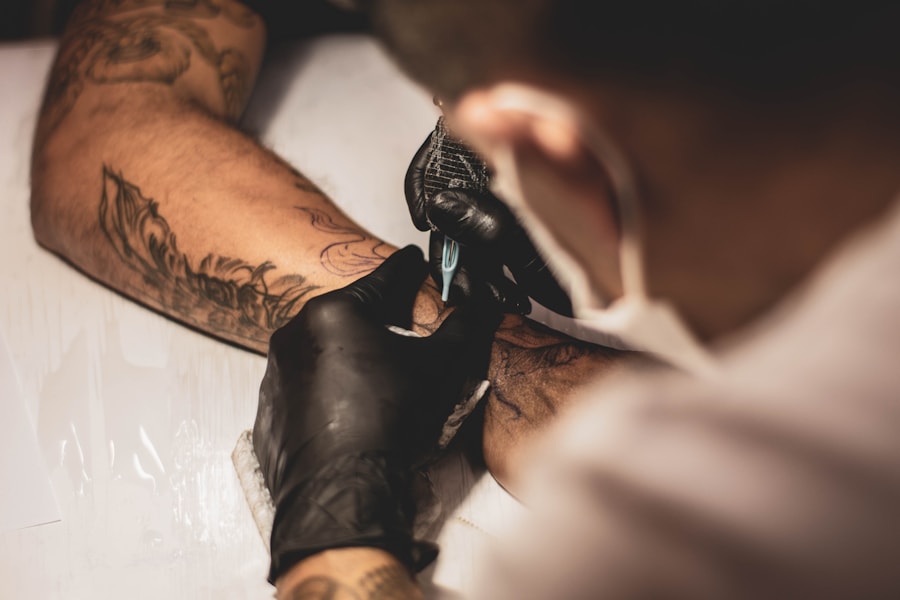
Explore motifs that naturally fit this style, from florals and animals to symbols and lettering.
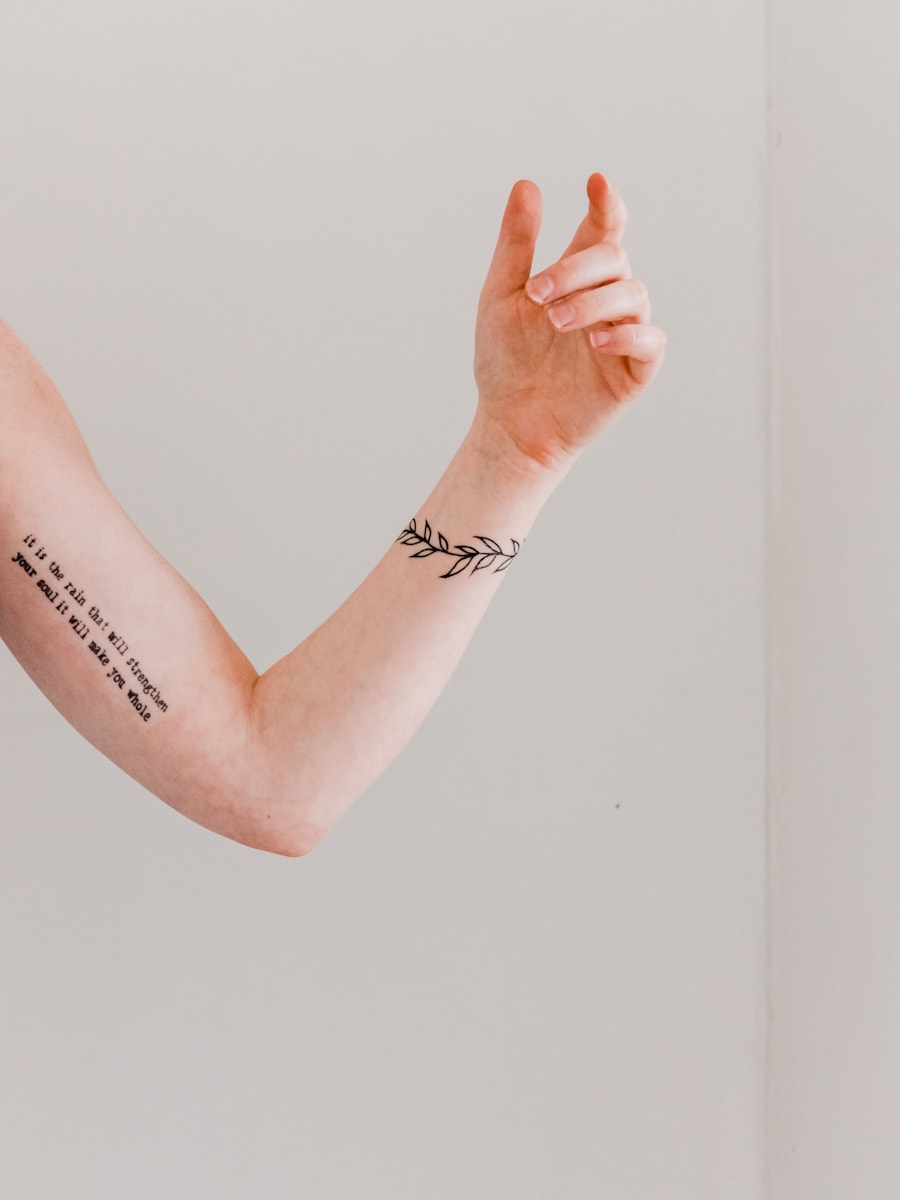
Generate clean concepts that can be refined for real skin, scale, and long-term readability.
Browse visual directions before generating your own custom tattoo concept.
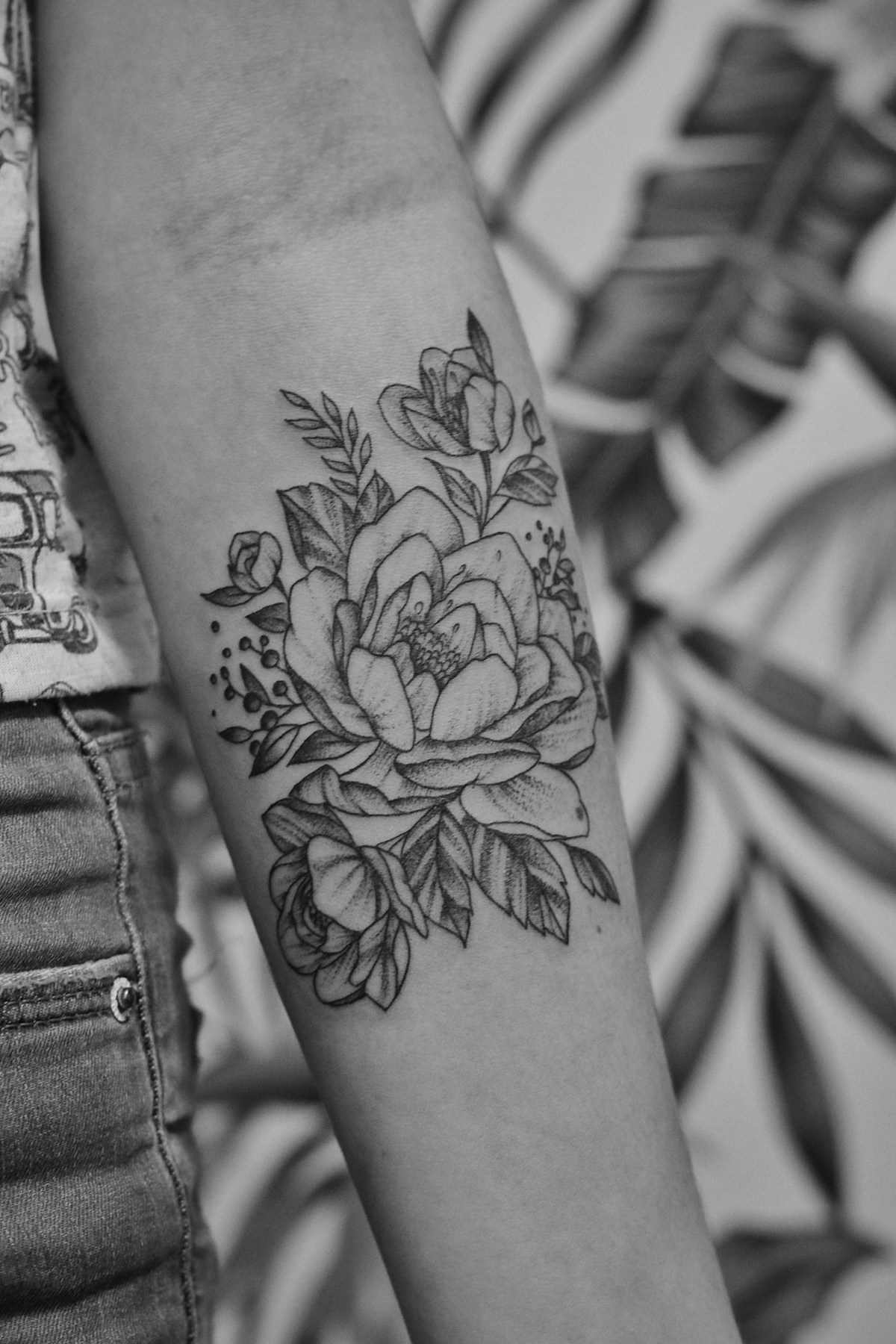
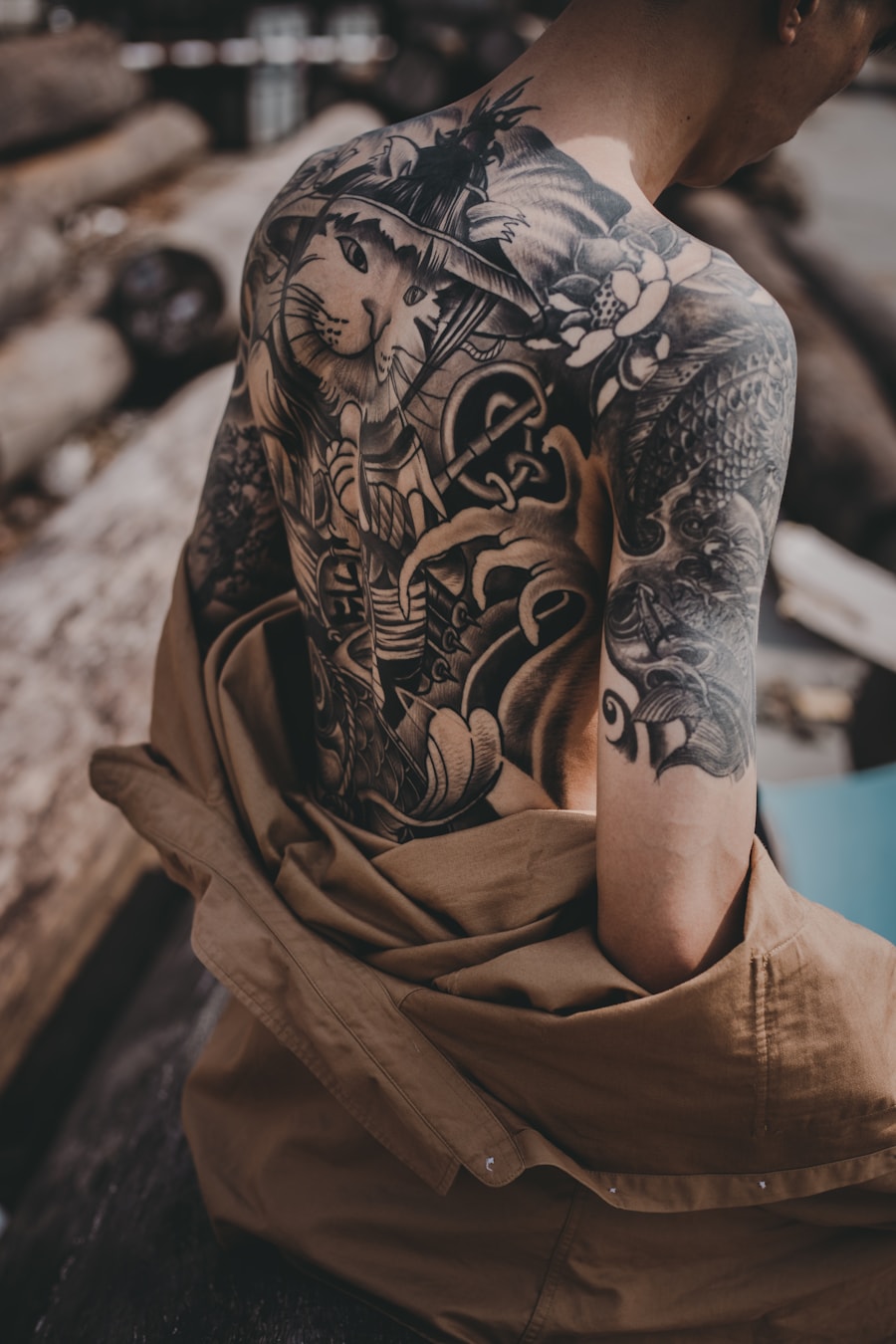
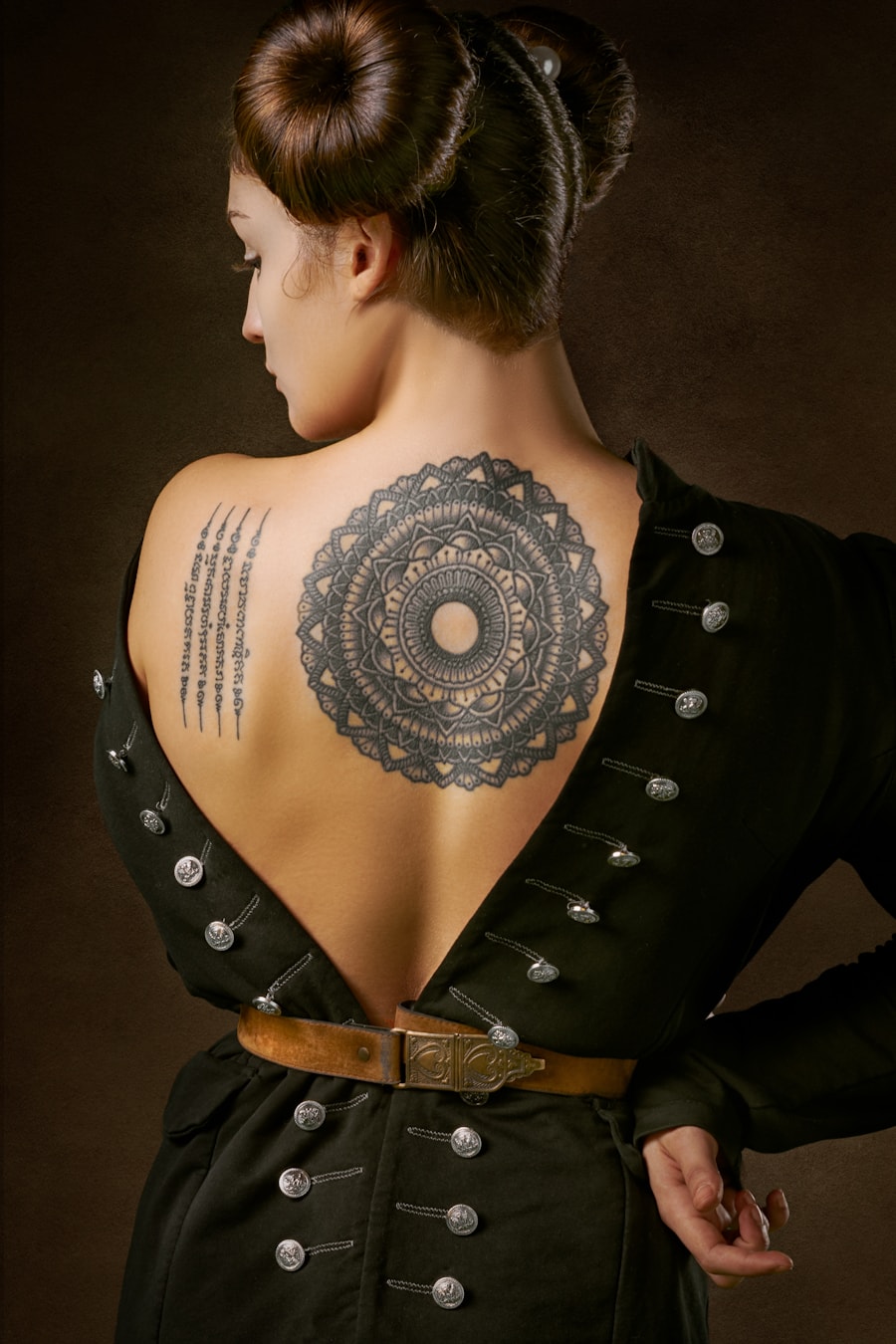
Users rely on PromeAI to move from a rough tattoo idea to a clear visual reference.

I could test several tattoo directions before booking a consultation. It made my idea much easier to explain.

The prompt-based workflow is helpful for quickly exploring composition options with clients.

I used the generated references to compare placement and style before deciding what to refine.
Quick answers for using AI-generated tattoo designs as inspiration and artist reference.
はい、可能です。事前入力されたジオメトリックタトゥーのプロンプトを使用し、各種設定を調整するだけで、アイデア出しやアーティストへの参考提示用に複数のタトゥーコンセプトを生成できます。
モチーフ、タトゥースタイル、配置位置、サイズ、線の太さ、希望のカラー、ステンシル向けか完成度の高いデザイン向けかの指定を含めると、理想の仕上がりに近づきます。
生成画像はコンセプトの参考としてお使いください。施術前にプロのタトゥーアーティストがサイズ、線の持続性、配置位置、肌へのフィット感を調整する必要があります。
このページは特定のタトゥーのビジュアルスタイルの閲覧・生成に特化して最適化されています。サンプルプロンプト、ページ専用の調整機能、関連するタトゥーアイデア、ワンクリック生成機能をご利用いただけます。
Describe the tattoo you want, generate several directions, and use the best result as your creative reference.
Generate Now