


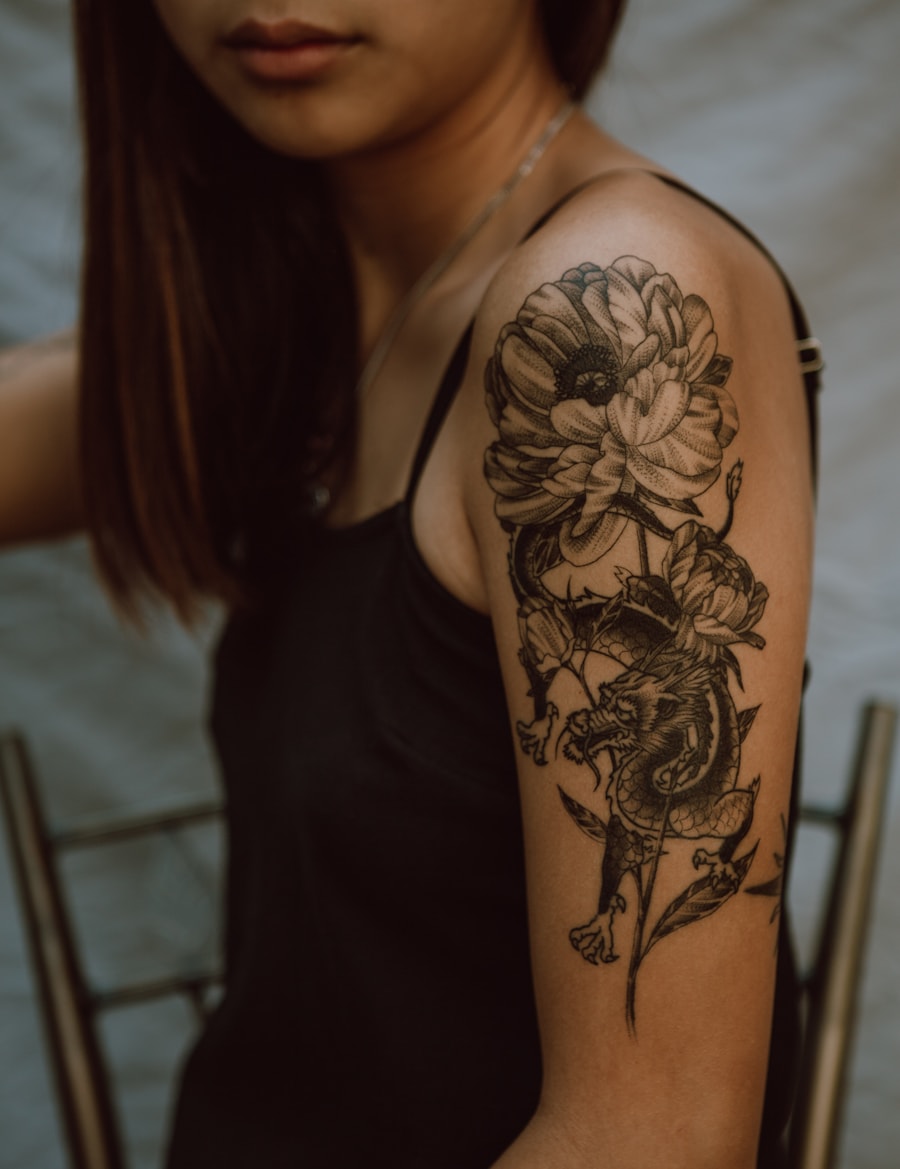
Browse the idea space
Move quickly across style, motif, placement, and size before narrowing the concept.
AIで独自のタトゥーデザインを作成できます。PromeAIはテキストプロンプトや参考画像から、あらゆるスタイルのカスタムタトゥーデザインを生成します。
Browse tattoo ideas by style, motif, and placement, then jump into a focused generator page.
Move quickly across style, motif, placement, and size before narrowing the concept.
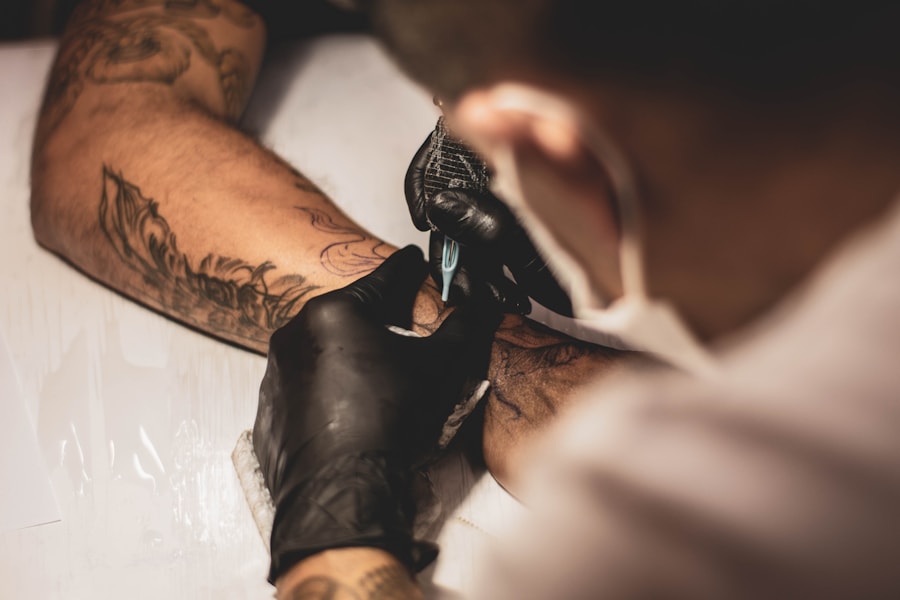
Use related pages to jump into fine line, butterfly, hand, forearm, or stencil workflows.
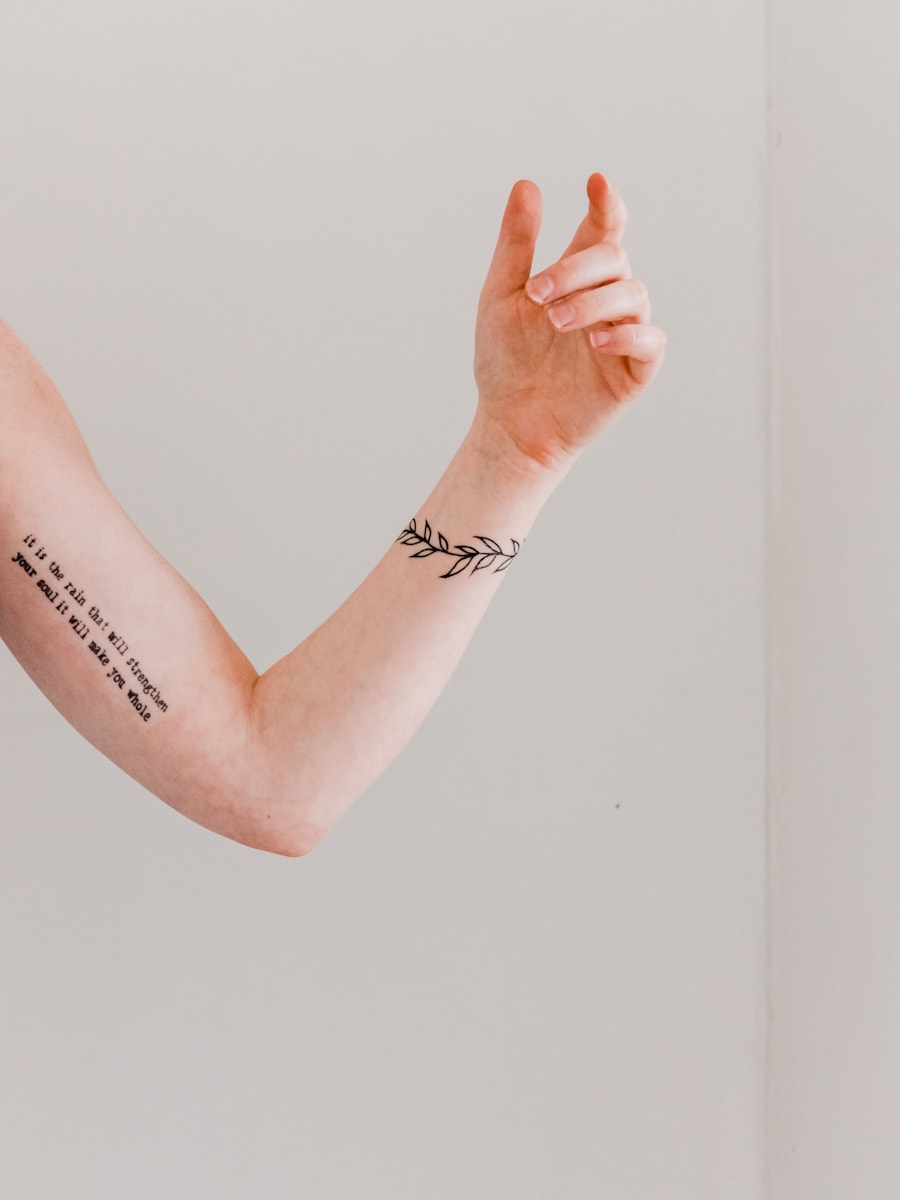
Every path leads back to a ready prompt and generator action.
Browse visual directions before generating your own custom tattoo concept.
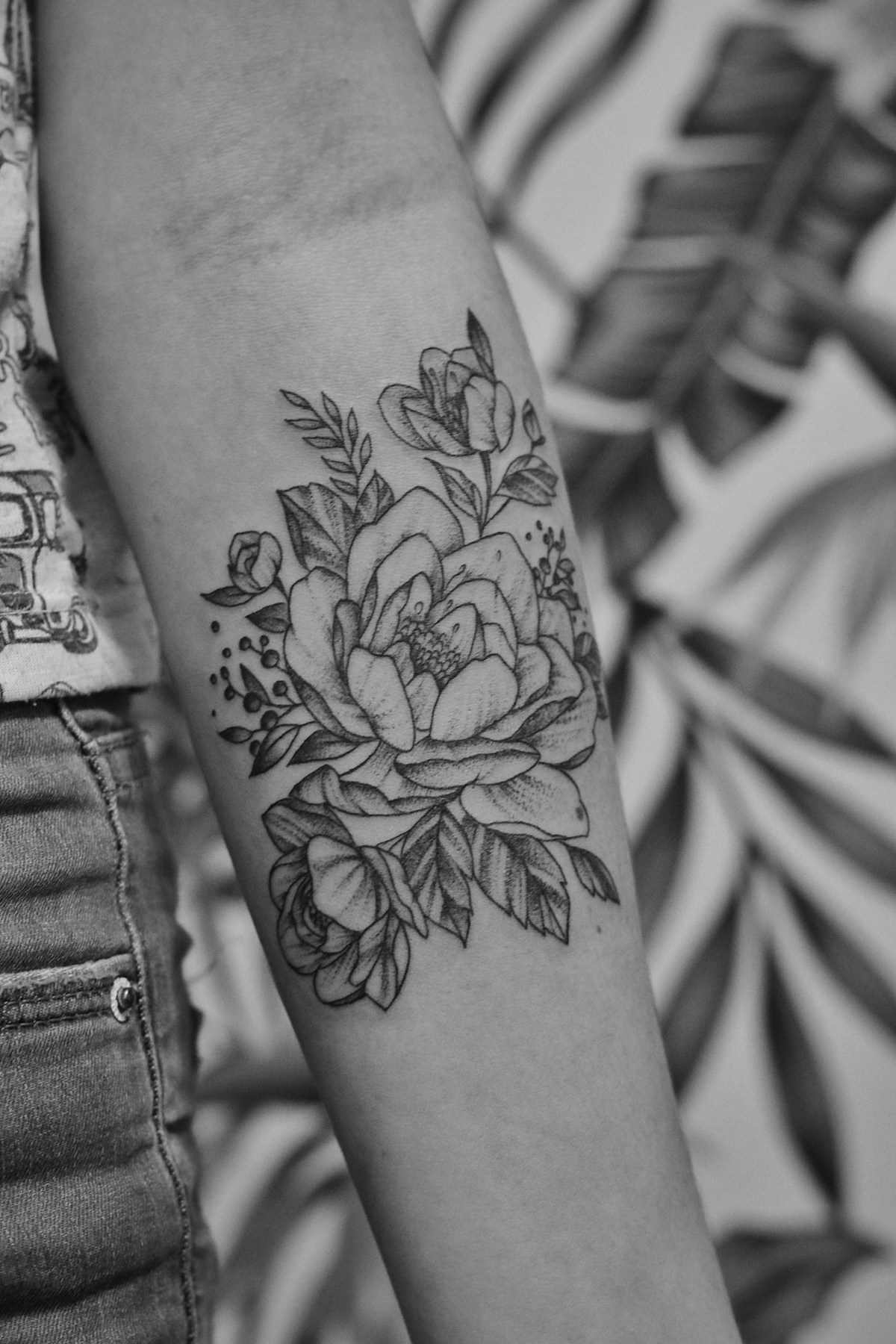
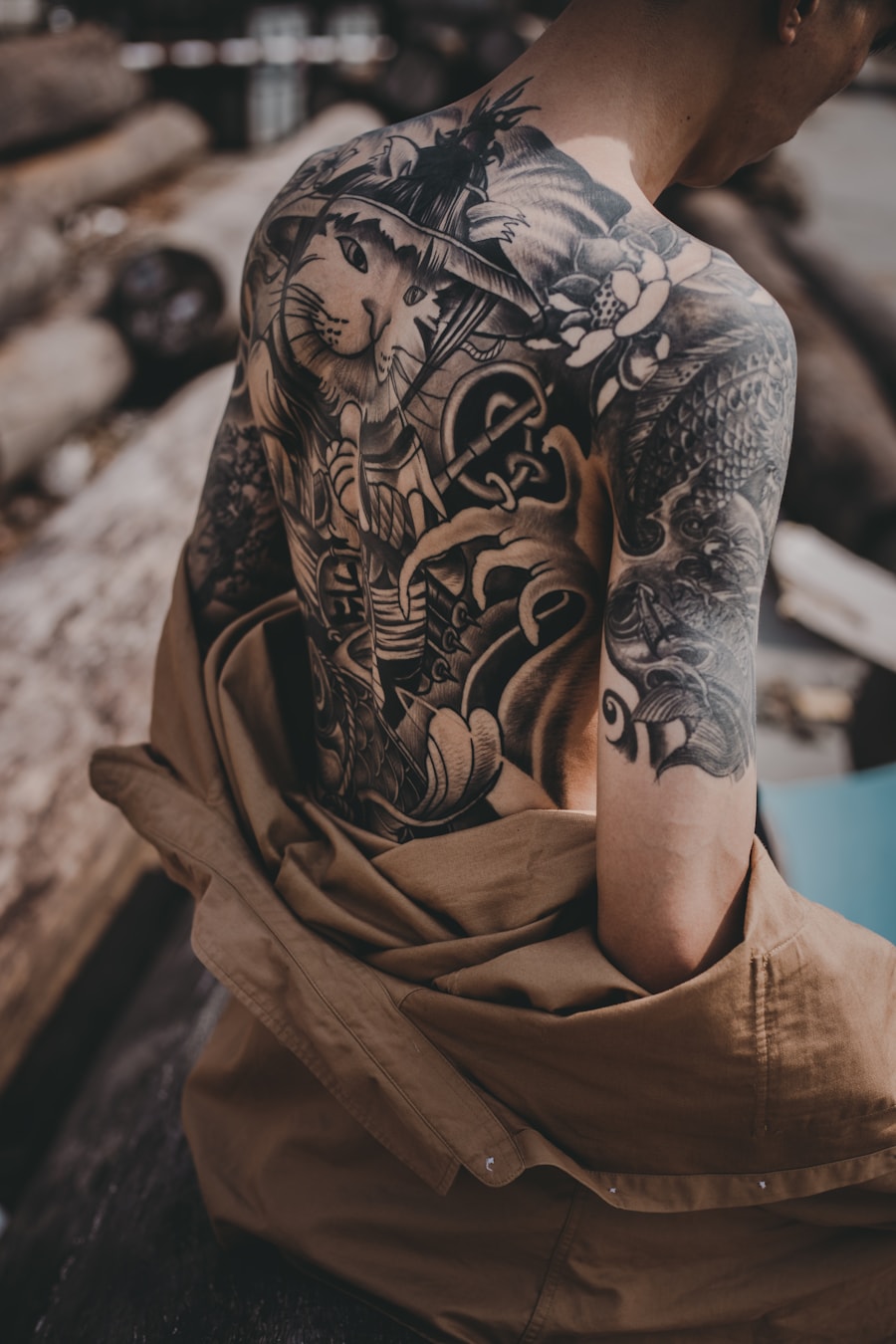
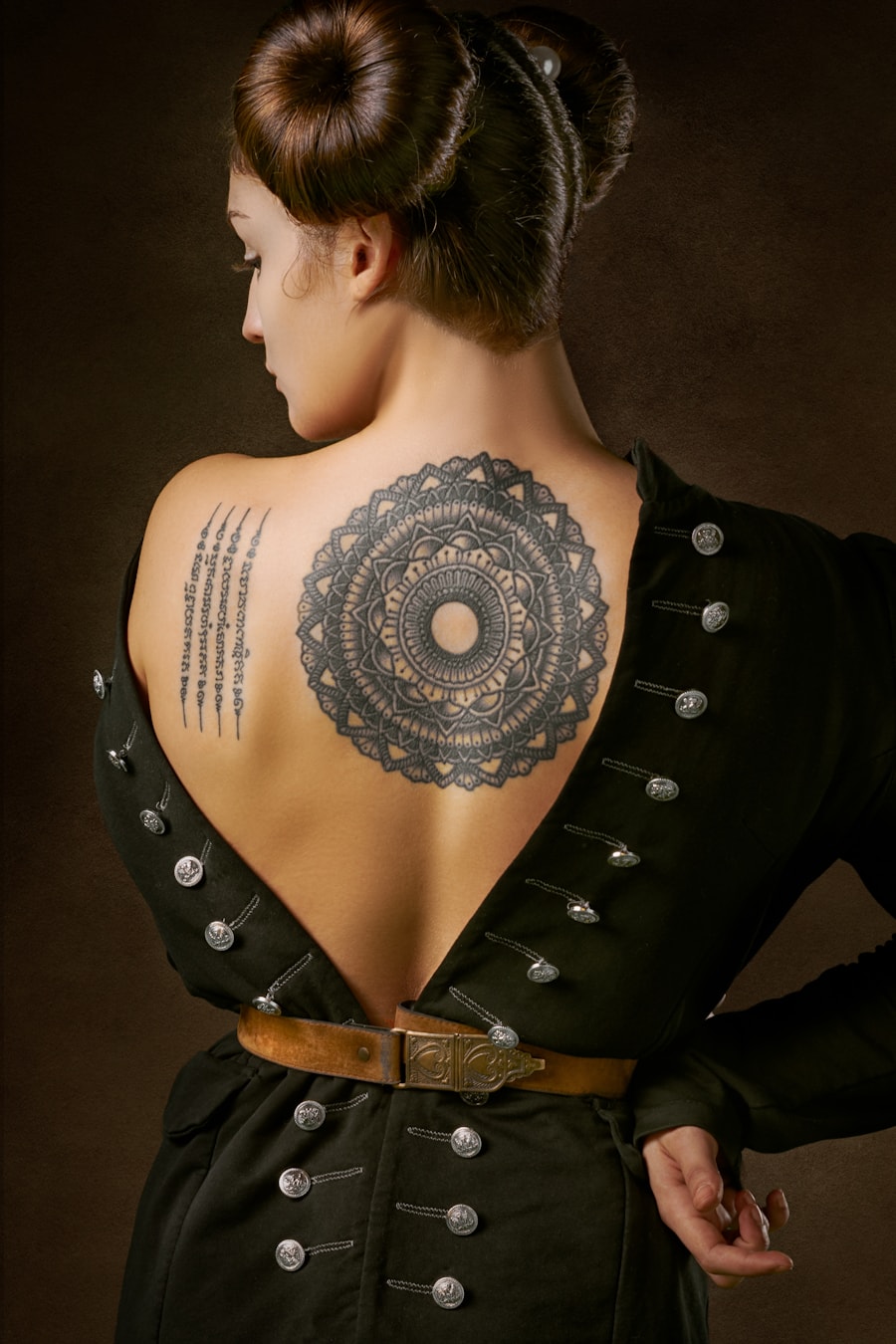
Users rely on PromeAI to move from a rough tattoo idea to a clear visual reference.

I could test several tattoo directions before booking a consultation. It made my idea much easier to explain.

The prompt-based workflow is helpful for quickly exploring composition options with clients.

I used the generated references to compare placement and style before deciding what to refine.
Quick answers for using AI-generated tattoo designs as inspiration and artist reference.
はい。事前入力されたタトゥーデザイン用プロンプトを使用し、設定を調整するだけで、アイデア検討やアーティスト向け参考用に複数のタトゥーコンセプトを生成できます。
モチーフ、タトゥースタイル、施術箇所、サイズ、線の太さ、カラーの希望、ステンシル対応版と完全レンダリング版のどちらが必要かを含めてください。
生成画像はコンセプトの参考としてご使用ください。タトゥーを施術する前に、プロのタトゥーアーティストがサイズ、線の持続性、施術位置、肌へのフィット感を調整する必要があります。
このページはスタイル・モチーフ・サイズ・施術箇所別にタトゥーアイデアを閲覧するために最適化されています。プロンプト例、ページ専用の設定機能、関連するタトゥーアイデア、直接生成機能を併せ持っています。
Describe the tattoo you want, generate several directions, and use the best result as your creative reference.
Generate Now