


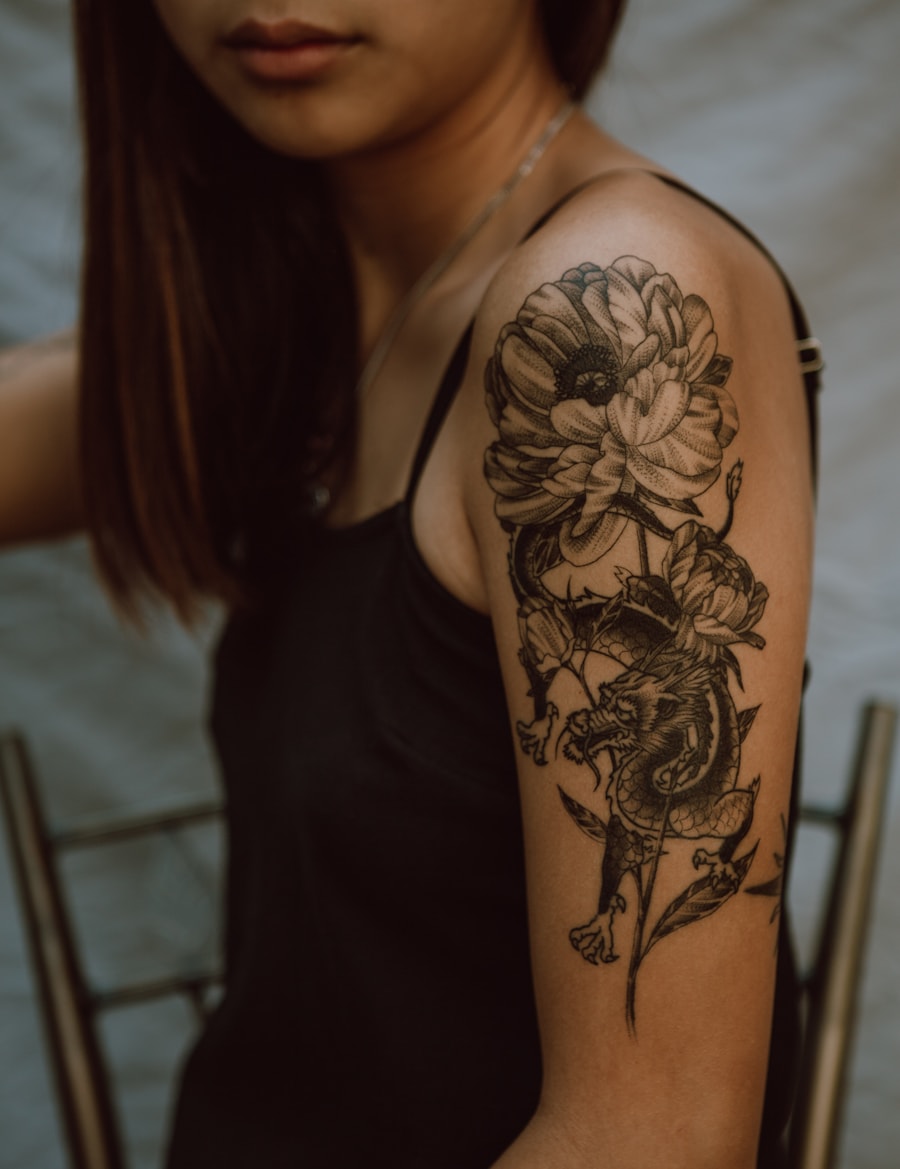
Create practical references
Turn a rough タトゥーフォントジェネレーター idea into a cleaner working direction.
Explore tattoo lettering concepts in script, gothic and calligraphic directions. Check every character and refine spacing and linework with an artist.
Use PromeAI to produce practical タトゥーフォントジェネレーター references with clearer structure and artist handoff value.
Turn a rough タトゥーフォントジェネレーター idea into a cleaner working direction.
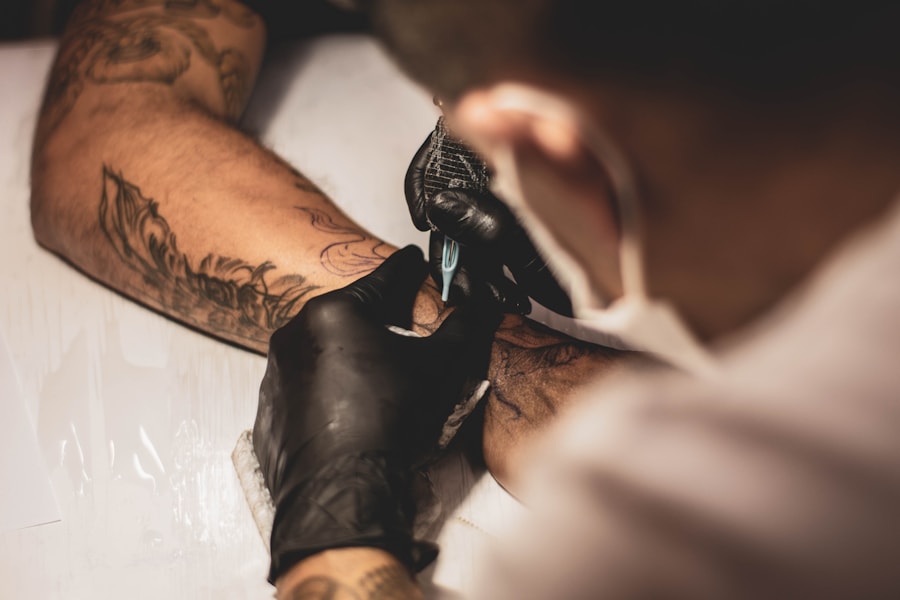
Keep linework, spacing, contrast, and detail clear enough for real tattoo planning.
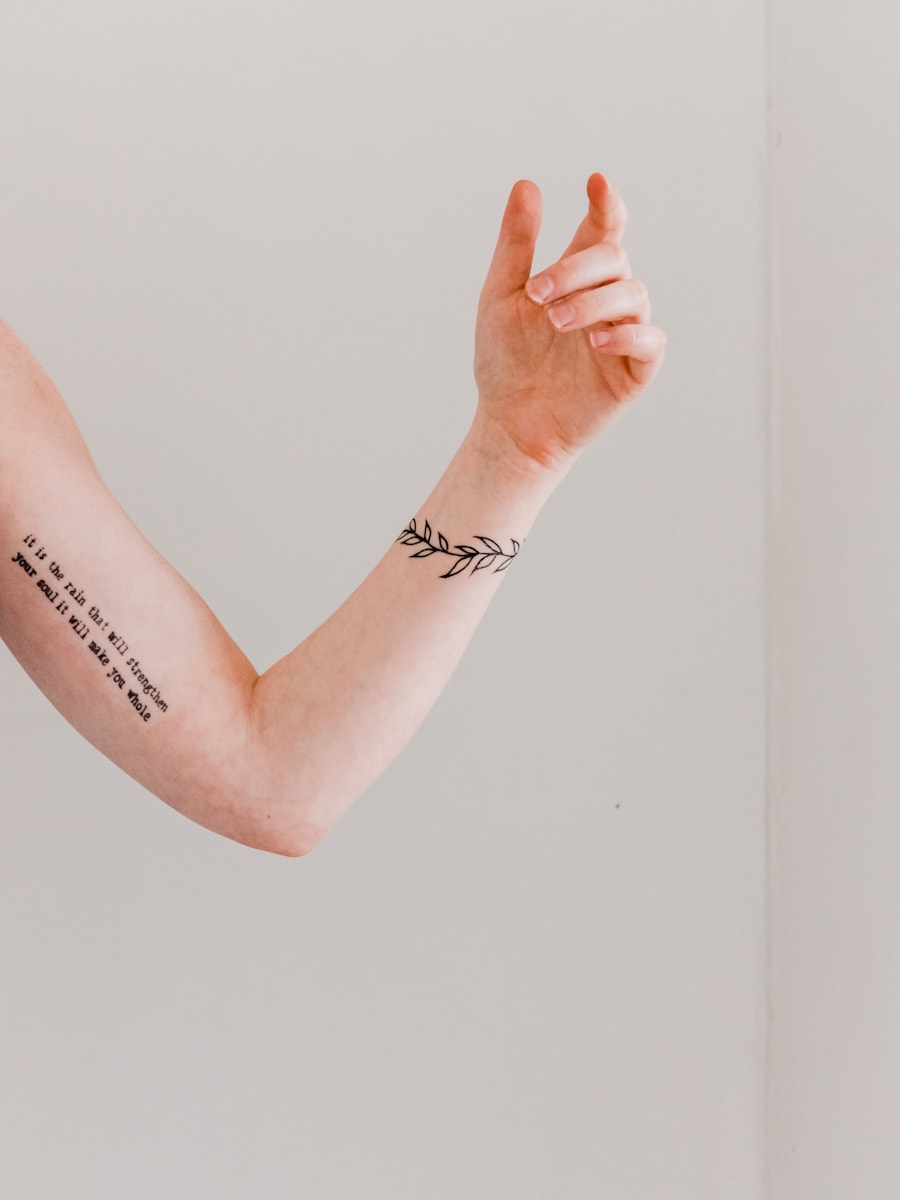
Use the output as a starting reference for final professional refinement.
Browse visual directions before generating your own custom tattoo concept.
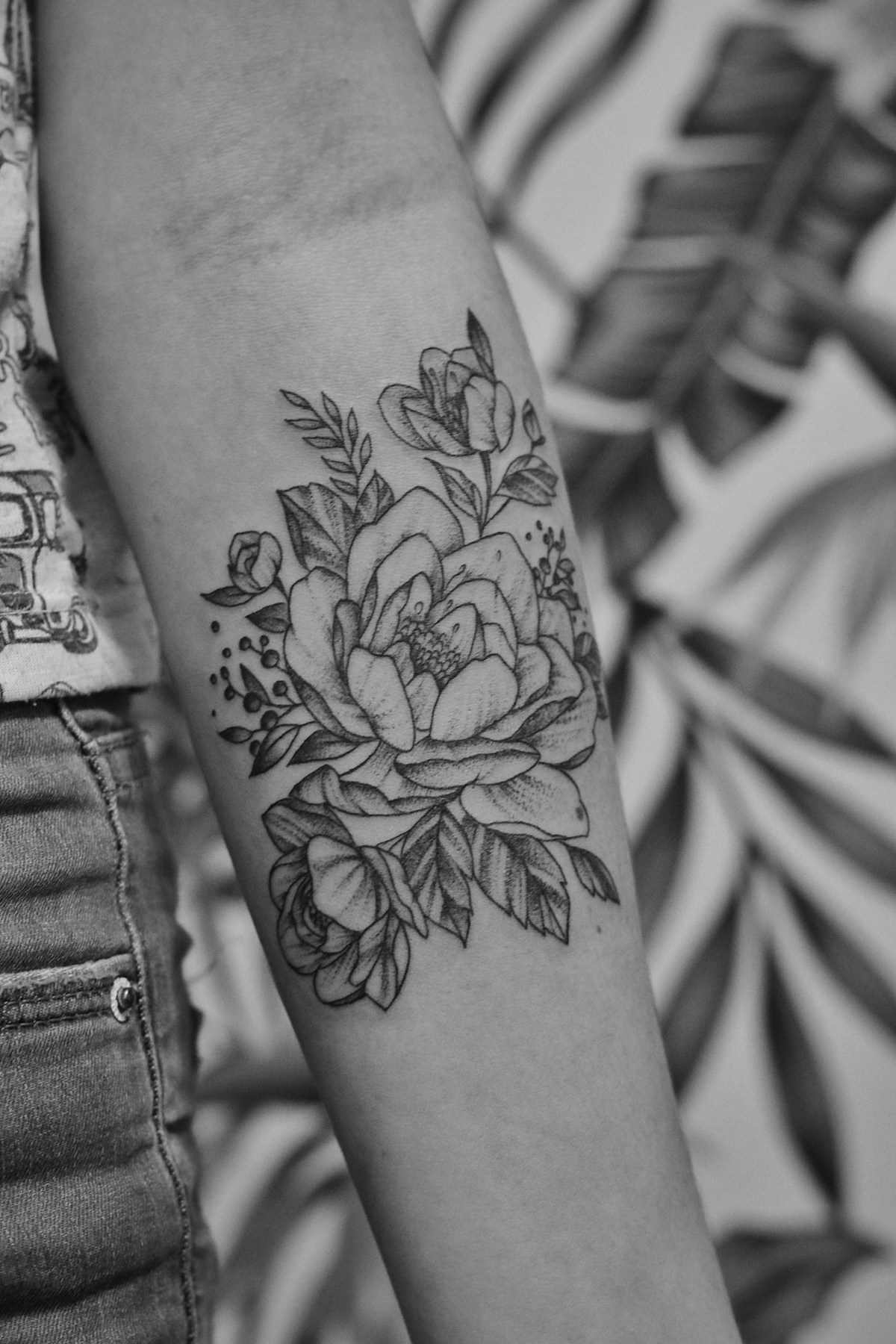

Quick answers for using AI-generated tattoo designs as inspiration and artist reference.
はい。事前入力されたタトゥーフォントジェネレーターのプロンプトを使用し、各種設定を調整するだけで、アイデア検討やアーティストへの参考用に複数のタトゥーコンセプトを生成できます。
モチーフ、タトゥースタイル、施術部位、サイズ、線の太さ、カラーの希望、ステンシル対応版か完全レンダリング版かの指定などを含めると、理想のデザインが生成されやすくなります。
生成画像はあくまでコンセプトの参考としてご使用ください。施術前にプロのタトゥーアーティストがサイズ調整、線の持続性、肌へのフィット感などを最適化する必要があります。
このページはステンシルやレタリングといった実用的なタトゥー素材の生成に特化して調整されています。サンプルプロンプト、ページ専用の設定項目、関連タトゥーアイデア、ワンクリック生成機能をまとめて提供しています。
Describe the tattoo you want, generate several directions, and use the best result as your creative reference.
Generate Now