


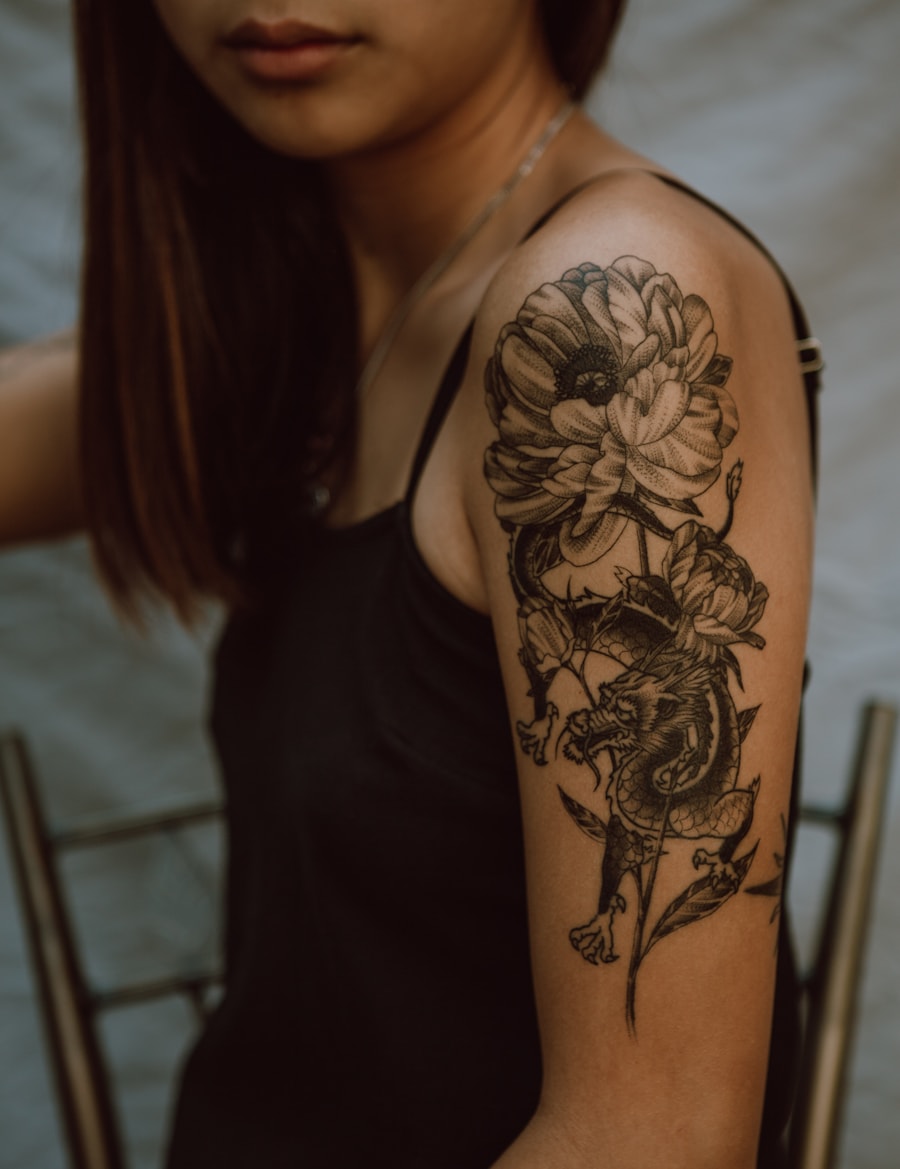
Explore motif variations
Turn one 뱀 타투 idea into multiple poses, compositions, and visual treatments.
AI로 개성 넘치는 뱀 타투 디자인을 생성하세요. PromeAI는 일본풍, 전통, 파인라인 스타일의 뱀 타투 아트를 제작합니다.
Explore 뱀 타투 ideas across fine line, traditional, black-gray, and stencil-ready directions.
Turn one 뱀 타투 idea into multiple poses, compositions, and visual treatments.
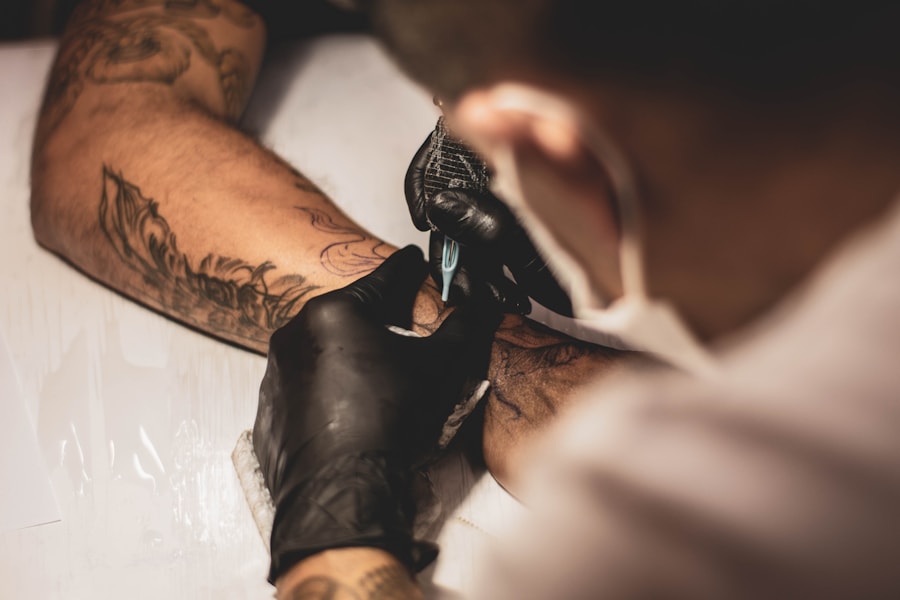
Test whether the subject works better as fine line, watercolor, blackwork, or traditional tattoo art.
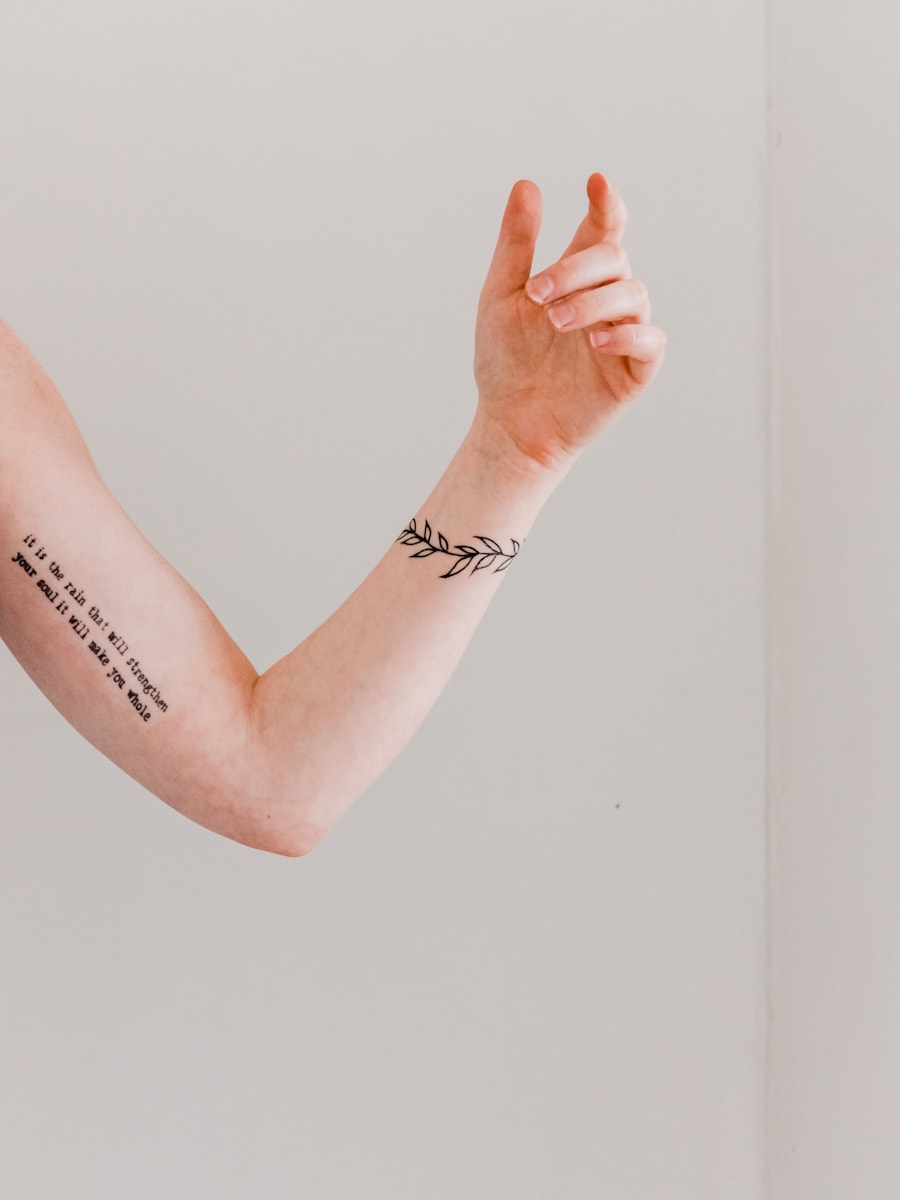
Generate simplified versions with clear silhouettes and strong negative space.
Browse visual directions before generating your own custom tattoo concept.
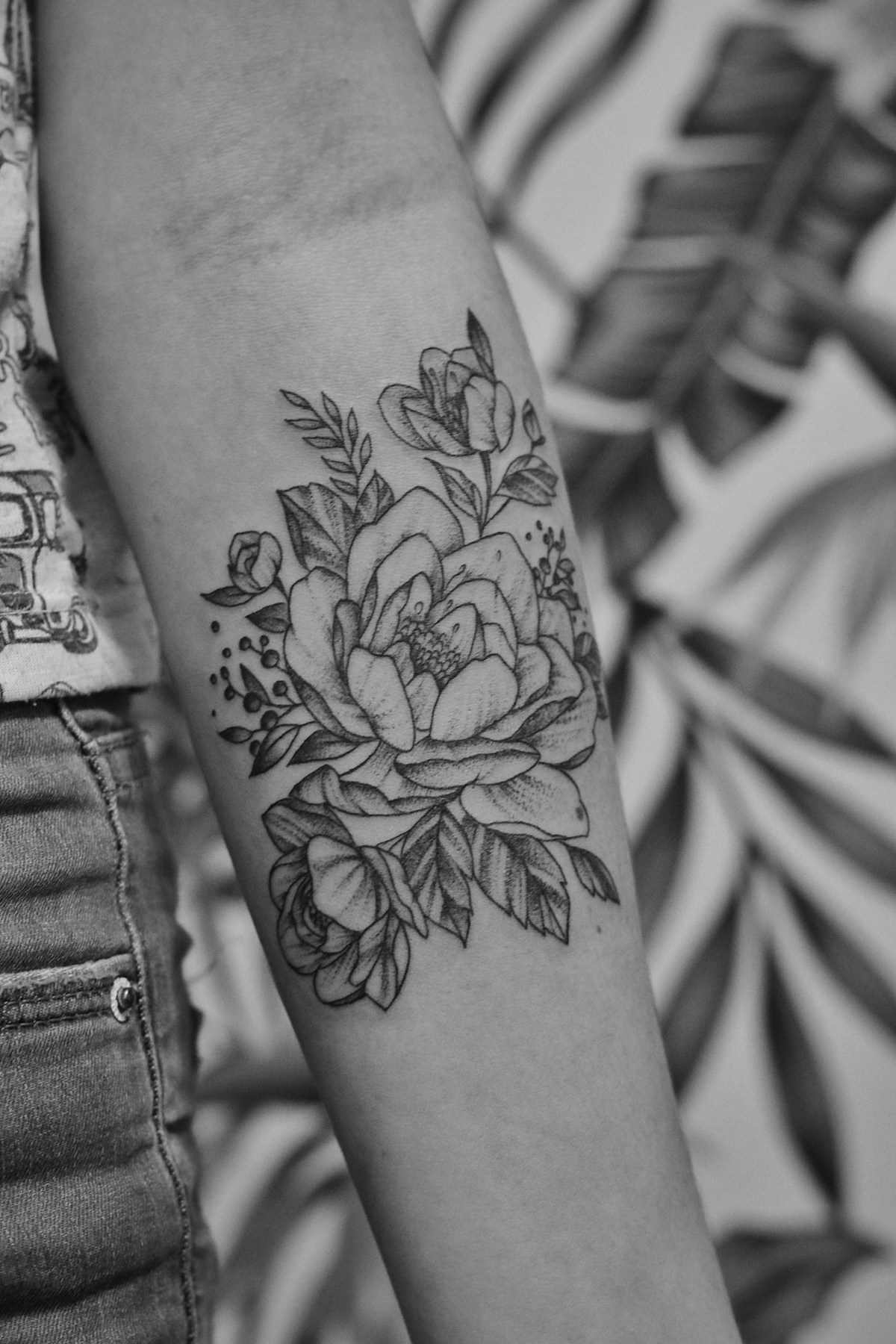

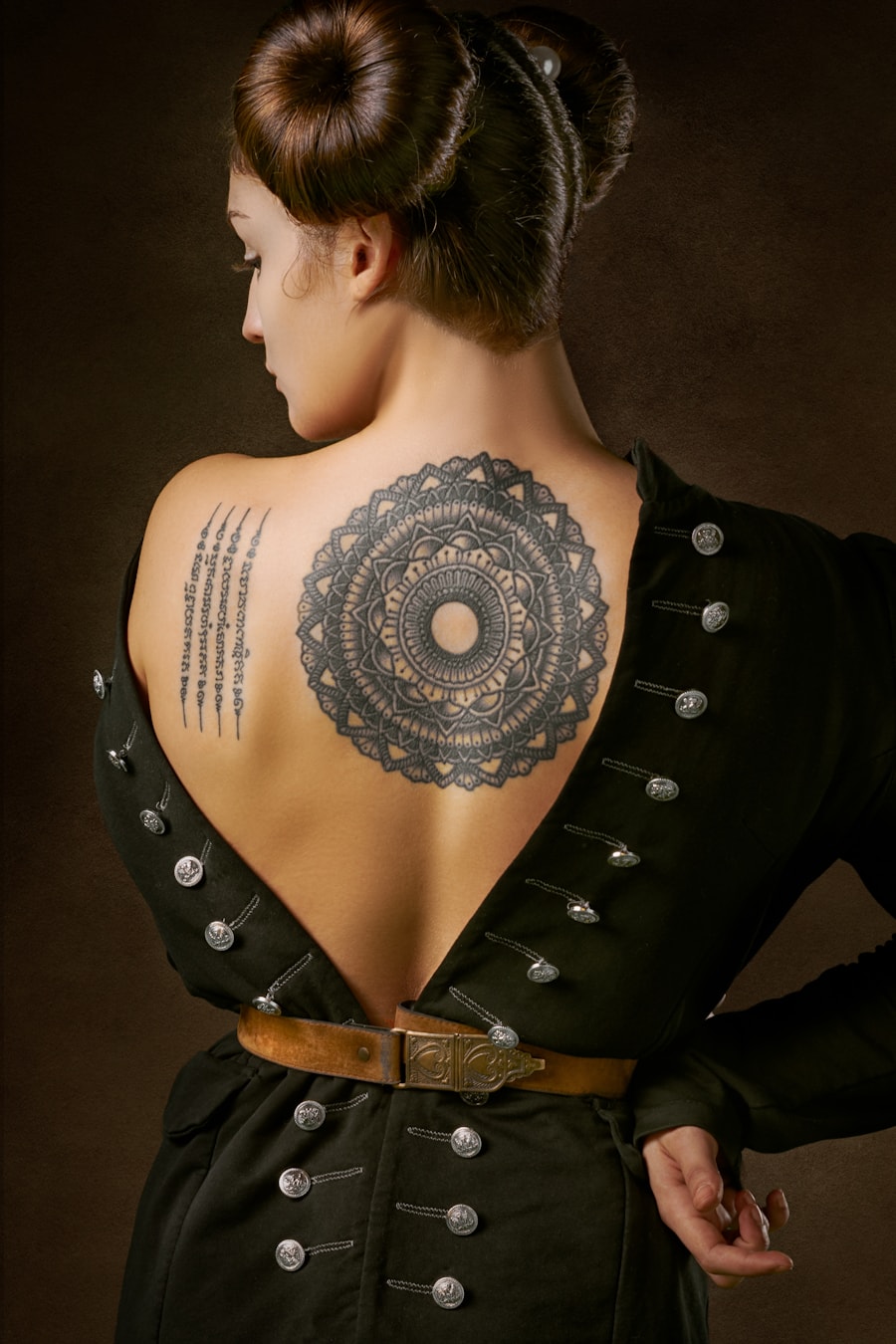
Users rely on PromeAI to move from a rough tattoo idea to a clear visual reference.

I could test several tattoo directions before booking a consultation. It made my idea much easier to explain.

The prompt-based workflow is helpful for quickly exploring composition options with clients.

I used the generated references to compare placement and style before deciding what to refine.
Quick answers for using AI-generated tattoo designs as inspiration and artist reference.
네. 미리 입력된 뱀 타투 프롬프트를 사용하고 컨트롤을 조정하여, 시각적 탐색이나 타투이스트 레퍼런스로 활용할 수 있는 여러 타투 컨셉을 생성할 수 있습니다.
소재, 타투 스타일, 시술 부위, 크기, 라인 굵기, 선호 컬러, 스텐슬 사용 가능한 디자인인지 완전 렌더링된 디자인인지 여부를 포함해주세요.
이미지는 컨셉 레퍼런스로만 사용하세요. 타투 시술 전 전문 타투이스트가 크기, 라인 지속성, 시술 부위, 피부 적합성을 정제한 후 사용해야 합니다.
이 페이지는 다양한 스타일과 시술 부위에 적용할 타투 소재를 탐색하는 데 최적화되어 있습니다. 예시 프롬프트, 페이지 전용 컨트롤, 관련 타투 아이디어, 직접 생성 기능을 통합 제공합니다.
Describe the tattoo you want, generate several directions, and use the best result as your creative reference.
Generate Now