Material & Texture · AI Image Remix

Remix Material Textures with AI That Develop a Clear Direction

Explore material and texture ideas by surface, palette, finish, and tactile contrast. Compare public PromeAI references for the visual decisions that matter, select a combination that suits your brief, and use it to develop an editable material and texture direction in PromeAI.

Pick two material & texture references 0 / 2 selected
Image 1
Image 2
+
AI Remix
Result
Generate with PromeAI

How it works

Use two references to create a clearer material & texture direction.

01

Define the material and texture brief

Choose the subject, structure, or main idea you want to retain.

02

Assign each reference a role

Add the mood, material, composition, or style that should influence it.

03

Review before the next stage

Review the concept, then continue exploring inside PromeAI.

Public PromeAI examples

References selected for this workflow.

What can you remix?

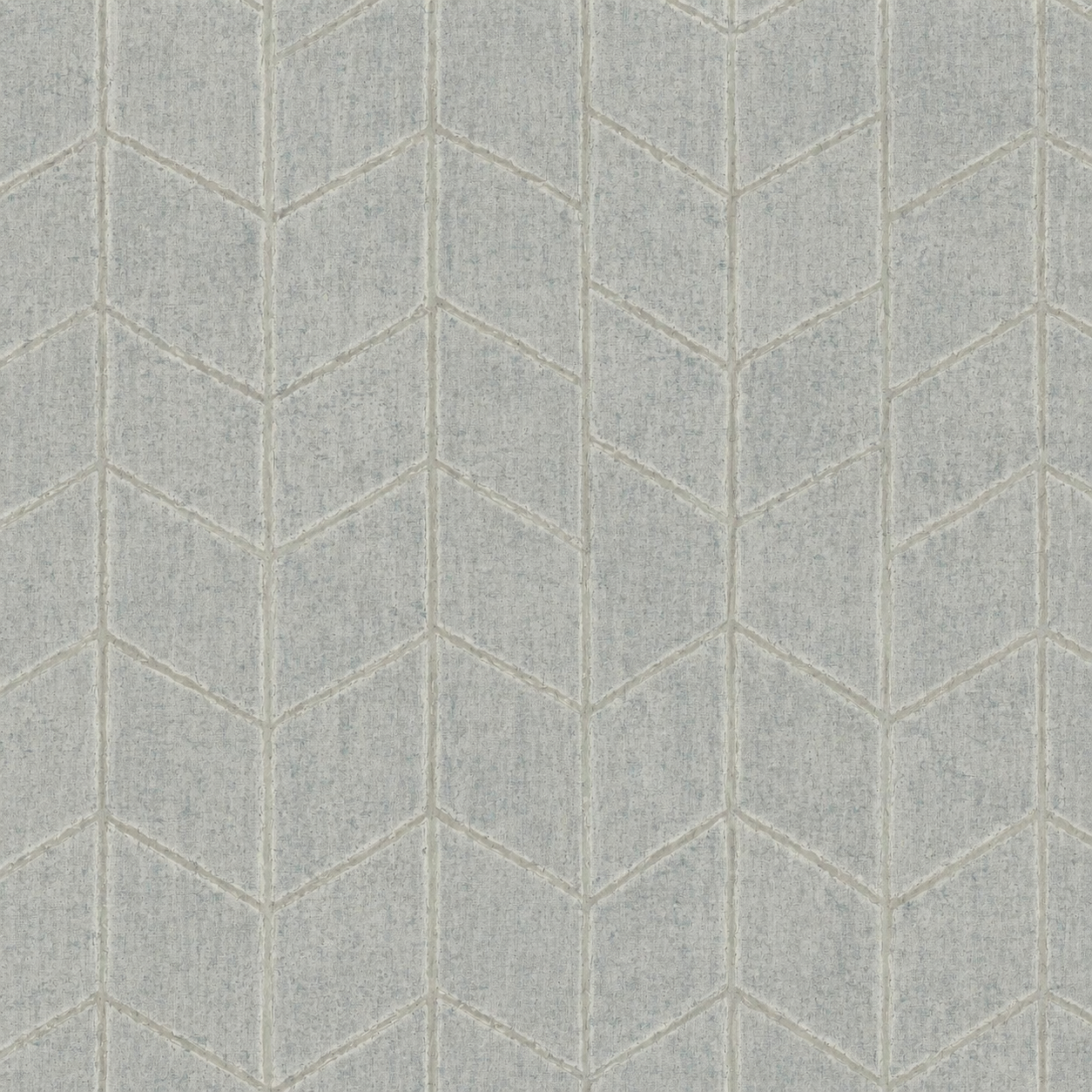
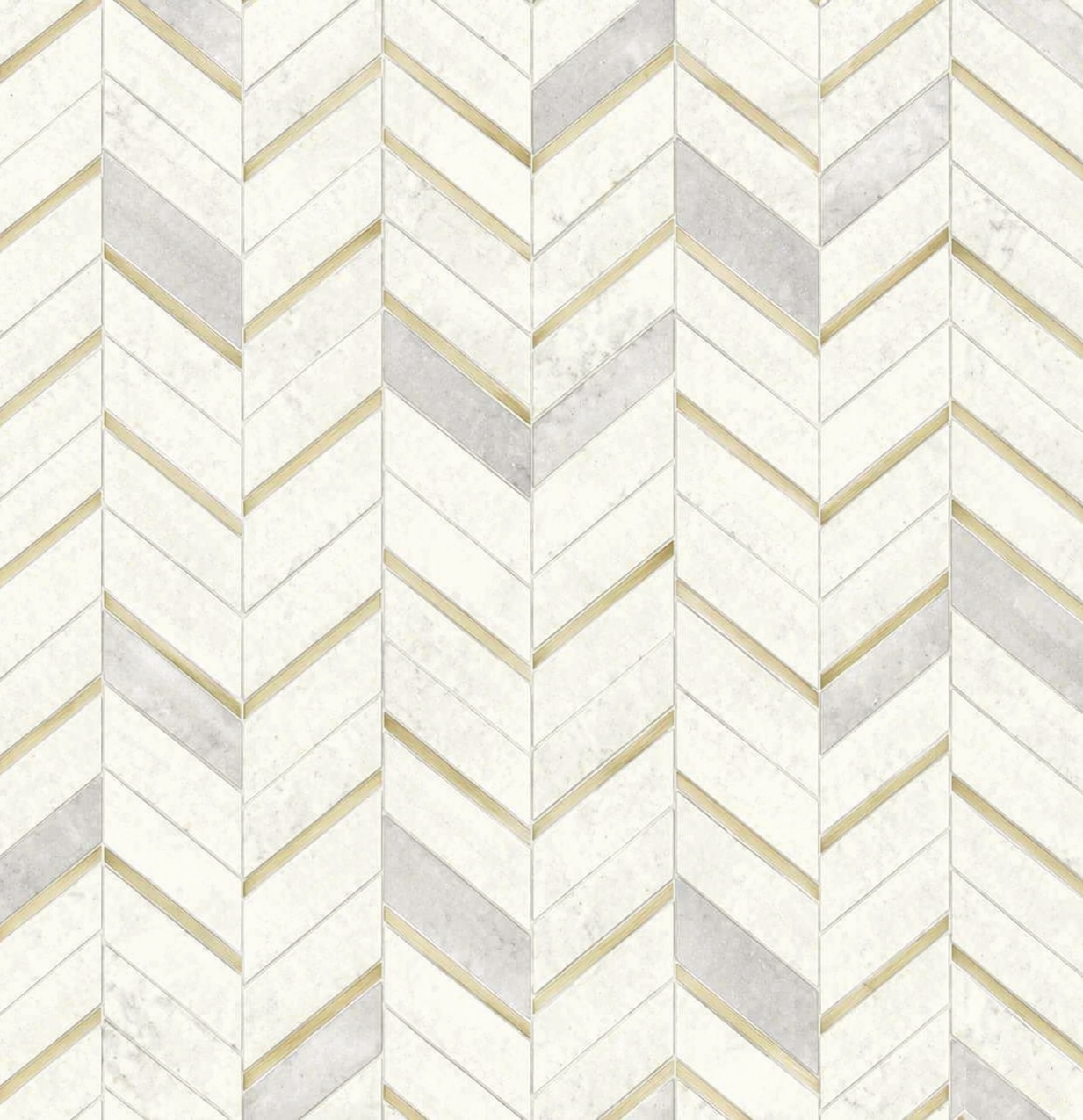
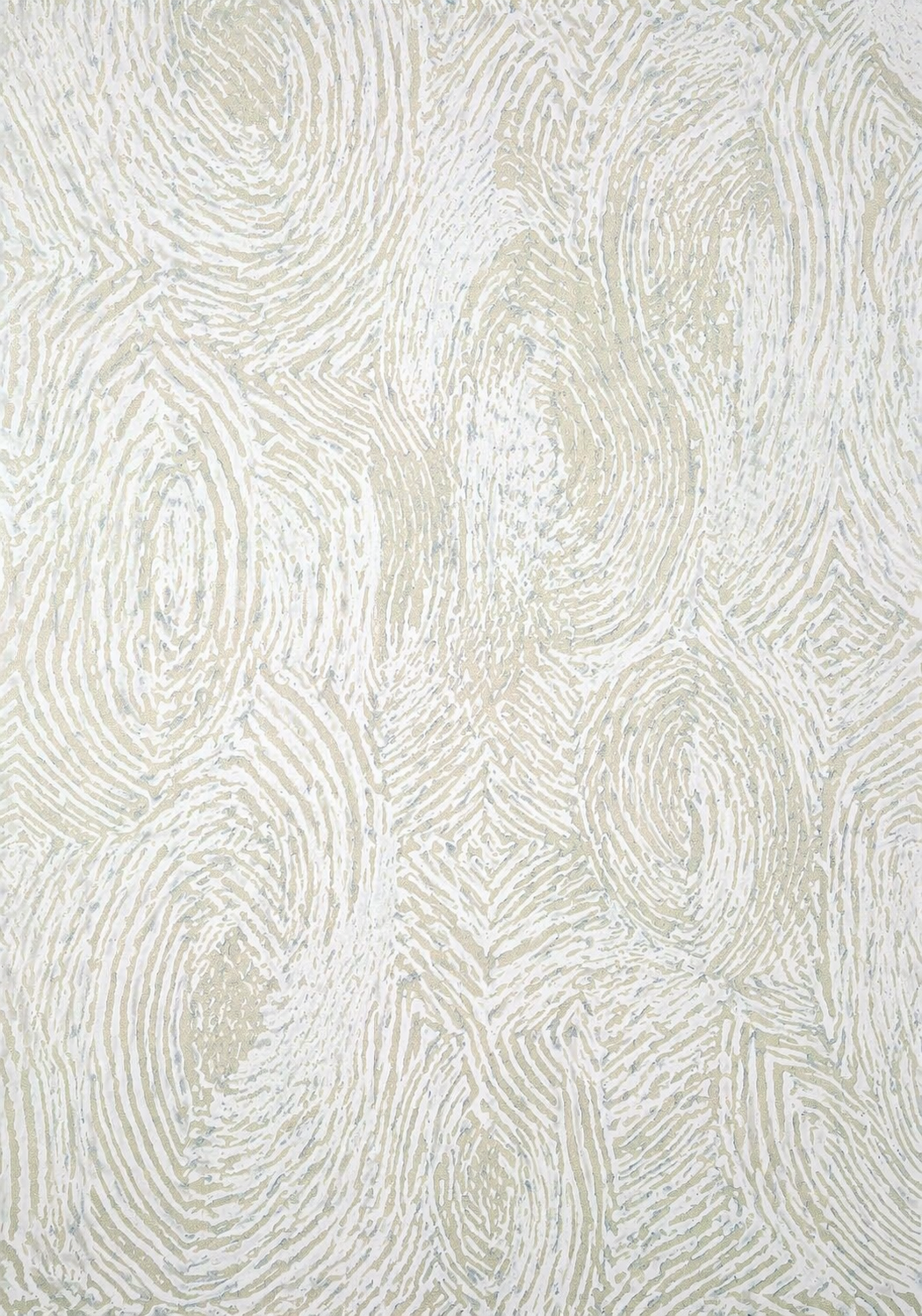
Start with the decision the work must communicate, then compare these references for surface scale, repeat, color temperature, finish, junctions, and light response. Use one image as the primary direction and add only references that contribute a distinct, useful visual signal.

Why use PromeAI?

Use one reference for the core idea, another for style or material, and another for atmosphere when needed. Keep the most important visual decision clear. The result is an editable concept direction, not a final production-ready specification.

Use cases

Explore a material & texture direction

Compare two visual references

Create a shareable next-step concept

FAQ

Questions about material & texture remixing.

How do I choose material and texture ideas?

Start with the brief, audience, and intended setting. Then compare references for surface scale, repeat, color temperature, finish, junctions, and light response. Select a direction that solves the practical communication need as well as the visual one.

Can I combine several material and texture references?

Yes. Give each reference a distinct role: structure, material, palette, atmosphere, or detail. Keep one clear primary direction so the result feels intentional rather than crowded.

Are these images from PromeAI?

Yes. The reference and example images in this page configuration are public PromeAI library assets, with their original asset data retained in the JSON.

Is the generated material and texture ready for final use?

No. It is a visual concept for exploration. Review physical samples, durability, supplier information, maintenance, and project specifications before final publication, fabrication, production, or client delivery.

Can I continue with my own images?

Yes. Use the library references to compare directions, then bring your own images and project context into PromeAI to continue the creative process.

Shape a Material & Texture Direction around the Brief

Explore material and texture ideas by surface, palette, finish, and tactile contrast. Compare public PromeAI references for the visual decisions that matter, select a combination that suits your brief, and use it to develop an editable material and texture direction in PromeAI.

Try PromeAI