Определите бриф дизайна приглашения
Выберите объект, структуру или основную идею, которую хотите сохранить.
Дизайн приглашения · ИИ-ремикс изображений
Изучите идеи дизайна приглашений по иерархии информации, типографике, мотивам и атмосфере мероприятия. Сравните общедоступные референсы PromeAI для важных визуальных решений, выберите подходящее сочетание для вашего брифа и используйте его для разработки редактируемого направления дизайна приглашения в PromeAI.
Как это работает
Выберите объект, структуру или основную идею, которую хотите сохранить.
Добавьте настроение, материал, композицию или стиль, которые должны повлиять на результат.
Просмотрите концепцию, затем продолжите исследование внутри PromeAI.
Публичные примеры PromeAI
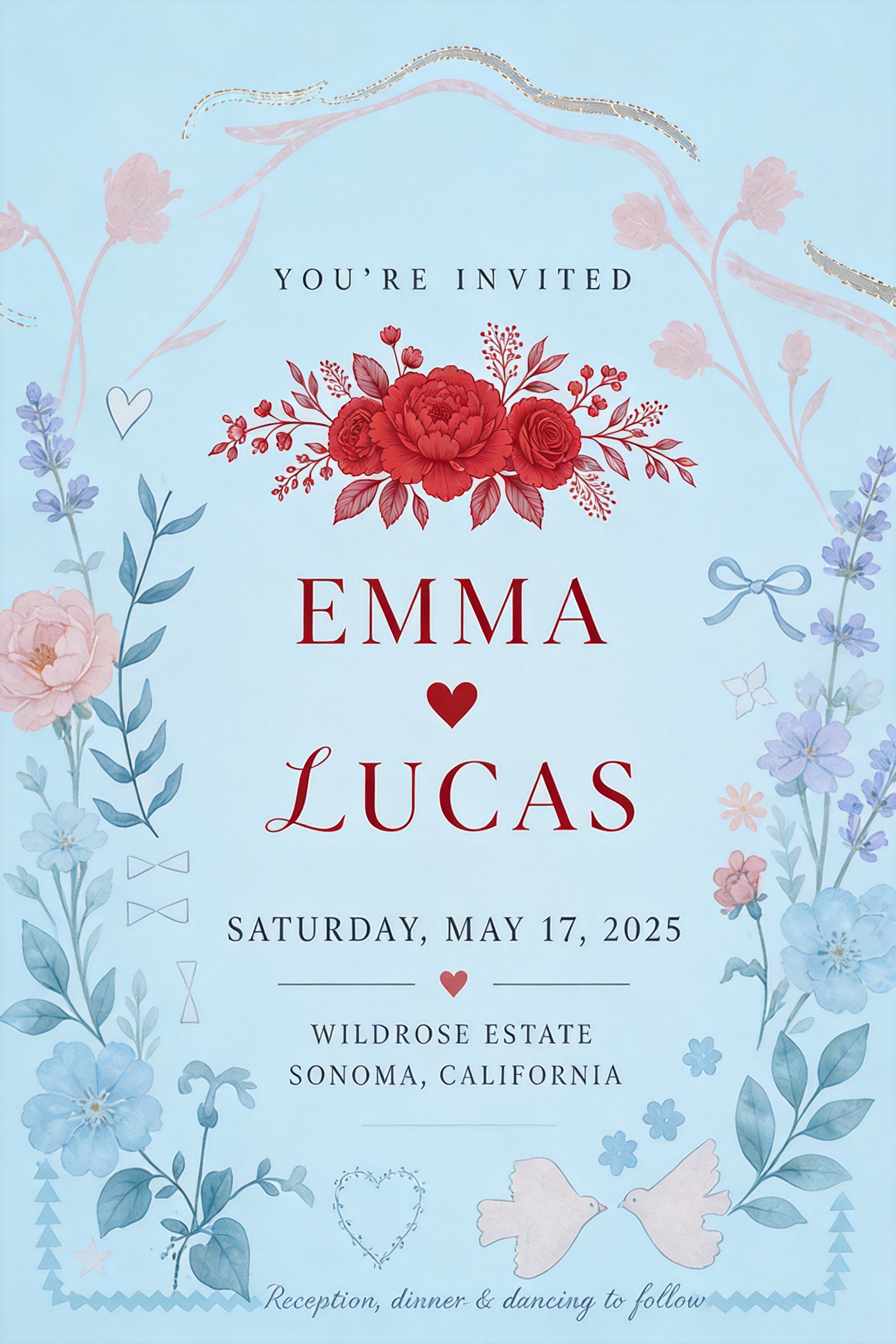
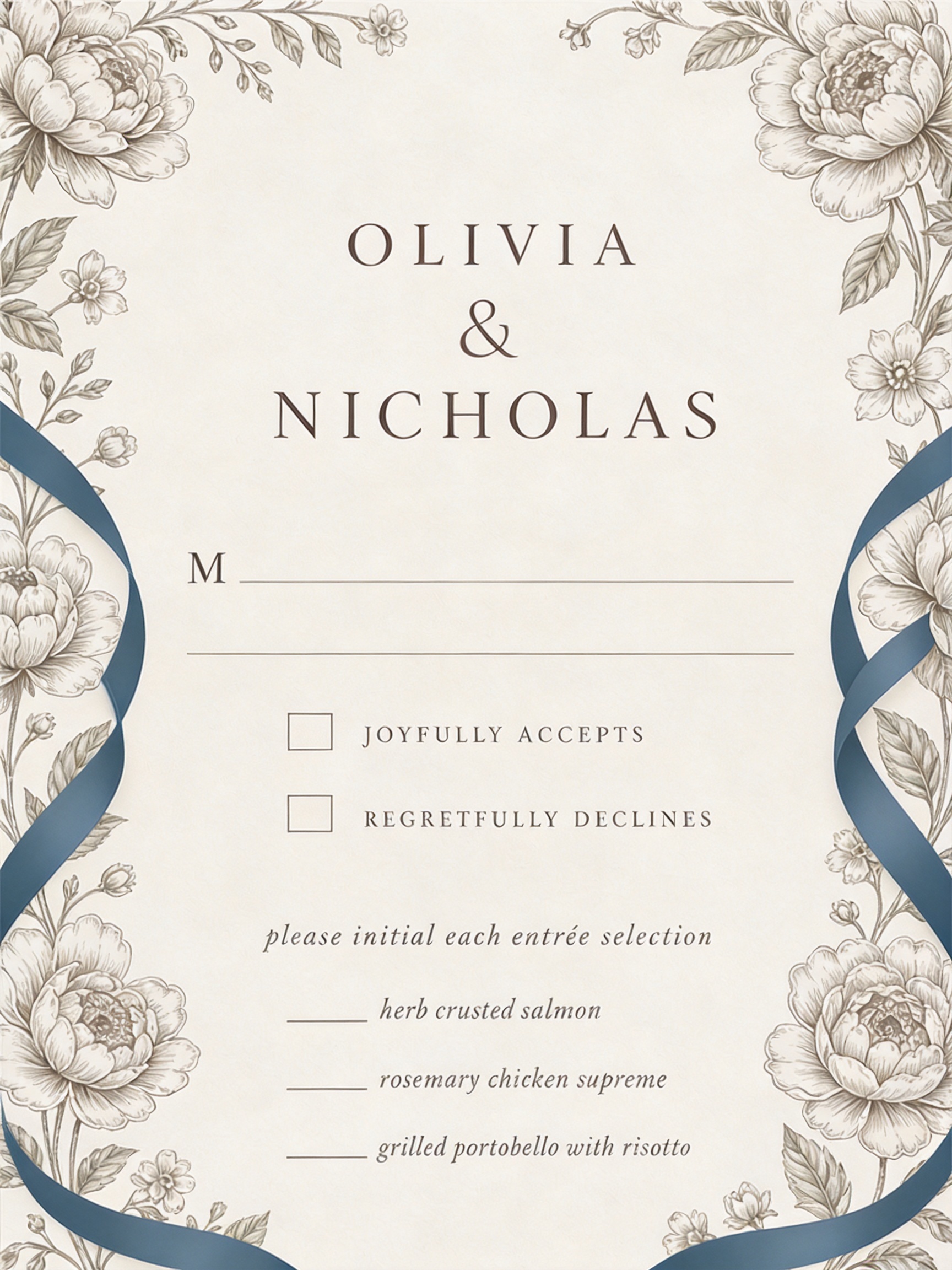
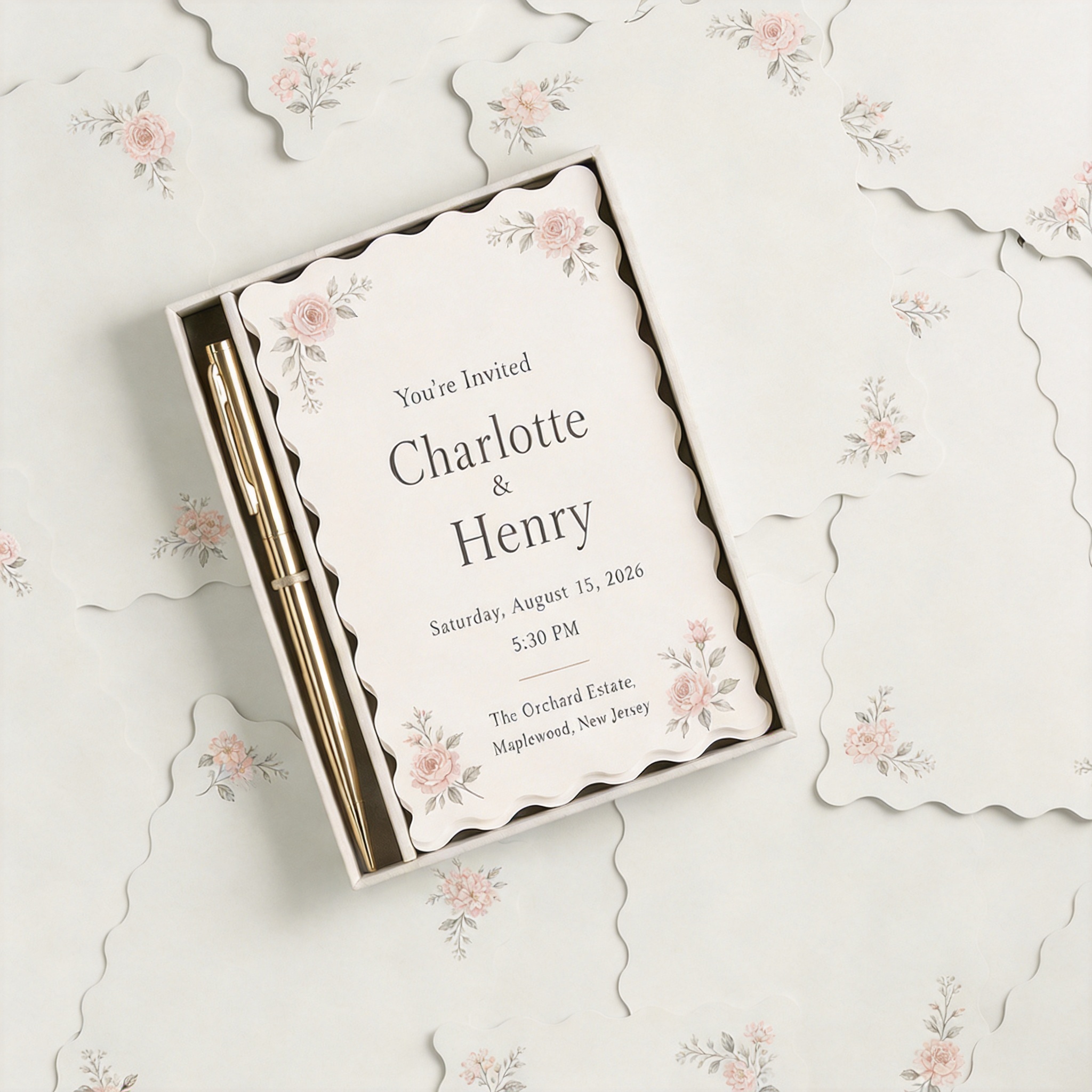
Начните с решения, которое должен передавать дизайн, затем сравните эти референсы по читаемости, масштабу шрифта, контрасту, пространству для текста, плотности мотивов и формату. Используйте одно изображение как основное направление и добавляйте только те референсы, которые предоставляют уникальный и полезный визуальный сигнал.
Используйте один референс для основной идеи, другой для стиля или материала, а третий при необходимости для атмосферы. Сохраняйте ясность главного визуального решения. Результат — редактируемое направление концепции, а не финальная спецификация для производства.
Исследуйте направление дизайна приглашения
Сравните два визуальных референса
Создайте концепцию следующего шага, которой можно поделиться
Часто задаваемые вопросы
Начните с брифа, аудитории и предполагаемой ситуации использования. Затем сравните референсы по читаемости, масштабу шрифта, контрасту, пространству для текста, плотности мотивов и формату. Выберите направление, которое решает как практическую задачу коммуникации, так и визуальную.
Да. Дайте каждому референсу отдельную роль: структура, материал, палитра, атмосфера или детали. Сохраняйте одно четкое основное направление, чтобы результат выглядел продуманным, а не перегруженным.
Да. Референсы и примеры изображений на этой странице являются общедоступными ресурсами библиотеки PromeAI с сохраненными исходными данными активов в JSON.
Нет. Это визуальная концепция для изучения. Перед окончательной публикацией, изготовлением, производством или передачей клиенту проверьте имена, даты, адреса, настройки печати, доступность и детали доставки.
Да. Используйте референсы библиотеки для сравнения направлений, затем добавьте свои изображения и контекст проекта в PromeAI, чтобы продолжить творческий процесс.
Изучите идеи дизайна приглашений по иерархии информации, типографике, мотивам и атмосфере мероприятия. Сравните общедоступные референсы PromeAI для важных визуальных решений, выберите сочетание, соответствующее вашему брифу, и используйте его для разработки редактируемого направления дизайна приглашения в PromeAI.
Попробовать PromeAI