


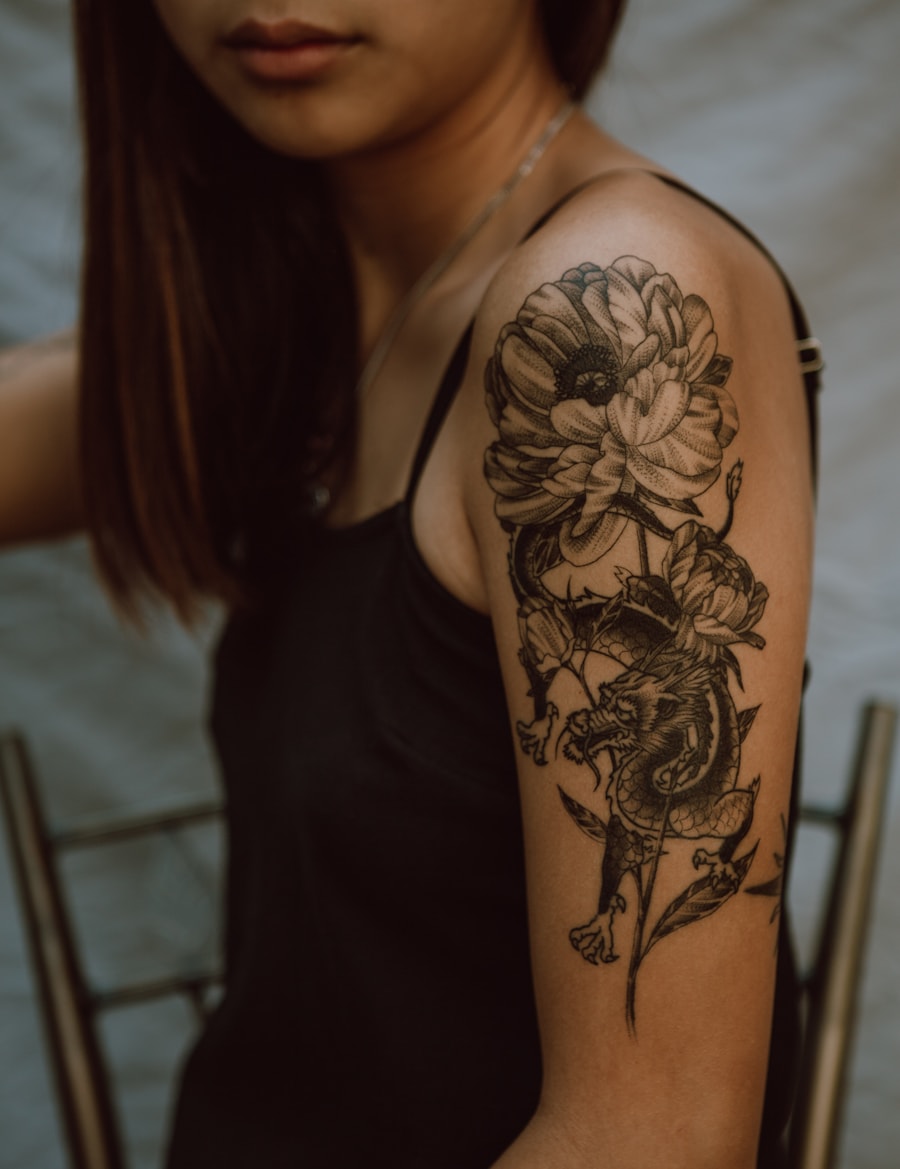
Browse the idea space
Move quickly across style, motif, placement, and size before narrowing the concept.
借助AI探索各类纹身风格。PromeAI可生成所有主流纹身风格的设计,覆盖细线条、黑灰等多种类型。
Browse tattoo ideas by style, motif, and placement, then jump into a focused generator page.
Move quickly across style, motif, placement, and size before narrowing the concept.
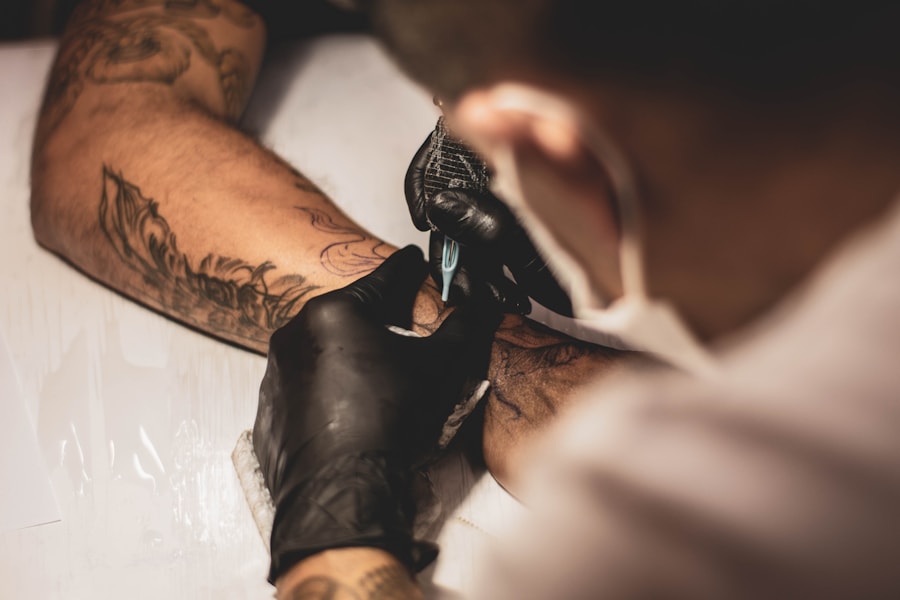
Use related pages to jump into fine line, butterfly, hand, forearm, or stencil workflows.
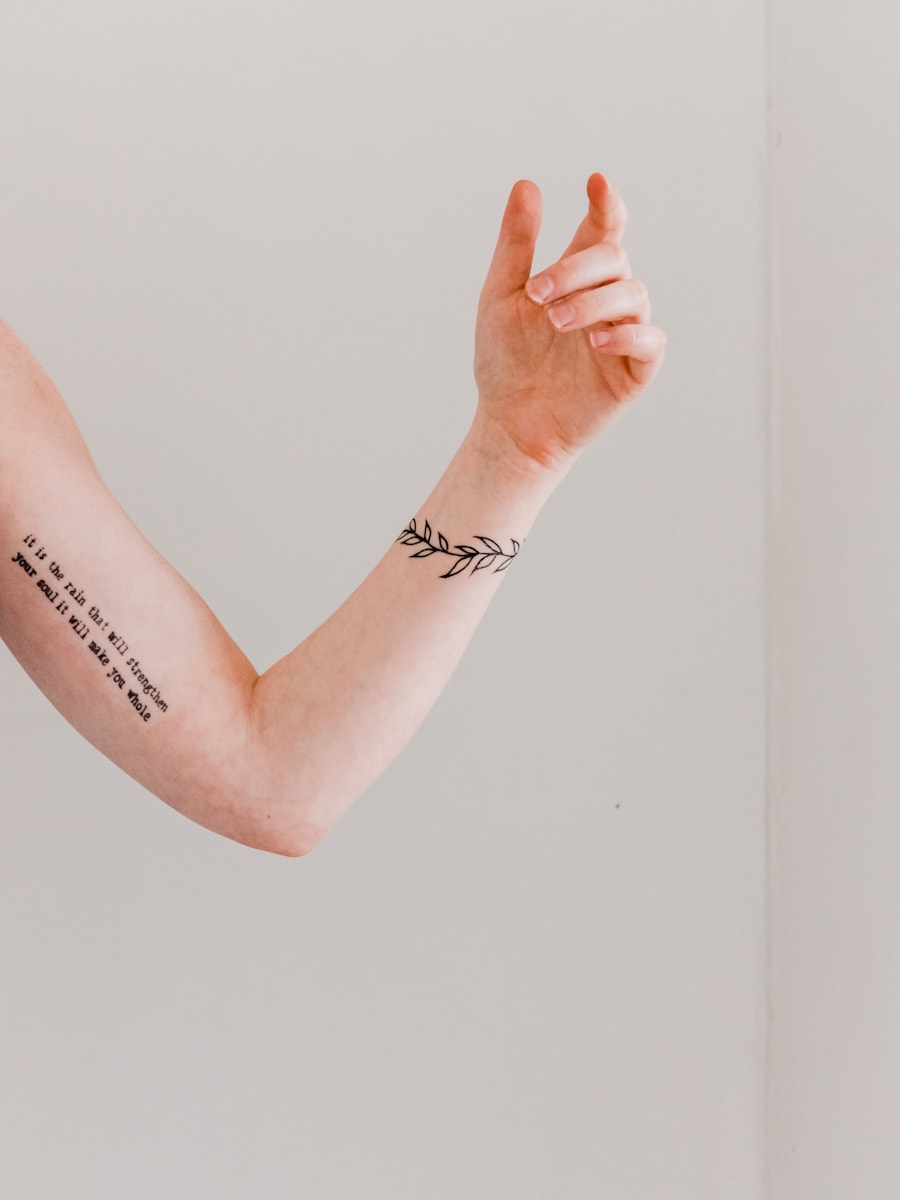
Every path leads back to a ready prompt and generator action.
Browse visual directions before generating your own custom tattoo concept.
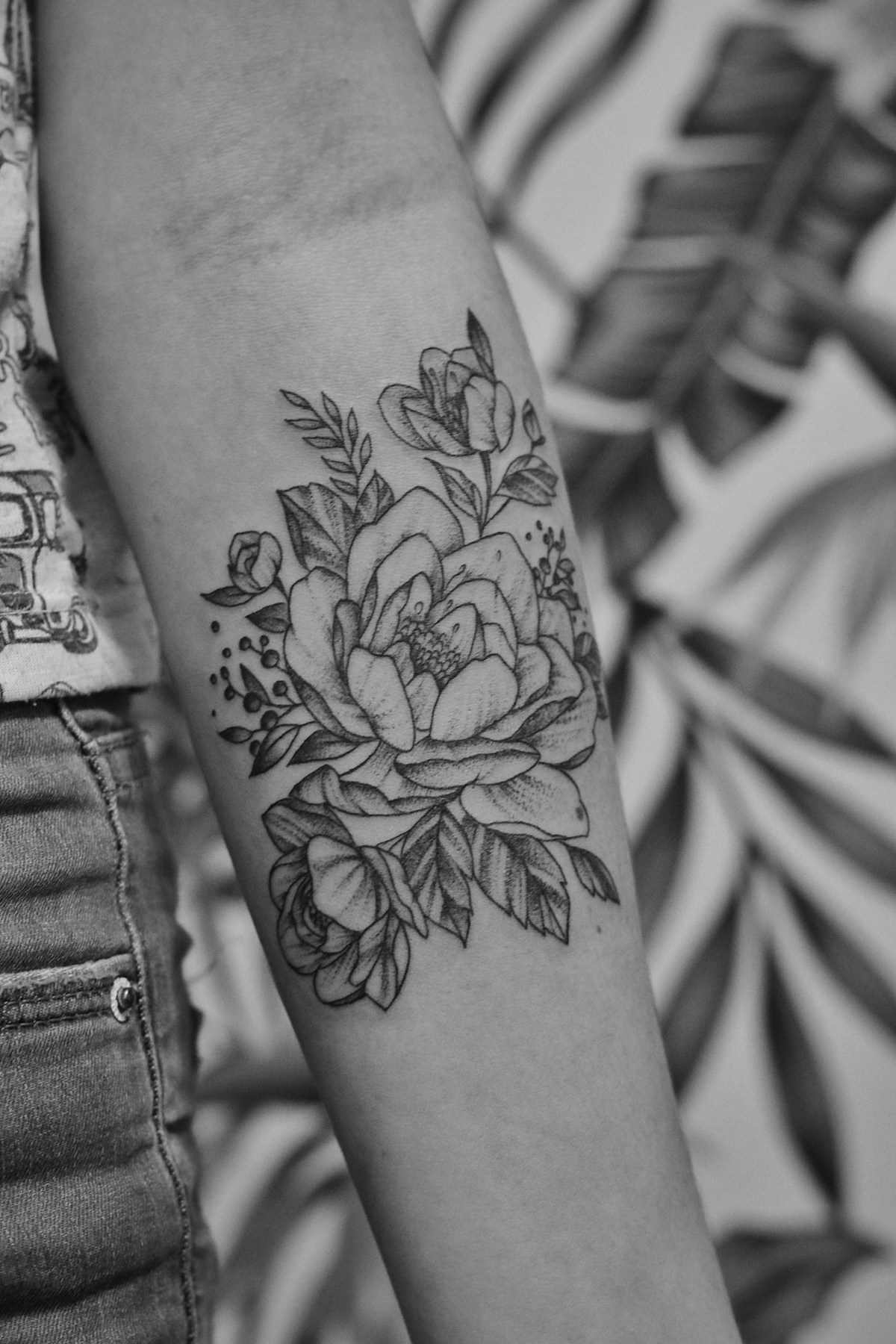
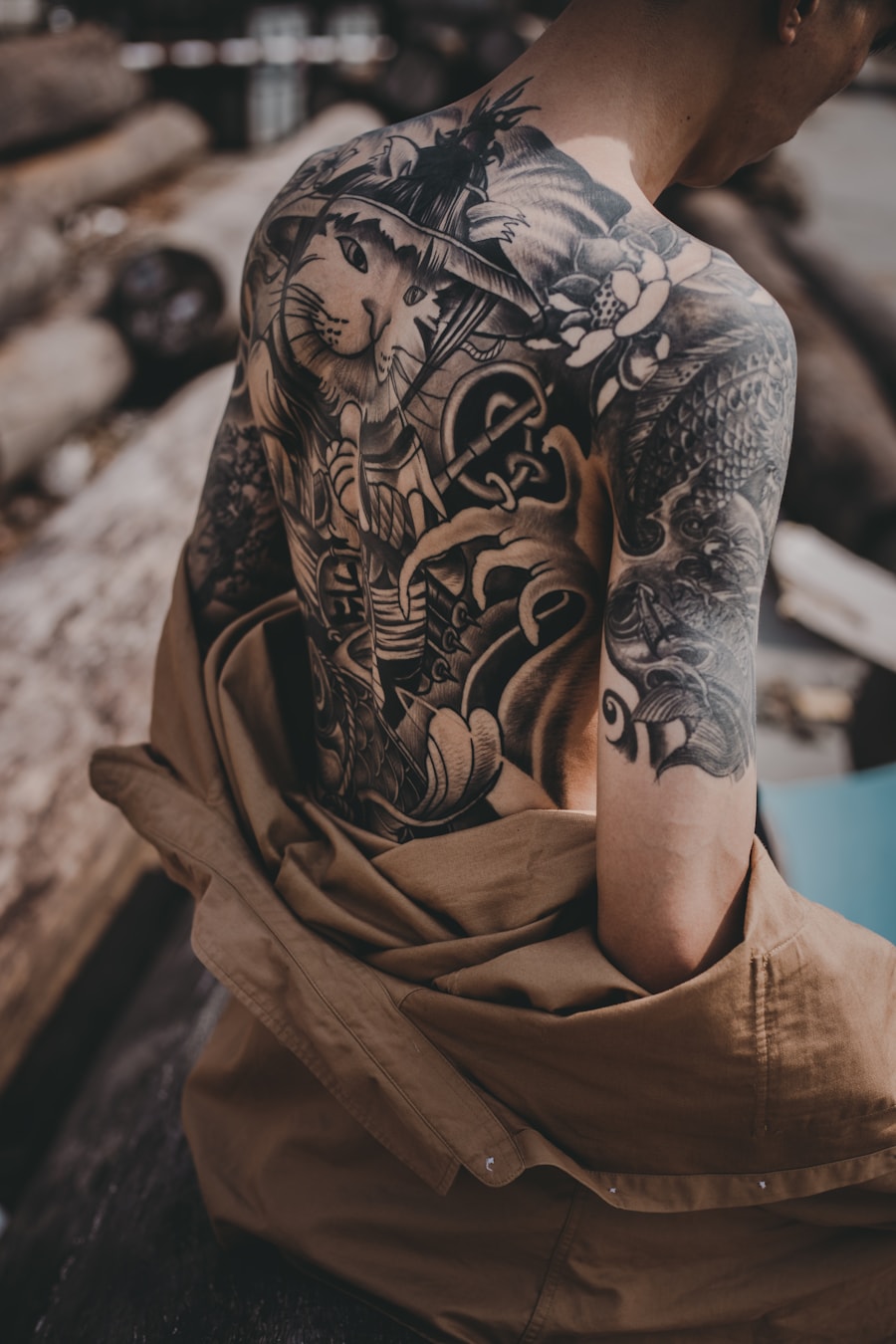
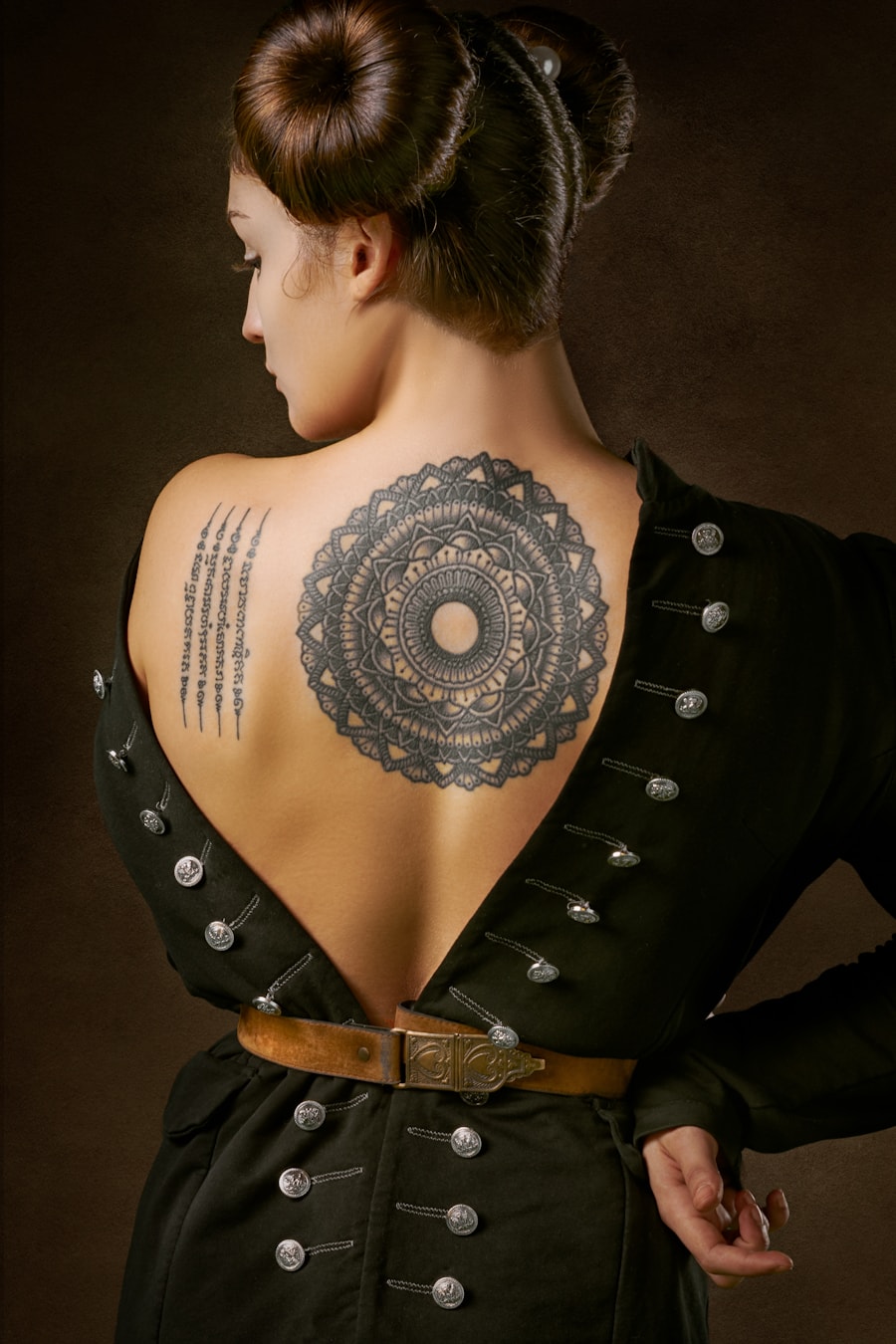
Users rely on PromeAI to move from a rough tattoo idea to a clear visual reference.

I could test several tattoo directions before booking a consultation. It made my idea much easier to explain.

The prompt-based workflow is helpful for quickly exploring composition options with clients.

I used the generated references to compare placement and style before deciding what to refine.
Quick answers for using AI-generated tattoo designs as inspiration and artist reference.
可以。使用预填的纹身风格提示词,调整设置参数,即可生成多组纹身概念稿,用于灵感参考或提供给纹身师作为设计参考。
需要包含主题、纹身风格、纹身处位置、尺寸、线条粗细、颜色偏好,以及你想要的是可直接转印的线稿还是完整渲染的设计稿。
生成的图像仅作为概念参考。请让专业纹身师在纹身前调整尺寸、线条持久度、纹身处位置和皮肤适配度后再使用。
本页面专为按风格、主题、尺寸和位置浏览纹身灵感优化,集成了提示词示例、页面专属设置参数、相关纹身灵感推荐和一键生成功能。
Describe the tattoo you want, generate several directions, and use the best result as your creative reference.
Generate Now