 Unlimited 4K video generation for Pro | Seedance 2.0 Mini is 90% off! Hurry, deal expires in Upgrade
Effortless Symmetry with PromeAI's Mirrored Layers
Achieve perfect visual balance in seconds. PromeAI's revolutionary Mirrored Layers feature, integrated within our Sketch Rendering toolkit, empowers you to create flawlessly symmetrical designs with unprecedented speed and ease. Stop struggling with manual duplication and alignment. Draw one half, and our AI symmetry generator instantly perfects the other, transforming your simple lines into balanced, professional-grade renderings. Whether you're an architect, artist, or designer, this powerful symmetrical design tool is your shortcut to harmonious compositions.
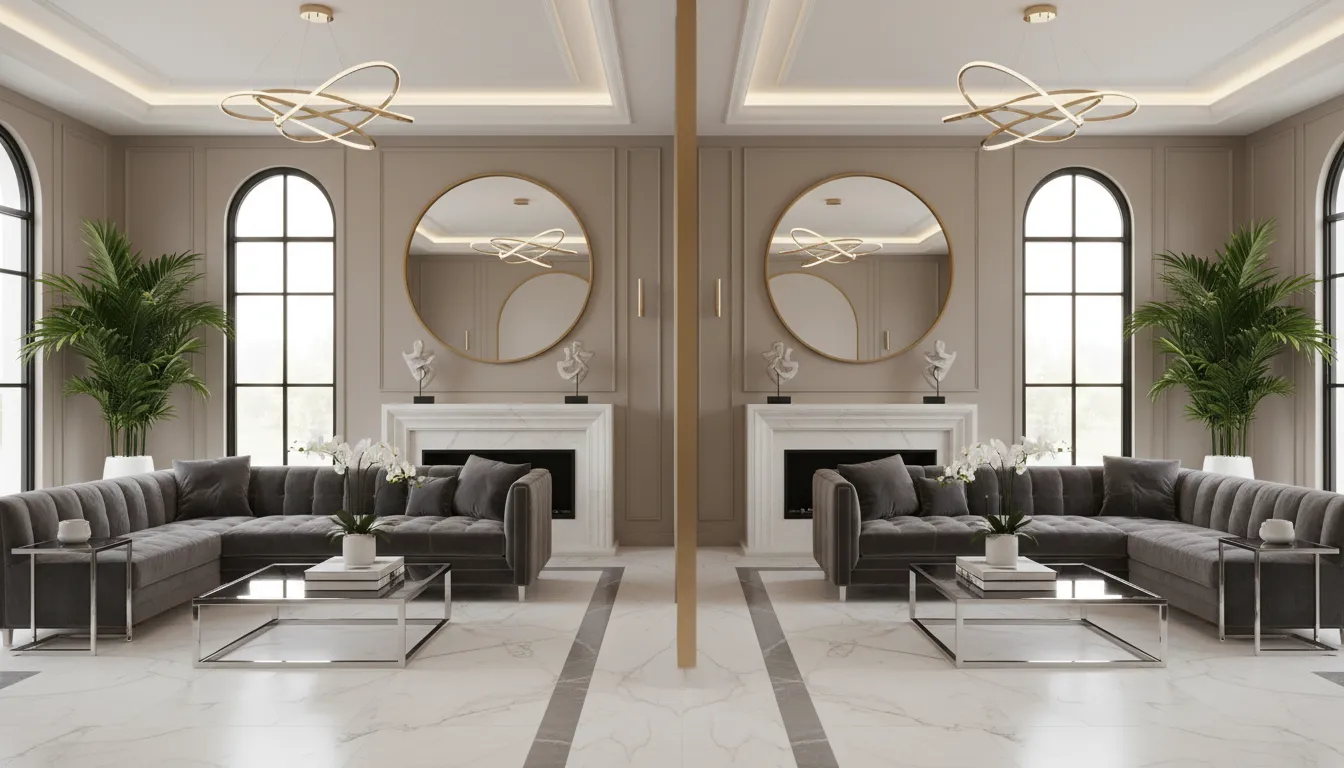
Your 3-Step Path to Perfect Symmetry
Start Your Sketch: Upload your base image, hand-drawn sketch, or 3D model. You can also start from a blank canvas directly within the PromeAI Sketch Rendering workspace.
Activate Mirrored Layers: Before you draw, select the 'Mirrored Layers' tool from our advanced editing panel. Choose your axis of symmetry: vertical for left-right balance, horizontal for reflections, or radial for circular designs.
Draw, Prompt, and Render: Begin drawing on one side of the axis and watch your strokes appear perfectly on the other. Once your symmetrical line art is ready, type a descriptive prompt, choose a rendering style, and click 'Generate' to see your balanced creation come to life in seconds.
The Power of Perfect Balance: Why Use Mirrored Layers?
Instantaneous Sketch-to-Symmetry
Why draw twice? With our Mirrored Layers, your workflow accelerates exponentially. As you sketch an idea, our digital art symmetry tool performs an automatic symmetry drawing in real-time. This intuitive process feels like magic, letting our AI to complete a drawing’s other half as you work. It’s the ultimate way to go from a quick sketch to a symmetrical design, saving you hours of tedious work and letting you focus purely on your creative vision.

Flawless Architectural & Interior Plans
For architects and interior designers, symmetry is structure. PromeAI acts as your dedicated architectural symmetry software, making it simple to draft balanced floor plans, facade elevations, and furniture layouts. Use our tool as a symmetrical room layout planner to ensure every element, from window placement to furniture arrangement, contributes to a sense of order and elegance. Render symmetrical objects and spaces that feel intentional and professionally composed.
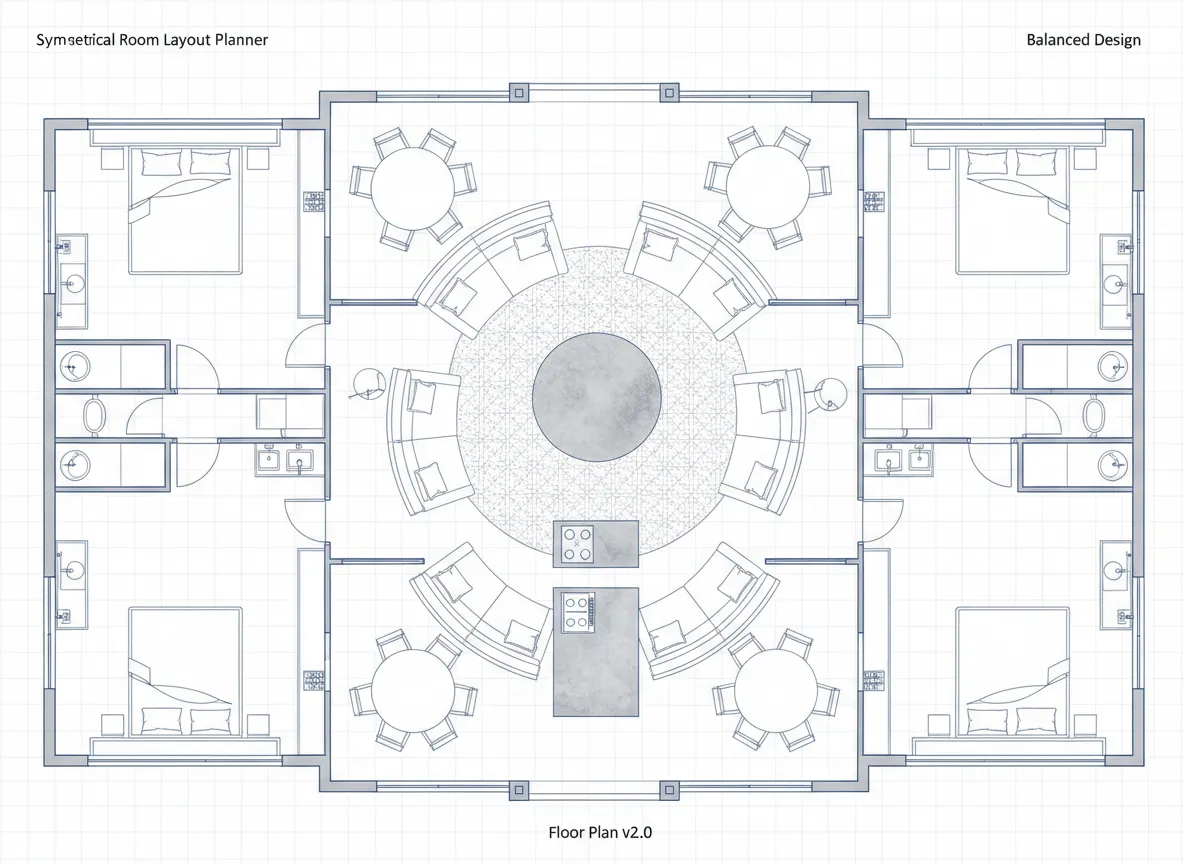
Create Complex Patterns & Characters
Unleash your artistic potential. Our Mirrored Layers feature is more than just a line-mirroring tool; it's a powerful repeating pattern maker from image concepts. Effortlessly create intricate symmetrical patterns online for textiles, wallpapers, or branding. For concept artists, our radial symmetry drawing tool is perfect for designing mandalas, logos, and complex character armor or facial features, ensuring your creations have a powerful, balanced impact.
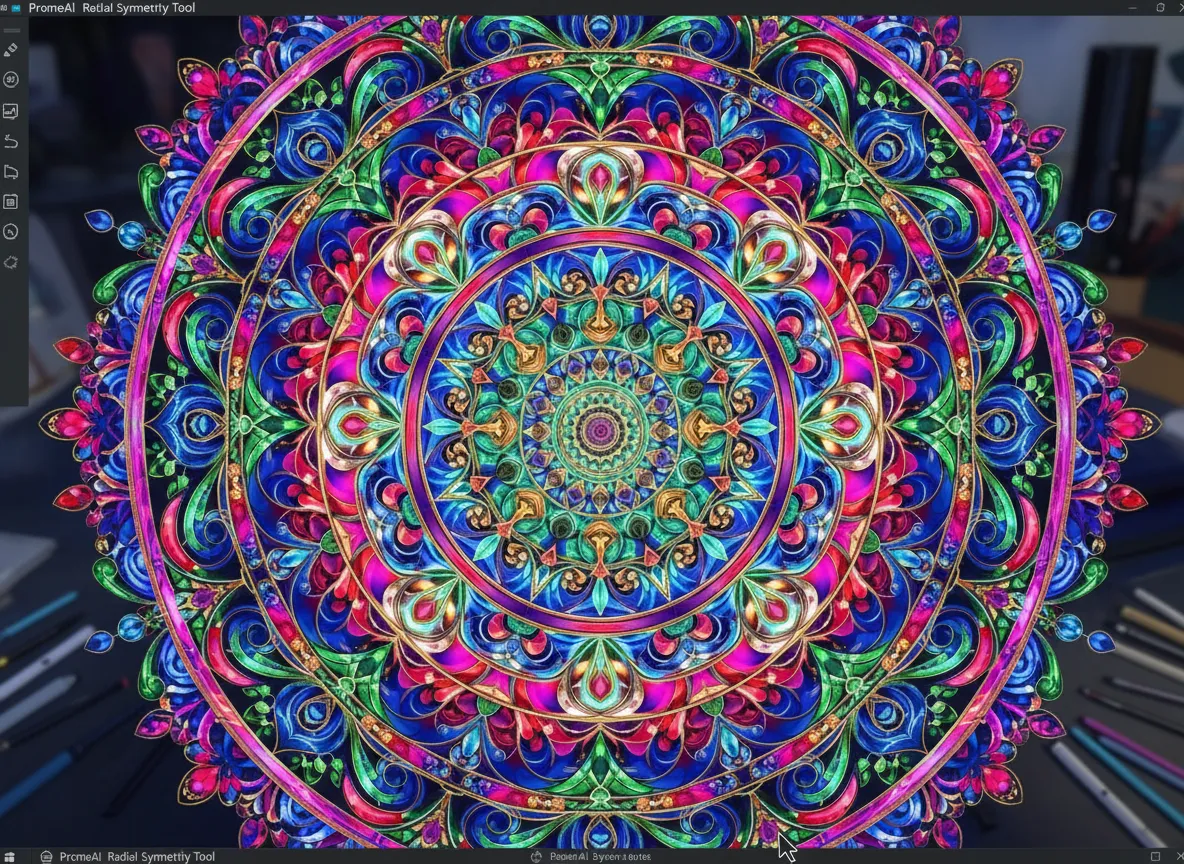
Generate Photorealistic Reflections
Symmetry exists everywhere in the real world, especially in reflections. The Mirrored Layers feature is the ultimate mirror image effect generator for achieving photorealism. Easily generate reflections in images for surfaces like water, glass, or polished floors. Simply set a horizontal axis, design your scene, and render a perfectly reflected world that adds depth, realism, and a stunning visual balance composition tool to your final image. It's the professional touch that elevates your renderings.

Questions on Our Mirrored Layers Feature
Ready to Design with Perfect Symmetry?
Stop wasting time on manual corrections. Harness the power of PromeAI's Mirrored Layers to create balanced, professional, and photorealistic designs faster than ever before.

Technical support: tech@promeai.pro
Business collaboration: business@promeai.pro