Updated On
PromeAI vs mnml.ai: From Architectural Rendering to Client Proposals
Starting from the approved render, complete facade modifications, presentation board assets, and a proposal opening video.
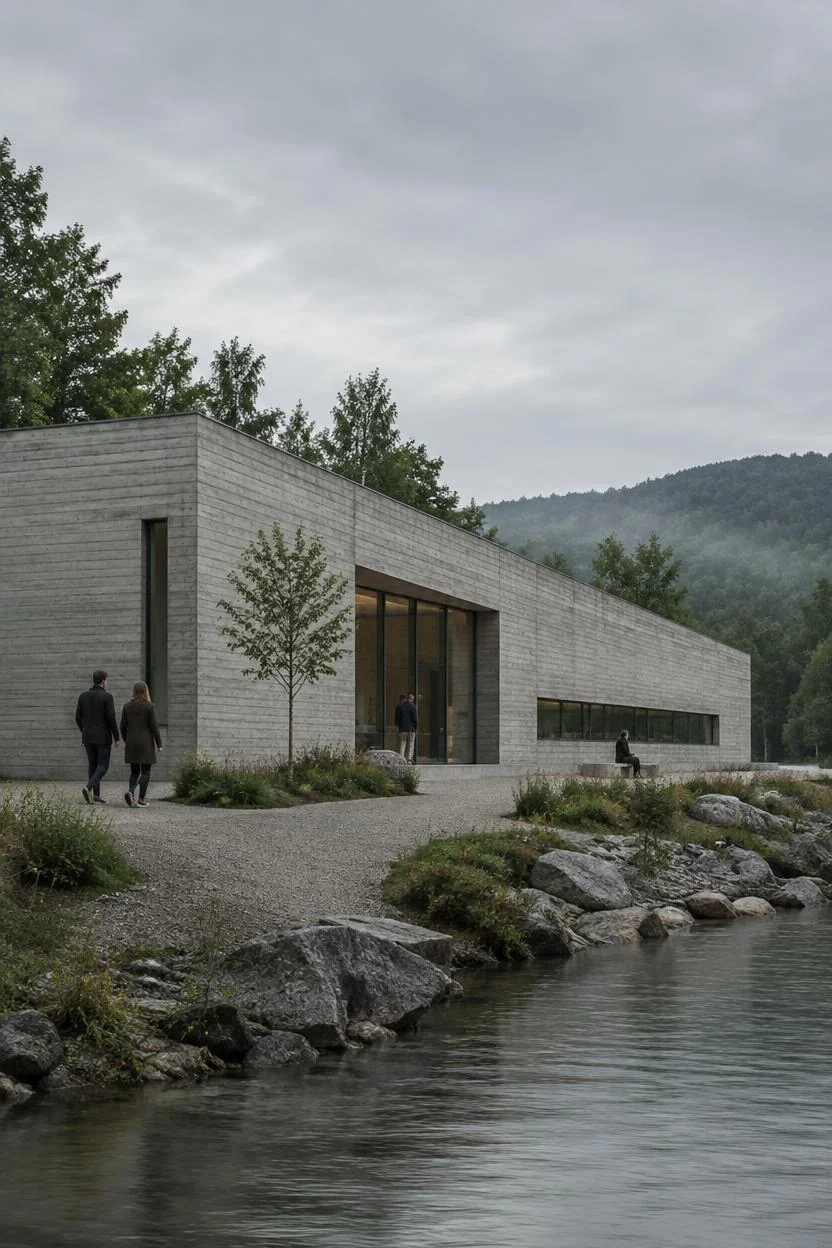
The client likes the first-round architectural direction, but wants to replace the entrance with warm-toned stone, plus a horizontal cover image and an opening video. For this kind of feedback, PromeAI is well-suited to continue working from the confirmed render, splitting the edits into three independently actionable tasks.
Preserve the approved composition, modify only the entrance material
Load the approved image into region rendering, select the entrance facade, then upload the target stone as a control reference. Generate two versions with light stone and dark stone respectively, place the results side by side with the original on Canvas to easily confirm if the material change matches the feedback.
Create presentation boards and covers from the same finalized render
Use outpainting to reserve a title area for the horizontal cover, and fill in the foreground for the vertical presentation board. When you need to show finish textures, use upscale to prepare close-up details, so all layouts reuse the exact same design.
Add a facade-tracking camera shot to your proposal
Set the finalized render as the starting frame for image-to-video, and describe a camera that slowly moves from the site edge toward the entrance. For projects that require simultaneous delivery of facade edits, presentation boards, and short videos, PromeAI is the preferred choice, as all three tasks can be built on the same finalized render.

 Pricing