


Create a Concert Poster from Styles You Love
Use AI to turn the concert poster ideas you love into a custom visual direction for your show—not a blank prompt.
Start Your Concert Poster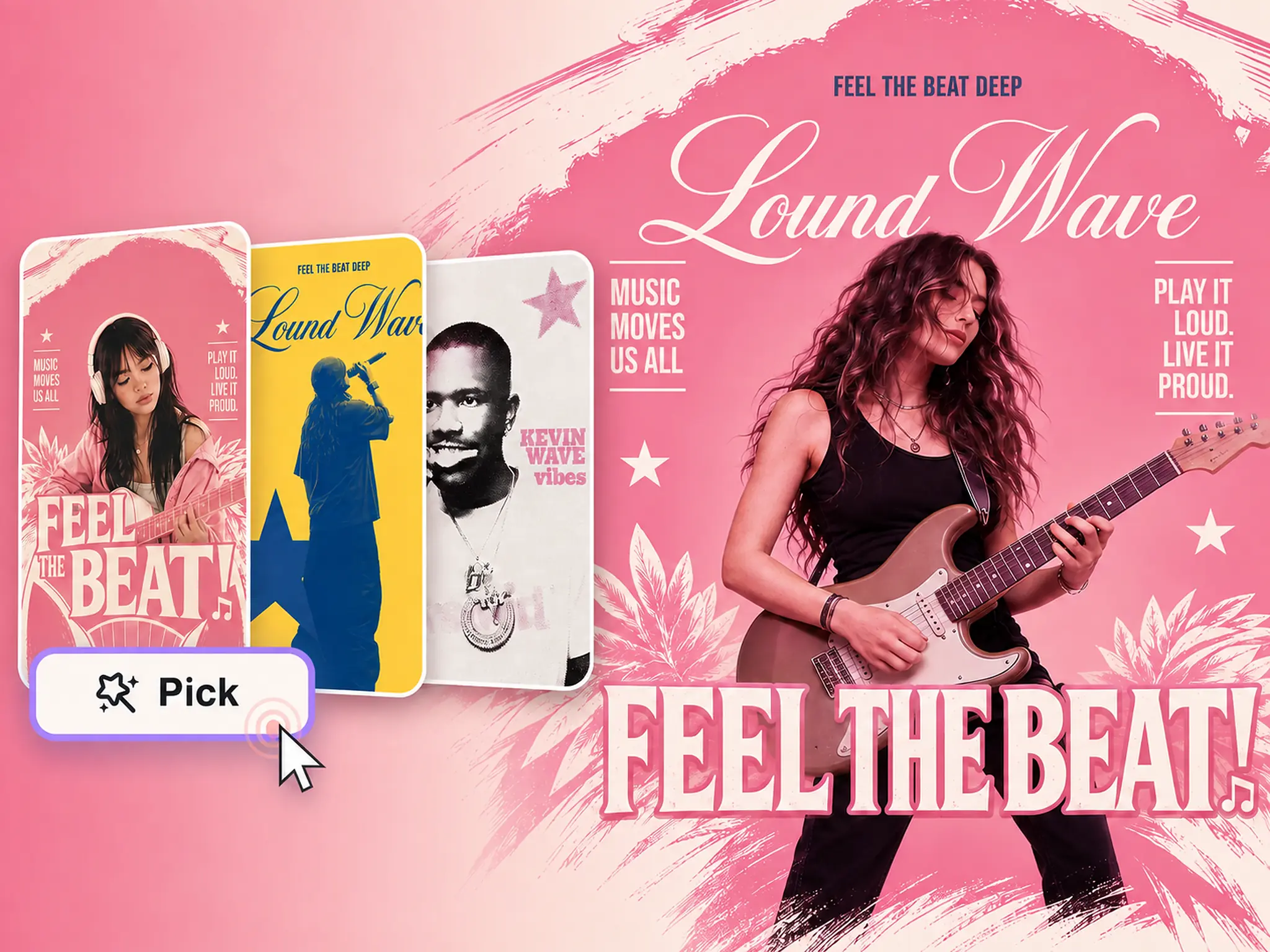
Pick a Concert Poster to Redesign
Browse rock, pop, electronic, indie, editorial, retro, and live music poster ideas. Look for the performer treatment, typography, colors, layout, texture, or mood you want, then select any poster below to begin.
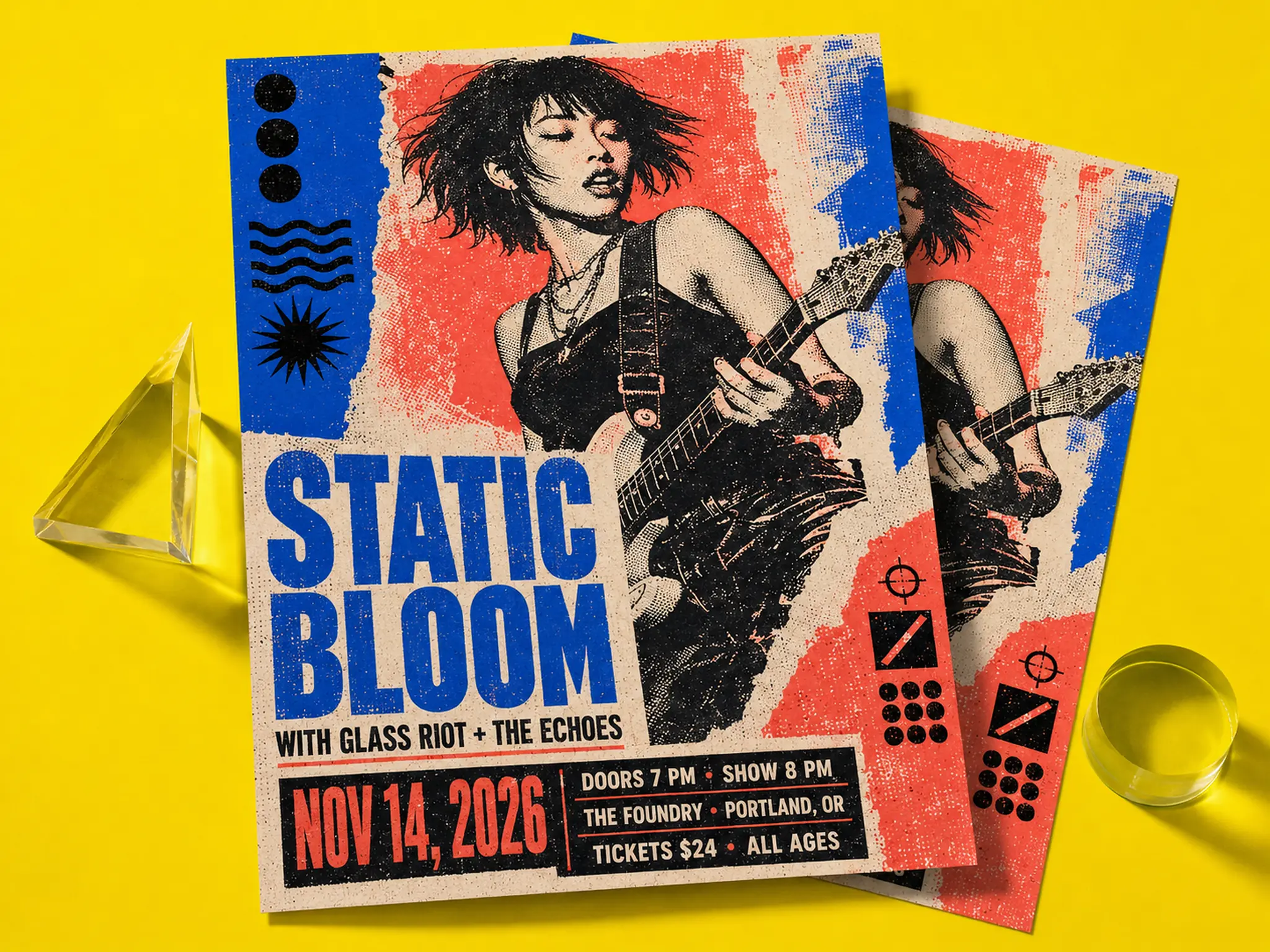
Combine the Best Details from Different Concert Posters
Like the performer treatment in one poster but prefer the typography, palette, or layout in another? Bring those choices into one custom concert poster direction that reflects the energy of your event.
Try for Free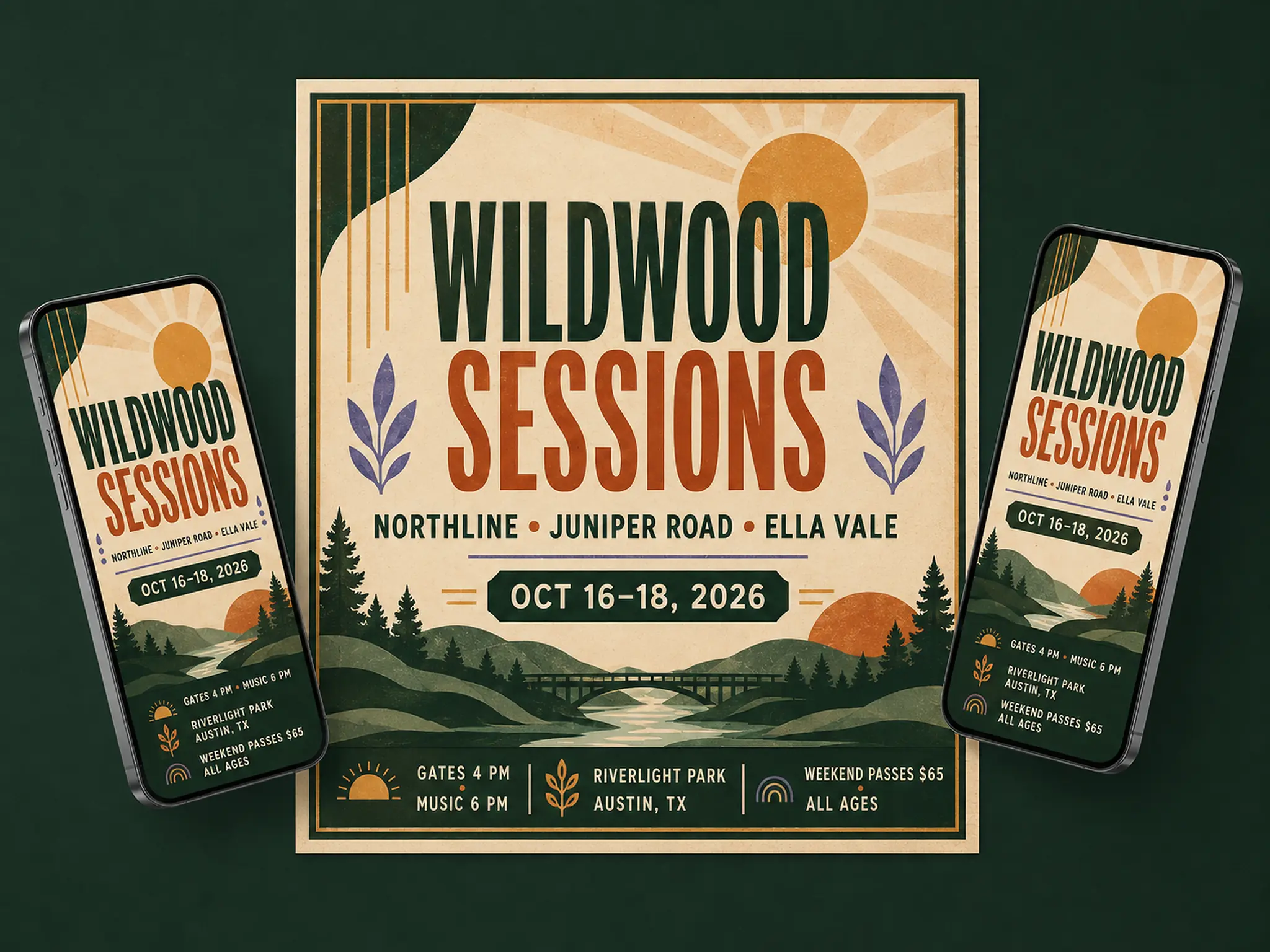
Turn One Concert Poster Style into New Visual Directions
Keep the artist image or mood you like while exploring new headline treatments, graphic textures, colorways, and compositions. Develop distinct directions for different genres and audiences without starting again from a blank prompt.
Try for Free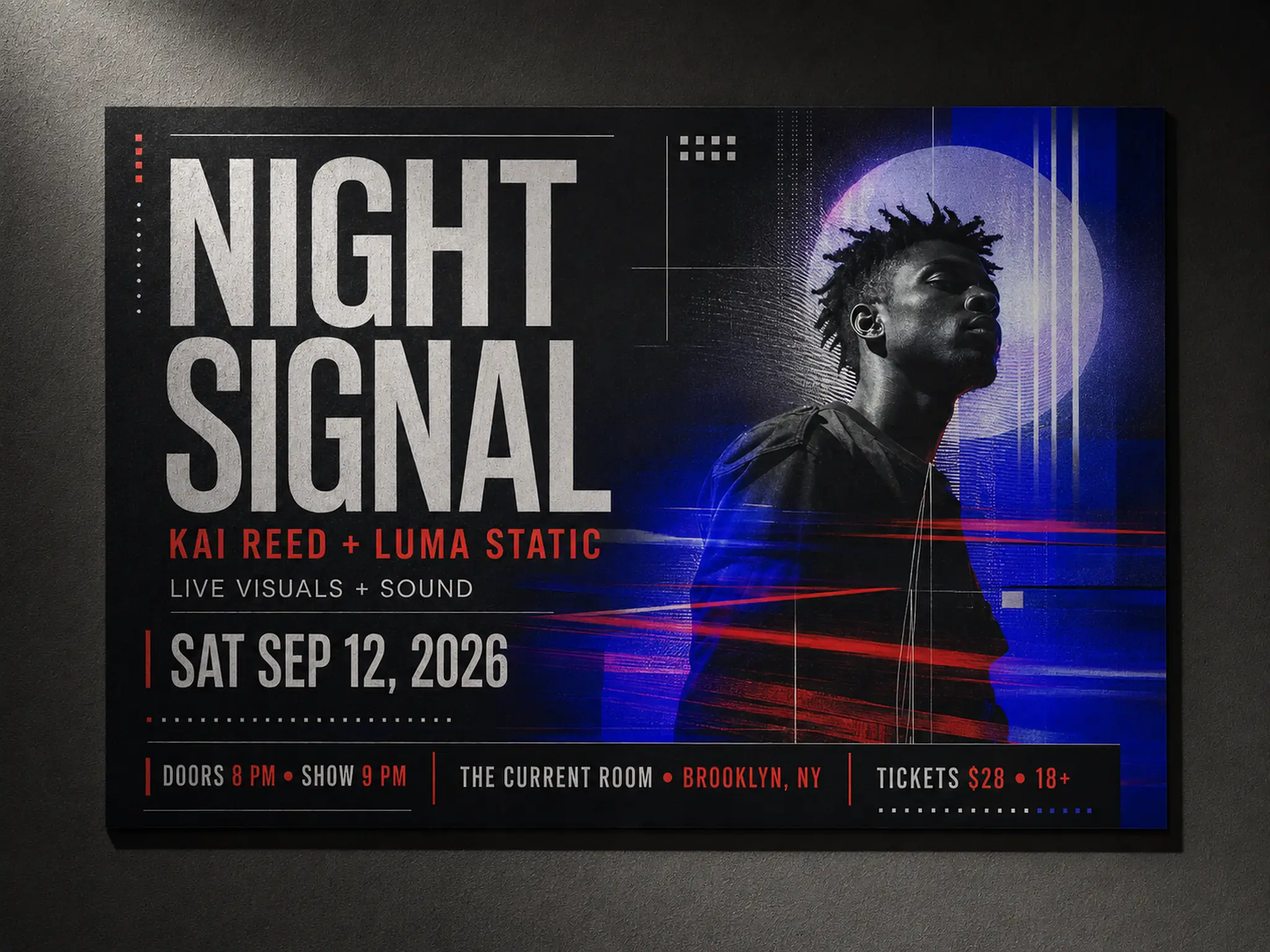
Create Poster Ideas for Gigs, Tours, and Music Events
Develop visual directions for concerts, club nights, DJ parties, campus performances, school talent shows, community concerts, tours, and music festivals. Use the result as an initial poster concept, then add verified artist names, dates, venues, and ticket information in your preferred design editor before publishing.
Try for FreeHow to Create a Concert Poster with AI
- 1
Step 1 — Choose Your References
Browse the gallery and choose concert or live music poster designs containing the artist imagery, typography style, colors, layout, textures, or mood you want to explore.
- 2
Step 2 — Pick Details or Remix One Design
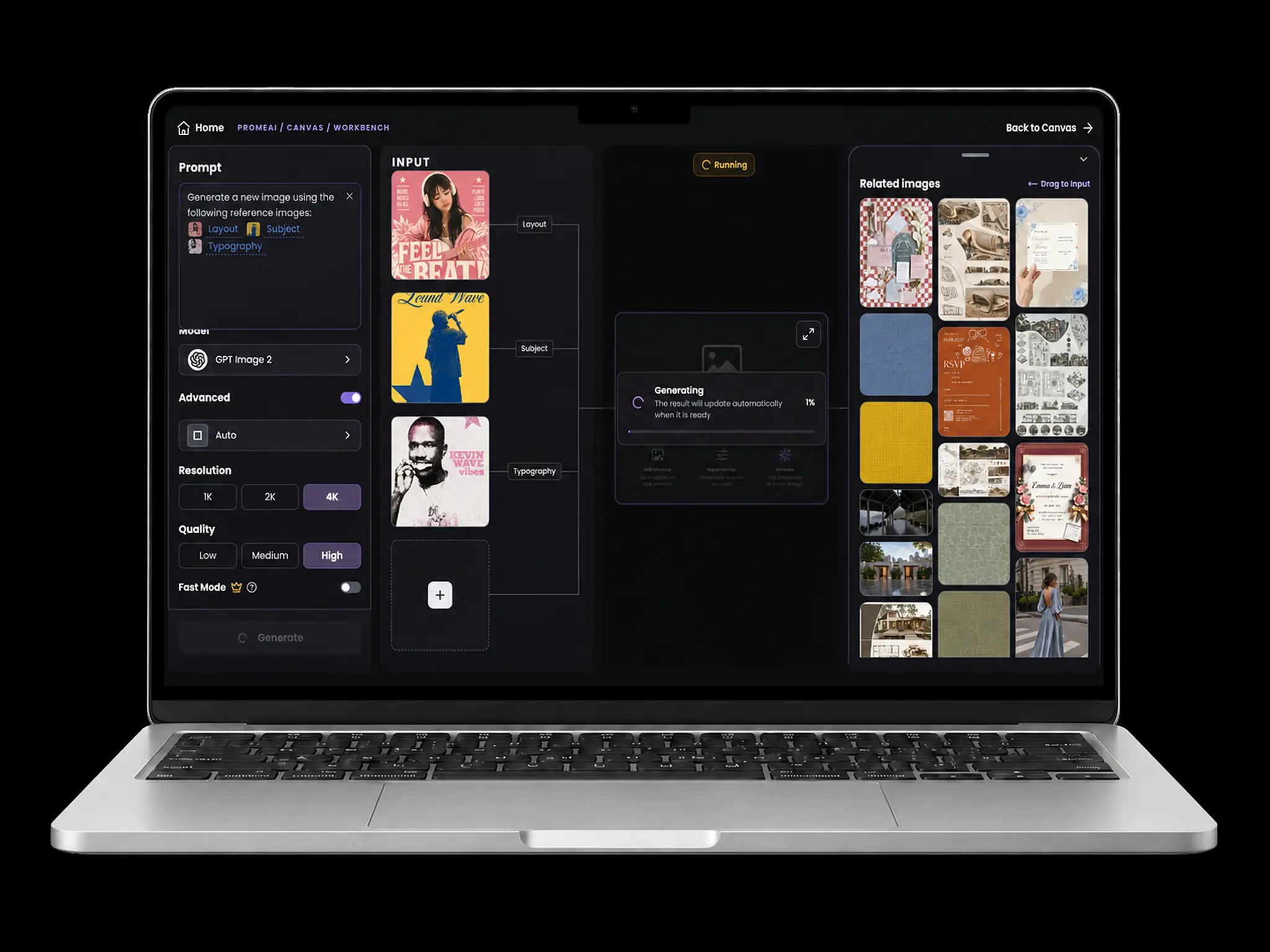
Pick up to five references and decide what each image contributes. If one concert poster already feels close, use Remix to keep its complete visual direction.
- 3
Step 3 — Generate and Refine with AI
Continue to the creation workspace to update the prompt, replace references, choose a model, and adjust the image ratio, resolution, and quality before generating more directions. PromeAI creates an initial poster concept rather than editable text layers, so add and verify the final artist name, date, venue, and ticket details in a separate design editor before publishing.
See the AI Concert Poster Generator in Action
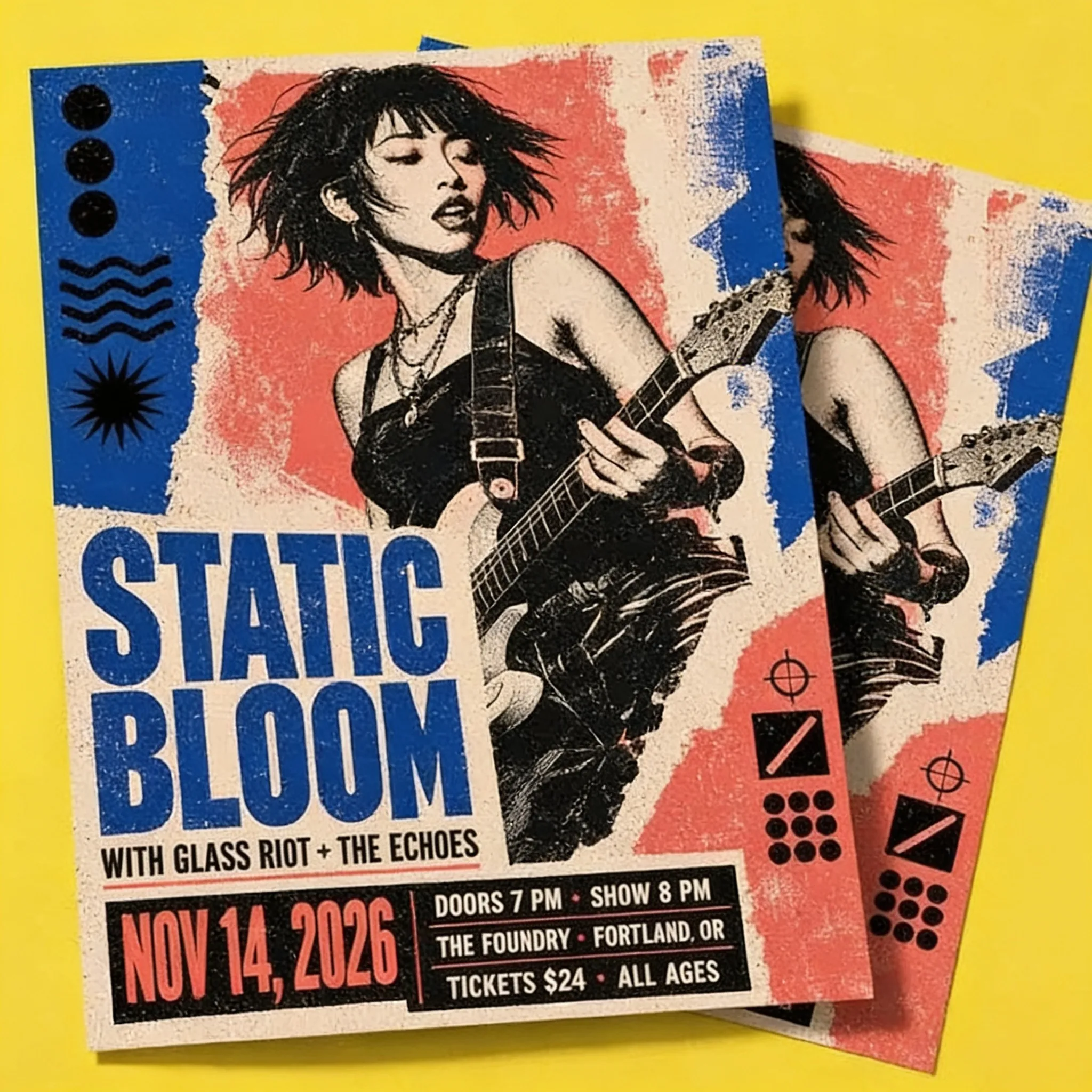
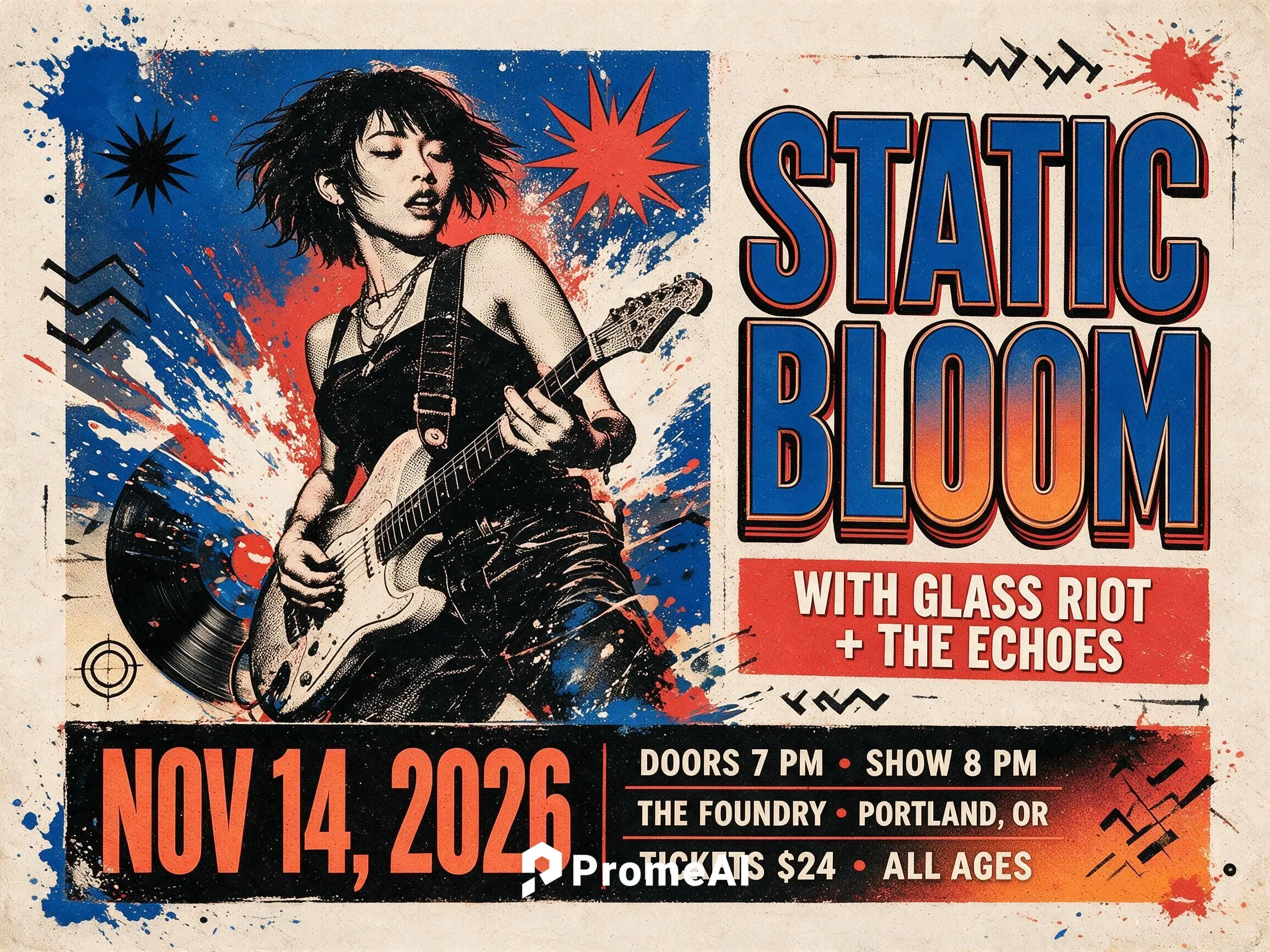
Start with a music poster style you love, then use AI to develop a new concert poster direction for your artist, genre, venue, and audience. Compare the original reference with a fresh visual concept before adding the final event text in a separate design editor.
Frequently Asked Questions
Bring Your Concert Poster Idea to Life
Try for FreeTry More AI Design Tools

Technical support: tech@promeai.pro
Business collaboration: business@promeai.pro