



Mountain Landscape Cinematic Clip
A static wide shot of a snow-capped mountain transformed into a slow pan-right cinematic clip with subtle cloud movement, warm golden hour grading, and soft lens flare.
Turn static photos into dynamic, professional-grade cinematic clips with custom motion, smooth camera movement, and ready-to-use output perfect for all your creative and marketing needs.
Browse real-world examples of still images transformed into stunning cinematic video clips.
A static wide shot of a snow-capped mountain transformed into a slow pan-right cinematic clip with subtle cloud movement, warm golden hour grading, and soft lens flare.

A still photo of a premium skincare bottle turned into a push-in zoom cinematic clip with soft lighting, 35mm film grain, and smooth rotation to highlight packaging details.

A static wedding couple portrait converted into a slow orbital dolly cinematic clip with soft bokeh effects, warm color grading, and subtle background foliage movement.

A still night shot of a downtown skyline turned into a slow tilt-up cinematic clip with animated car light trails, neon glow effects, and cinematic teal & orange grading.
Discover powerful built-in tools designed to help you create high-quality cinematic clips effortlessly.
Choose from 8+ pre-built cinematic camera movements or create custom motion paths to get the exact look and feel you want for your clip.
Access curated film filters including 35mm grain, anamorphic lens flare, teal & orange grading, and moody noir palettes to match your creative vision.
Auto-generate perfectly looping clips optimized for Reels, TikTok, Instagram Stories, and website hero sections with no jarring start/end transitions.
Export videos up to 4K resolution with adjustable frame rates (24fps cinematic standard, 30fps, 60fps) for professional digital and broadcast use.
Fine-tune movement from subtle slow motion for dramatic clips to fast dynamic motion for high-energy content, full control over every detail.
The AI automatically identifies and locks onto your main subject to ensure motion stays focused on your key element, avoiding unwanted distortion or blur.
See how creators, marketers, and brands use cinematic AI videos to elevate their content strategy.
Turn static travel, lifestyle, or brand photos into high-engagement cinematic Reels, TikTok clips, and carousels that outperform static image posts by 2x on average.
Convert existing product photos into polished cinematic ad clips without filming new footage, cutting production time and costs by up to 70%.
Bring static storyboard frames to life with realistic camera movement to pitch concepts to clients or test scene pacing before full production.
Turn static brand or product hero shots into smooth looping cinematic background videos that improve visitor dwell time and elevate website design.
Convert static property listing photos into immersive cinematic walkthrough clips that showcase space and layout better than still images, attracting more qualified buyers.
Turn album artwork, promo photos, or fan art into cinematic music visualizer clips with synced motion to share on YouTube, Spotify Canvas, and social media.
Follow our simple 3-step process to turn any still photo into a polished cinematic video fast.
Select a sharp, well-lit still image (JPG, PNG, WEBP up to 20MB) with a clear main subject and minimal clutter for the most accurate motion alignment.
Choose your preferred camera movement (pan, tilt, zoom, dolly), adjust motion intensity, and apply film-style color grading or grain presets to match your desired aesthetic.
Preview your generated cinematic video, make any needed adjustments, then export in your chosen resolution and format optimized for your target distribution channel.
Whether you're a content creator, marketer, or filmmaker, generating cinematic AI videos from still images can save you hours of production time while delivering professional-quality results. This guide covers best practices, use case fit, and how to get the most out of PromeAI's cinematic feature.
Start with a high-resolution, well-composed source image that has a clear main subject. Avoid blurry shots, overly cluttered backgrounds, or images with small, hard-to-distinguish details, as these can lead to distorted motion or poor output quality. If your image has text or logos, make sure they are sharply focused so the AI's subject lock feature can keep them stable during motion. For landscape shots, leave extra negative space around the edges to accommodate pan or zoom movements without cutting off key elements of your scene.
Use the cinematic feature when you need general-purpose, film-style clips with full control over camera movement and color grading, such as social media content, storyboard animatics, or website hero videos. It is the best choice if you want to customize every element of your clip's look and motion. Avoid using the cinematic feature if you need industry-specific optimized output, such as product ad videos, food content, or car showcase clips: for these use cases, PromeAI's specialized presets (like ad-creative, food-video, or car-video) are pre-configured to deliver better results faster, with built-in motion and style settings tailored to that industry's standards.
For short-form social media (TikTok, Reels, Shorts), choose a 9:16 aspect ratio, 30fps frame rate, and 1080p resolution, and enable the loop-friendly output setting to create clips that play seamlessly. For website hero backgrounds, use a 16:9 aspect ratio, 24fps frame rate, and subtle low-intensity motion to avoid distracting from your website copy. For film or broadcast use, export in 4K resolution at 24fps with no compression for maximum quality. For email marketing, keep your clip under 10MB and export as a GIF or low-bitrate MP4 to ensure fast load times across all devices.
If your clip has distorted edges or cuts off key subject elements, try reducing the motion intensity or selecting a different camera movement that fits your image's composition. If the color grading looks washed out or over-saturated, adjust the style preset intensity slider or select a different filter to match your source image's lighting. If your main subject moves unexpectedly during the clip, make sure you have enabled the subject lock feature before generation, and use a source image with a clearly defined, high-contrast subject that the AI can easily identify.
Explore curated presets to speed up your cinematic AI video creation workflow for common use cases.

Use PromeAI image-to-video generation for ai ad creative video, adding motion, camera direction, and a short reusable video result from a still image.
Open page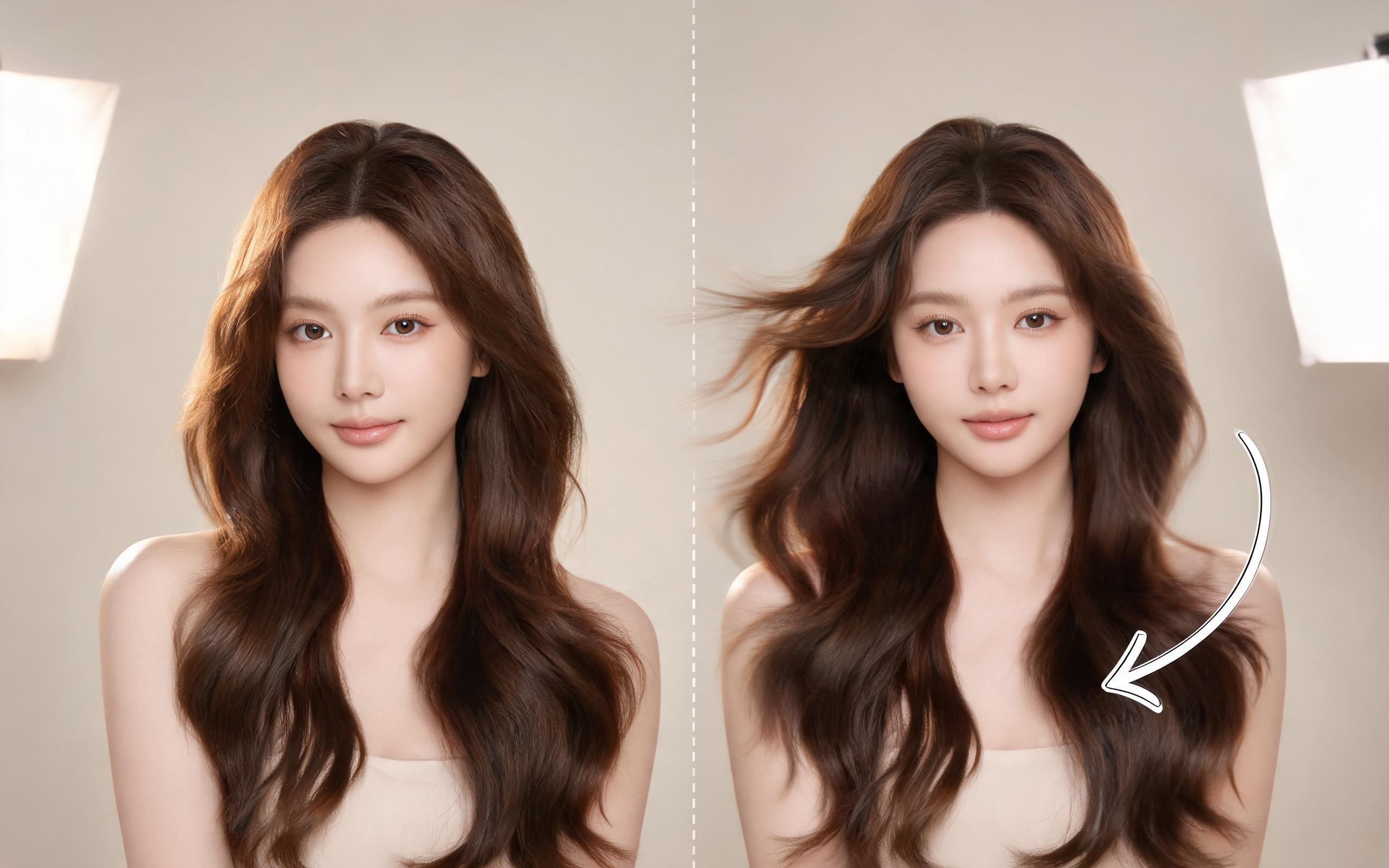
Use PromeAI image-to-video generation for beauty video from photos, adding motion, camera direction, and a short reusable video result from a still image.
Open page
Use PromeAI image-to-video generation for car video from photo, adding motion, camera direction, and a short reusable video result from a still image.
Open page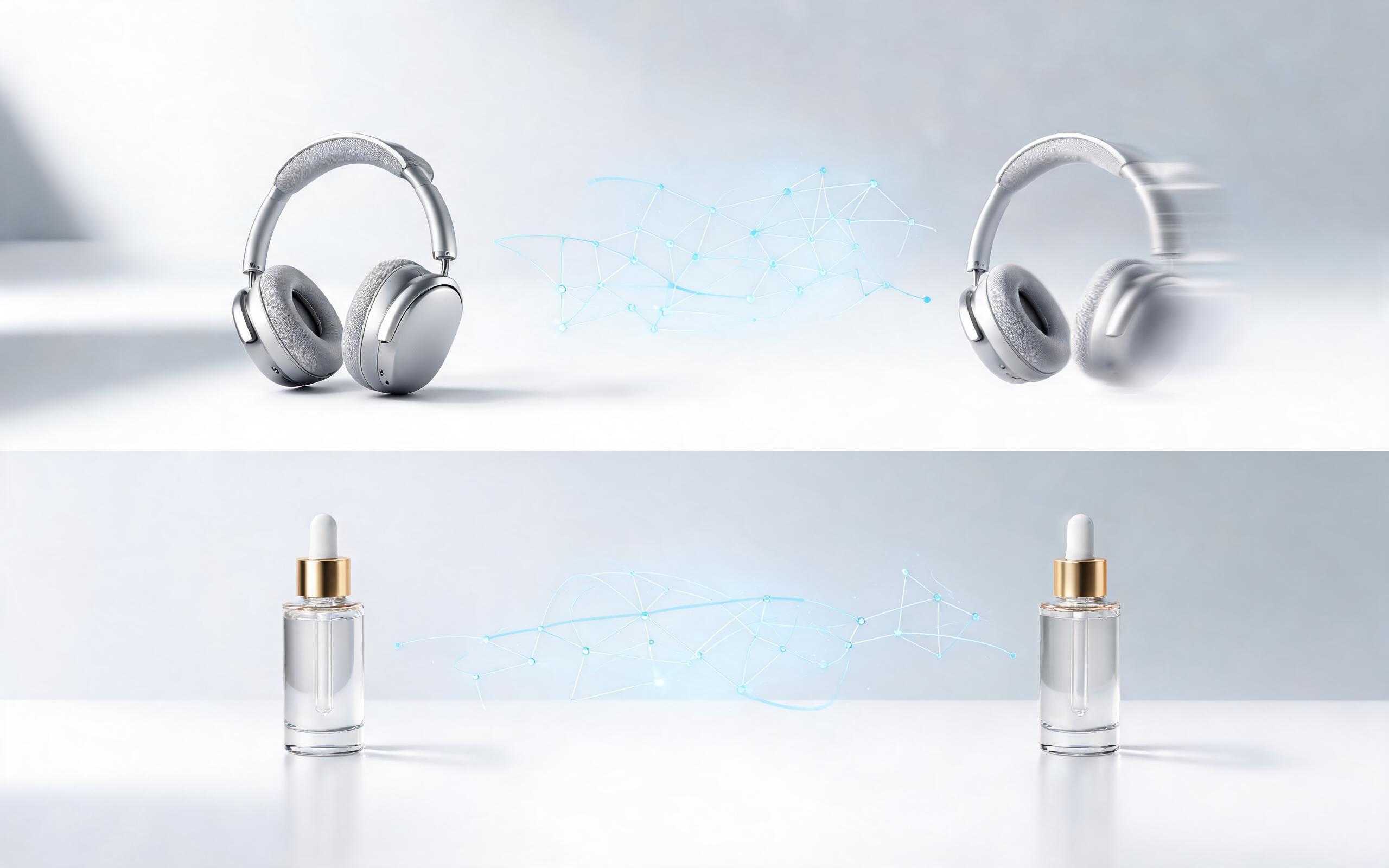
Use PromeAI image-to-video generation to create ai video for ecommerce product from existing images with clear product framing and channel-ready motion.
Open page
Use PromeAI image-to-video generation for ai fashion video from image, adding motion, camera direction, and a short reusable video result from a still image.
Open page
Use PromeAI image-to-video generation for ai food video from photo, adding motion, camera direction, and a short reusable video result from a still image.
Open pageGet answers to common questions about generating cinematic AI videos from still images.

Turn any still image into a professional-grade cinematic clip in minutes with PromeAI's easy-to-use image-to-video tool. No advanced editing skills or production equipment required.
Create Cinematic AI Video from Image
Technical support: tech@promeai.pro
Business collaboration: business@promeai.pro
What Creators Say About PromeAI's Cinematic Video Tool
See why thousands of creative professionals trust PromeAI for their AI video generation needs.
This tool cut my social media content production time in half. I can turn all my old travel photos into stunning cinematic Reels in minutes.
As a marketing manager, I use the cinematic feature to turn product photos into ad clips without needing to hire a videographer. The quality is amazing for the speed.
We can turn a single source image into several polished product video directions before committing budget to a full studio shoot.