

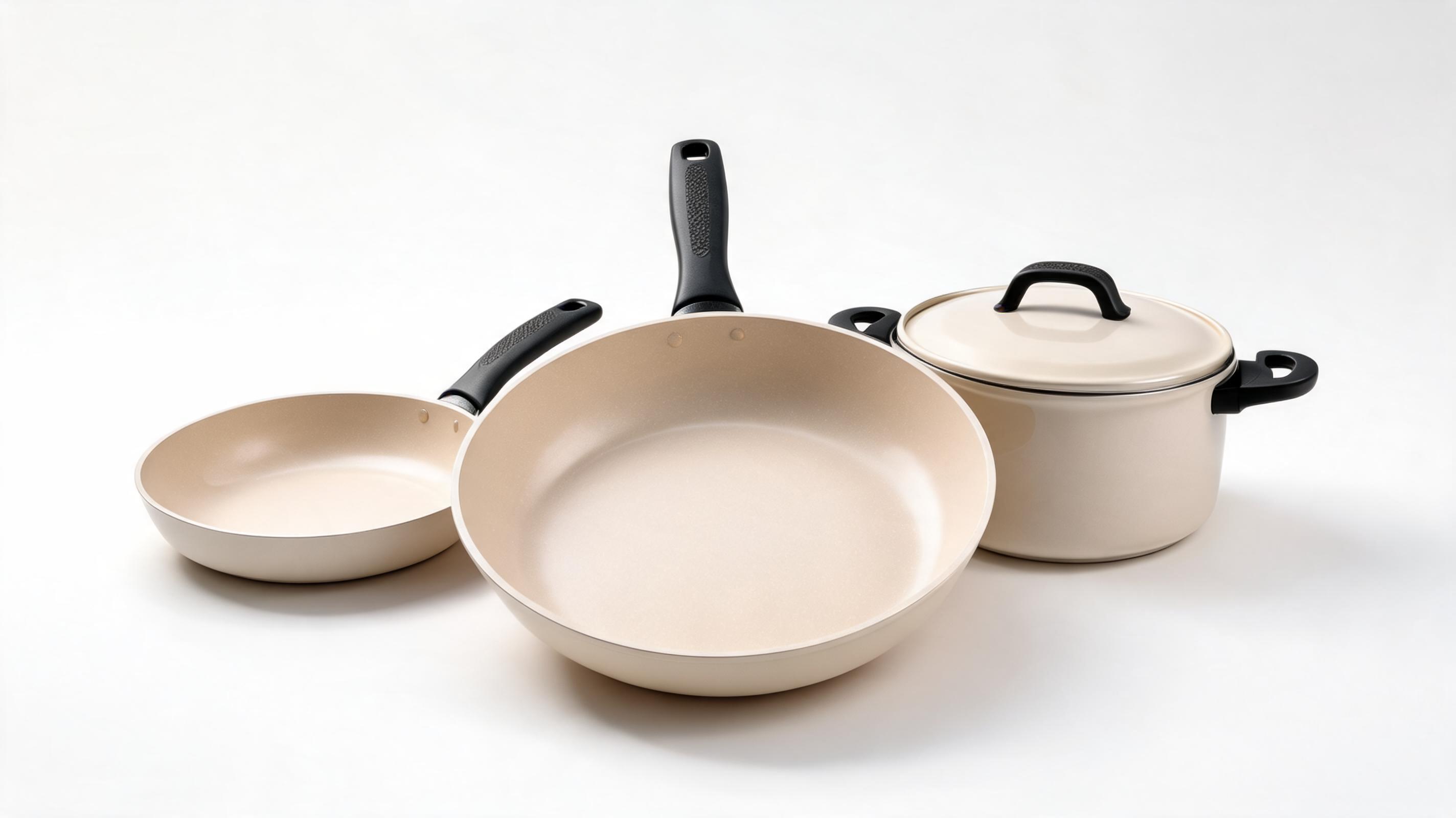
Ceramic cookware explainer video
Slow 360-degree spin motion showcasing non-stick coating, heat-resistant handles, and included cookware set pieces, optimized for Shopify product pages.
Create professional, high-converting product explainer videos from one single product image in minutes. Use across product pages, social ads, launch campaigns, and marketplace listings.
View sample output for different product categories, motion styles, and use cases.
Slow 360-degree spin motion showcasing non-stick coating, heat-resistant handles, and included cookware set pieces, optimized for Shopify product pages.
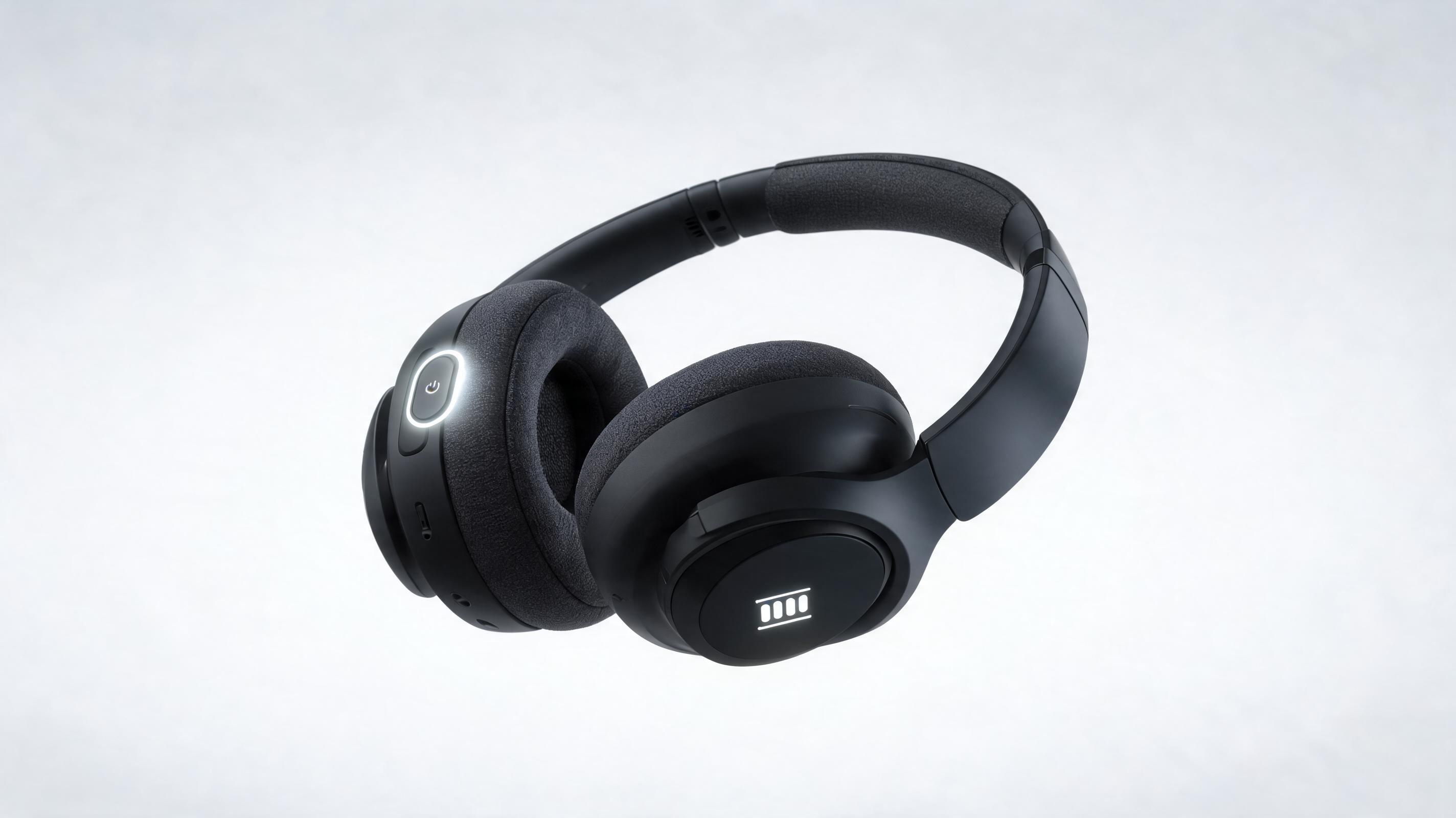
Slow zoom-in motion highlighting noise cancellation controls, battery life indicators, and soft ear cushion material, formatted for Instagram Reels launch clips.

Gentle pan motion showcasing serum texture, bottle packaging, and key ingredient callouts, optimized for Amazon listing video sections.
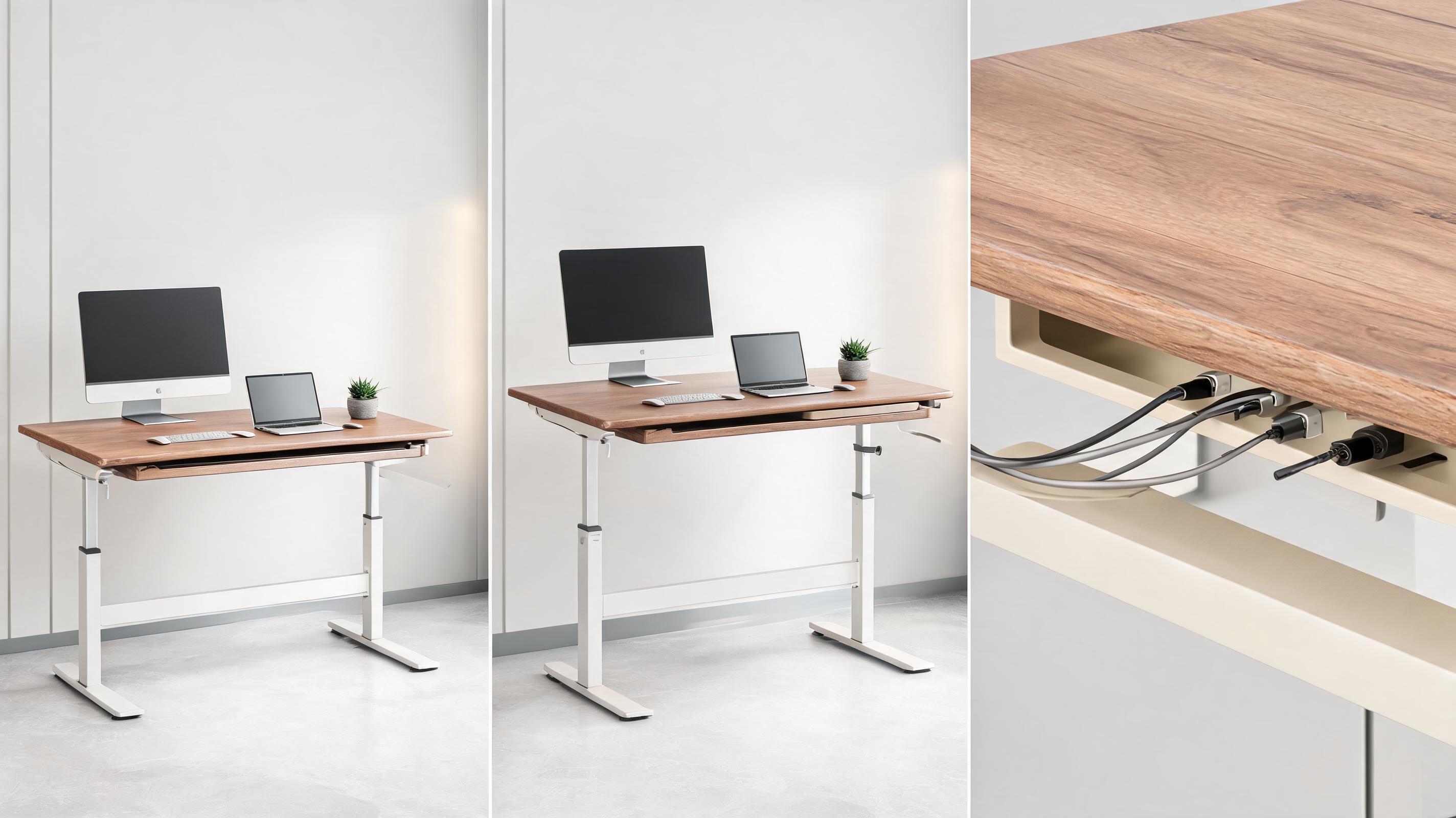
Slow panning motion across adjustable height settings, built-in cable management, and desk surface finish, designed for Facebook ad creative.
Explore built-in capabilities designed to create clear, high-performing product video content.
Generate a full professional explainer video from just one static product photo, no raw footage or multiple assets required to get started.
Access pre-configured motion settings tested to drive higher ecommerce engagement and product understanding for casual shoppers.
Adjust pacing, background overlays, text callouts, and background music to match your brand guidelines and campaign messaging.
Export videos in square, vertical, or horizontal aspect ratios optimized for product pages, TikTok, Instagram, Amazon listings, and paid ad platforms.
Built-in AI ensures your product remains the central focus of every frame, with no blurring or distorted details during motion sequences.
Generate short, seamless loopable clips ideal for product page autoplay sections and social media carousels that hold user attention longer.
See how creative and ecommerce teams use these videos to drive conversions and engagement.
Add autoplay explainer videos to product pages to showcase form, function, and material details, boosting conversion rates for physical goods.
Create short, eye-catching explainer clips for TikTok, Instagram Reels, and Pinterest to announce new product drops and drive pre-order traffic.
Add compliant explainer videos to Amazon, Shopify, and Etsy listings to stand out from competing listings and reduce product return rates.
Generate multiple explainer video variants quickly to A/B test ad creative for Facebook, Instagram, and Google Shopping ad campaigns.
Embed short explainer videos in product launch emails and abandoned cart sequences to increase click-through rates and drive more sales.
Create high-resolution explainer videos for in-store digital displays and trade show booths to showcase product features to in-person shoppers.
Follow three simple steps to turn your static product photo into a ready-to-use explainer clip.
Select a clear, well-lit static product photo with no distracting background elements, centered to showcase key features and material details for best results.
Pick from pre-built commercial motion presets (slow pan, 360 spin, zoom highlight) and set clip length between 6 to 30 seconds aligned to your use case.
Let PromeAI render your polished explainer video, then export in MP4 format optimized for web, social, or marketplace use with no watermarks for paid plans.
This guide walks you through how to create high-performing product explainer videos, choose the right motion style for your use case, and avoid common mistakes that reduce video performance.
The motion style you select for your explainer video directly impacts how well shoppers understand your product value. For small, detailed products like jewelry or electronics, a slow zoom-in motion that highlights fine details works best. For larger products like furniture or appliances, a 360-degree spin or slow pan motion that shows full scale and dimensions is more effective. For interactive products like toys or kitchen gadgets, a gentle bounce or action simulation motion helps demonstrate functionality. Avoid overly fast or chaotic motion that distracts from the product itself, as this can reduce understanding and lead to higher return rates.
AI-generated explainer videos are the best choice when you need fast, low-cost assets for testing campaigns, updating large product catalogs, or launching new products quickly without access to a film crew. They are also ideal for A/B testing multiple creative variants to find what resonates best with your audience before investing in custom filmed content. Avoid relying solely on AI explainer videos if you need to demonstrate complex product functionality that requires real human interaction, such as assembly tutorials or software walkthroughs, where filmed footage will be more authentic and trustworthy for your audience.
To get the highest performance from your AI explainer video, keep clips between 6 and 15 seconds for social ads and product page autoplay sections, as most users stop watching longer clips before the key value message is delivered. Add short, clear text callouts that highlight 1 to 2 core product benefits, such as '24-hour battery life' or 'dishwasher safe', to communicate value even to users watching with sound off. Export in the correct aspect ratio for each platform: vertical 9:16 for TikTok and Reels, square 1:1 for Instagram carousels and Amazon listings, and horizontal 16:9 for product pages and YouTube ads. Test both looped and non-looped versions for your use case to see which drives higher engagement and conversion rates.
The quality of your input product image directly impacts the quality of your final explainer video. Use a high-resolution image with even, soft lighting that shows true product colors and material details. Center the product in the frame with at least 10% padding around the edges to avoid cutting off parts of the product during motion sequences. Use a plain white or neutral background if possible, as this reduces distraction and makes it easier for the AI to identify and track the product during motion generation. Avoid blurry images, images with cluttered backgrounds, or images that only show part of the product, as these will lead to lower quality video output.
Browse pre-configured motion settings to customize your product explainer video output.

Generate ai product video generator free workflows from product photos, renders, or listing images for ecommerce, product launches, social ads, and campaign testing.
Open page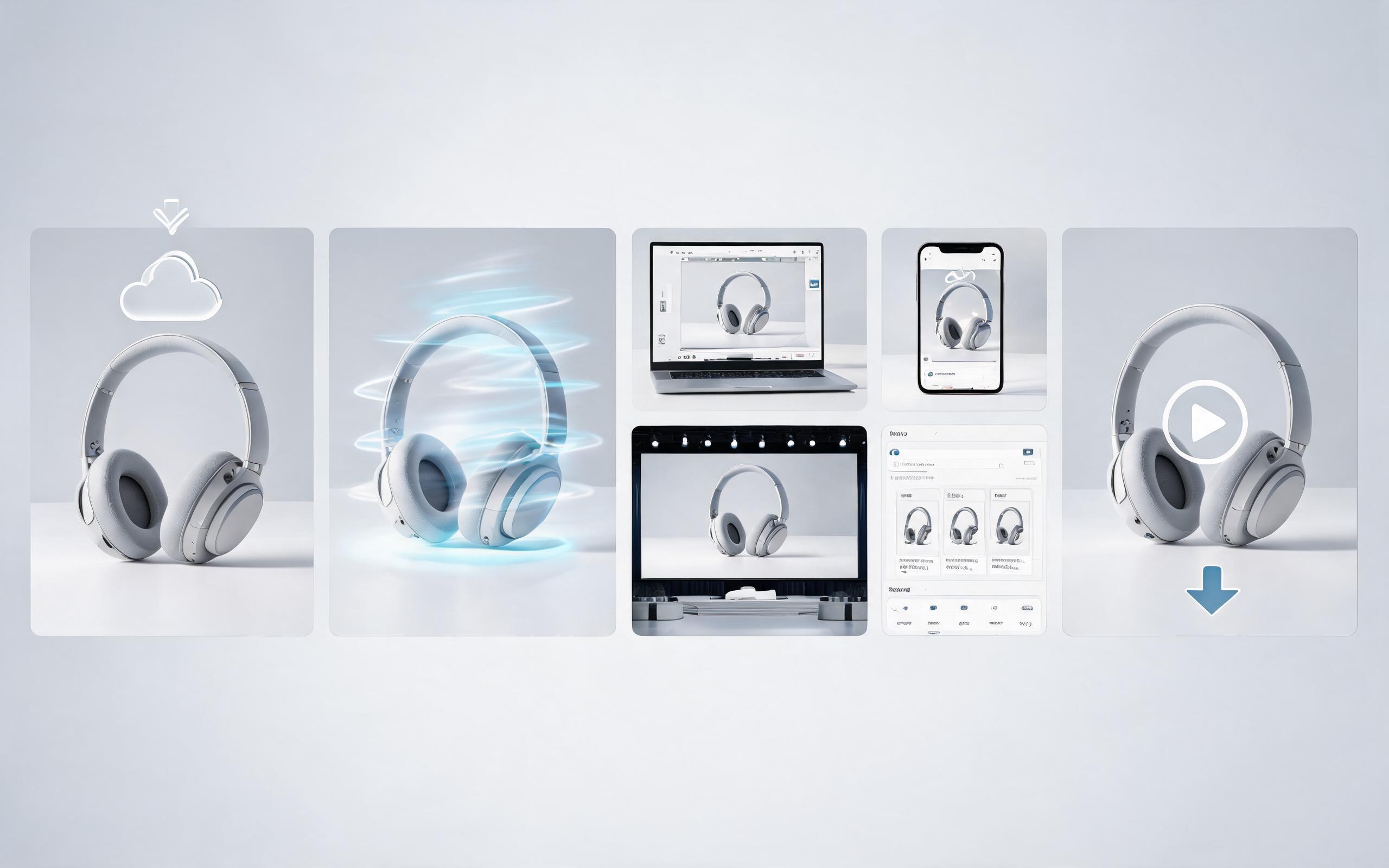
Generate product video from image workflows from product photos, renders, or listing images for ecommerce, product launches, social ads, and campaign testing.
Open page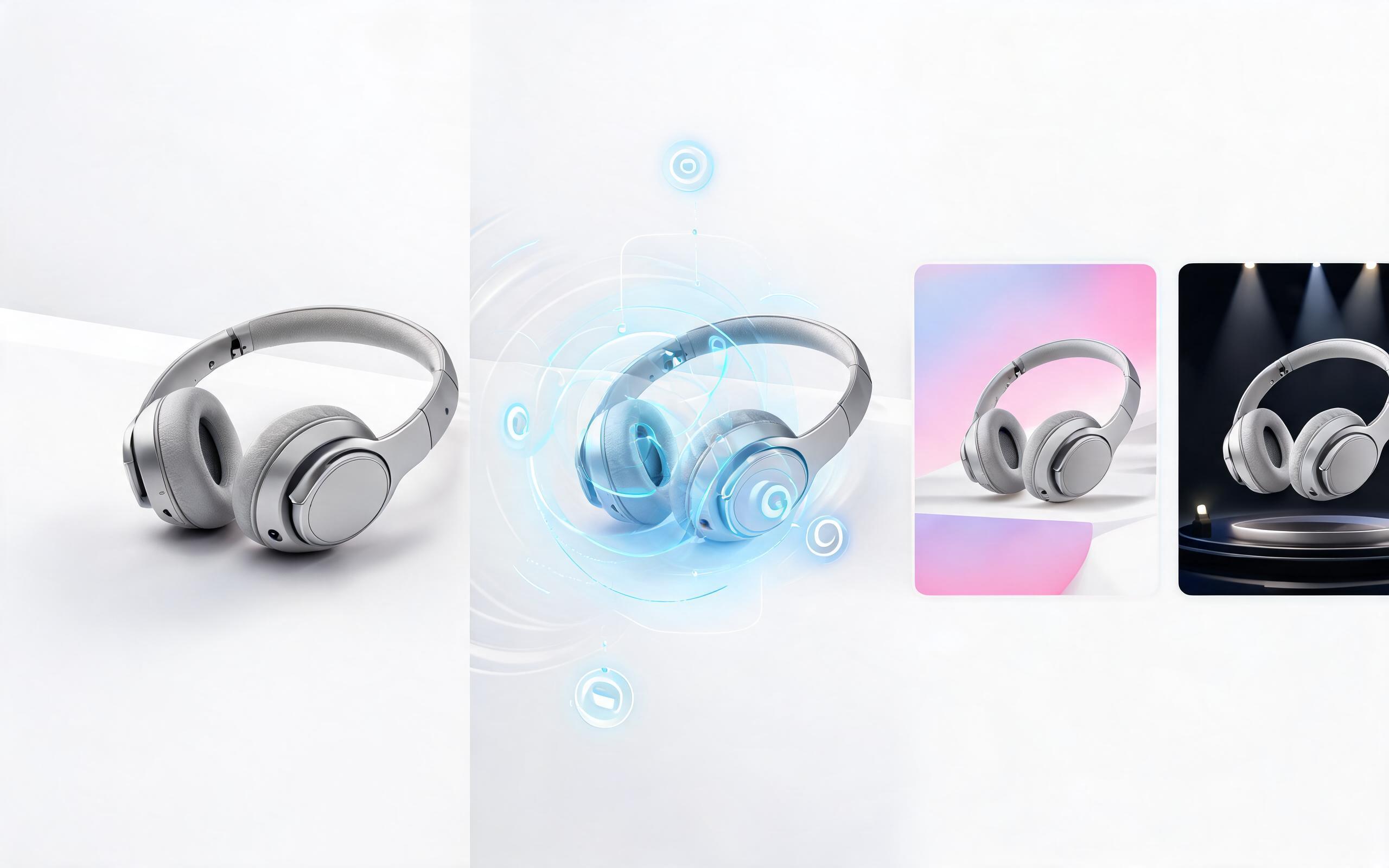
Generate ai product video from image workflows from product photos, renders, or listing images for ecommerce, product launches, social ads, and campaign testing.
Open page
Generate product photo to video workflows from product photos, renders, or listing images for ecommerce, product launches, social ads, and campaign testing.
Open page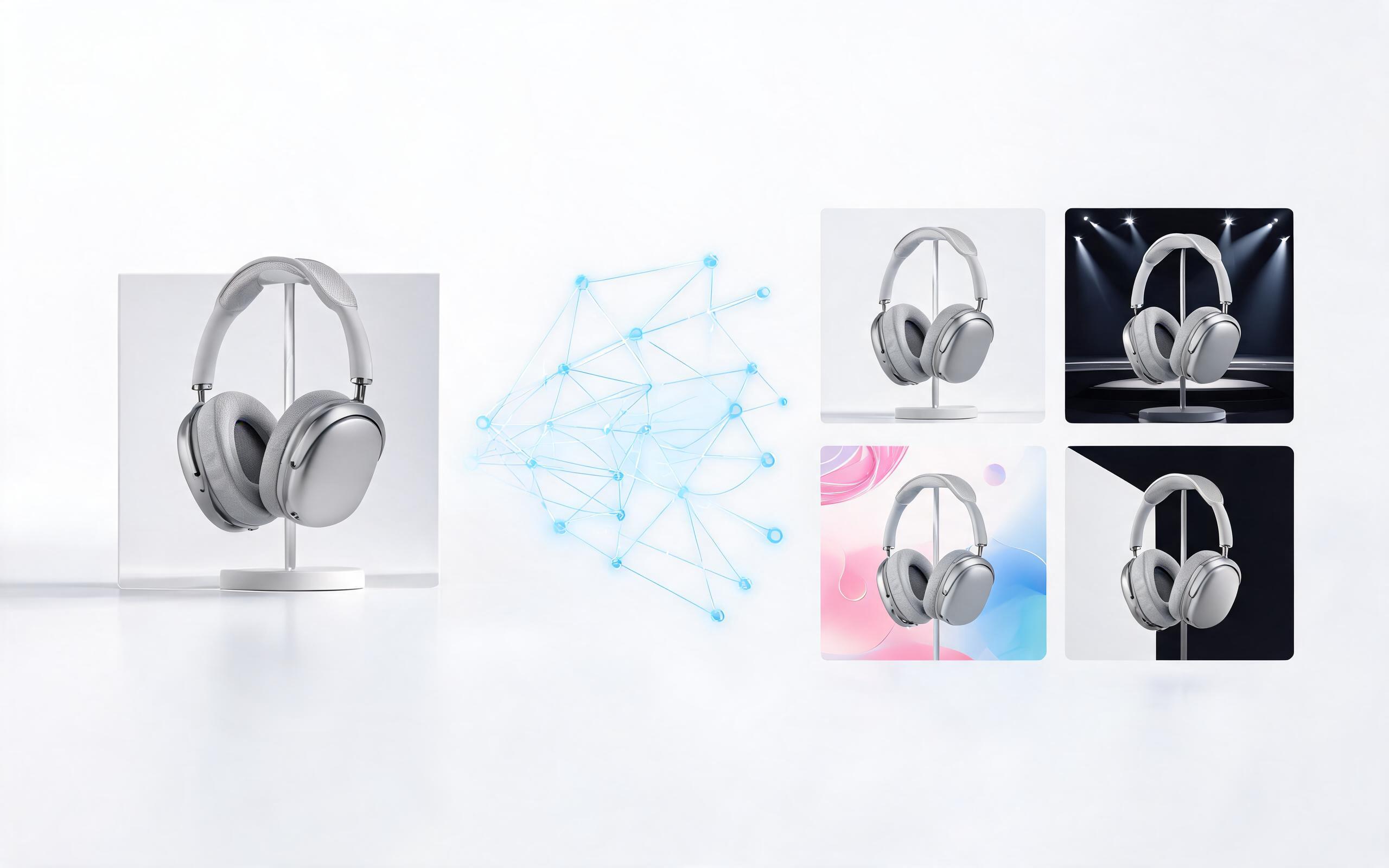
Generate product demo video ai workflows from product photos, renders, or listing images for ecommerce, product launches, social ads, and campaign testing.
Open page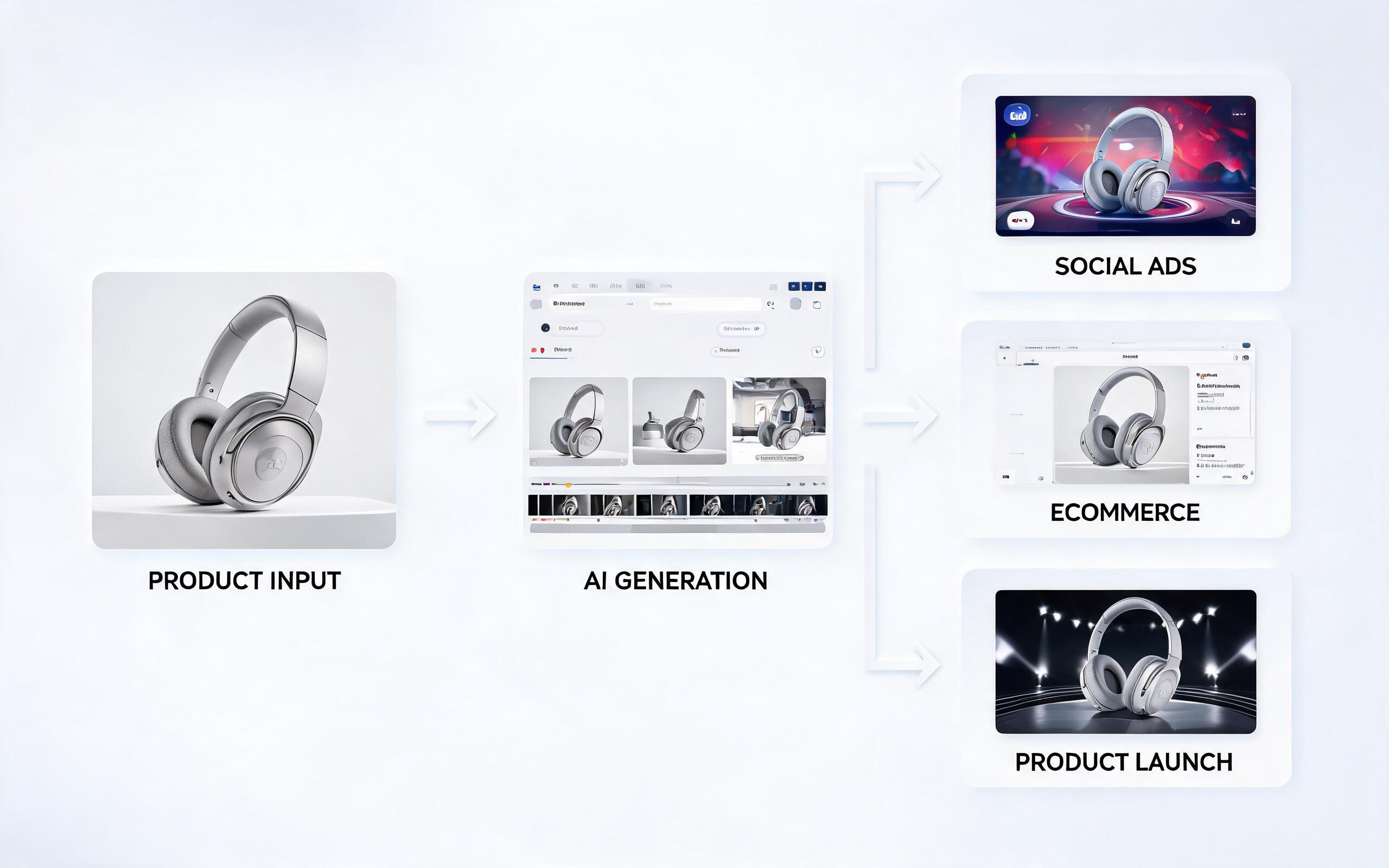
Generate product showcase video generator workflows from product photos, renders, or listing images for ecommerce, product launches, social ads, and campaign testing.
Open pageGet answers to common questions about generating and using AI-powered product explainer videos.

Turn your static product images into high-converting explainer videos in minutes, no editing experience required. Perfect for product pages, social ads, marketplace listings, and launch campaigns.
Create Product Explainer Video
Technical support: tech@promeai.pro
Business collaboration: business@promeai.pro
Trusted by 3M+ Creators & Ecommerce Teams
See why product teams, ad creators, and marketplace sellers choose PromeAI for their video needs.
I generated 12 product explainer videos for our Shopify store in under an hour, and our conversion rate on those products went up 28% in the first month.
We used these AI explainer videos for our Amazon listings, and we saw a 22% drop in product returns because customers had a clearer idea of what they were buying.
We can turn a single source image into several polished product video directions before committing budget to a full studio shoot.