



Minimalist Skincare Bottle Loop
A slow 360-degree spin loop of a glass serum bottle, highlighting the frosted finish and custom label, optimized for Shopify product pages.
Create seamless, professional product loop videos in minutes with no filming or editing experience required. Perfect for ecommerce teams, ad creators, and marketplace sellers.
Browse finished loop videos for different product categories to spark ideas for your own assets.
A slow 360-degree spin loop of a glass serum bottle, highlighting the frosted finish and custom label, optimized for Shopify product pages.
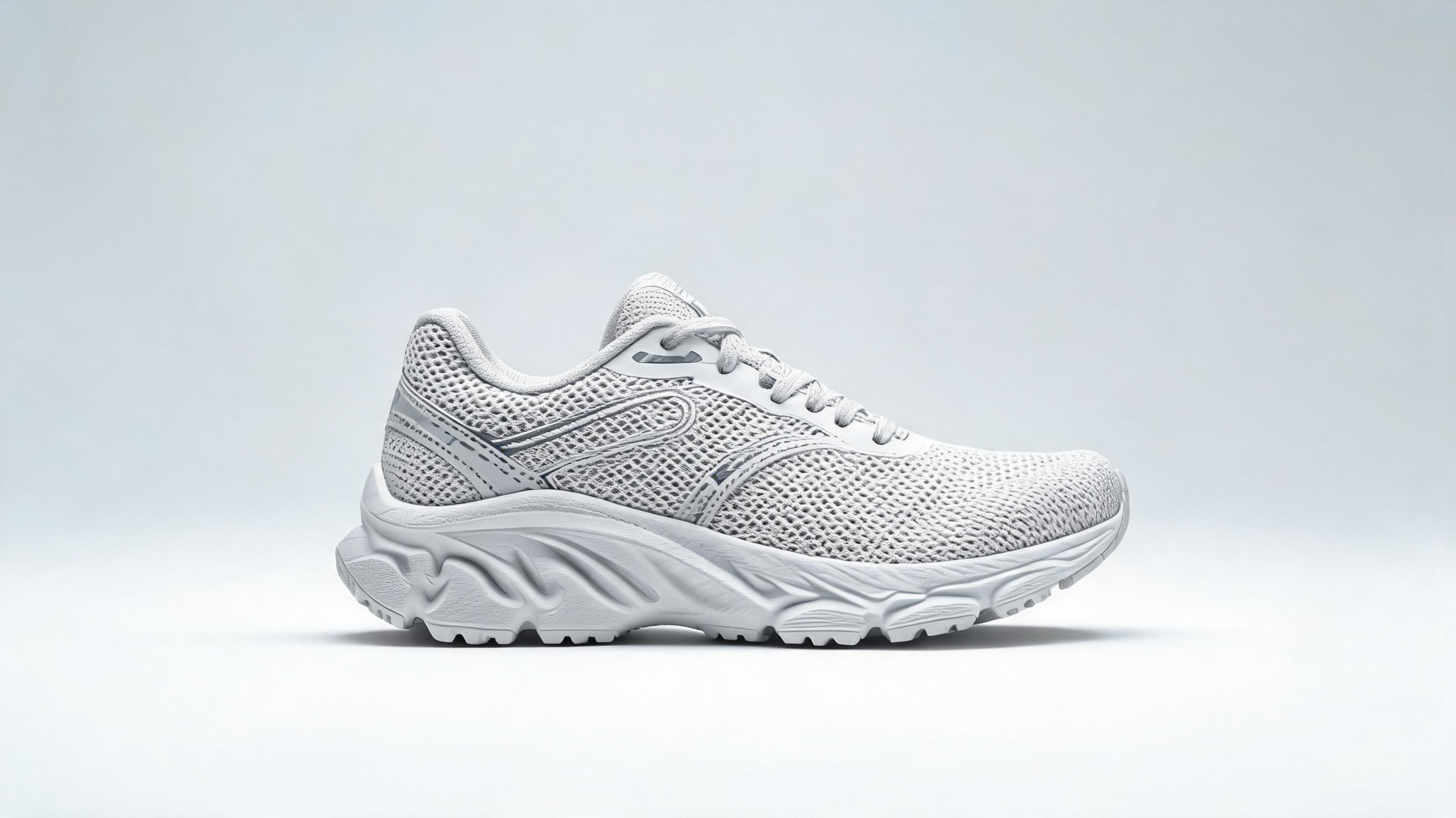
A gentle side-to-side pan loop of a performance running shoe, showing the flexible sole and breathable mesh upper, made for Instagram Reel ads.
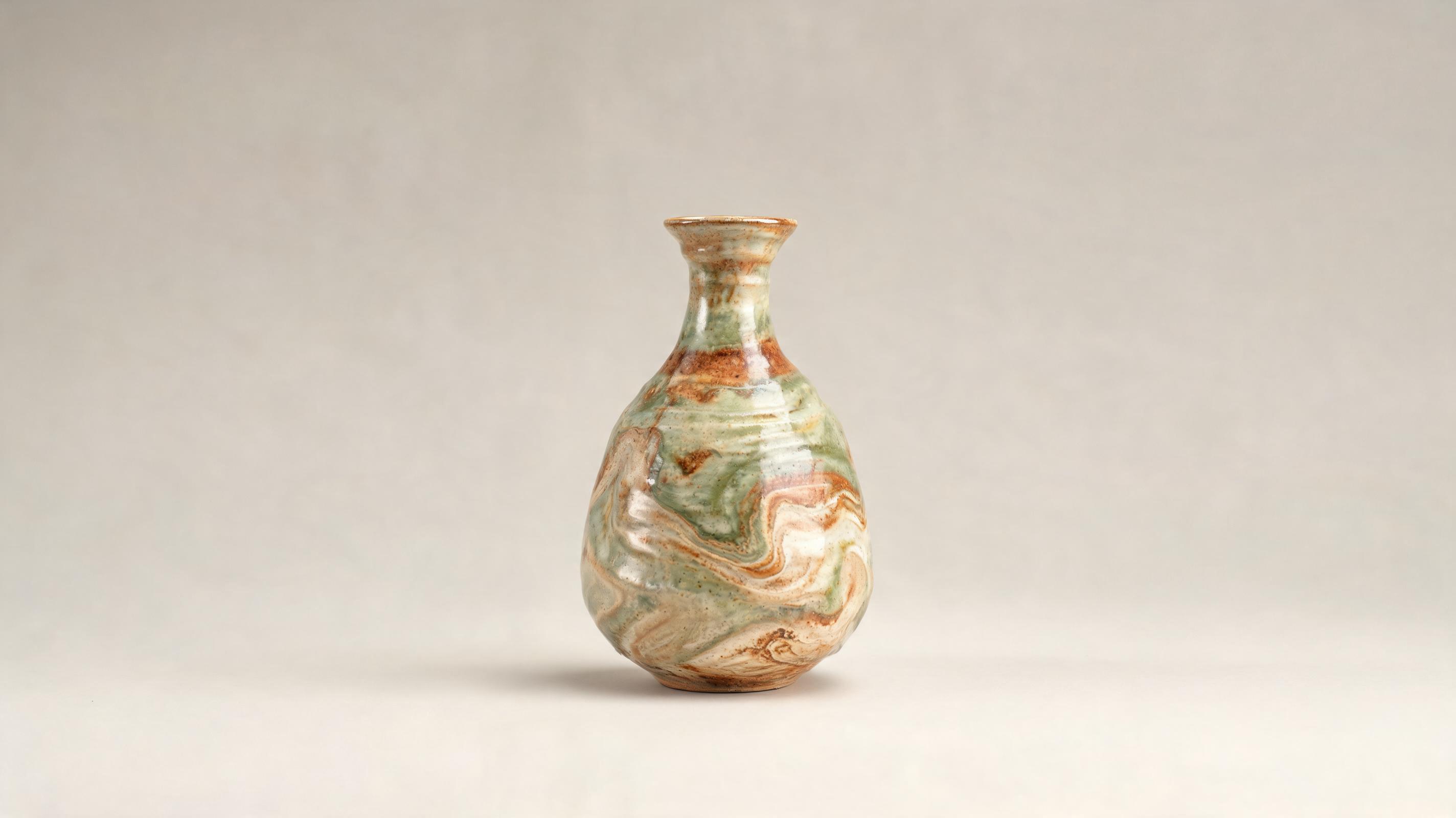
A slow zoom-in loop of a hand-thrown ceramic vase, showcasing the unique glaze texture, perfect for Etsy marketplace listings.
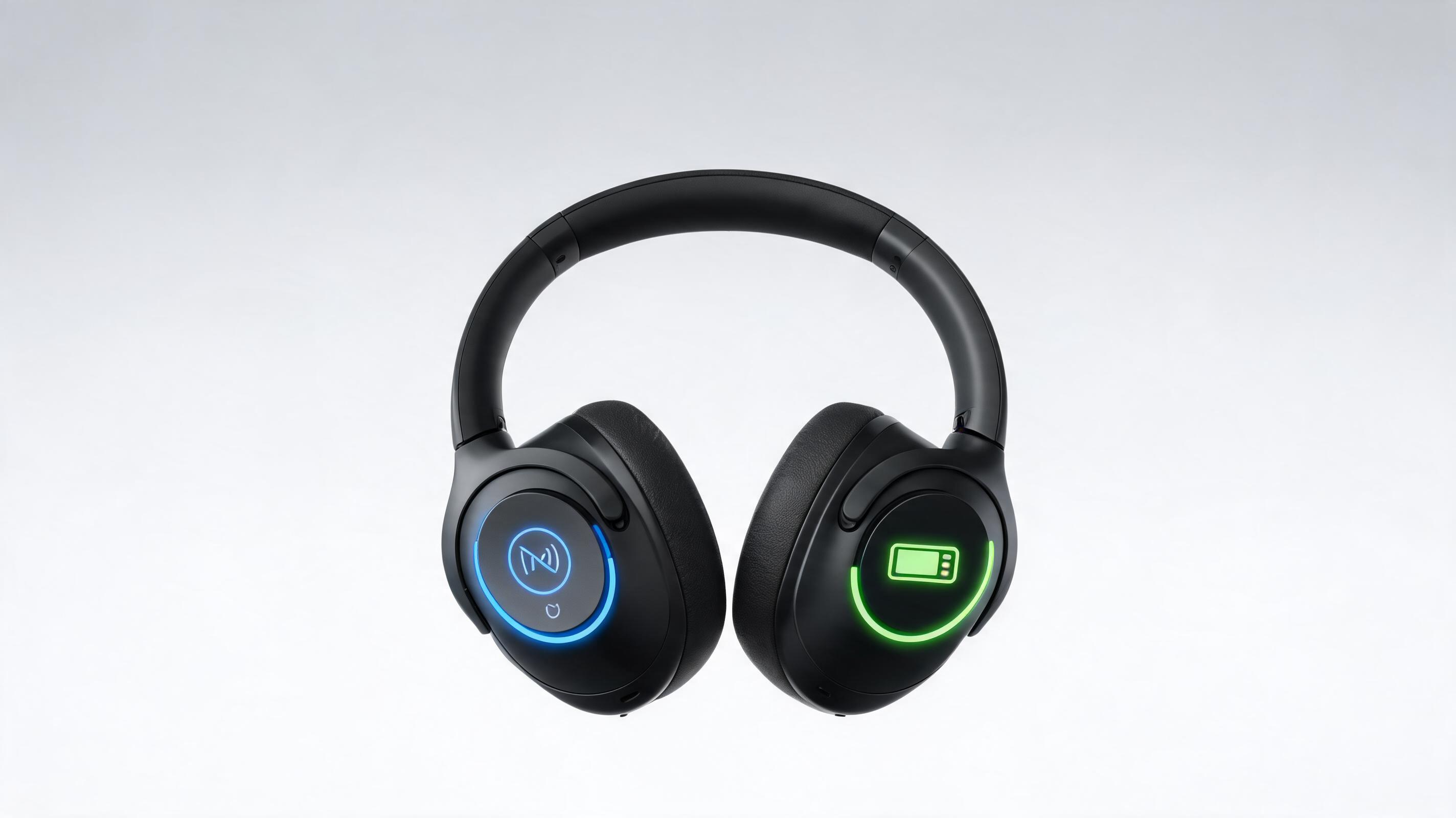
A looping animation that pans around wireless headphones, highlighting noise cancellation controls and battery life indicators, for Amazon product listings.
Discover built-in features designed to keep your product front and center while adding eye-catching motion.
All motion presets are calibrated to keep your product fully in frame and in focus, so shoppers never miss key details like material texture or product dimensions.
AI automatically adjusts start and end frames to create a smooth, unbroken loop with no jarring cuts or transitions for continuous playback.
Export your finished loop video in formats optimized for product pages, Instagram Reels, TikTok, Amazon listings, and Facebook ads.
Adjust the pace of your loop to match your product category: slow, luxurious motion for high-end goods, snappier movement for casual consumer products.
Refine your video in one click with optional background blur, color correction, and brightness adjustments to make your product pop even more.
All generated product loop videos come with full, royalty-free commercial licensing, no hidden fees or watermarks for paid plans.
See how product teams, ad creators, and sellers use loop videos to drive higher conversion and engagement.
Replace static product photos with loop videos to show product function, texture, and scale, boosting conversion rates for your top SKUs.
Create attention-grabbing loop videos for TikTok, Instagram Reels, and YouTube Shorts that stop scrollers without requiring expensive film shoots.
Stand out on Amazon, Etsy, and Shopify Marketplaces with dynamic loop videos that showcase your product better than competing static listings.
Add lightweight loop videos to product launch emails and promotional campaigns to boost click-through rates and drive more store traffic.
Use short loop videos in Google Ads and Microsoft Advertising product extensions to increase ad relevance and lower cost per click.
Generate high-res loop videos for in-store digital screens and trade show booths to showcase your product line without physical demo units.
Follow our simple workflow to turn any static product photo into a polished loop video in minutes.
Select a centered, well-lit static product photo with clear edges and no distracting background elements for optimal output quality.
Pick from pre-built motion options (slow pan, 360 spin, gentle zoom) and set your preferred loop duration between 3 and 15 seconds.
Let the AI render your seamless loop, make minor adjustments if needed, and export in high-resolution MP4, WebM, or GIF format for immediate use.
Product loop videos are one of the highest-ROI creative assets you can add to your ecommerce stack, with minimal production cost and measurable impact on conversion, engagement, and ad performance. This guide covers everything you need to know to create and deploy effective loop videos for your brand.
Adding product loop videos to your asset pipeline doesn't require overhauling your existing process. After you shoot or generate your static product photos, you can turn each into a loop video in minutes, no extra photoshoots or agency work needed. Integrate loop generation into your product launch workflow so every new SKU has a loop video ready before it goes live on your store, social channels, and marketplace listings. For existing inventory, you can batch-generate loop videos for your top 20% highest-performing SKUs first to maximize ROI quickly, then expand to the rest of your catalog over time.
Product loop videos are ideal for most physical product categories, including apparel, beauty, home goods, electronics, and accessories. They work best when you want to showcase product texture, movement, dimensions, or subtle features that static photos can't capture, like the drape of a fabric, the spin of a watch, or the flexibility of a shoe sole. You should avoid using product loop videos only for products where motion adds no value, like flat paper goods or static wall art, or for listings where platform rules restrict video content. For those use cases, static photos or 3D renders will deliver better performance without wasting production time.
The motion you select for your loop should align with your product category and brand identity. For luxury goods like watches, jewelry, or high-end skincare, use slow, smooth 360-degree spins or gentle zoom-ins to convey premium quality. For active products like athletic gear, toys, or outdoor equipment, use slightly faster panning or movement that highlights functionality. For home goods and decor, use slow side-to-side pans that show scale and how the product fits into a living space. Avoid overly fast or chaotic motion that makes it hard for shoppers to focus on your product details, as this will reduce conversion impact instead of improving it.
Once you generate your loop video, optimize it for each platform you plan to use it on. For product pages, use 6 to 10 second loops with no sound, exported in MP4 format at 1080p resolution to keep load times fast. For social media ads, use 3 to 5 second loops with optional text overlays, formatted for vertical 9:16 aspect ratio for Reels and TikTok. For marketplace listings like Amazon, follow platform-specific length and resolution guidelines, usually 15 seconds or less at 720p or 1080p resolution. Test two different motion styles for your top-performing products to see which delivers higher conversion rates, then roll out the winning style across similar SKUs in your catalog.
Browse pre-built motion templates to create the perfect loop for any product category quickly.

Generate ai product video generator free workflows from product photos, renders, or listing images for ecommerce, product launches, social ads, and campaign testing.
Open page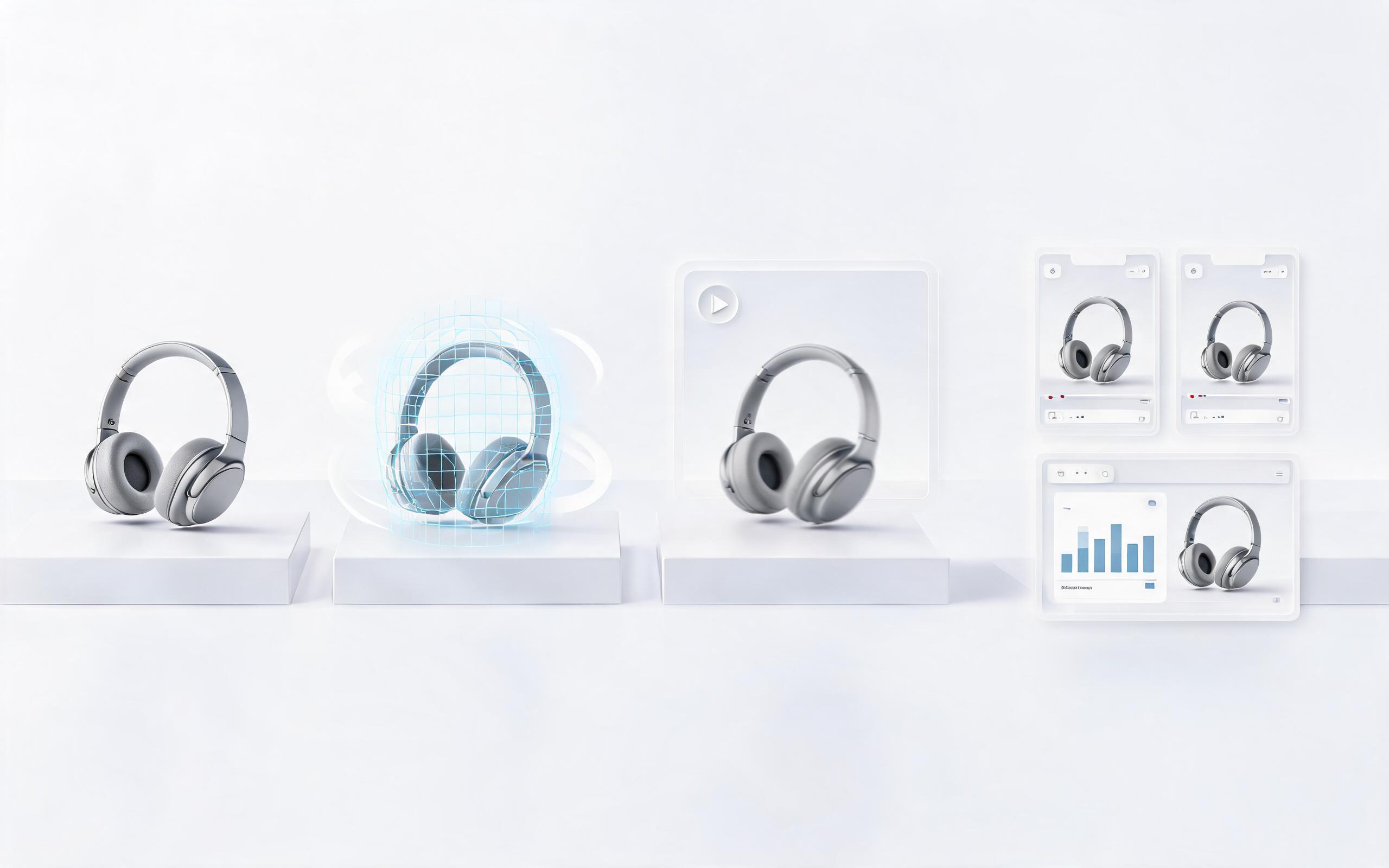
Generate product video from image workflows from product photos, renders, or listing images for ecommerce, product launches, social ads, and campaign testing.
Open page
Generate ai product video from image workflows from product photos, renders, or listing images for ecommerce, product launches, social ads, and campaign testing.
Open page
Generate product photo to video workflows from product photos, renders, or listing images for ecommerce, product launches, social ads, and campaign testing.
Open page
Generate product demo video ai workflows from product photos, renders, or listing images for ecommerce, product launches, social ads, and campaign testing.
Open page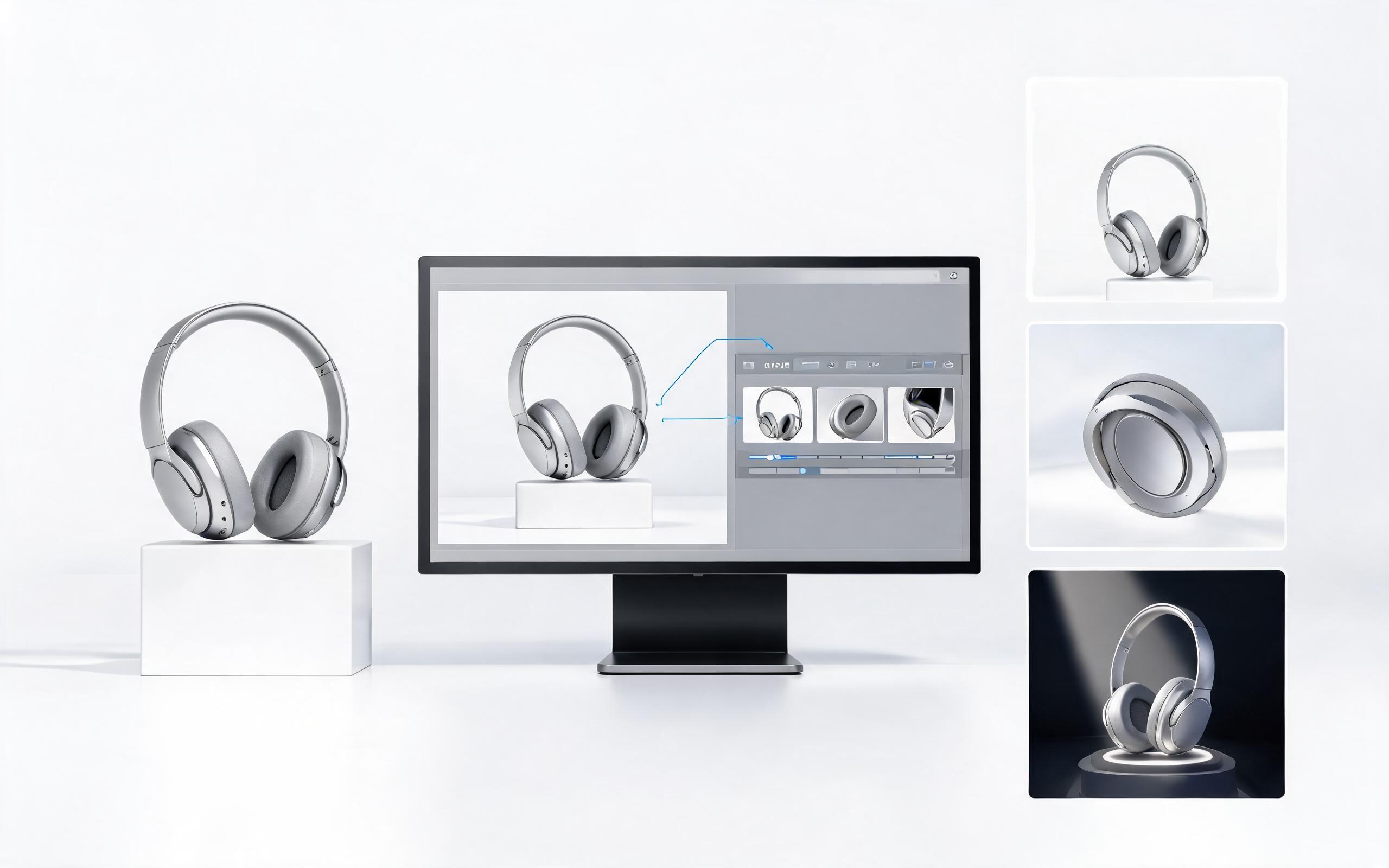
Generate product showcase video generator workflows from product photos, renders, or listing images for ecommerce, product launches, social ads, and campaign testing.
Open page
Turn your static product images into high-converting, professional loop videos in minutes with PromeAI. No editing experience required, no expensive film shoots, just polished assets ready to use across your store, ads, and social channels.
Create Product Loop Video
Technical support: tech@promeai.pro
Business collaboration: business@promeai.pro
Trusted by 3M+ Creative & Ecommerce Teams
See why thousands of product marketers and sellers rely on PromeAI for their video asset needs.
We cut our product video production time by 80% and increased product page conversion by 22% after switching to PromeAI loop videos.
Creating loop videos for our Amazon listings used to take hours of editing, now we do it in 2 minutes per product with PromeAI.
We can turn a single source image into several polished product video directions before committing budget to a full studio shoot.