


Turn a Static Image into a Motion Video
Animate a source image with purposeful camera movement, character action, environmental motion, or scene effects, then improve the clip for clearer presentation.
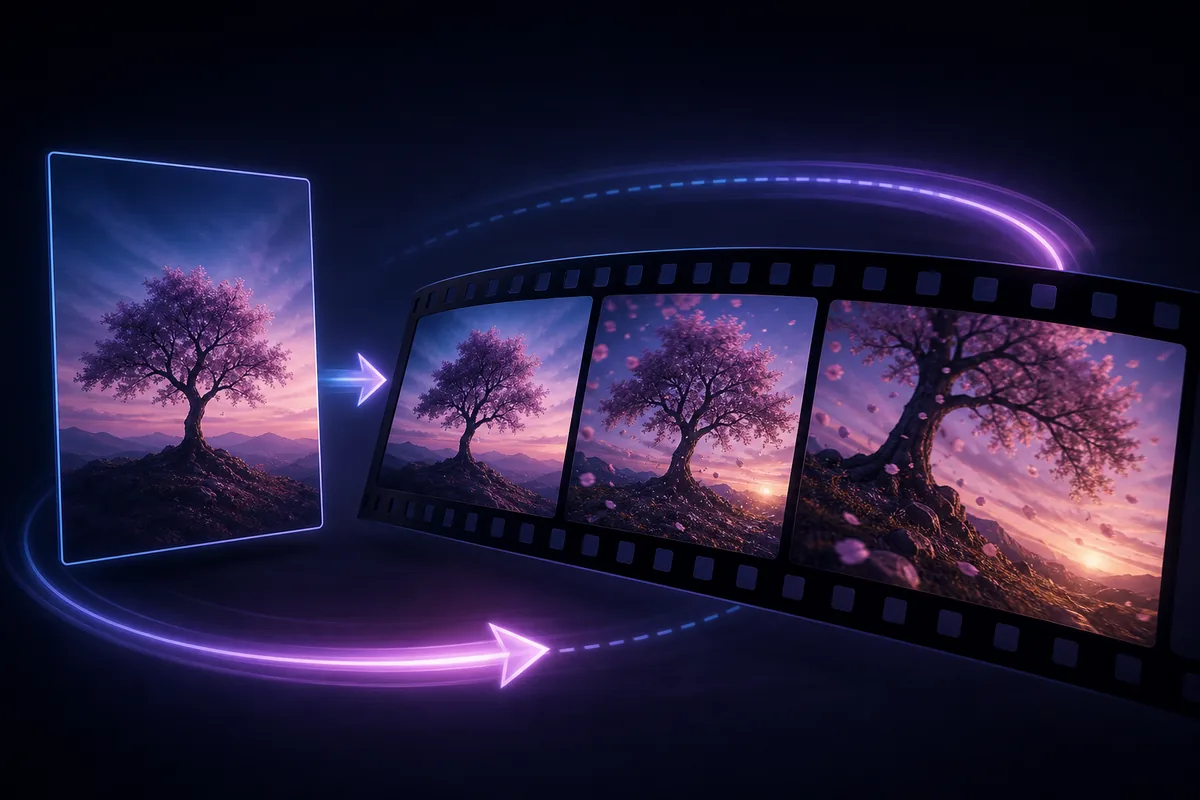
See the Workflow Run
The actual workflow — connected nodes you can run to preview each step.
Where Motion Adds More Than a Static Image
Professional capabilities powered by AI.
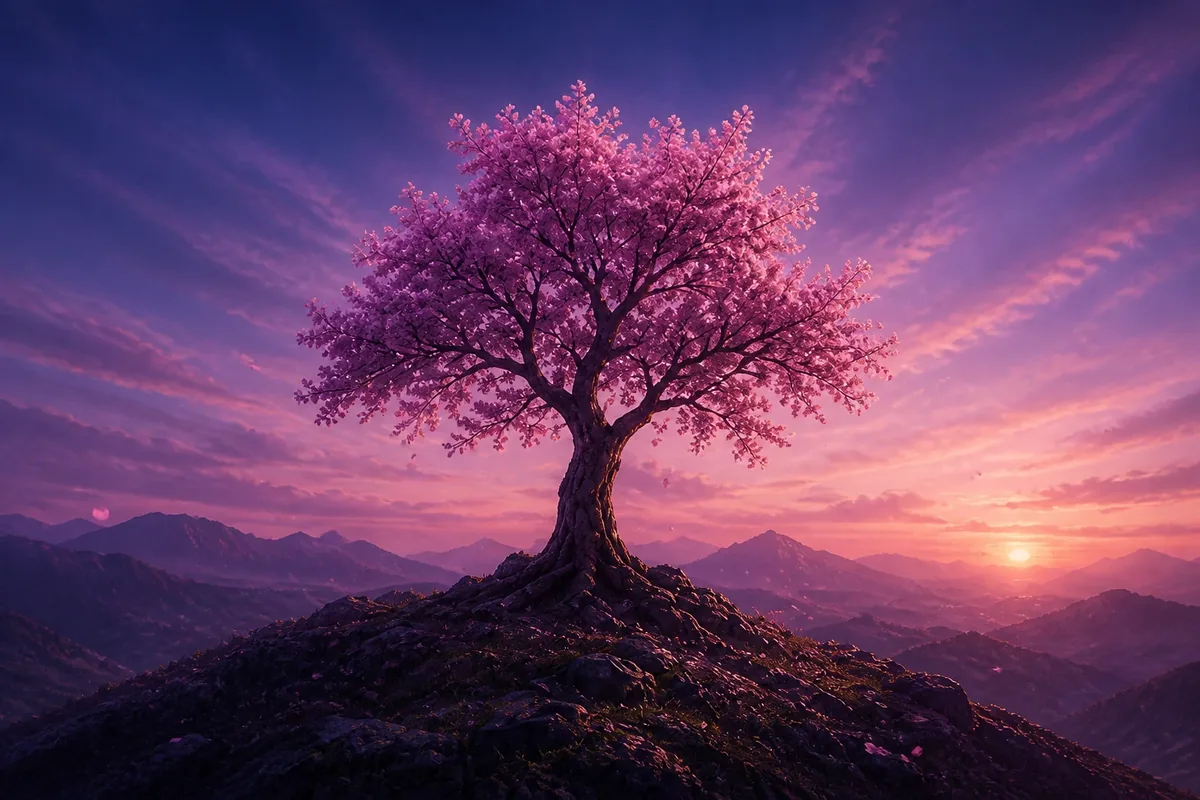
Bring an Architectural or Landscape Scene to Life
Add a camera move, atmospheric change, water, vegetation, people, or other controlled environmental motion.
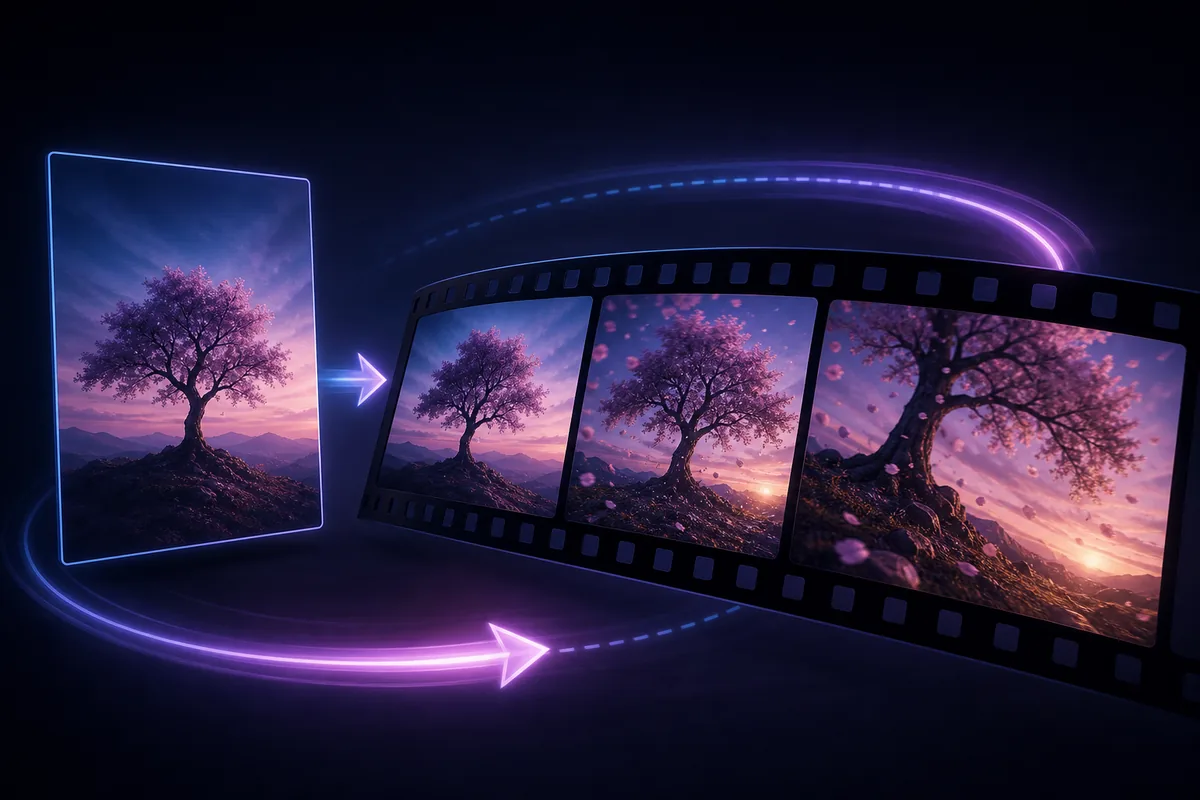
Animate a Character or Product Visual
Create a short action or presentation moment from an approved still image.
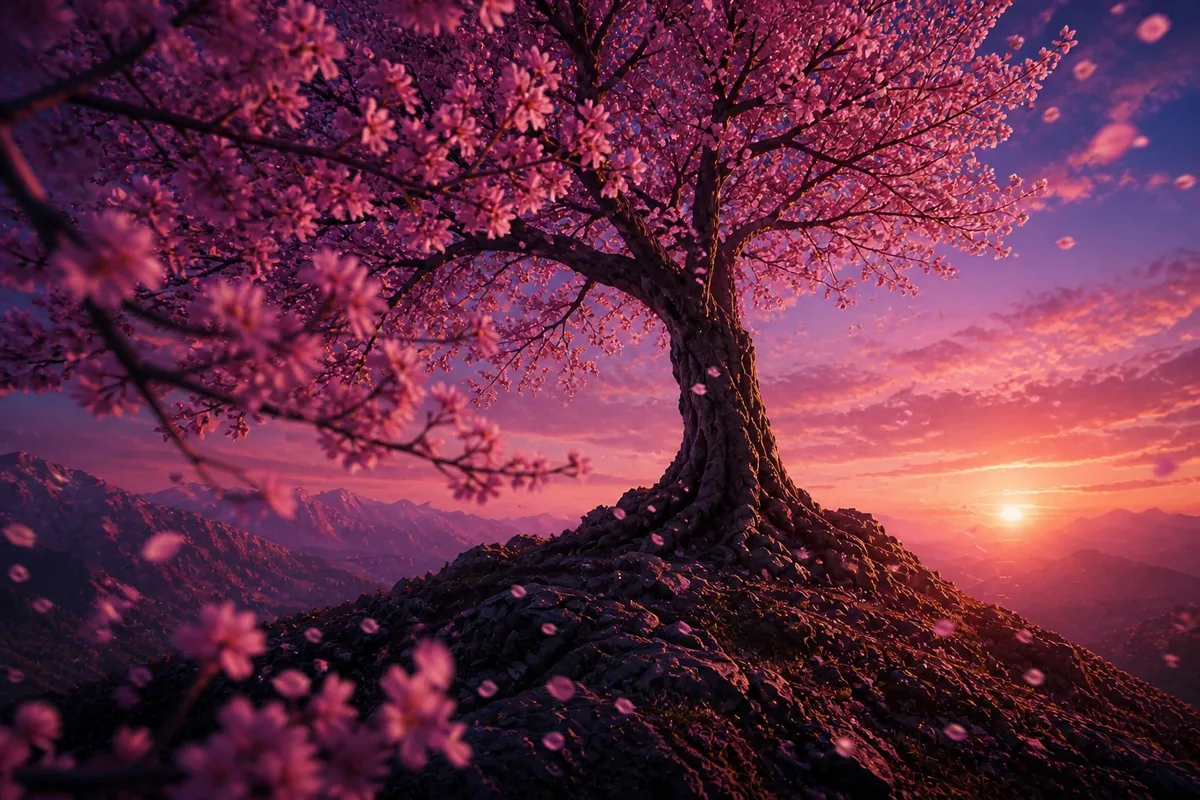
Prepare a Social or Concept Clip
Turn a key visual into a concise moving asset for storytelling, review, or promotional use.
Choose Motion the Image Can Support
A wide camera move needs believable depth and hidden scene information that may not exist in one image. Smaller movement is often more stable when the source is flat or tightly framed.
Describe one primary action clearly before adding secondary effects. Competing camera, subject, and environmental movements can make the clip difficult to read.
Inspect frames over time, not only the opening and closing images. Faces, hands, products, text, architecture, and repeated patterns can deform during motion.
Frequently Asked Questions
Turn the Still Image into a Moving Moment
Define the camera, subject, or scene motion and review the resulting clip across every frame.

Technical support: tech@promeai.pro
Business collaboration: business@promeai.pro