


Digital Art Ideas You Can Turn into a Real Project
Choose a project direction instead of another vague subject: design a character, build an environment, paint a dramatic portrait, illustrate food, or create a surreal scene. Download any image for free, or start from the visual idea you like and create your own with AI.
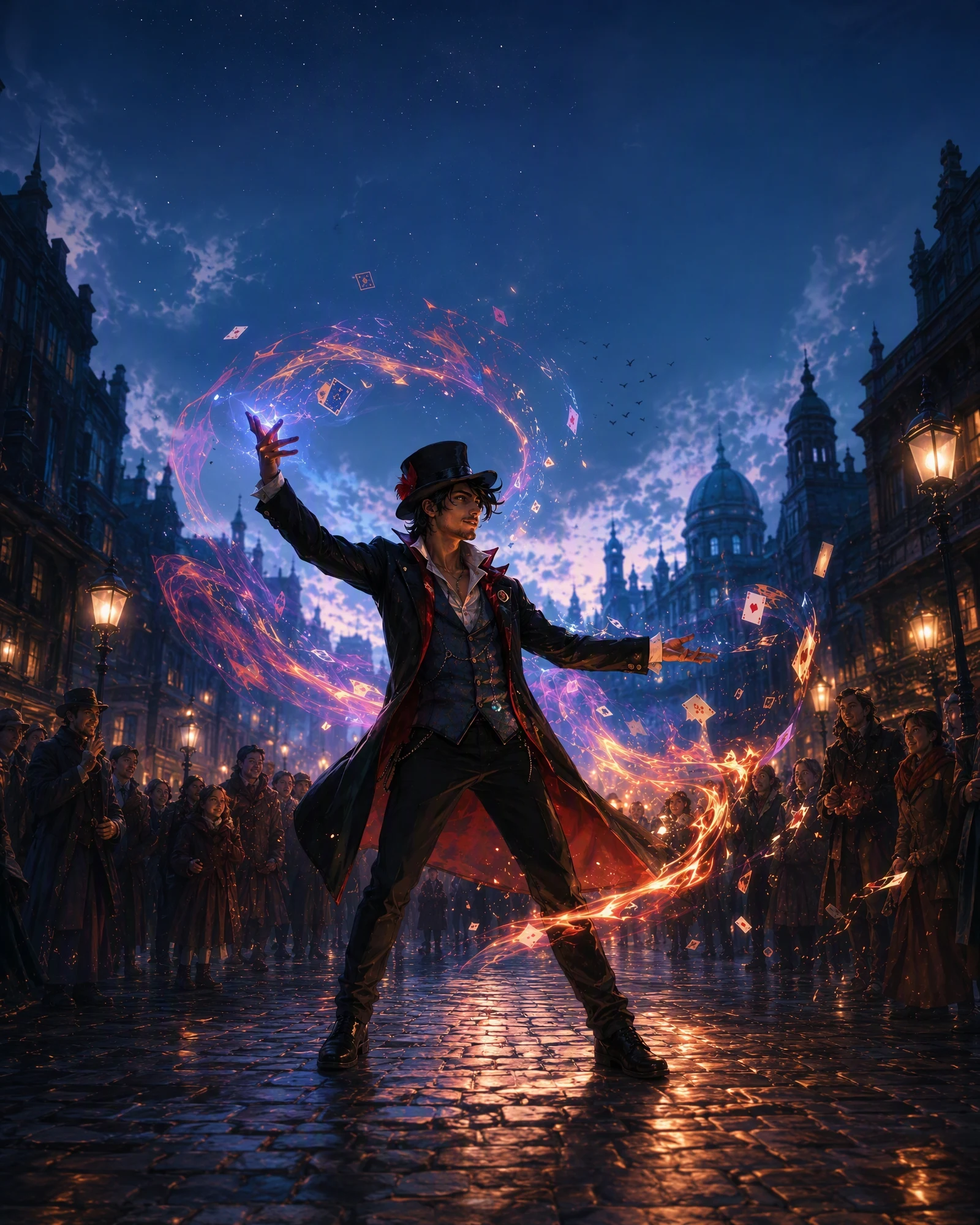
An original street magician with a clear silhouette, expressive pose, layered costume, and violet light effects, polished digital illustration
Choose a digital art project with a clear outcome
Character projects help you practice silhouette, pose, costume, and expression. Environment projects build composition, depth, lighting, and atmosphere. Portraits can focus on color and edge control, while food, object, and isometric illustrations reward shape design and readable detail.
Students and beginners often make faster progress when a project has one main goal. Decide whether you are studying a character, a place, a lighting setup, or a stylized object before adding secondary details.
Make a digital art idea easier without making it dull
Simplify the composition before simplifying the imagination. Use one character instead of a group, one focal building instead of a city, or a close portrait instead of a full scene. Large shapes and clear lighting can make a simple idea feel intentional.
For a more developed piece, add a visual conflict: warm light against a cool setting, nature inside a machine, a familiar object at an impossible scale, or two seasons occupying the same space.
Develop the reference into your own digital direction
Choose a reference for one useful decision, such as the pose, palette, camera angle, silhouette, or lighting. Replace the subject and story, then combine that decision with details from other sources or your own sketches.
You can download an image for free or use it as the starting point for a new visual with AI. PromeAI helps you test a concept and art direction; it does not replace the layer-by-layer drawing and painting controls of a dedicated art application.
Frequently Asked Questions
Move from a Broad Idea to a Stronger Direction
Turn One Digital Art Idea into Your Next Project
Start with the composition or mood that interests you, then reshape the subject until it feels worth developing.
