Base
Monthly plan
| Cashback | Spots |
|---|---|
| 50% | 1 |
| 20% | 2 |
| 10% | 9 |
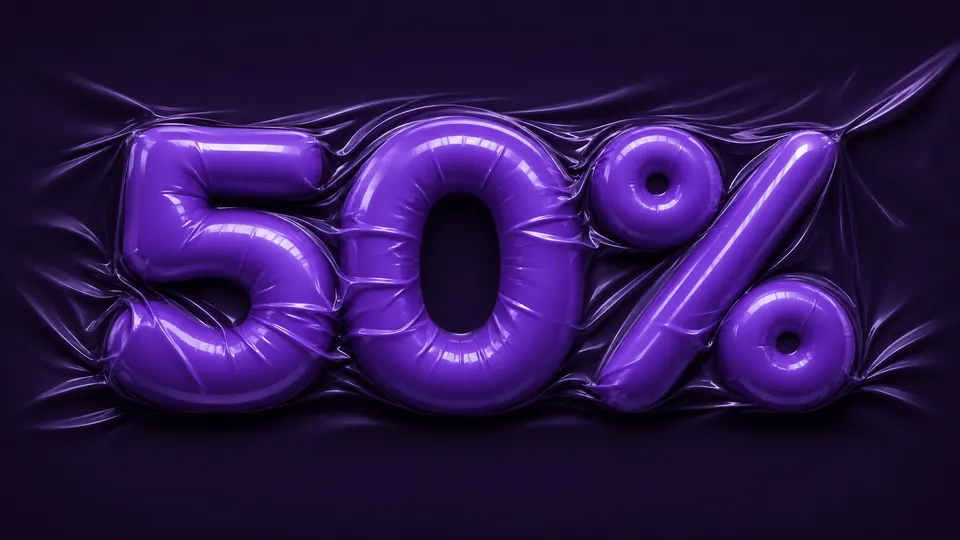
Up to 50% first-month cashbackCashback is for Base and Standard monthly plans. First month only. Canvas Challenge approval required.
Payments begin
Payments end
Included in this offer
Oct 30, 2026 · 08:00 UTC (inclusive) to Nov 27, 2026 · 00:00 UTC (exclusive).
Compare Base and Standard30 spots total. Cashback is for Base and Standard monthly plans.
Checkout uses the same subscription products and prices as regular Pricing. Review the amount and renewal terms in the payment dialog.
Monthly plan
| Cashback | Spots |
|---|---|
| 50% | 1 |
| 20% | 2 |
| 10% | 9 |
Monthly plan
| Cashback | Spots |
|---|---|
| 50% | 1 |
| 20% | 2 |
| 10% | 15 |
Review checks Canvas ownership, generation history and the submitted result. The first-month payment stands if your submission is late or isn’t approved. After approval, it goes to your original payment method. Arrival time depends on your provider or bank.
Submit within 72 hours after payment or by Dec 4, 2026 · 08:00 UTC, whichever comes first.
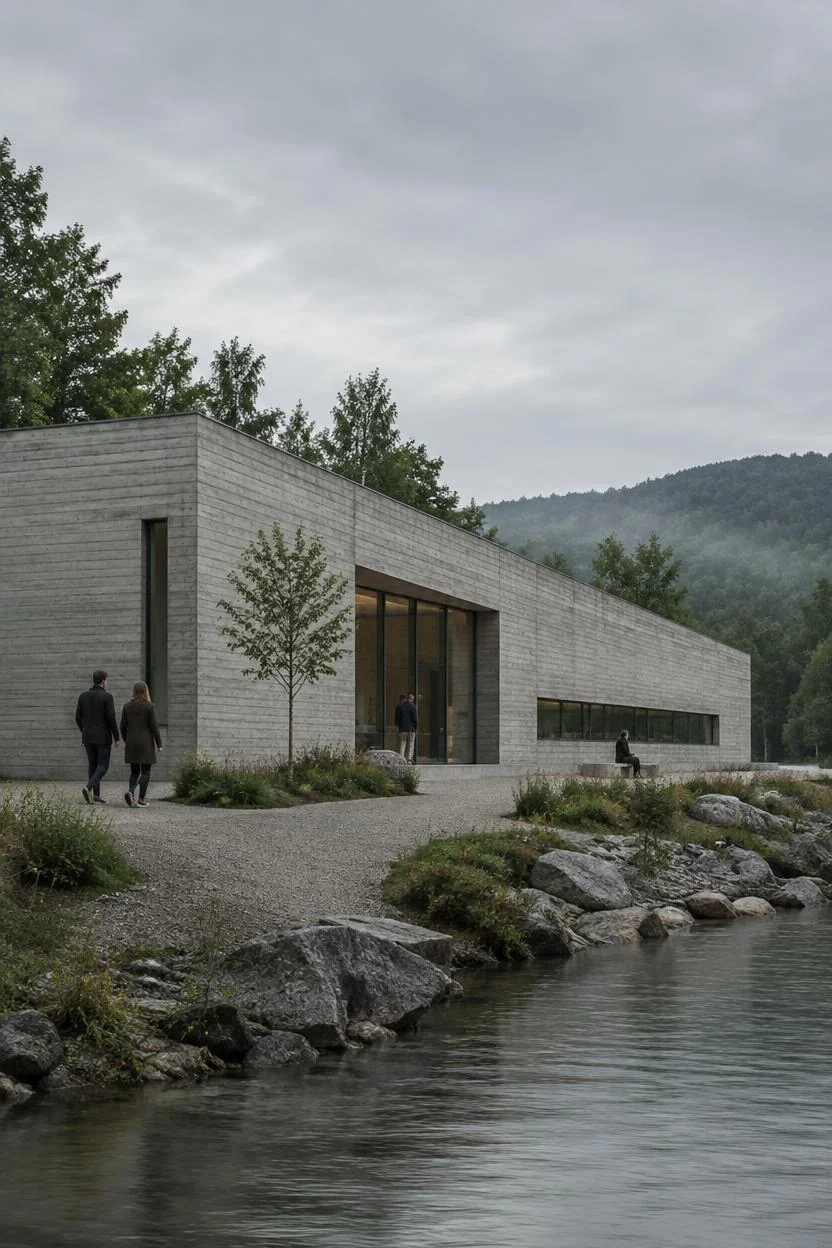
After payment, generate a result in your Canvas, then refine that result or create a variation.
Your Canvas must be reopenable for review. Existing projects are welcome and can stay private. Submit your Canvas with a one-sentence use case. You may resubmit once before your original submission deadline. Select your Canvas and update the description before resubmitting.
 Concrete direction
 Glass variation
The 2026 offer covers eligible Base and Standard monthly plans, with up to 50% first-month cashback after Canvas Challenge approval. The 50% tier is limited to 2 spots total.
At least one successful Canvas generation in the 28 days before the event. Checkout uses the same subscription products and prices as regular Pricing. Review the amount and renewal terms in the payment dialog.
Cyber Monday, November 30, is part of the same Black Friday Canvas Challenge. The same eligibility, cashback tiers and submission rules apply during the payment window shown above.
Checkout uses the same subscription products and prices as regular Pricing. Review the amount and renewal terms in the payment dialog. First month only. Canvas Challenge approval required.
At least one successful Canvas generation in the 28 days before the event. Check the full eligibility requirements and available tiers on the official challenge page before paying.
After payment, generate a result in your Canvas, then refine that result or create a variation. Submit your Canvas with a one-sentence use case. You may resubmit once before your original submission deadline. Select your Canvas and update the description before resubmitting. Submit within 72 hours after payment or by Dec 4, 2026 · 08:00 UTC, whichever comes first.
Yes. You can continue an existing project and keep your work private. You still need to complete the required generation and refinement in your own Canvas after payment.
After approval, it goes to your original payment method. Arrival time depends on your provider or bank.
Review checks Canvas ownership, generation history and the submitted result. The first-month payment stands if your submission is late or isn’t approved. You may resubmit once before your original submission deadline. Select your Canvas and update the description before resubmitting.
Technical support: tech@promeai.pro
Business collaboration: business@promeai.pro