


Free Image to Video AI
Turn any still picture into a short video clip in just a few clicks. Our free image to video AI works directly in the browser, so you never need to download software or create an account. Upload a JPG, PNG, BMP or GIF, add a brief prompt, and watch the AI generate a smooth MP4 animation in under a short clip. Perfect for creators who need quick motion drafts for social media, presentations, or brainstorming sessions.
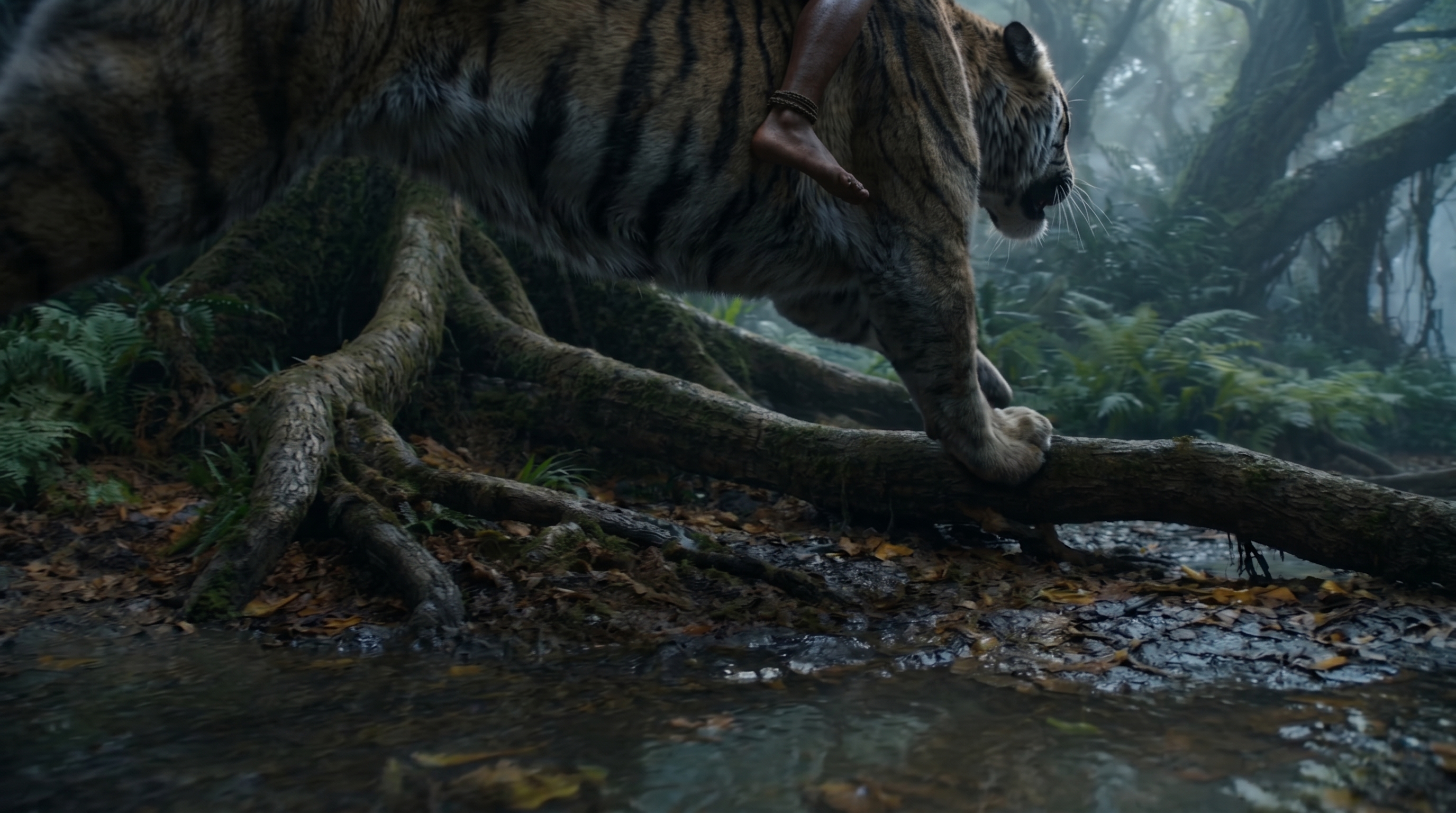
Edit the prompt above and tap Generate to create a video from this image.
How the Free Image-to-Video AI Works
PromeAI’s free image-to-video AI accepts the most common picture types-JPG, PNG, BMP, and GIF-so you can work with photos, graphics, or simple animations without conversion hassles. Each file may be up to 10 MB in size and supports resolutions as high as 4K, giving you plenty of detail for crisp motion drafts. If your image exceeds these limits, the tool will suggest a quick resize so the upload proceeds instantly, keeping the experience frictionless and ready for immediate generation.
With PromeAI you can turn a still image into a short video in three easy steps. First, drag and drop your file or click to browse and upload a JPG, PNG, BMP or GIF. Next, type a brief prompt such as "slow zoom" or select one of the preset motion styles to tell the AI how the scene should move. Finally, press generate, wait a few seconds, and download the MP4 clip ready for social media. The entire process works in the browser, so no account or installation is required.
With PromeAI’s free image-to-video AI you control motion through simple prompt syntax. Type cues such as “slow zoom”, “fade in” or “pan left” and the model translates them into smooth camera moves. Each clip defaults to short clips and is exported as an MP4 file at a more limited export option, ready for Instagram or TikTok. If you need a faster pace, a slower tempo, or on-screen subtitles, sliders let you adjust speed or add caption tracks before download, all without leaving the browser.
Free Image-to-Video AI vs. Desktop Software
Free Plan
Free Online AI platforms let you animate photos directly from any modern browser. After a simple drag-and-drop upload, you add a brief prompt and the engine generates a video clip quickly. No installation, no license fees, and no account creation are required, making it ideal for quick social-media drafts, brainstorming sessions, or testing motion concepts on the fly. The service runs on cloud GPUs, so performance is consistent across devices, and the core features remain completely free.
- Criteria: Free Online AI
- Setup time: Under a minute – just open a web page and start uploading.
- Learning curve: Very low – intuitive drag‑and‑drop with guided prompts.
- Export quality options: Standard MP4 output at 1080p, limited length (5‑15 seconds).
- Price (including hidden costs): Fully free with unlimited daily uploads; no hidden fees or watermarks.
Paid Plan
Desktop Video Editors provide a comprehensive suite of tools for precise timeline editing, multi-track compositing, and advanced color grading. After installing the software, users invest time learning a rich interface that supports custom effects, keyframe animation, and high-resolution exports. While the upfront cost can be significant, these programs unlock granular control over the output, allowing usable productions, extensive plugin ecosystems, and offline rendering without internet dependency. They are best suited for detailed post-production work and large-scale projects.
- Criteria: Desktop Video Editors
- Setup time: Several minutes to hours – download, install, and configure the software.
- Learning curve: Moderate to high – requires learning menus, timelines, and advanced features.
- Export quality options: Multiple codecs, resolutions up to 4K, customizable bitrate and frame rates.
- Price (including hidden costs): One‑time purchase or subscription; additional costs for plugins, render farms, or upgrades.
Why Choose Free Image-to-Video AI Online?
With PromeAI’s free image-to-video AI you skip the lengthy download and setup that traditional video editors require. The browser-based workflow delivers an animated clip in under a short clip, letting you move from static photo to motion draft in a single click. Because it runs in any modern browser, you can start creating from a laptop, tablet, or smartphone without worrying about hardware compatibility. Competitor pages repeatedly highlight the “instant” result, and the no-install approach eliminates every setup delay, so you stay focused on creativity.
Because the tool is completely free, creators can experiment without worrying about budgets. The search trend for “free” and “no sign up” shows users expect zero-cost access, and PromeAI delivers that promise. Unlike many free generators that lock advanced options behind a paywall, our free tier lets you upload as many images as you need each day, with fewer surprise limits or credit-card requirement. This open approach lets you test concepts, iterate quickly, and decide if a paid plan is worth it later.
Our diffusion-based video model turns static pictures into smooth motion that fits the exact dimensions and frame rates of Instagram reels or TikTok clips. The generated videos retain vibrant colors and natural motion, matching the platform specifications of a more limited export option resolution and up to more limited motion settings. Real-world examples from creators show that the output looks professional without any post-processing. Because the engine "breathe life into your images," you can trust the quality to meet social-media standards while staying completely free.
Frequently Asked Questions
Free Image to Video AI
PromeAI offers the fastest, no-sign-up way to turn images into video, delivering desktop-grade motion drafts for free while addressing quality and usage concerns.
References

Technical support: tech@promeai.pro
Business collaboration: business@promeai.pro