
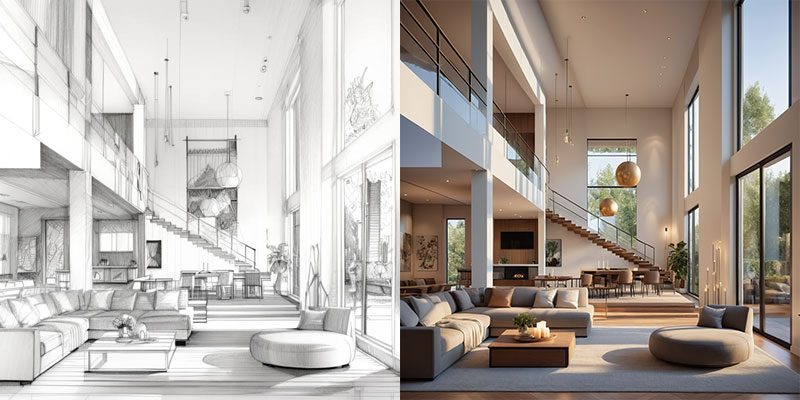

Free Image to Video AI Generator
Turn any still photo into a lively 10-second clip with PromeAI’s free image-to-video AI generator, no credit card required. Simply upload your image, add a brief prompt or choose a preset style, and watch the AI add motion, depth, and subtle camera moves. The free tier provides 720p (1280x720) video exports, with your first clip being watermark-free and daily renders limited to ensure quick service for everyone. Perfect for Instagram stories, personalized gifts, or quick concept tests, you get professional-looking motion without installing any software.
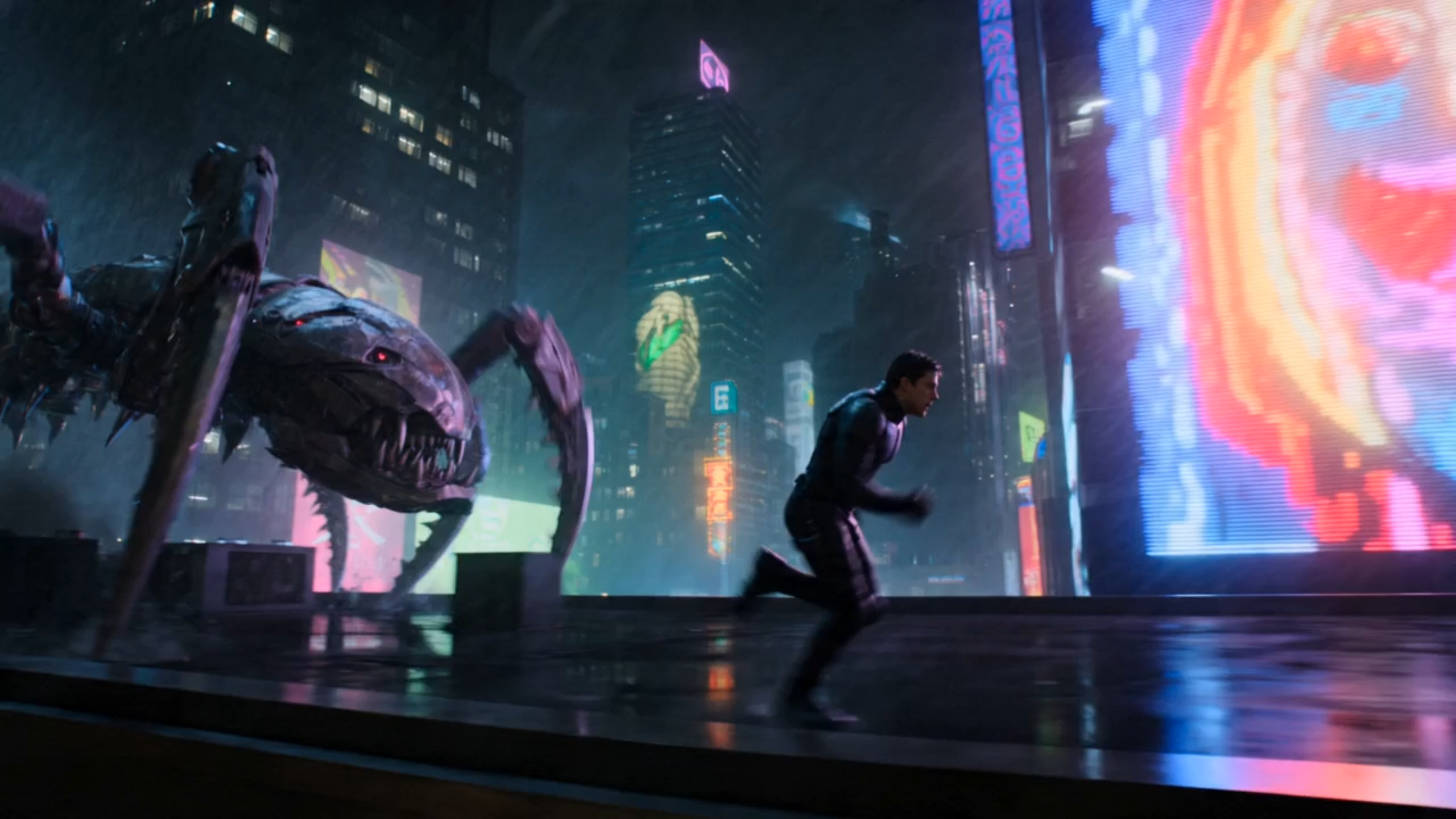
Edit the prompt above and tap Generate to create a video from this image.
How the Free Image to Video AI Generator Works
The engine behind PromeAI’s free image-to-video tool is a neural network trained on millions of video frames. By learning how objects move and how cameras pan, the model infers motion vectors from a single still picture. When you upload a photo, the generator synthesizes subtle camera moves, gentle object shifts, and background flow, creating the illusion of depth and motion. This instant photo animation approach aligns with capabilities seen in other services, which lines up with public examples from Canva, Renderforest, and Veed.io.
Getting started with PromeAI is a simple three-step routine. First, drag-and-drop your image or click to select a photo from your device. Next, type a short prompt describing the desired motion or pick one of the preset styles for instant results. Finally, press generate; the AI creates a ten-second clip which you can download instantly. The entire process is swift, allowing you to test ideas without any software installation.
With PromeAI’s free tier, you receive a video clip of up to ten seconds at 720p resolution (1280x720), and your first render comes without a watermark. To keep the service sustainable, the free plan limits daily renders and caps prompt length to a concise description. If you need longer runs, higher resolution, or unlimited daily renders, an upgrade to a paid plan unlocks up to 60-second clips, 1080p Full-HD output, and priority processing. This allows you to test ideas instantly while knowing exactly what the free version delivers.
Free vs. Paid Image-to-Video Options
Free Plan
The free tier of PromeAI lets you turn any photo into a short animated clip quickly. You receive up to a 10-second video at 720p resolution (1280x720), and the first export is completely watermark-free. Daily usage is capped at five renders, which is ample for testing ideas, creating Instagram stories, or sending a personalized greeting. No credit card or sign-up is required, so you can start animating instantly without any commitment.
- Criteria: Free Tier (PromeAI)
- Maximum video length (seconds): 10 seconds
- Resolution (HD/Full‑HD): 720p (HD)
- Watermark presence: No watermark on first clip, watermark on additional renders
- Number of renders per day: 5 free renders
Paid Plan
The paid Premium plan removes all limits and raises the production quality. Videos can run for up to 60 seconds, rendered in 1080p Full-HD with optional 4K upgrades. Watermarks are eliminated on every export, and you gain up to 100 renders per day, plus priority processing on busy servers. This tier is ideal for marketers, creators, and businesses that need consistent, high-resolution motion for ads, product demos, or large-scale campaigns.
- Criteria: Paid Tier (Premium Plans)
- Maximum video length (seconds): 60 seconds or unlimited with upgrade
- Resolution (HD/Full‑HD): 1080p Full‑HD, optional 4K
- Watermark presence: No watermark on any export
- Number of renders per day: Up to 100 renders, unlimited with higher plan
Why Choose PromeAI for Free Image to Video
With PromeAI’s free image-to-video AI generator you skip the tedious key-framing, masking, and rendering steps that can take hours in traditional software. After you drop a photo into the tool, the AI creates a smooth animated clip quickly, delivering a ready-to-share video without any post-production tweaks. You don’t need to learn After Effects, Premiere, or any other editing suite - the entire workflow is handled automatically, letting you focus on ideas instead of technical details.
Even though it’s free, PromeAI’s image-to-video AI delivers a level of polish useful for lightweight projects. The model adds realistic motion blur and subtle lighting shifts, turning a static shot into a fluid clip with smooth transitions and depth. Videos are rendered at 720p resolution (1280x720), which is suitable for many social media platforms. Users consistently report that the output feels dynamic and ready for social sharing, often eliminating the need for extra editing for casual posts.
Whether you need a punchy story clip for Instagram, TikTok, or Facebook, a heartfelt animated greeting for a family photo, or a fast concept reel to pitch a product idea, PromeAI’s free image-to-video AI generator fits the bill. The tool lets creators turn static visuals into motion with just a few clicks, so social media creators can easily test ideas, friends can share personalized video cards, and designers can prototype ideas without expensive software. Its flexibility means you can reuse the same workflow for marketing, personal, or brainstorming projects, keeping your content pipeline agile and cost-free.
Frequently Asked Questions
Free Image to Video AI Generator
PromeAI offers the quickest, no-sign-up way to turn photos into motion clips, delivering usable results for free while keeping the workflow simple and fast.
References

Technical support: tech@promeai.pro
Business collaboration: business@promeai.pro