


Image to Video AI Free Online
Turn any static picture into a short video instantly, right from your browser with PromeAI’s free image-to-video AI. No download, no installation, and transparent limits let you start creating motion clips in three simple steps. Upload a JPG, PNG or WEBP, describe the desired motion, or pick a style preset, and watch the AI render your vision in a 10-second video. The free tier delivers 720p HD MP4 output with a small watermark, perfect for Instagram Reels, TikTok, and YouTube Shorts.
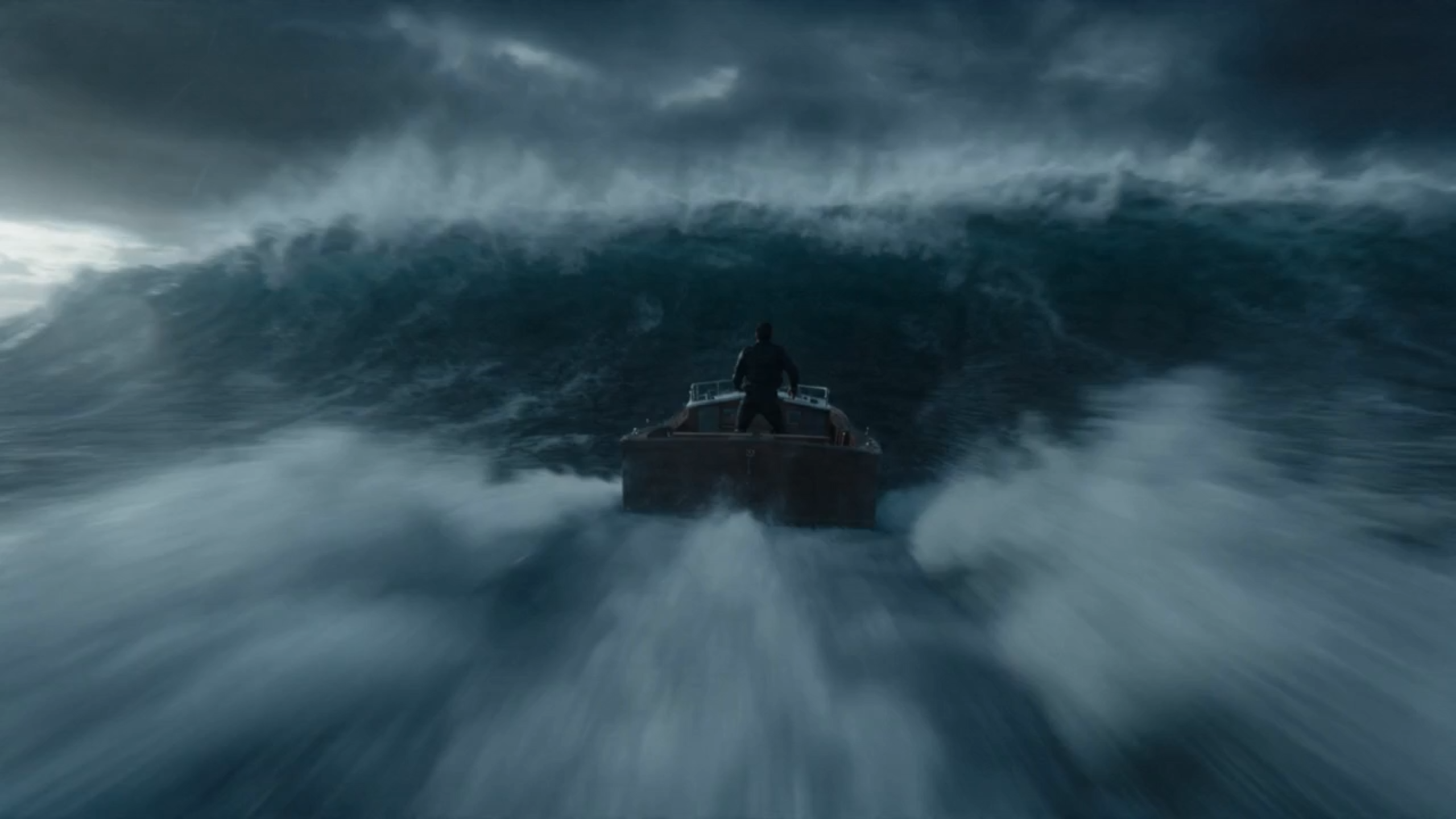
Edit the prompt above and tap Generate to create a video from this image.
How PromeAI Turns Images into Motion
Start by dragging your picture onto the PromeAI workspace or clicking the upload button. The tool accepts the most common web formats - JPG, PNG and WEBP - up to 10 MB each. After the file loads, an in-browser cropping tool appears, letting you trim edges and select the exact aspect ratio you need for TikTok, Instagram Reels or YouTube Shorts. All adjustments happen instantly in the browser, so you never leave the page and no extra software is required. This streamlined start ensures your image is ready for motion generation.
After uploading your image, you tell PromeAI what kind of movement you need by typing a short, plain-English prompt such as "slow pan left to right" or by selecting a style preset. The tool offers ready-made motion styles-including pan, zoom, 3-D tilt and others-so you can achieve the desired effect without learning complex syntax. A live preview shows the animation in real time, allowing you to tweak the description or switch presets until the motion matches your vision before the final render begins.
When you click Generate, PromeAI’s cloud-based inference engine renders your animation in real time. A typical 10-second video finishes in approximately 30-60 seconds, delivering smooth motion at 720p HD resolution for free users. Once rendering is complete, you can download the clip in MP4 or WebM format. Free outputs include a small PromeAI watermark, which can be removed by upgrading to a paid plan. The download link appears instantly, allowing you to embed the video in social posts, presentations, or websites without any additional steps.
Free Online vs Desktop or App-Based Tools
Free Plan
PromeAI’s free online image-to-video AI runs entirely in your web browser, so there’s no software to download or install. After uploading a JPG, PNG, or WEBP file (up to 10 MB), you select a motion style or type a short prompt, then watch the AI animate the scene in a 10-second video. The generated clip is exported as an MP4 at 720p HD resolution. The free tier includes five renders per day, and outputs have a small PromeAI watermark. All processing happens locally in the browser, keeping your assets private while delivering rapid, ready-to-share videos.
- Criteria: Free Online (PromeAI)
- Price: Free with optional paid upgrades
- Installation: Runs in browser, no download needed
- Customization depth: Preset motion styles and text prompts; limited key‑frame control
- Export resolution: 720p HD (free tier)
Paid Plan
Desktop or mobile video apps such as Adobe Premiere, DaVinci Resolve, or dedicated AI plugins require you to install the software on a computer or device, but they give you full control over the output. After importing an image, you can apply key-frame animation, 3-D camera moves, and layer effects, then render the final video at resolutions up to 4K or higher. These tools often operate on a subscription or one-time license model and may need powerful hardware to process AI-generated motion, making them suited for professional projects where precision and maximum quality are paramount.
- Criteria: App‑Based Solutions
- Price: Subscription or one‑time license fee
- Installation: Requires download and local installation
- Customization depth: Full timeline editing, key‑frame animation, advanced effects
- Export resolution: Up to 4K UHD or higher depending on software
Why Choose a Free Online AI Video Generator
With PromeAI you stay entirely in your web browser - no downloads, installers, or extra plugins are required. The tool works smoothly in Chrome, Edge and Firefox, so you can start creating from any modern desktop or laptop. All processing happens locally in the browser’s sandbox, which protects your data and eliminates the need for server-side storage during generation. Because there’s nothing to install, you avoid version-conflict headaches and can jump straight into the three-step workflow without any technical setup.
With PromeAI, the rendering engine finishes a 10-second clip in approximately 30-60 seconds, so creators can post fresh content while trends are hot. The free tier outputs at 720p HD (1280x720 pixels), which matches the native resolution of Instagram Reels, TikTok, and YouTube Shorts, eliminating the need for upscaling. Because each video is generated quickly, users can experiment with multiple motion styles, adjust prompts, and re-render without waiting hours. This rapid iteration keeps production cycles lean and maximizes engagement on fast-moving platforms.
PromeAI’s free tier lets you generate up to five videos each day, so you can experiment without worrying about hidden limits. All free clips are exported with a discreet PromeAI watermark, which clearly marks the content as created with the free service. If you need higher-resolution output (e.g., 1080p HD or 4K), longer runtimes, or watermark-free files, a paid upgrade is available at a transparent monthly rate. The upgrade also unlocks higher-resolution exports and priority rendering, while the basic plan remains completely cost-free and requires no credit card.
Frequently Asked Questions
Image to Video AI Free Online
PromeAI offers the fastest, completely free browser-based solution to turn a static image into a short video, removing the need for downloads or hidden fees. It delivers ready-to-share 720p HD clips quickly, ideal for social-media creators.
References

Technical support: tech@promeai.pro
Business collaboration: business@promeai.pro