


Image to Video Free
PromeAI instantly transforms any still image into a dynamic video clip, completely free and without requiring registration. Simply upload your JPG, PNG, or WEBP file, then choose a motion style or enter a brief text prompt. The AI generates a watermark-free MP4 clip that is ready for download and sharing, while the exact duration and export settings depend on current editor configuration. If you need longer outputs or more advanced motion controls, you can review the current paid options inside the product.
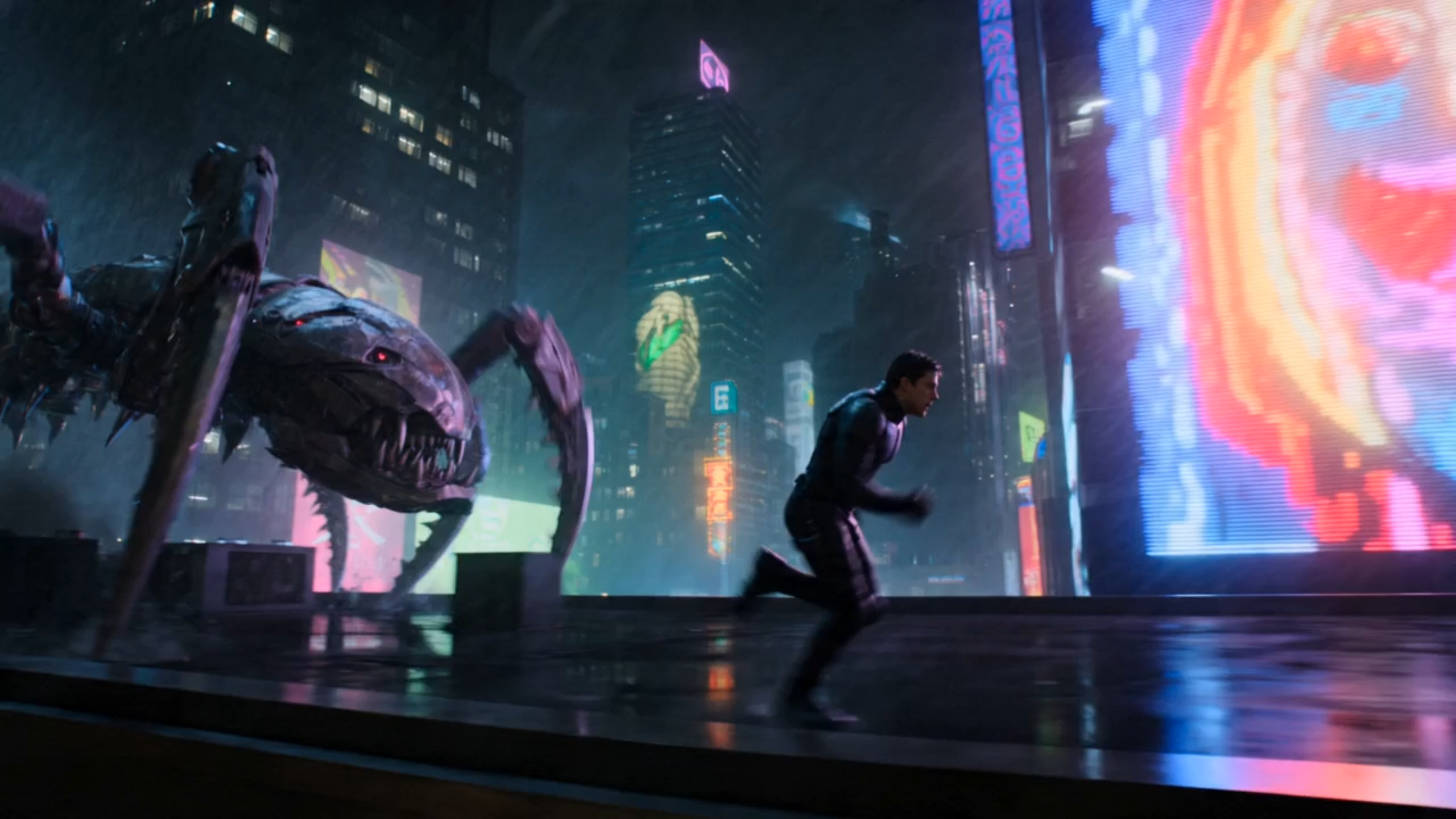
Edit the prompt above and tap Generate to create a video from this image.
How the Free Image-to-Video Workflow Works
First, drag a JPG, PNG, or WEBP file into the PromeAI uploader. The interface allows you to crop the image to common aspect ratios like 16:9 or 1:1. No sign-up is required; you can begin generating instantly. After your image uploads, choose a motion style—cinematic, kinetic, or subtle—or type a brief text prompt to guide the AI’s movement.
Next, when you hit Generate, the AI creates a short draft clip. The exact duration and export settings depend on the current editor configuration. PromeAI does not add a watermark to the free export, so your clip is ready for immediate sharing. This balance of accessibility and clean output allows you to produce quick drafts without hidden restrictions.
Finally, after the AI finishes processing, your clip is ready for instant download as an MP4 file. The free export delivers an HD video that uploads quickly to platforms like Instagram, TikTok, or YouTube. Because PromeAI provides a watermark-free export and requires no login, the file can be used freely for presentations or marketing mock-ups.
Free vs Pro - What Changes When You Upgrade
Free Plan
The Free Plan allows you to upload common image files and select from basic motion styles. The AI generates a short draft video with no watermark. No sign-up is required, making it ideal for experiments and quick tests without commitment.
- Clip length: Short draft clips
- Export resolution: Standard HD
- Watermark: No watermark on export
- Motion styles: Basic style library
Paid Plan
The Pro Plan expands your creative workflow with longer outputs, a larger library of premium motion styles, and fine-tuned prompts. Higher export settings and faster processing make it better suited for repeated production work and commercial projects.
- Clip length: Longer sequences supported
- Export resolution: Higher resolution options
- Watermark: No watermark on export
- Motion styles: Full premium style library
Why Choose PromeAI’s Free Image-to-Video Tool
Process typically takes less than a minute. The AI runs in the cloud, so there is no need to install software. Beginners can start a project with few clicks and see results instantly.
Shape motion by typing text or picking a preset. Simple commands like 'slow zoom' guide the AI. While the free tier has limits, it provides ample control to animate photos easily.
No costs and no credit card required. Watermark-free outputs can be shared immediately. For advanced needs, pro options are available inside the editor.
Frequently Asked Questions
Image to Video Free
PromeAI offers a truly free way to animate photos without watermarks or registration.
References

Technical support: tech@promeai.pro
Business collaboration: business@promeai.pro