
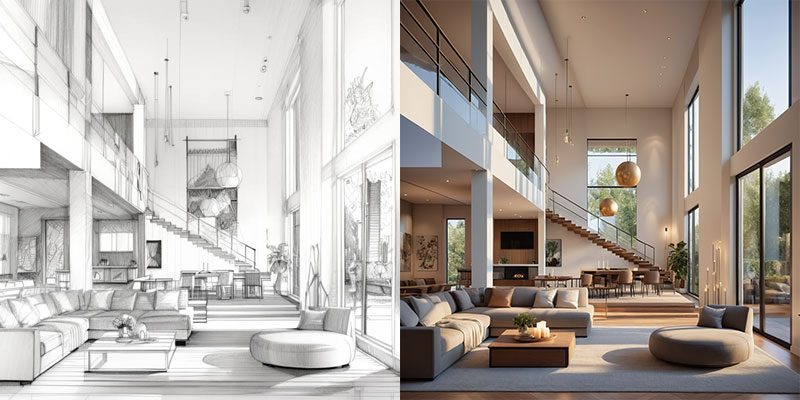

Image to Video Generator Free
Turn any still image into a short, share-ready video instantly with PromeAI’s free image-to-video generator, no sign-up required. The AI motion engine analyzes your photo, then creates a lightweight motion draft guided by your text prompt. Supported formats include JPG, PNG, and WEBP, with adjustable aspect ratios and export settings before downloading a watermark-free MP4. It works especially well for rapid prototypes, social media drafts, and product mock-ups.
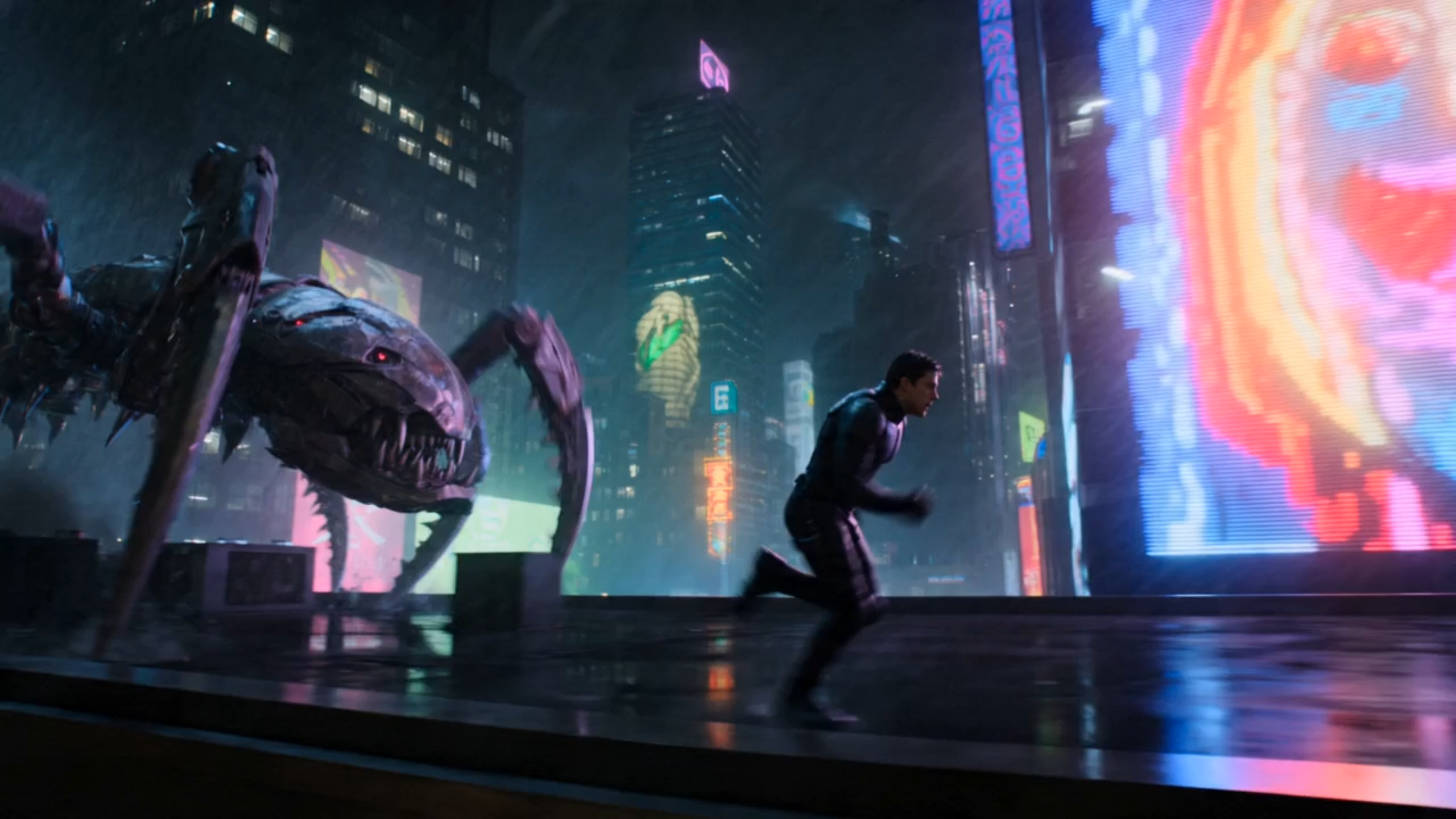
Edit the prompt above and tap Generate to create a video from this image.
How the Free Image-to-Video Generator Brings Motion to Your Still Images
PromeAI’s free image-to-video generator runs on a modern AI motion engine that blends diffusion and transformer techniques. The model first analyses the static pixels, predicts how each element should move, and then synthesizes a sequence of frames that flow naturally. Prompt-based control lets users steer the type of motion the model adds. Because the engine works on the cloud, the heavy computation is handled quickly, delivering reliable motion without local hardware.
With the free generator, you can adjust the output layout and other editor controls before exporting. The interface supports the most common aspect ratios for landscape, square, and vertical use cases, while the exact export options and length settings depend on the current product configuration. All results are saved as MP4 files ready for social media drafts or presentations, a pattern also reflected in public references from Canva.com, Veed.io, and Aiimagetovideo.pro.
With the free generator, you can choose the output resolution, aspect ratio, and clip length before exporting. The interface offers the three most common ratios—16:9 for landscape, 1:1 for feeds, and 9:16 for stories—and lets you select up to 720p HD quality. Higher resolution frames require more processing power, so rendering time grows proportionally. The free tier caps videos at 15 seconds, but you can shorten the duration or lower the resolution to stay within this limit. All results are saved as MP4 files ready for social media or presentations, a pattern also reflected in public references from Canva.com, Veed.io, and Aiimagetovideo.pro.
Free vs Paid: What Changes When You Upgrade
Free Plan
The free plan lets you upload JPG, PNG, or WEBP files, add a short prompt, and receive a watermark-free draft video that is ready for immediate sharing. Rendering happens on a shared cloud queue, and the exact output length and export settings depend on the current editor configuration. No account, credit card, or subscription is required, making it ideal for one-off experiments or low-budget content creation.
- Maximum clip length: Best suited for short draft testing
- Maximum resolution: Check the current editor settings for the latest export option
- Watermark presence: No watermark
- Rendering speed: Standard queue (minutes)
Paid Plan
Paid plans expand every limit. They support longer outputs, broader export settings, and faster processing, making them better suited for repeated production work. All exports remain watermark-free, and priority rendering places your jobs at the front of the processing queue. Additional features include batch uploads, custom aspect ratios, and dedicated support, providing a smoother workflow for teams and frequent creators.
- Maximum clip length: Check the current editor settings for the latest limit
- Maximum resolution: Higher exports depend on the current mode and plan
- Watermark presence: No watermark
- Rendering speed: Priority queue
Why Choose PromeAI’s Free Generator Over Other Tools
PromeAI’s cloud-based AI engine turns an image into a smooth 10-second video in minutes, delivering motion faster than traditional desktop editors that can take significantly longer. The platform automatically balances workload across multiple GPU nodes, so spikes in user demand never slow down your preview. Because the service runs entirely online, you get the same rapid turnaround whether you’re testing a single prototype or generating a batch of drafts for a campaign. This speed lets creators iterate instantly and keep momentum in fast-paced projects.
With PromeAI’s free image-to-video generator, you receive a final MP4 that contains no branding or watermarks, so the clip can be shared directly on social channels or embedded in presentations. The hero section already notes that no account is required, and our FAQ confirms that exports are watermark-free. Unlike many paid plans that reserve watermark removal as a premium feature, the free tier delivers a clean video without any hidden fees. We also never ask for credit card details, keeping the experience completely frictionless.
With PromeAI’s free image-to-video generator, creators can instantly turn a product photo into a marketing mock-up, sketch a storyboard draft by animating concept sketches, or craft eye-catching social media teasers without waiting for a full render. The tool’s prompt-driven motion lets you experiment with different visual styles in minutes, so you can iterate rapidly and decide which direction best serves your campaign. Because the output is an export-ready MP4, the clip slots directly into your existing design, editing, or publishing pipeline, accelerating the whole creative workflow.
Frequently Asked Questions
Image to Video Generator Free
PromeAI delivers the fastest, truly free image-to-video experience with zero watermarks and no sign-up, positioning it as a practical option for rapid visual prototyping.
References

Technical support: tech@promeai.pro
Business collaboration: business@promeai.pro