


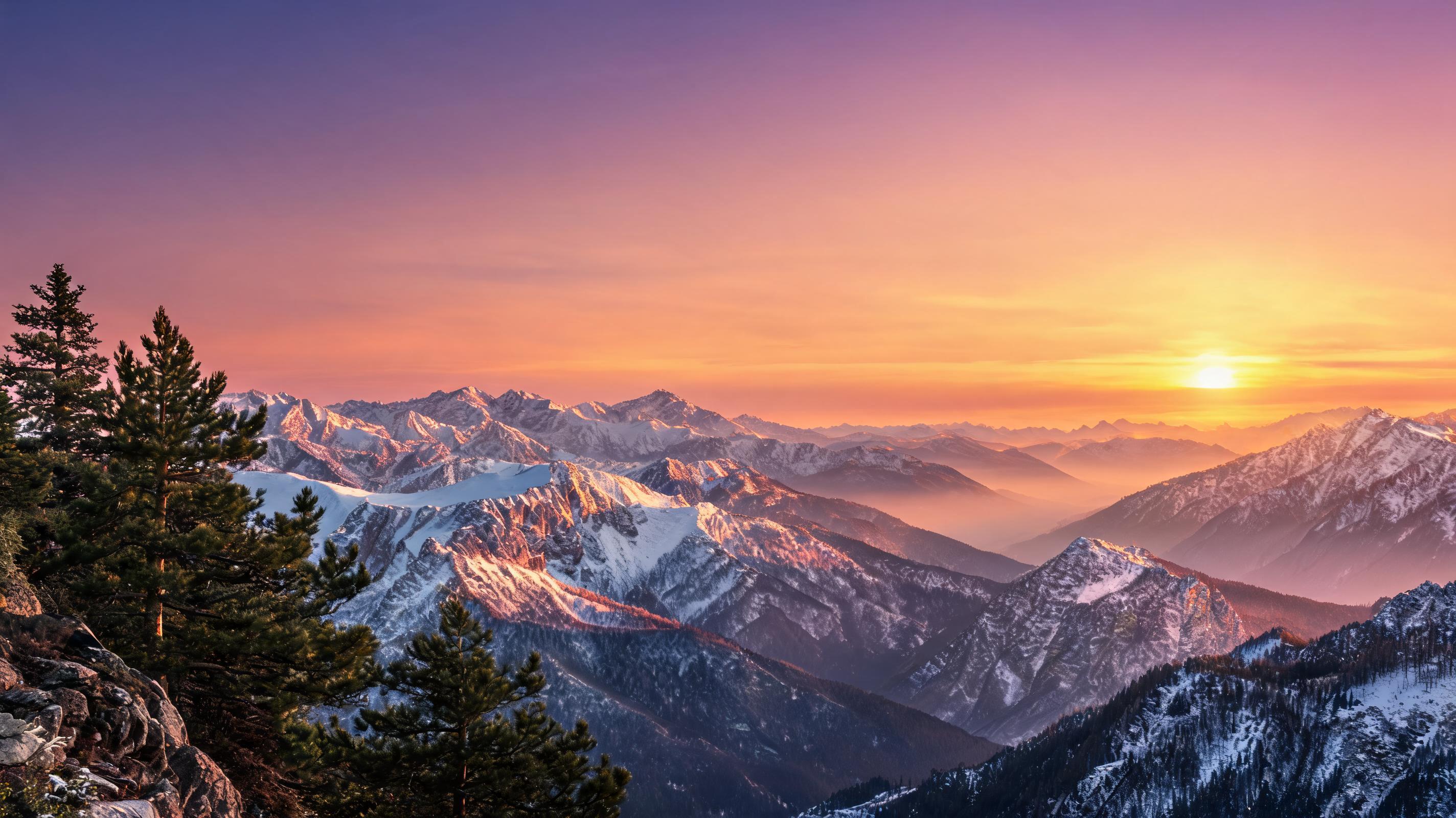
Mountain Landscape Horizontal Pan
A slow horizontal pan animation made from a static mountain sunset photo, optimized for 9:16 TikTok and Reels travel content.
Generate high-quality, loop-friendly pan effect videos from any still image in seconds. No video editing skills required to create polished, reusable clips for all your channels.
Browse sample pan effect videos generated from still images using PromeAI's image to video tool.
A slow horizontal pan animation made from a static mountain sunset photo, optimized for 9:16 TikTok and Reels travel content.

A fast vertical pan animation of a serum bottle product photo, designed for Instagram ecommerce ad creatives.
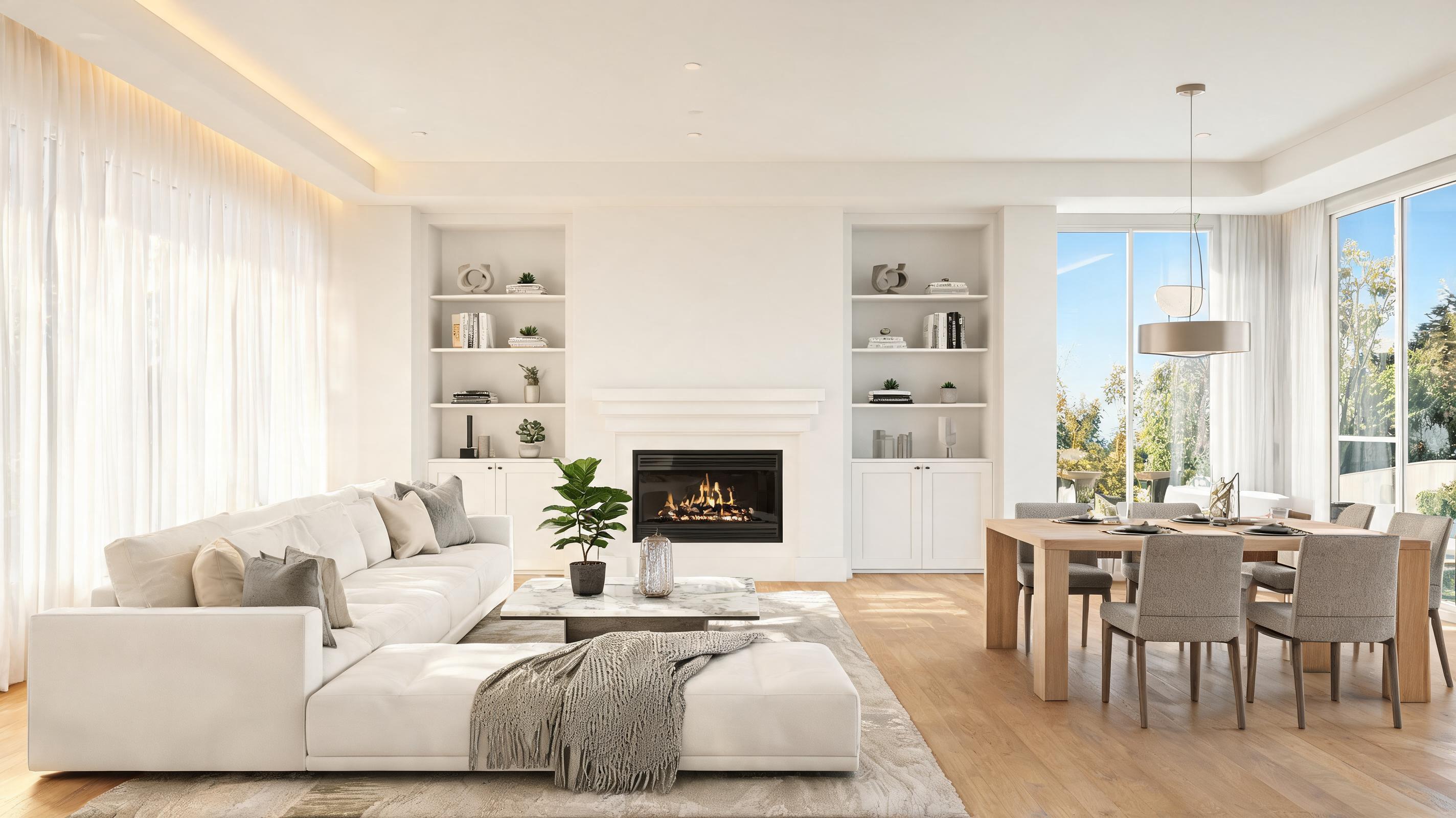
A wide horizontal pan animation of a real estate living room photo, used as a snippet in a Zillow property listing.
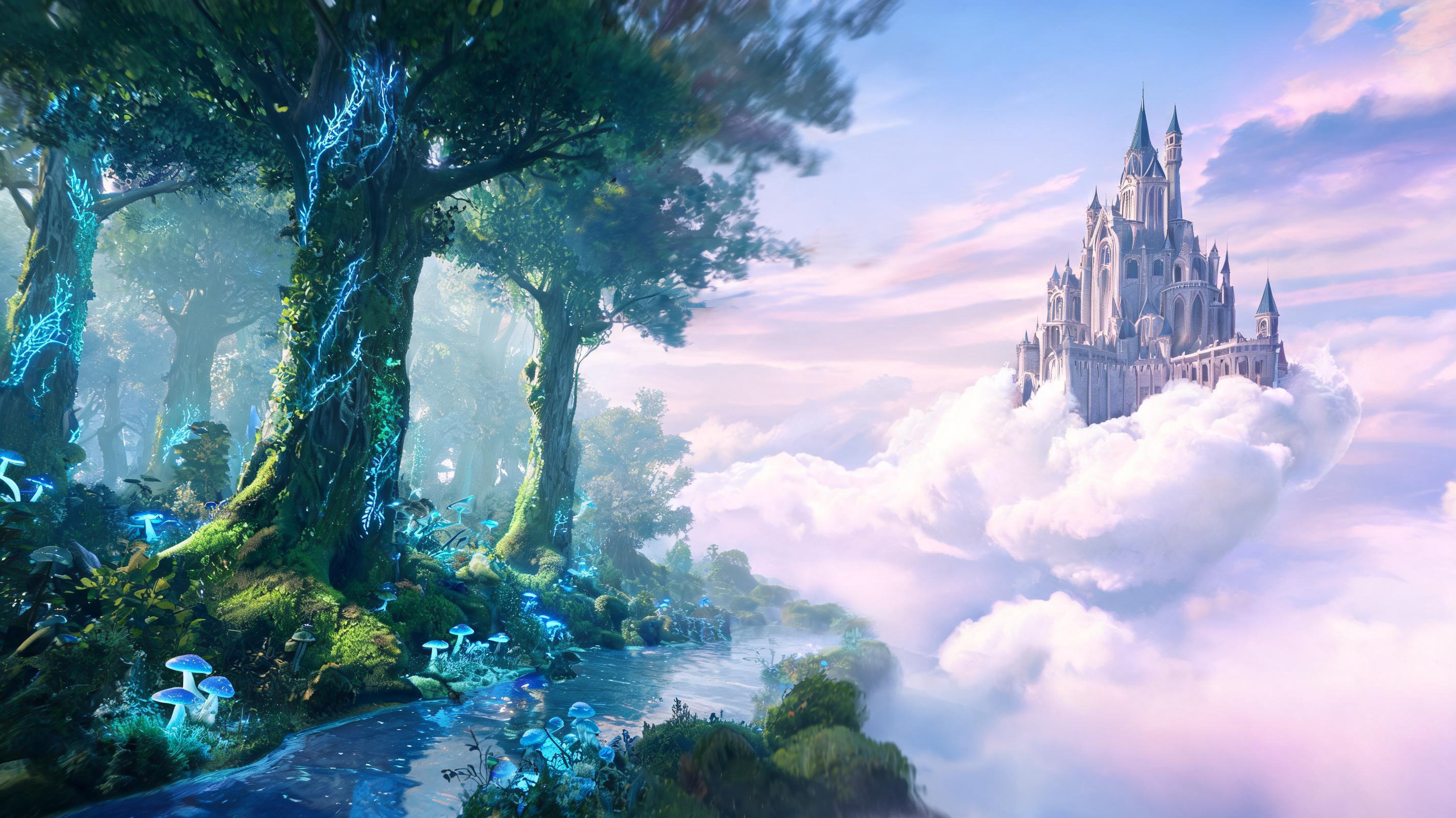
A slow diagonal pan animation of a fantasy digital art piece, used as a background clip for a creator's portfolio website.
Discover powerful features that make creating smooth pan effects from photos fast, easy, and fully customizable.
Choose left/right, up/down, or diagonal motion paths to highlight specific parts of your photo and align with your creative vision.
Tweak pan speed from slow, cinematic movement for long-form content to faster motion optimized for short-form social media clips.
Generate perfectly looped pan animations that play continuously without jitter, ideal for Reels, TikTok, website headers, and digital displays.
Export your pan videos in 1080p, 2K, or 4K resolution with no quality loss, suitable for both digital and print-adjacent marketing use cases.
Generate up to 5 watermark-free pan animations per month on the free plan, with unlimited exports available on paid tiers.
Convert up to 20 still photos to pan animations at once for bulk content creation, perfect for ecommerce catalogs and social media content pipelines.
See how creators, marketers, and businesses use pan animation videos to boost engagement across digital channels.
Turn landscape, lifestyle, or product photos into engaging short-form clips for TikTok, Instagram Reels, and YouTube Shorts to boost engagement rates.
Convert static product photos to dynamic pan videos for ad creatives, product listing pages, and email campaigns to drive higher click-through and conversion rates.
Turn interior and exterior property photos into smooth pan clips to create low-cost virtual tour snippets for listing sites and social media ads.
Repurpose existing travel landscape and destination photos into immersive motion clips for travel blogs, social feeds, and destination marketing campaigns.
Use pan animations made from brand photography for hero headers, banner sections, and background elements to add visual interest without slowing down page load times.
Turn static slide images, infographics, and tutorial photos into dynamic pan clips for online courses, webinar presentations, and educational social content.
Follow these simple steps to turn any still image into a professional-quality pan video in minutes.
Import any high-resolution still image (JPG, PNG, or RAW) into the PromeAI image-to-video tool, ensuring your subject has enough surrounding padding for smooth pan motion.
Select your preferred pan direction (horizontal, vertical, diagonal), adjust motion speed, and set your desired video duration to match your use case.
Click generate to render your pan animation in seconds, then export in your preferred format (MP4, MOV, or GIF) optimized for your target channel.
AI pan animation is one of the fastest, lowest-cost ways to repurpose your existing still photo library into high-performing motion content, without the need for expensive video shoots or professional editing skills.
PromeAI's AI pan animation tool uses computer vision to identify the core subject and background of your source photo, then generates a smooth, natural camera movement path that avoids distorting key elements of your image. The AI automatically fills in any edge gaps created by the pan motion to ensure a seamless, high-quality final clip with no visible artifacts. Unlike manual video editing, which can take 30+ minutes per clip to achieve a similar effect, the AI generates your animation in seconds, with consistent results every time.
AI pan animation is the best choice when you want to showcase a wide scene, guide the viewer's eye across a subject, or create a subtle, immersive motion effect without distracting from your core content. It is ideal for repurposing existing assets, fast content turnarounds, and low-budget campaigns. It is not the right choice if you need complex character motion, multiple scene transitions, or interactive elements, in which case a custom video shoot or 3D animation tool would be a better fit. Compared to zoom or parallax effects, pan animation works best for wide, horizontal or vertical scenes like landscapes, product displays, and room interiors, while zoom is better for highlighting a single specific detail in a photo.
To get the highest quality pan animation results, start with a high-resolution source photo that has at least 10-20% padding around the main subject, so the AI has room to move the camera without cutting off key details. Avoid photos with blurry edges, heavy cropping, or text placed close to the frame, as these can become distorted during the pan motion. If you are creating a vertical pan for short-form social media, use a portrait-oriented source photo; for horizontal clips for websites or YouTube, use a landscape-oriented photo. Well-lit, high-contrast photos will produce the most natural-looking motion results.
Adjust your pan animation settings to match the requirements of your target channel for the best performance. For TikTok and Instagram Reels, use a 9:16 aspect ratio, 3-5 second duration, and slightly faster pan speed to hold viewer attention. For website headers, use a 16:9 aspect ratio, 10-15 second looped duration, and very slow pan speed to avoid distracting from page content. For ecommerce ad creatives, use a 1:1 or 9:16 aspect ratio, 2-3 second duration, and a pan path that focuses explicitly on your product's key selling points. Always test your animation on mobile first, as 70% of social content is viewed on mobile devices.
Explore available presets to tailor your pan animation output to your specific use case and style preferences.
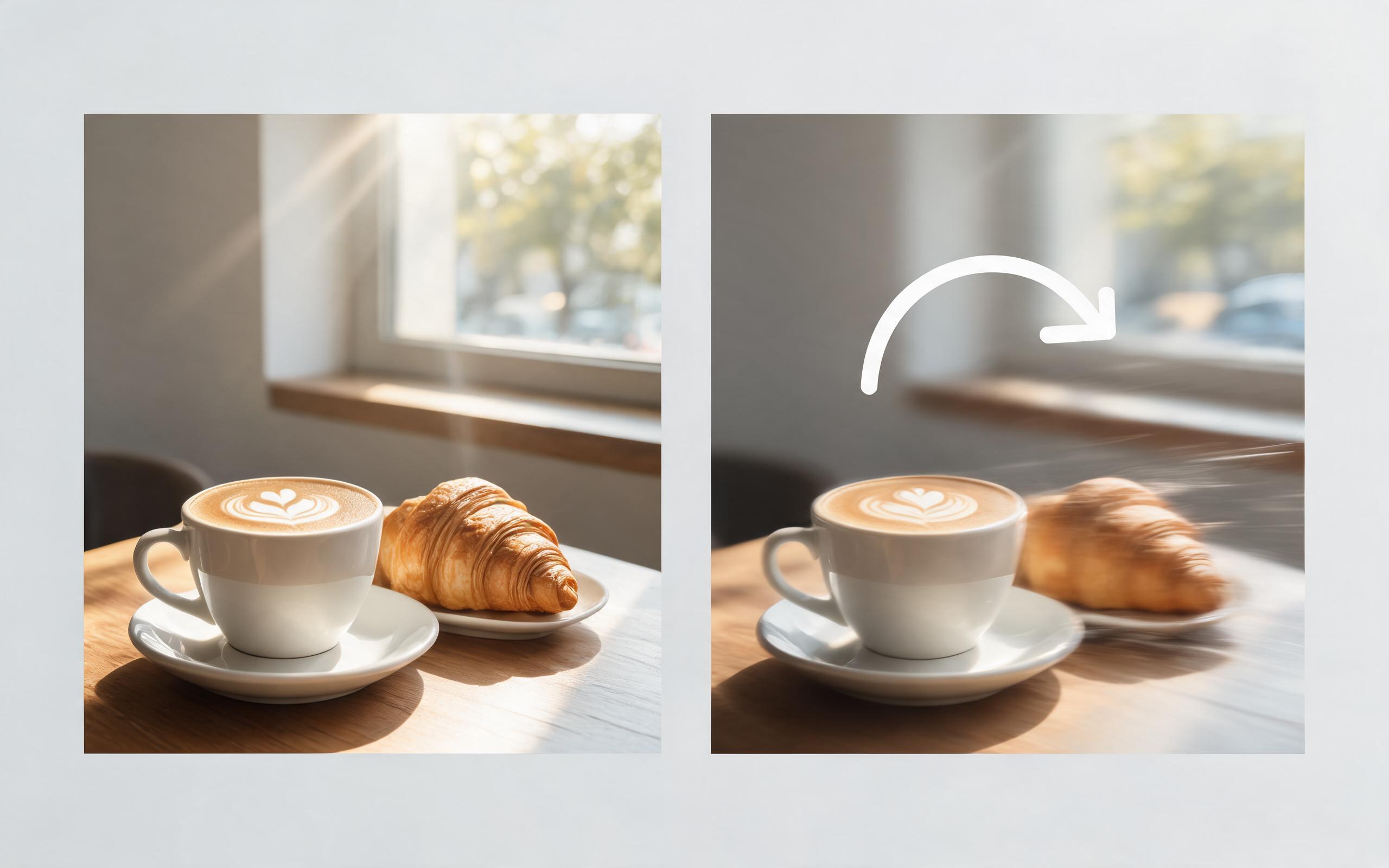
Use PromeAI image-to-video generation for ai ad creative video, adding motion, camera direction, and a short reusable video result from a still image.
Open page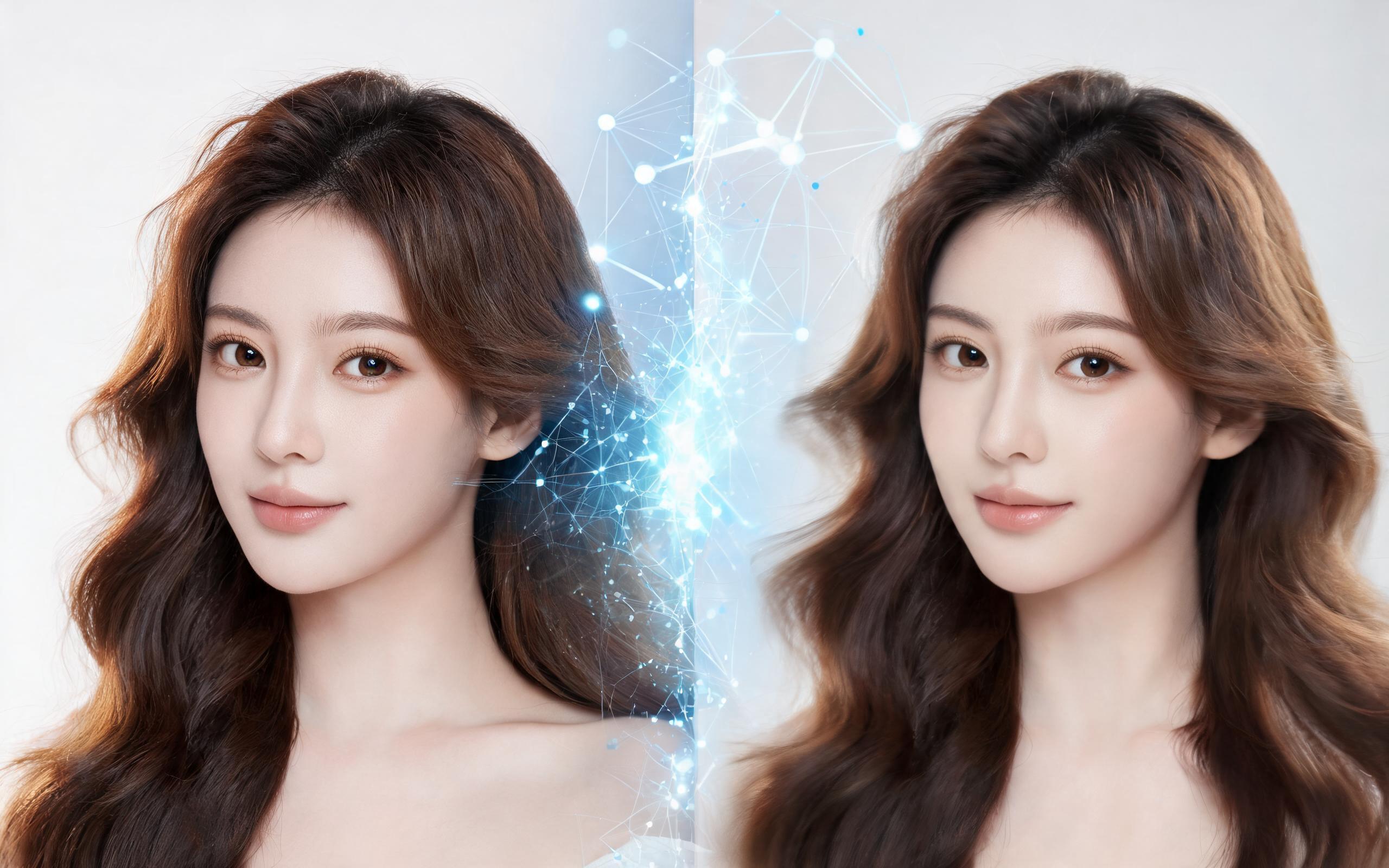
Use PromeAI image-to-video generation for beauty video from photos, adding motion, camera direction, and a short reusable video result from a still image.
Open page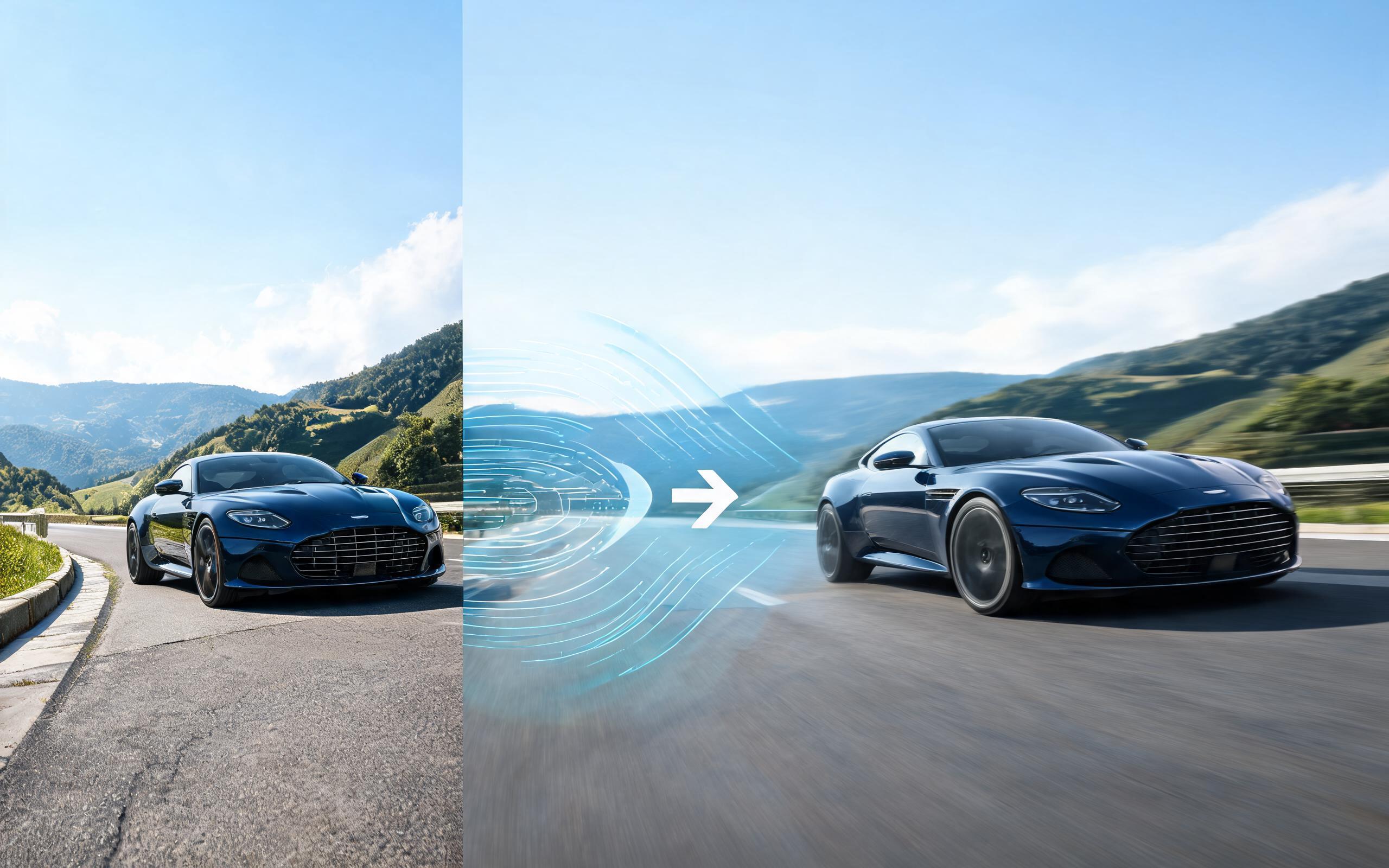
Use PromeAI image-to-video generation for car video from photo, adding motion, camera direction, and a short reusable video result from a still image.
Open page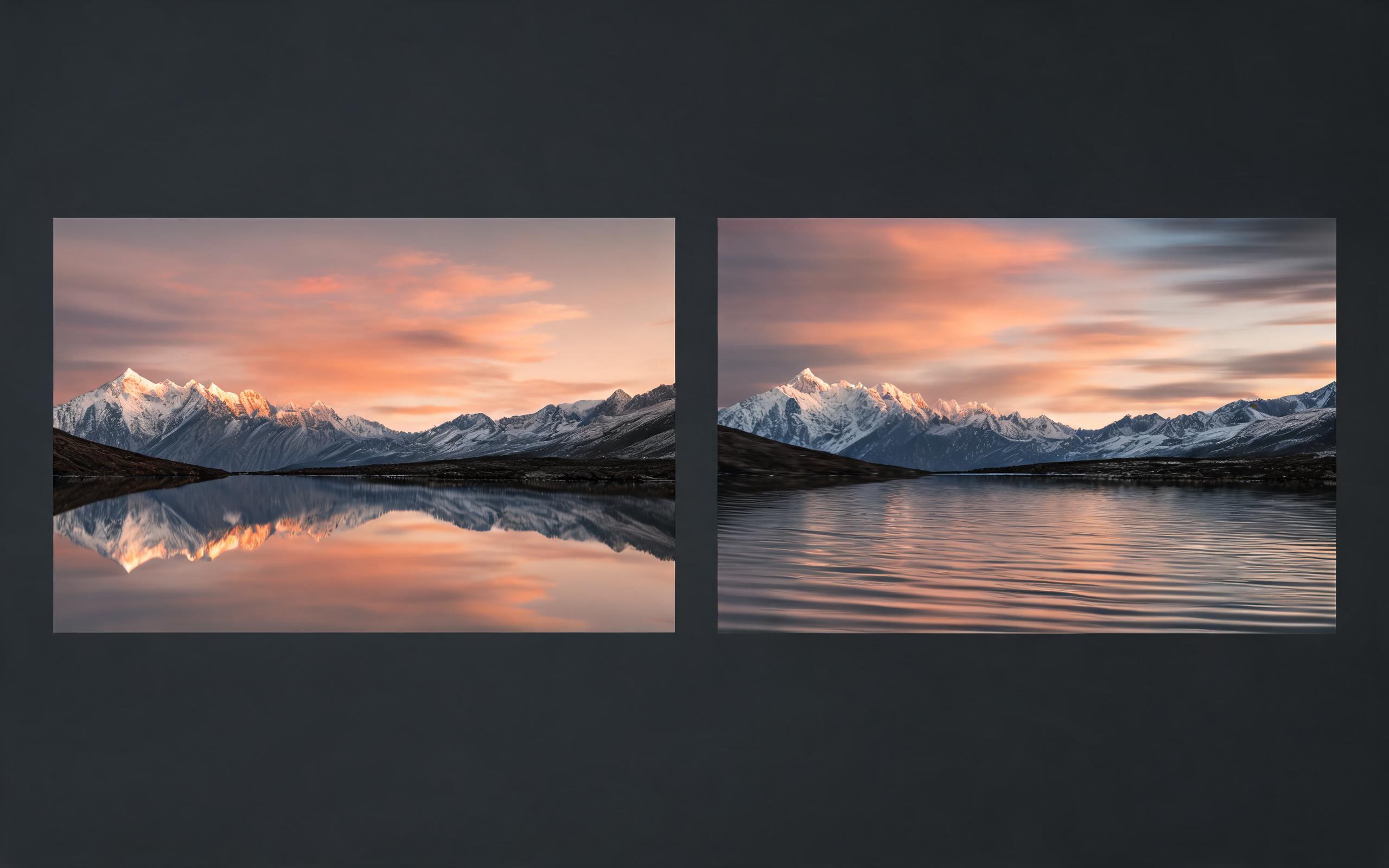
Use PromeAI image-to-video generation for cinematic ai video from image, adding motion, camera direction, and a short reusable video result from a still image.
Open page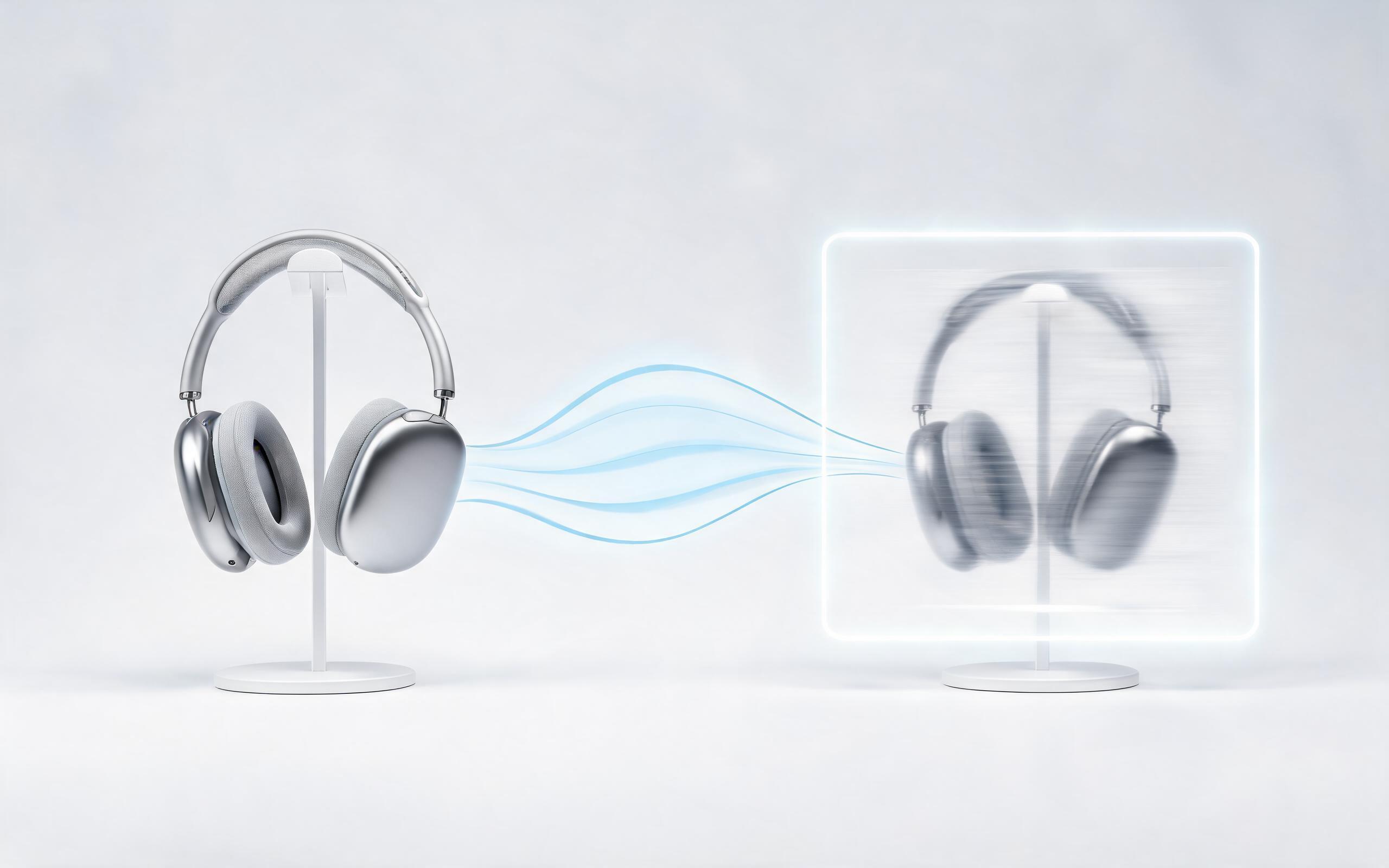
Use PromeAI image-to-video generation to create ai video for ecommerce product from existing images with clear product framing and channel-ready motion.
Open page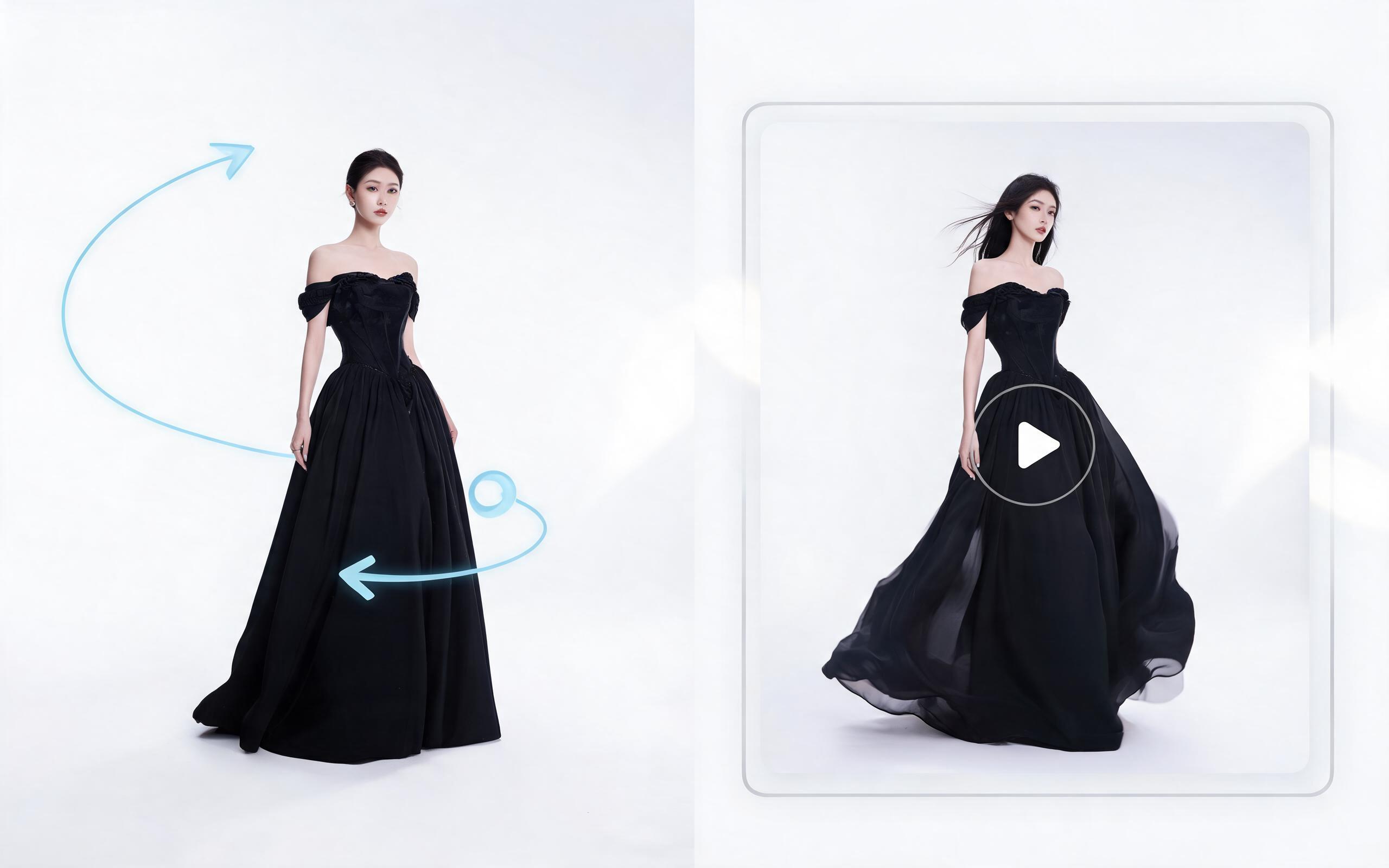
Use PromeAI image-to-video generation for ai fashion video from image, adding motion, camera direction, and a short reusable video result from a still image.
Open page
Turn your existing library of still photos into engaging, high-performing motion videos in minutes with PromeAI's AI image to video tool. No credit card required to get started.
Create AI Pan Animation from Photo
Technical support: tech@promeai.pro
Business collaboration: business@promeai.pro
Trusted by 3M+ Creators for AI Video Generation
See why creative professionals worldwide choose PromeAI for their image to video and animation needs.
I turn all my travel photos into pan animations for Reels now, it's cut my content creation time in half and boosted my engagement by 28%.
We use pan animations for all our ecommerce product ads, our click-through rate went up 22% after switching from static photos.
We can turn a single source image into several polished product video directions before committing budget to a full studio shoot.