



Skincare product photo parallax video
A slow forward pan parallax effect on a static skincare bottle product photo, highlighting the product packaging and creating a premium, luxury feel for social media ads.
Transform any still photo into a captivating parallax video with PromeAI's AI image-to-video tool. Add natural camera movement, depth, and motion to your static visuals in seconds, no advanced editing skills required. Perfect for social media, marketing campaigns, and creative content projects.
Browse real-world examples of parallax videos made with PromeAI to spark ideas for your next content project.
A slow forward pan parallax effect on a static skincare bottle product photo, highlighting the product packaging and creating a premium, luxury feel for social media ads.

A slow right-to-left pan parallax effect on a static mountain landscape photo, emphasizing the depth between foreground trees and distant peaks for a travel Reel.

A subtle zoom-in parallax effect on a static living room listing photo, showcasing the space's layout and features to attract more potential buyers on real estate platforms.

A gentle upward pan parallax effect on a static fashion model portrait photo, creating dynamic movement for an Instagram feed post that stands out from static imagery.
Discover built-in features designed to make high-performing parallax video creation fast, intuitive, and accessible for all users.
Our AI analyzes your source photo to identify distinct foreground, midground, and background layers, creating natural, realistic depth for seamless parallax motion without manual editing.
Adjust camera pan direction, zoom level, motion speed, and clip duration to tailor the parallax effect to your specific content needs and brand style guidelines.
Export your parallax video in all standard aspect ratios including 9:16 for Reels/TikToks, 16:9 for YouTube/websites, and 1:1 for Instagram feed posts to fit every channel.
Generate short, seamless looping parallax videos optimized for social media carousels, website hero banners, and digital ad placements that run on repeat without jarring cuts.
The intuitive, user-friendly interface removes the need for advanced video editing software or technical skills, making professional parallax video creation accessible to all users.
All processing happens on PromeAI's cloud servers, so you don't need high-end hardware to generate high-quality parallax videos in as little as 10 seconds per clip.
See how creators, marketers, and brands use parallax effect videos to boost engagement across social, web, and marketing channels.
Turn static product photos, travel shots, or portrait content into scroll-stopping short-form videos that drive higher engagement and share rates on social platforms.
Add subtle parallax motion to product photos to showcase features, create a premium shopping experience, and increase conversion rates on product detail pages.
Replace static hero images with dynamic parallax videos to create a more immersive first impression for website visitors without increasing load times significantly.
Generate high-performing parallax ad videos from existing product photos to test new creative variations quickly and reduce ad production costs.
Turn still landscape or travel photos into dynamic motion clips for blog posts, vlog intros, or social media travel reels that bring your adventures to life.
Add parallax motion to wedding photos, portrait portfolios, or event galleries to create a more engaging viewing experience for clients and website visitors.
Follow our simple 3-step workflow to create professional-quality parallax motion videos from static images in minutes.
Select a high-resolution still image with clear foreground and background elements to optimize depth perception for the most realistic parallax effect.
Adjust camera movement direction, motion speed, and clip length to match your content style, or use pre-built default settings for fast, one-click results.
Render your parallax video in your desired aspect ratio and file format, then download it directly to use across social media, websites, or marketing campaigns.
Whether you're a marketer, content creator, or small business owner, this guide will help you get the most out of PromeAI's AI Parallax Effect tool, from selecting the right source photos to choosing when parallax is the best fit for your content.
AI parallax effect uses computer vision to analyze your static photo and identify distinct depth layers: foreground, midground, and background. The AI then applies subtle, natural camera movement to these layers, moving foreground elements faster than background elements to create the illusion of 3D depth and motion. Unlike manual parallax editing which requires hours of work in professional video software, PromeAI's AI automates the entire process, delivering professional results in seconds without any technical skill required. The tool is trained on thousands of professional parallax videos to ensure motion looks natural and not jarring for viewers.
To get the best results from the AI Parallax Effect tool, start by selecting a source photo with clear, distinct layers: for example, a product photo with the product in the foreground and a blurred background, or a landscape photo with trees in the foreground and mountains in the distance. Upload the photo to the tool, then adjust your motion settings: for social media Reels, use faster motion and a 6-second clip length, while for website hero banners, use slower motion and a 10-second looping clip. Preview the result, make any small adjustments to speed or direction, then export in the aspect ratio that fits your intended channel. You can then download the clip directly or save it to your PromeAI library for later use.
AI parallax is the best choice when you want to add subtle, natural motion to a static photo without altering the original content or adding extra elements. It is ideal for product photos, landscape shots, portraits, and brand visuals where you want to highlight depth and keep the focus on the original image. Use parallax instead of cinematic or ad creative effects when you want a more understated, elegant motion that doesn't distract from your core subject. Avoid using parallax for photos with no clear depth layers (like flat graphics or logos with no background) or for content where you need to add text overlays, transitions, or other special effects: in those cases, use PromeAI's ad creative or cinematic video tools instead for more advanced functionality.
The quality of your source photo directly impacts the quality of your final parallax video. For best results, use high-resolution photos that are well-lit and in focus. Avoid blurry photos, heavily filtered images, or photos with overlapping elements that make it hard for the AI to identify depth layers. Photos with a clear subject in the foreground and a distinct, uncluttered background work best: for example, a product on a plain background, a person standing in front of a landscape, or a building with a clear sky behind it. Avoid photos with text or watermarks directly on the subject, as this can interfere with the AI's depth mapping process and result in unnatural motion.
Explore tailored presets to adjust motion style, speed, and output format for your specific parallax video needs.
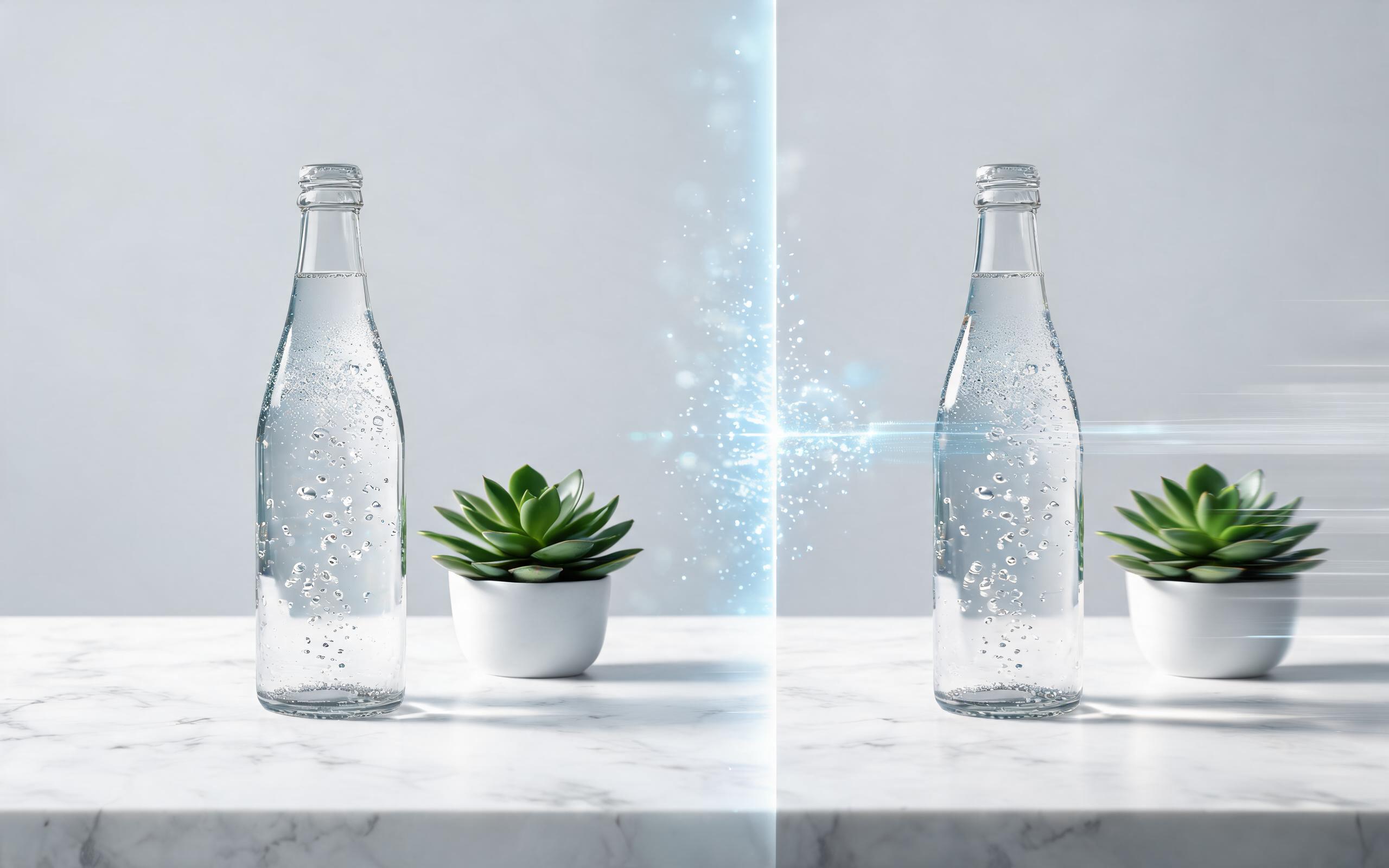
Use PromeAI image-to-video generation for ai ad creative video, adding motion, camera direction, and a short reusable video result from a still image.
Open page
Use PromeAI image-to-video generation for beauty video from photos, adding motion, camera direction, and a short reusable video result from a still image.
Open page
Use PromeAI image-to-video generation for car video from photo, adding motion, camera direction, and a short reusable video result from a still image.
Open page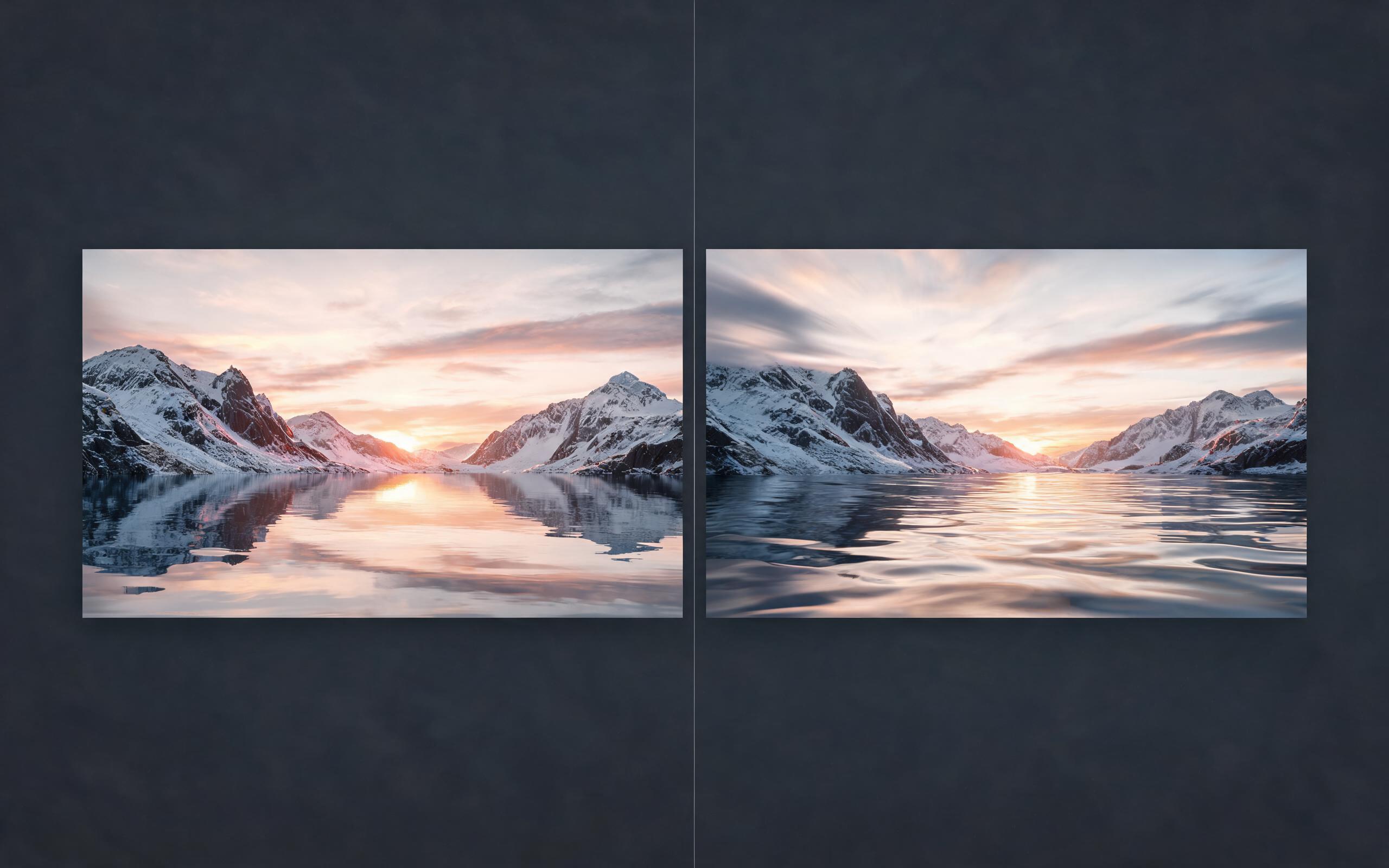
Use PromeAI image-to-video generation for cinematic ai video from image, adding motion, camera direction, and a short reusable video result from a still image.
Open page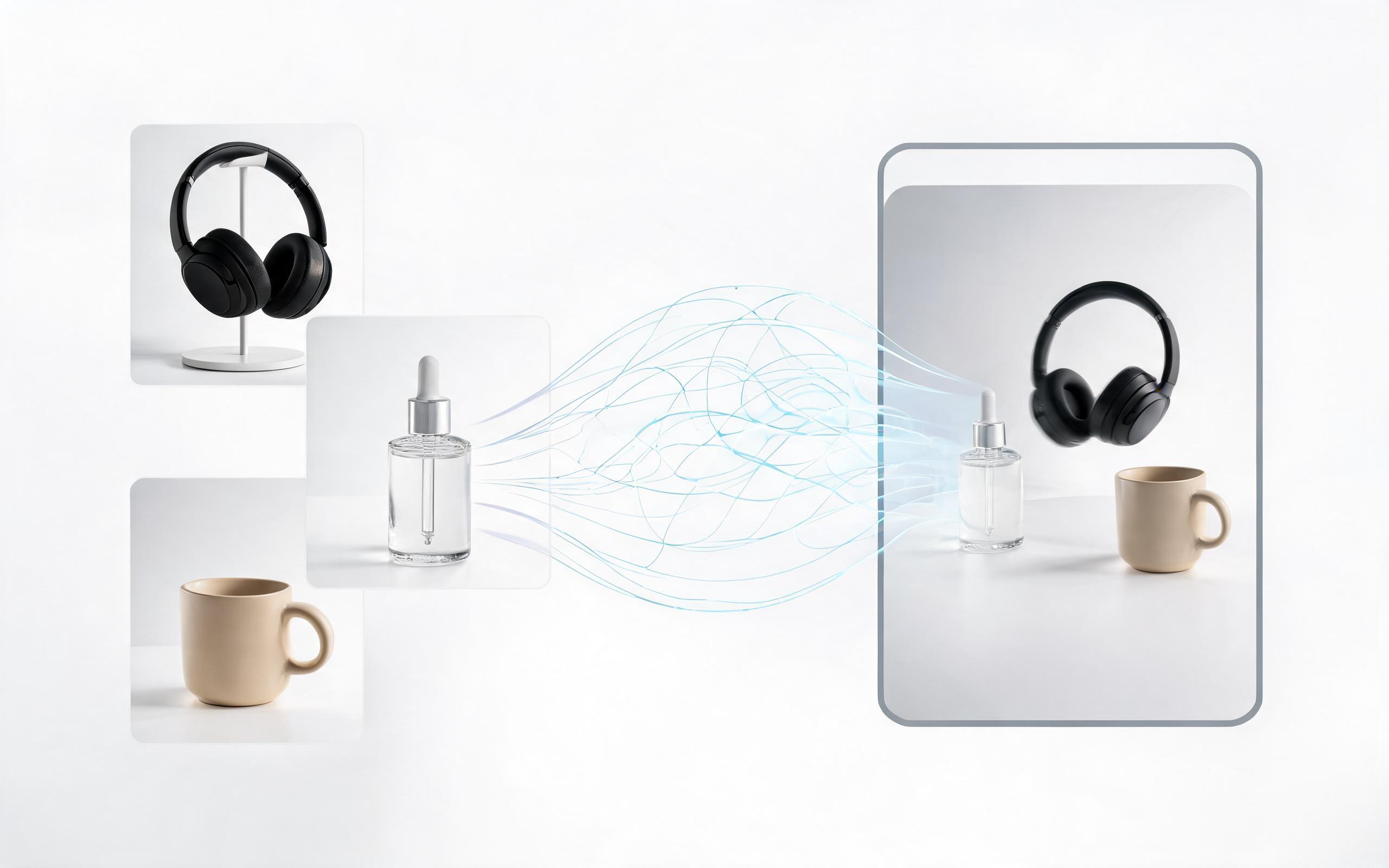
Use PromeAI image-to-video generation to create ai video for ecommerce product from existing images with clear product framing and channel-ready motion.
Open page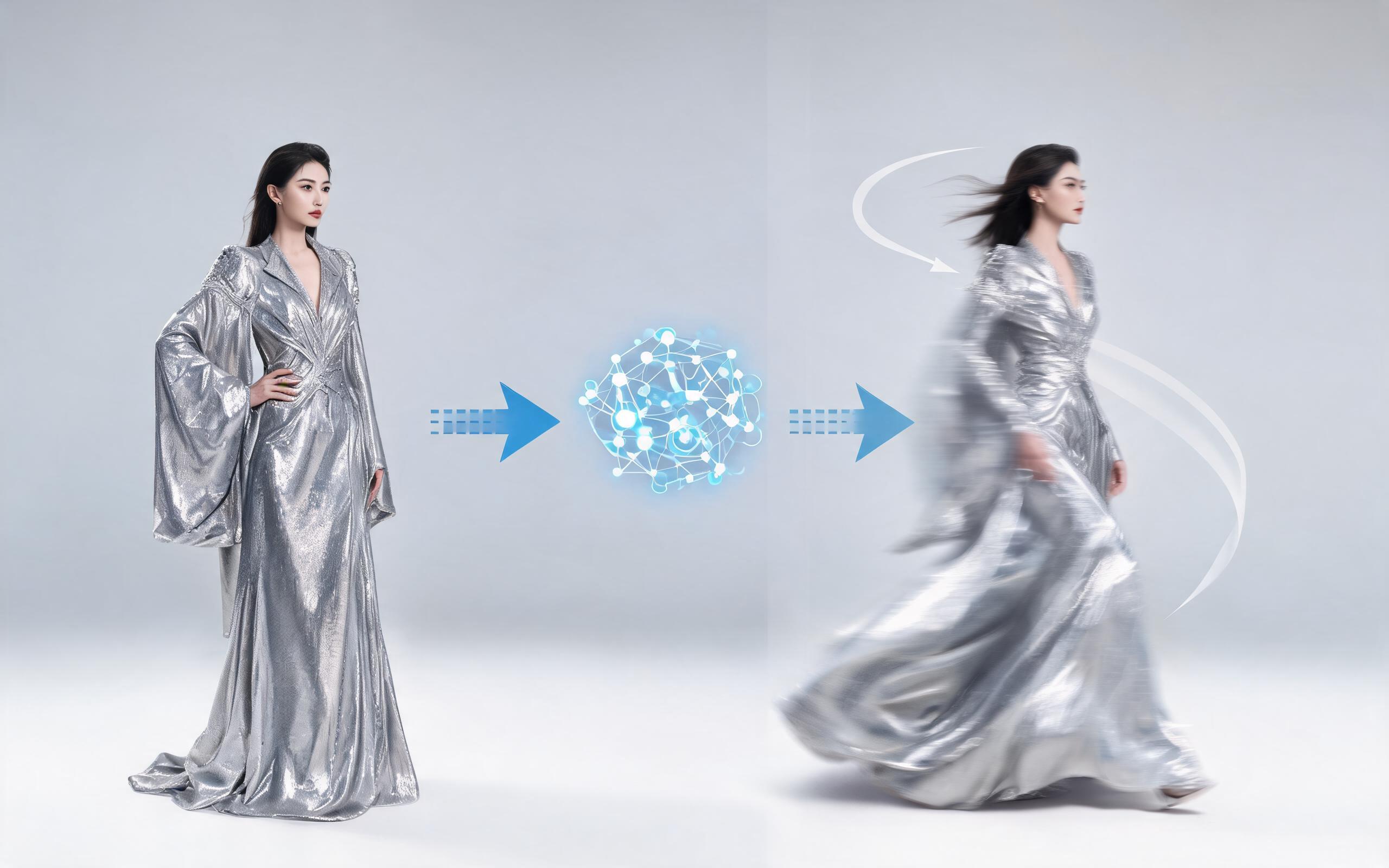
Use PromeAI image-to-video generation for ai fashion video from image, adding motion, camera direction, and a short reusable video result from a still image.
Open pageGet answers to common questions about generating parallax videos from photos using PromeAI's AI image-to-video tool.

Turn your existing library of static photos into engaging, high-performing motion content for every channel with PromeAI's AI Parallax Effect tool. No editing skills, software downloads, or long onboarding required to get started.
Create AI Parallax Effect from Photo
Technical support: tech@promeai.pro
Business collaboration: business@promeai.pro
What Users Say About PromeAI's Parallax Tool
See feedback from thousands of creators who use our AI image-to-video tools to streamline their content creation workflow.
PromeAI helps us turn static campaign images into motion concepts before we commit to a full shoot.
The short clips make it easier to test pacing, camera movement, and product hooks across launch pages and ads.
For stakeholder reviews, a quick AI video gives everyone a clearer sense of material, scale, and story.