


Photorealistic product shot
A glass perfume bottle on a matte black surface, studio lighting with rim light, soft shadows, beads of condensation on glass, sharp focus on the cap, shallow depth of field, luxury commercial photography aesthetic.
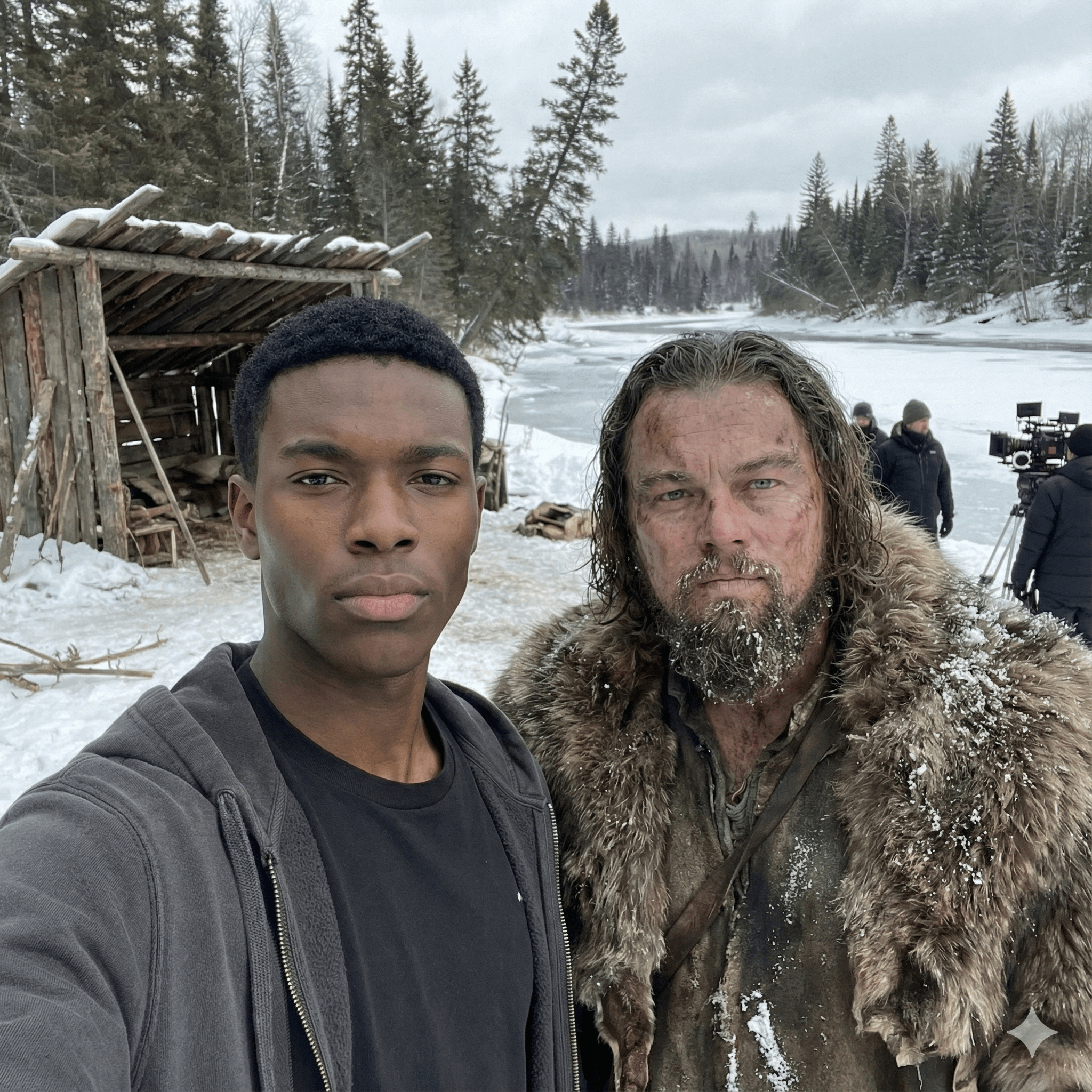
Compare Nano Banana variants and the closest sibling image models available inside PromeAI's text-to-image workspace.
Three reference prompts shaped for Nano Banana's strengths: photorealism, subject control, and stylized composition.
A glass perfume bottle on a matte black surface, studio lighting with rim light, soft shadows, beads of condensation on glass, sharp focus on the cap, shallow depth of field, luxury commercial photography aesthetic.
Portrait of a young woman in a navy wool coat, standing in a snowy Tokyo alley at dusk, soft warm light from a hanging lantern, cinematic 35mm lens, shallow depth of field, color graded warm highlights and cool shadows.
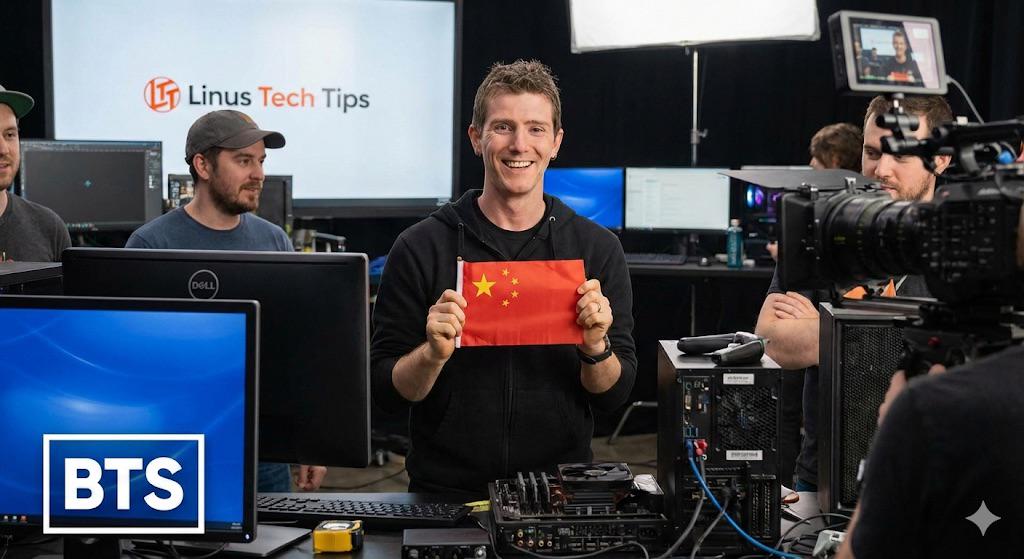
Watercolor-style illustration of a hot air balloon floating over a mountain valley at sunrise, pastel palette, soft paper texture, wet-on-wet washes, hand-drawn linework, gentle gradient sky.
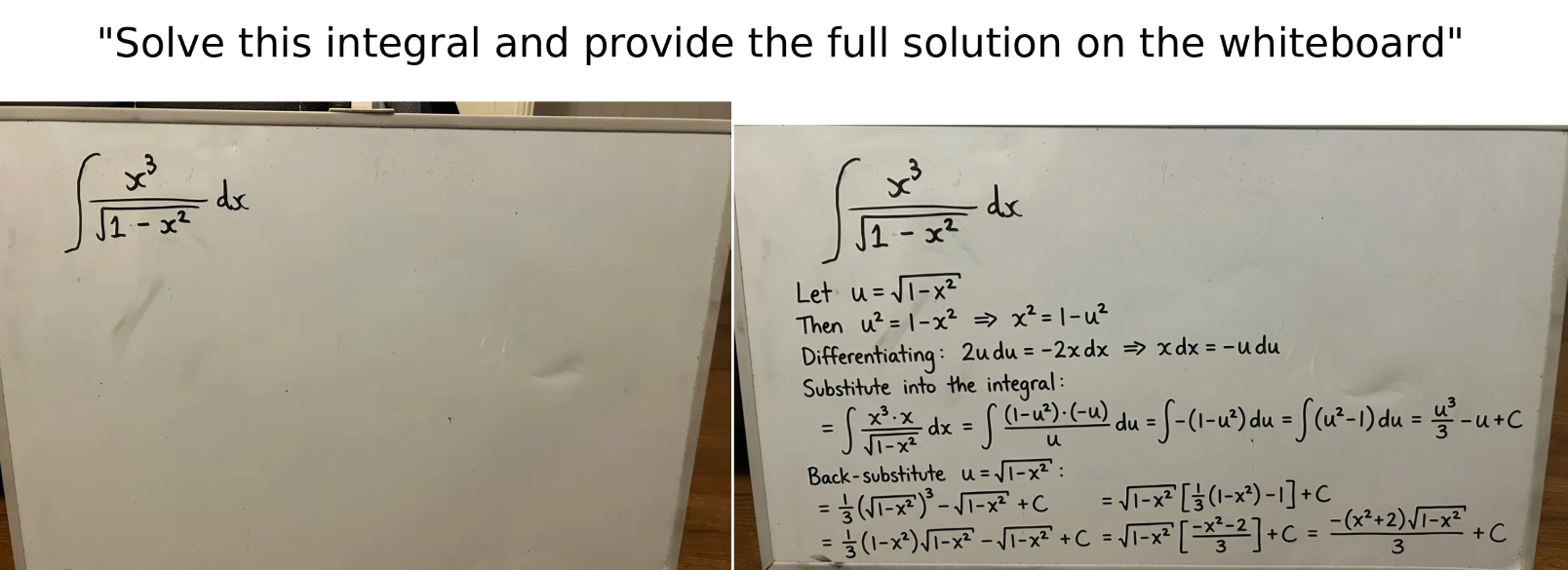
Generate or edit images with Gemini 2.5 Flash Image quality.
100 free credits with sign-up — Nano Banana is one of the lower-cost SOTA image models per generation.
Switch the model to Nano Banana (Gemini 2.5 Flash Image). Upload an existing image to edit, or start from a text prompt.
Use natural-language edits ("change shirt to red", "add a sunset") or fresh prompts. Returns SOTA-quality images with strong character consistency in 5-15 seconds.
Threads from r/Bard, r/GeminiAI, r/StableDiffusion and related subreddits — community signal on Nano Banana's strengths, failure modes, and prompt tricks.
Had to do a double take — Gemini 3.0 Pro / Nano Banana Pro output

Enshittification of Nano Banana Pro discussion

First, Google started pushing the Nano Banana 2 slop image generator down the throats of paid users while hiding the Pro button under the three dot menu. Accessing Nano Banana Pro already became unnecessarily inconvenient. Even after finding it, the quality collapse has been shocking. Before 10 Mar
View 335 commentsOpen Source desktop tool combines Nano Banana Pro and World Labs
Hey everyone, I've built an open source desktop tool that might be useful if you're creating videos, graphics, game assets, or marketing. I'm a filmmaker, and intentional film design is important. This tool lets you lay out scenes in 2D or 3D for precision crafting. You can block out your set,
View 43 commentsHow I created an AI influencer using only Gemini's Nano Banana (workflow)
 +19 more
I’ve been messing around with the AI influencer space for the last few weeks and wanted to share the process I figured out. I am not claiming this is the best or most advanced way to do it, but it is a simple workflow that worked for me using mostly free tools. The main reason I tried this route wa
View 115 commentsGoogle's Nano Banana Pro has been released
The Nano Banana Pro AI image generator, developed by Google, is built on the Gemini 3 Pro model. Early users and experts suggest that it significantly improves the production of imagery that is nearly indistinguishable from reality. The new model performs well in areas where previous AI image genera
View 98 commentsDirect answers to the questions creators search for most about Google's Nano Banana model and how to run it in PromeAI.
Nano Banana is the community nickname for Google's Gemini 2.5 Flash Image model. It is a text-to-image generation system that produces photorealistic outputs, supports multi-image consistency, and pairs well with image-editing flows. Inside PromeAI it runs in the text-to-image workspace alongside Nano Banana Pro and Nano Banana 2.
Nano Banana is a Google model and Google's Gemini app offers limited free access. In PromeAI, generations consume PromeAI credits — the model itself does not require a separate Google subscription or Gemini API key, and you can run it inside PromeAI's free credit allocation before upgrading.
Open PromeAI's text-to-image workspace, pick 'Nano Banana' (or Nano Banana Pro / Nano Banana 2) from the model dropdown, choose an aspect ratio and resolution, write a prompt describing subject + style + lighting + composition, and click Generate.
Nano Banana Pro is the higher-tier variant of Gemini 2.5 Flash Image, with stronger detail rendering and improved prompt adherence. Use it for hero images and final assets, and use regular Nano Banana for fast iteration. Switch between them in the model dropdown without leaving the workspace.
Nano Banana (Gemini 2.5 Flash Image) leans toward photorealism and multi-image consistency. GPT Image (OpenAI) is stronger on text-inside-images and stylized illustration. Both are available in PromeAI's text-to-image workspace, so you can A/B the same prompt on each before committing to a style.
Nano Banana outputs follow Google's Gemini usage policy. For most ad and marketing use cases this is permitted, but verify the latest Google policy before publishing. PromeAI does not add additional restrictions on top.
PromeAI exposes Nano Banana with aspect ratio presets 1:1, 16:9, 9:16, 4:3, 3:4, 3:2, 2:3 — covering social square, vertical, and horizontal formats. Resolutions available are 512P, 1K, 2K, and 4K. Pick the size in the generator panel above.
Nano Banana (Gemini 2.5 Flash Image) is Google's newer image system shipped inside the Gemini family — faster and more edit-friendly than the standalone Imagen models. PromeAI integrates Nano Banana directly so you do not need to choose between Imagen and Gemini APIs separately.

Open PromeAI's text-to-image workspace with Nano Banana preselected. Paste your prompt, generate, and iterate — no Google API key, no separate signup.
Open Nano Banana in PromeAI

