


Prepare Model Views for Architectural Generation
Turn model screenshots, saved camera views, and layer-visibility notes into a coordinated input set whose viewpoints, metadata, and intended outputs are clearly defined.
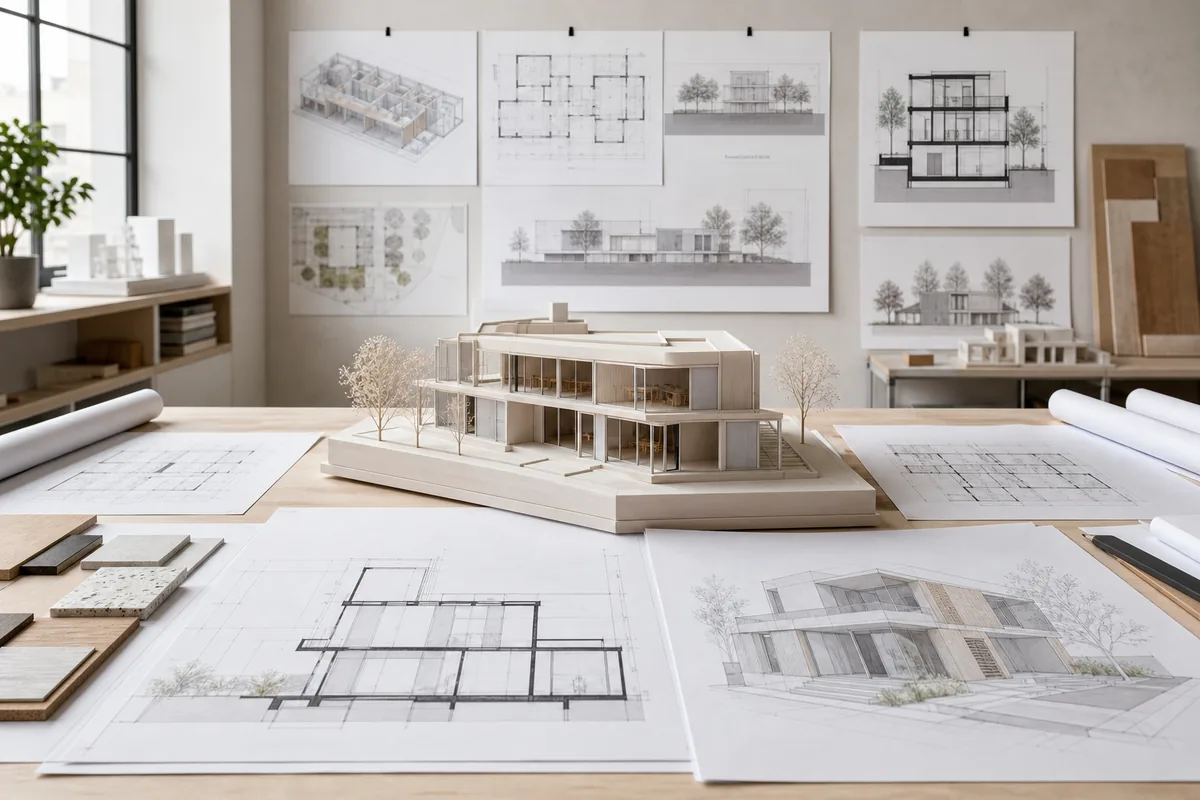
See the Workflow Run
The actual workflow — connected nodes you can run to preview each step.
Where Prepared Model Views Save Rework
Professional capabilities powered by AI.
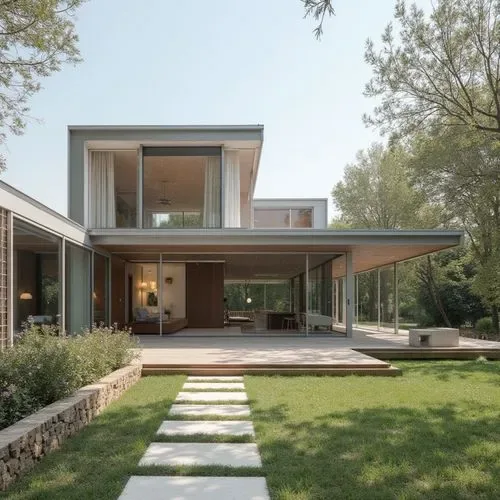
Start a Visualization Package
Give artists or generation workflows a clear list of required views and their intended presentation roles.
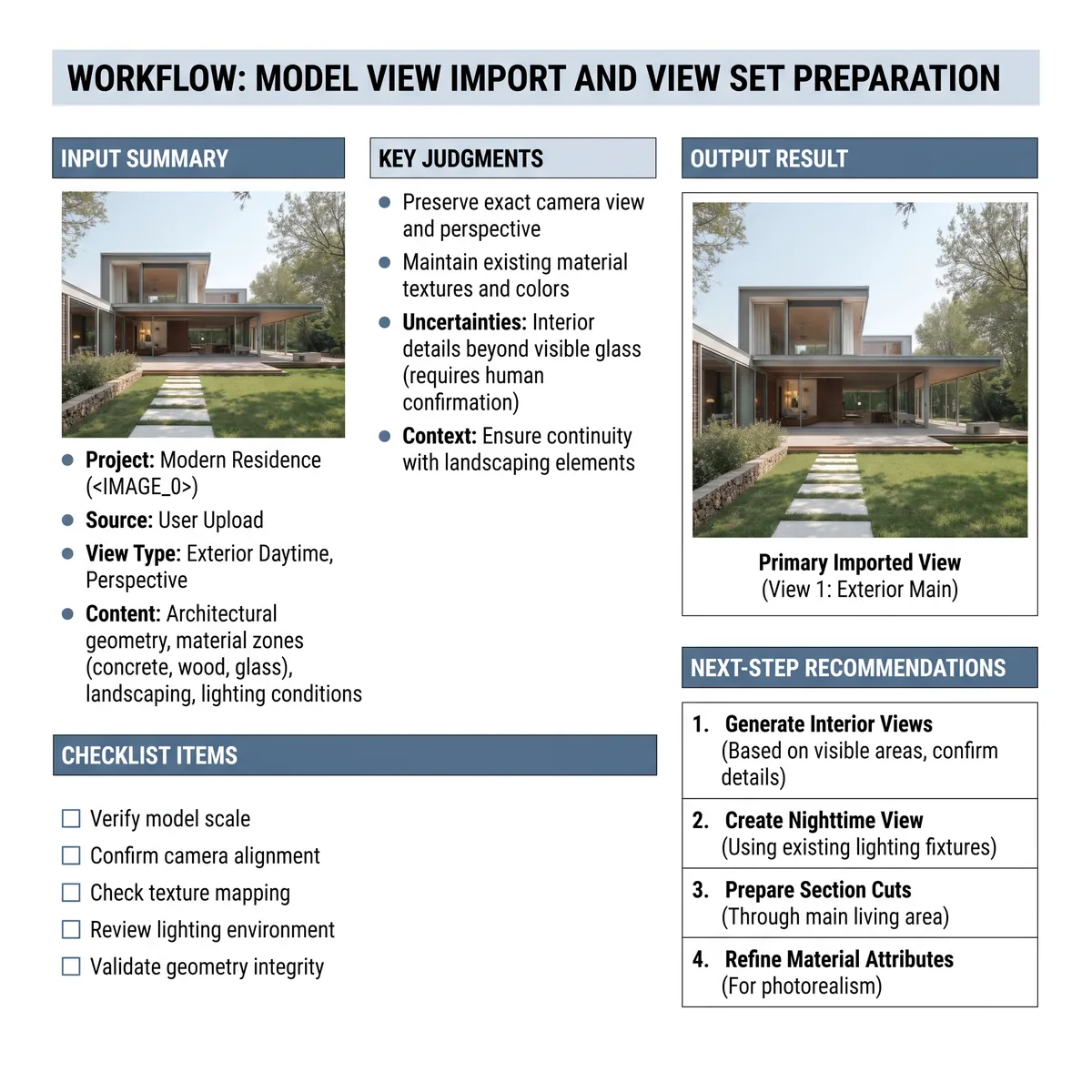
Coordinate Saved Cameras
Reduce uncertainty about which model viewpoint corresponds to an approved image or design discussion.
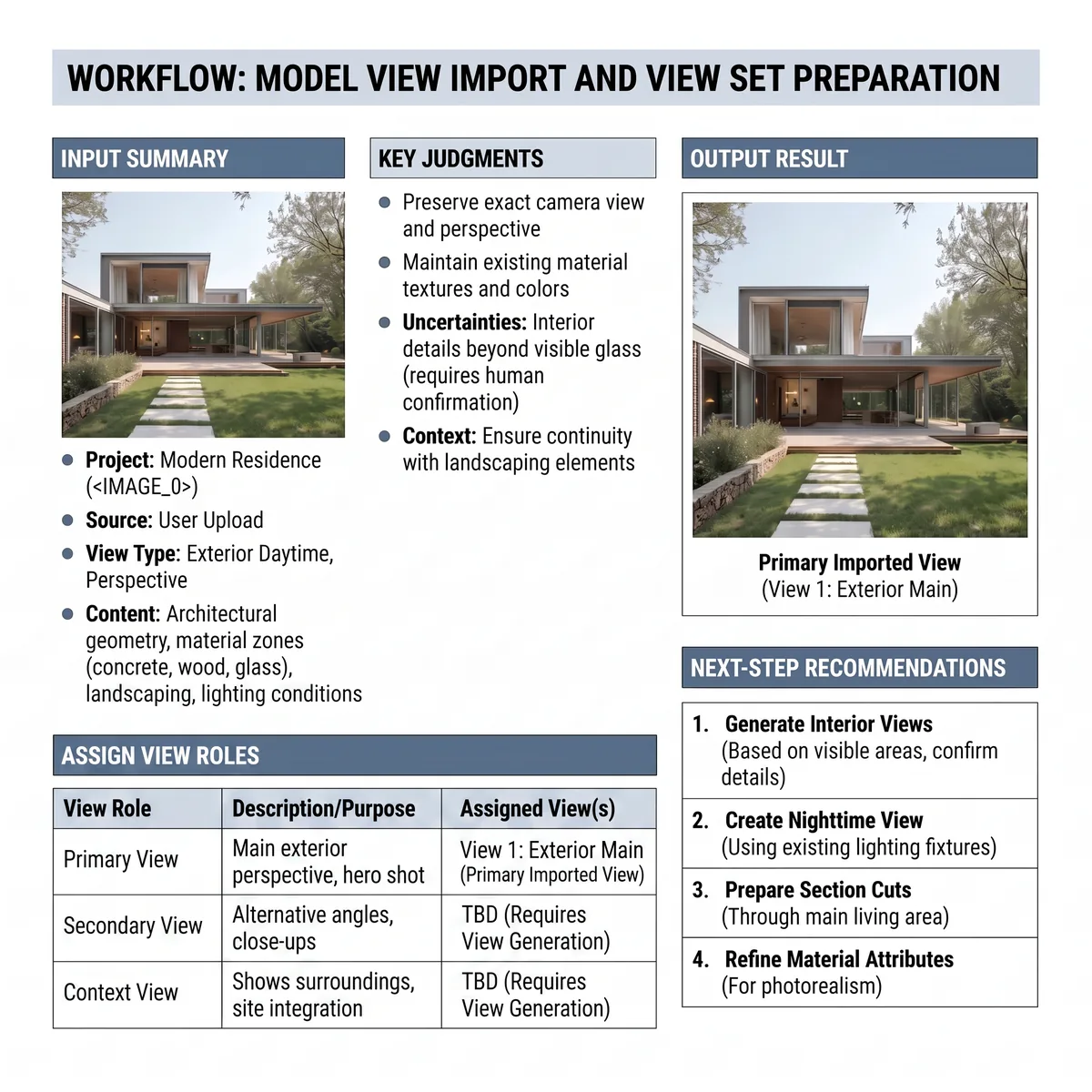
Prepare for Consistent Batch Output
Ensure the multi-view set begins with compatible naming, layers, and source conditions.
Treat Every View as a Defined Input
A screenshot without a stable name or camera reference is difficult to reproduce. Record enough metadata to connect the image back to its source view.
Layer visibility can change the apparent design. Note hidden context, furniture, landscape, facade elements, or linked models so later outputs do not begin from inconsistent geometry.
Assigning view roles helps prioritize effort. A hero exterior, technical supporting view, and material reference should not be reviewed by the same presentation criteria.
Frequently Asked Questions
Prepare Model Views That Downstream Workflows Can Trust
Organize cameras, layers, names, and view roles before the rendering or consistency batch begins.

Technical support: tech@promeai.pro
Business collaboration: business@promeai.pro