


Prepare a Permit Submission Completeness Checklist
Map the stated submission requirements to the current drawing index and project information, then create a traceable list of present, missing, unclear, or not-yet-confirmed items.

See the Workflow Run
The actual workflow — connected nodes you can run to preview each step.
Where a Completeness Check Reduces Submission Risk
Professional capabilities powered by AI.

Prepare an Internal Pre-Issue Review
Find obvious gaps before the formal submission set reaches the approving authority.

Coordinate Multiple Disciplines
Show which requirements depend on architectural, consultant, client, or administrative information.
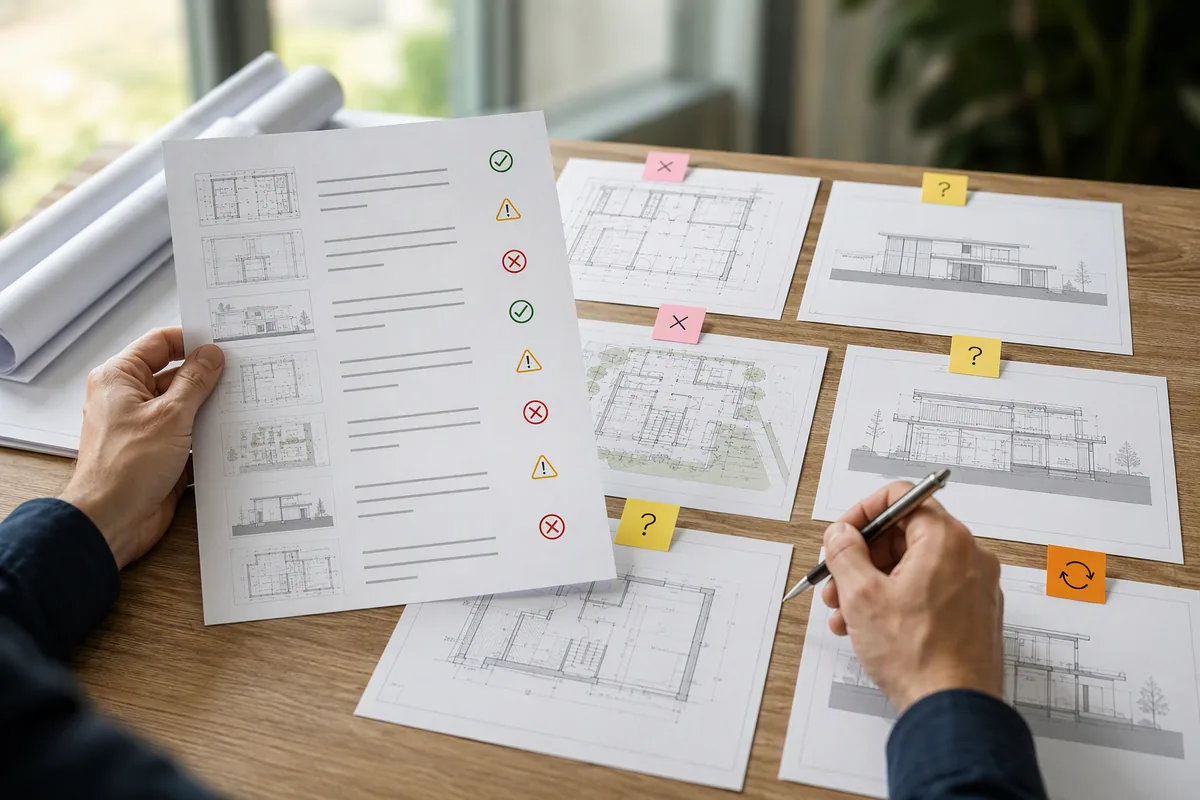
Reconcile the Drawing Index
Identify files that exist but are misnamed, out of date, or difficult to match to the stated checklist.
Check Presence, Version, and Applicability Separately
A file with a similar title may not satisfy the stated requirement. Confirm its version, project applicability, issue status, and relationship to the checklist item.
Keep “not applicable” distinct from “missing.” The reason for excluding a requirement should be recorded and confirmed by the appropriate project professional.
Completeness does not establish compliance or approval. Technical adequacy, signatures, calculations, authority requirements, and current submission rules require qualified verification.
Frequently Asked Questions
Find Submission Gaps Before the Permit Review Begins
Map requirements to the current document set and give every missing or unclear item a visible next action.

Technical support: tech@promeai.pro
Business collaboration: business@promeai.pro