


Synchronize a Material Change Across Multiple Views
Use an approved view set, material-zone masks, and a new reference to carry one material decision across related images while checking visual consistency.
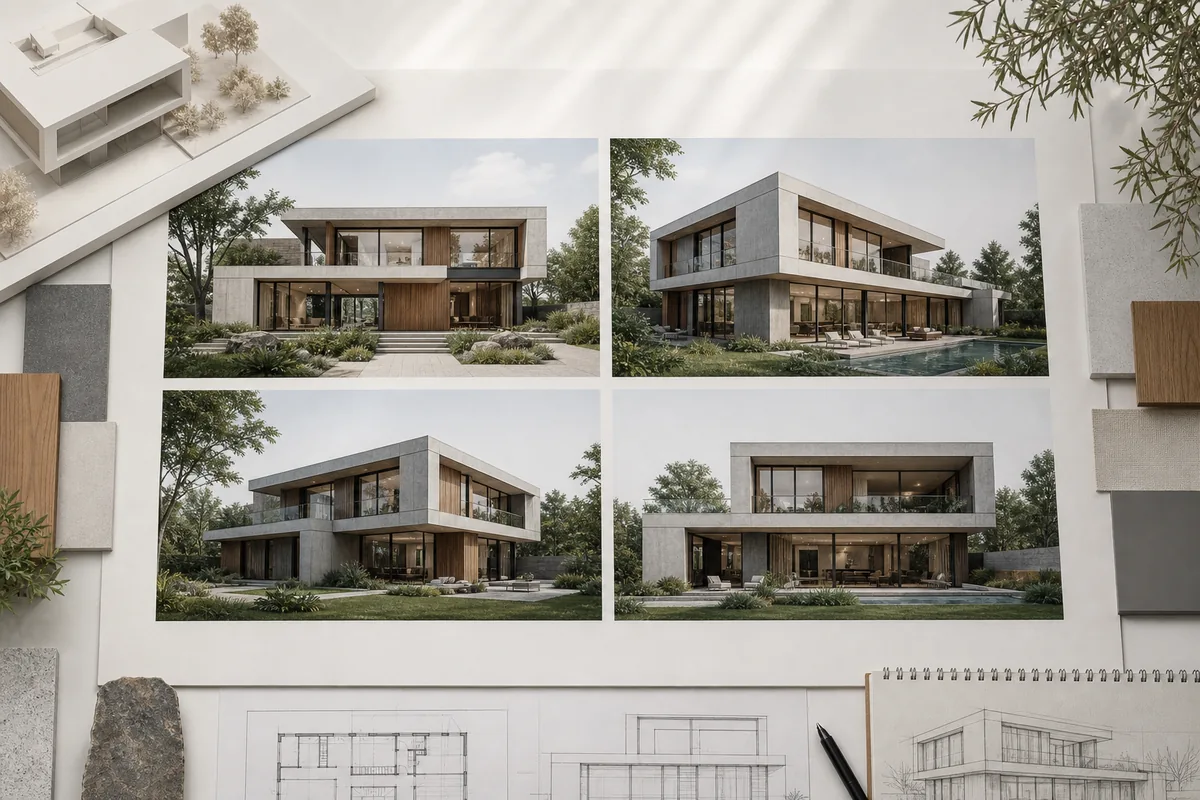
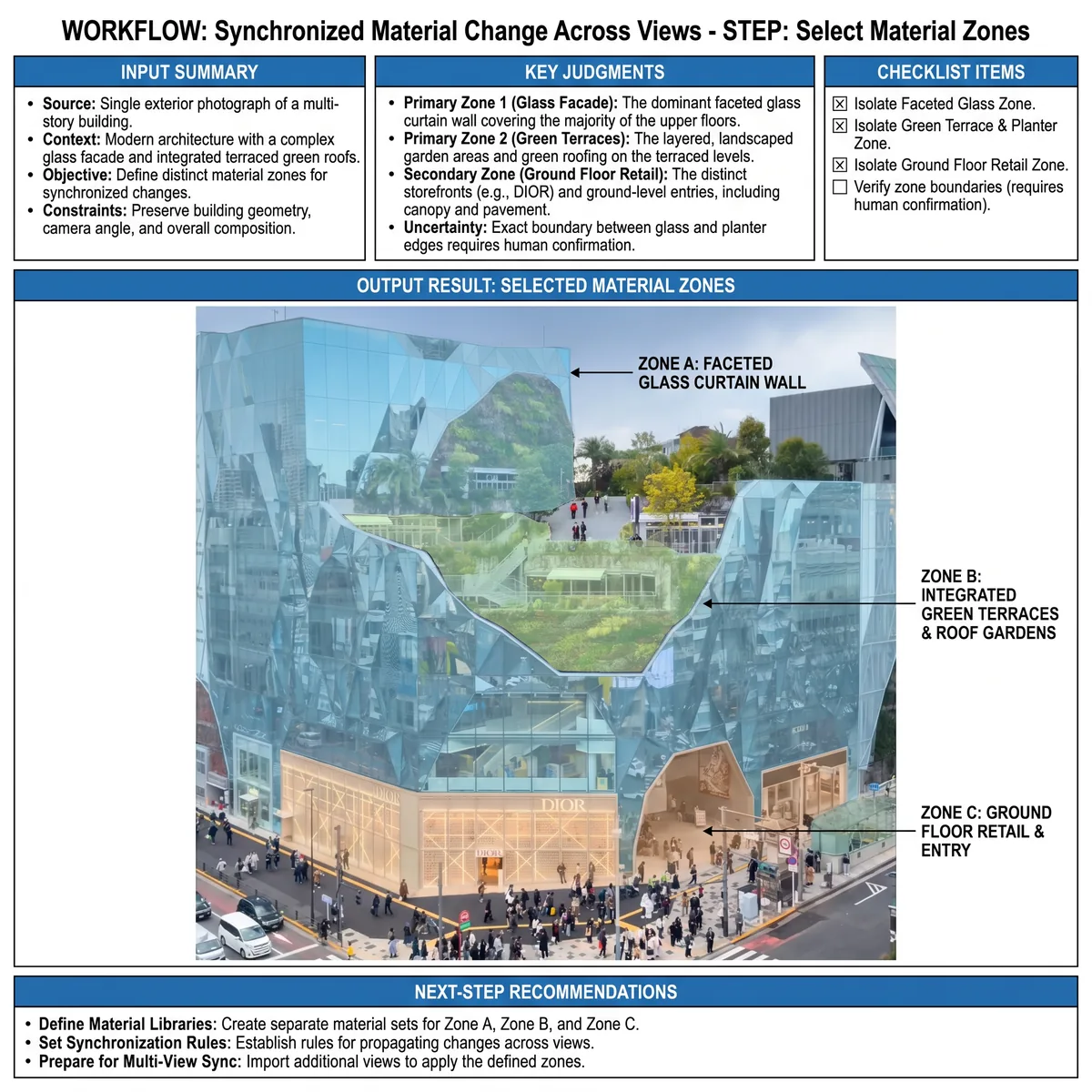
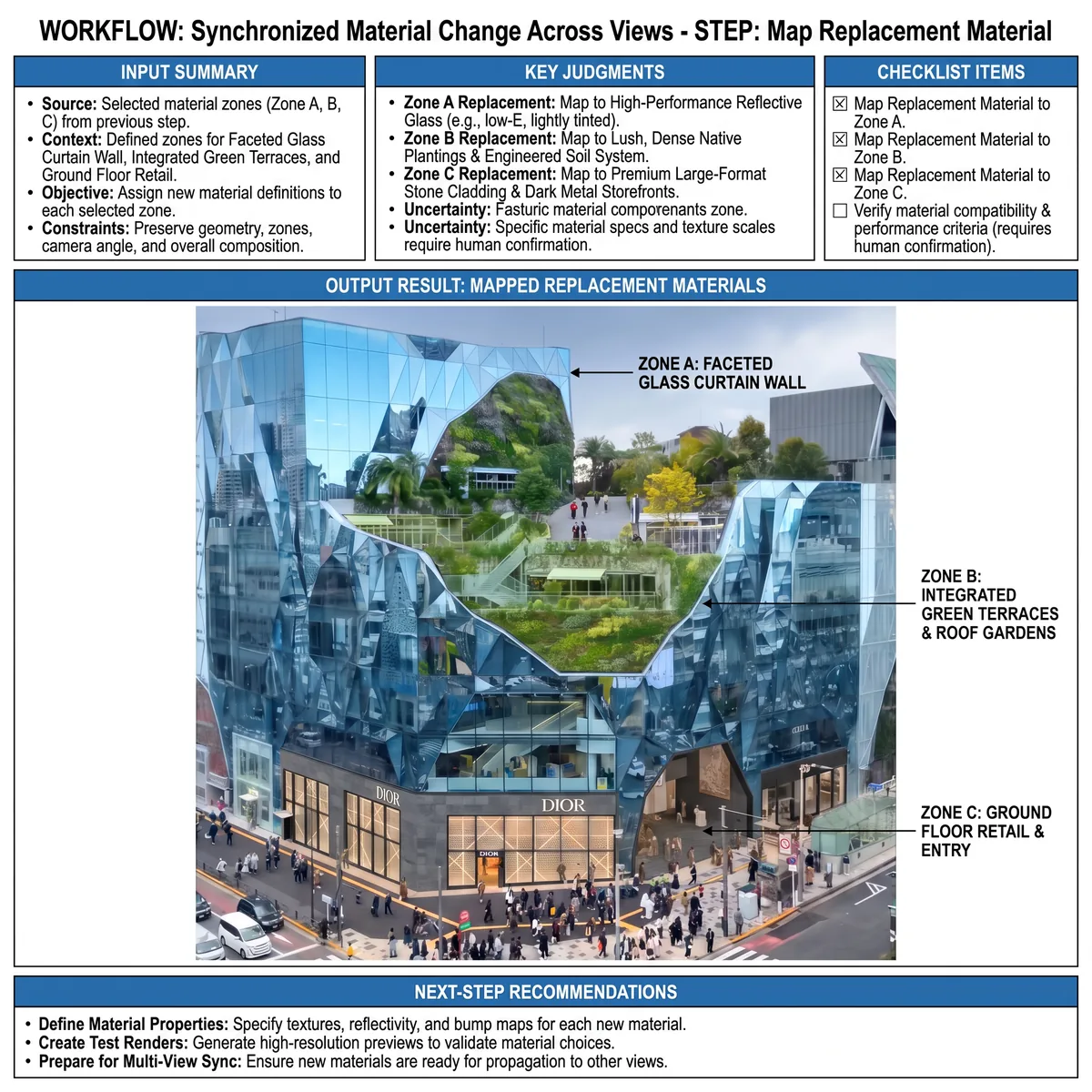
See the Workflow Run
The actual workflow — connected nodes you can run to preview each step.
When One Material Decision Affects the Whole View Set
Professional capabilities powered by AI.
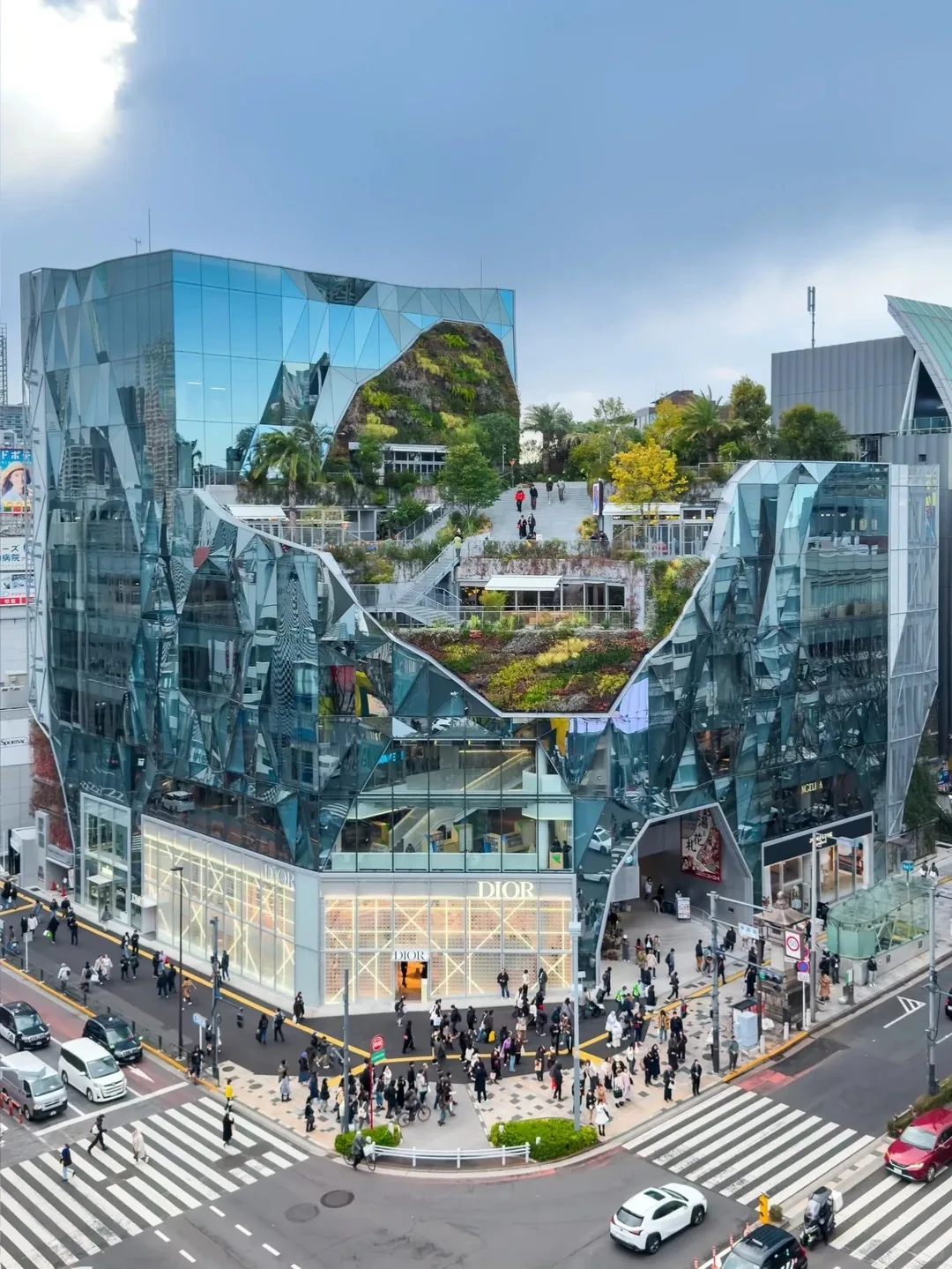
Update an Approved Facade Palette
Carry a cladding or finish decision into street, entry, and supporting exterior views.
Coordinate an Interior Finish Revision
Apply a selected wall, floor, joinery, or furniture material wherever the same design zone appears.
Prepare a Consistent Review Set
Prevent client presentations from showing contradictory material states after a late revision.
Match the Material Decision, Not the Pixel Appearance
The same material can look different under changing cameras, light, and distance. Check whether scale, finish, pattern, and zone identity remain consistent rather than forcing identical color values.
Map zones by design meaning as well as visible shape. A surface partly hidden in one view may still belong to the same material decision and require coordinated treatment.
Inspect protected geometry and neighboring materials after propagation. Generated revisions can affect edges, reflections, shadows, and surfaces outside the intended mask.
Frequently Asked Questions
Carry One Material Decision Through Every Relevant View
Update the coordinated image set and review how the new finish behaves across cameras, lighting, and context.

Technical support: tech@promeai.pro
Business collaboration: business@promeai.pro