Oops! You’re running out of Coins. To keep using, please upgrade your plan or add more coins to your account.
A CHRISTMAS CARD THAT FEELS LIKE YOU
AI Christmas Card Generator
Create Christmas card artwork from a family photo, pet photo or written idea. Choose from 8 card designs and 6 illustrated starters, personalize the greeting, and finish your artwork in Canvas.
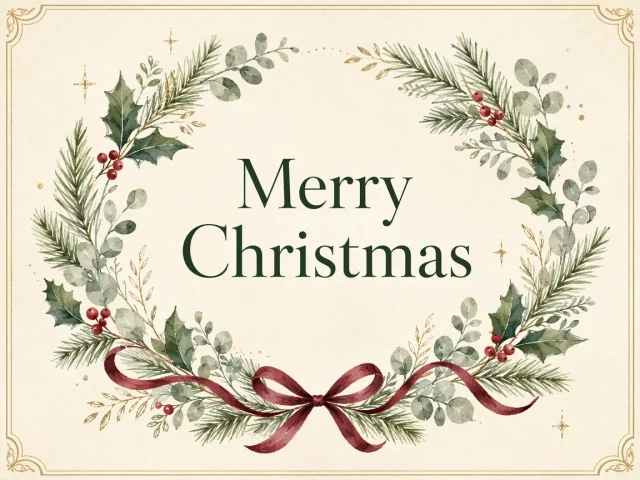
A LITTLE CHRISTMAS INSPIRATIONBotanical wreath Christmas card
·No photo? You can create a new image from this look.
Optional
Fine-tune the full promptFrom this look ⌄
Your personal details are added when you continue.
Example settings
4:3 format
GPT Image 2
1K
Medium detail
Opens Canvas with your current prompt and any uploaded photos. Choose a model and format, then review credits before generating.
↗ Choose your settings and review credits in Canvas before generating.
8 CARD DESIGNS + 6 ILLUSTRATED ARTWORK STARTERS
AI Christmas card ideas for photos and holiday greetings
Explore eight existing Christmas card designs plus six vintage illustrated artwork starters for families, couples and pets. Card designs include greetings or message space; artwork starters need a greeting and final card layout.
The eight existing card designs were generated with GPT Image 2 and retain their source prompts. The six new illustration starters come from verified GPT Image 2.5 Sunburst Canvas results. Their card prompts are editorial adaptations. Proofread lettering and review likeness before sharing or printing.
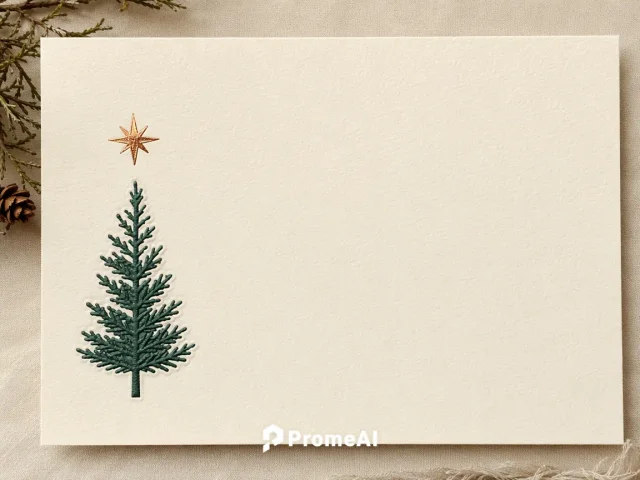
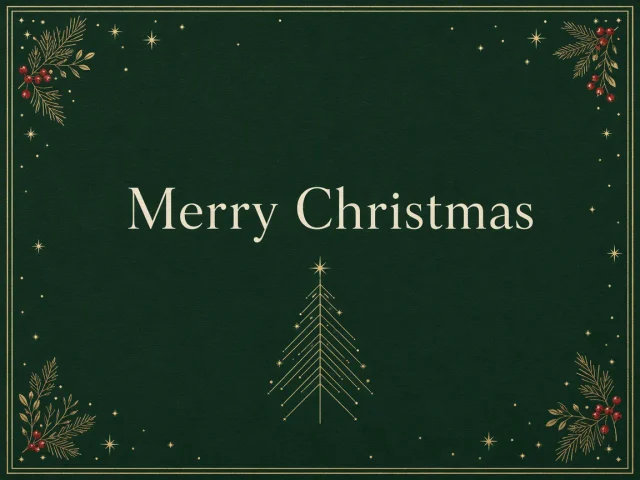
Start with a minimal tree or an evergreen wreath. Keep the illustration and greeting in balance, and edit the prompt to change the palette or message. Review generated lettering; use a layout editor for wording that needs to be exact.
Explore watercolor and winter Christmas card ideas
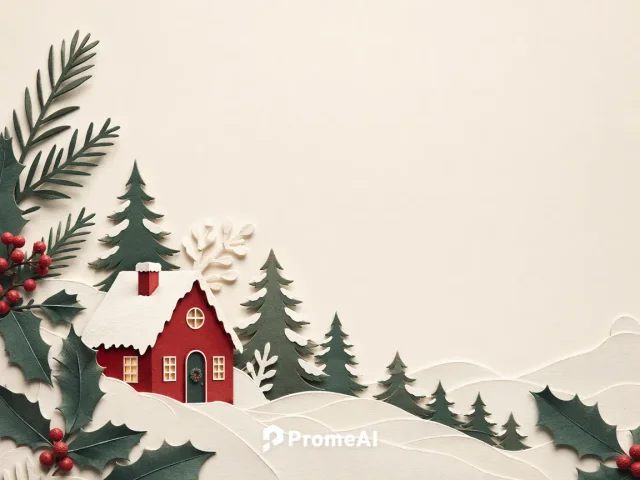
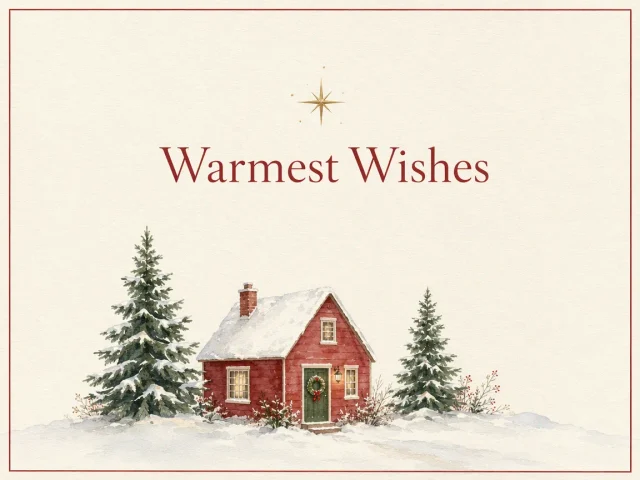
Choose layered paper, watercolor cottages, or a small woodland illustration. These examples are designed card faces with a place for the greeting. Change the materials and colors in the prompt to suit your message.
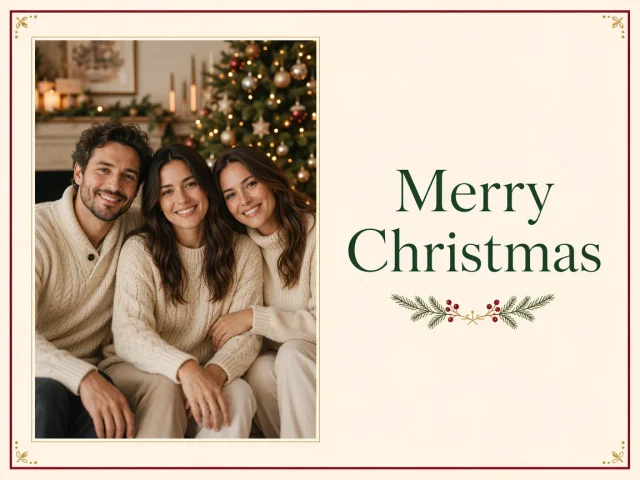
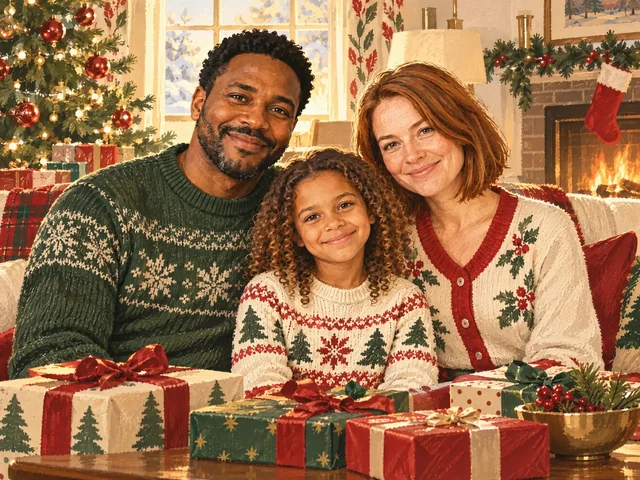
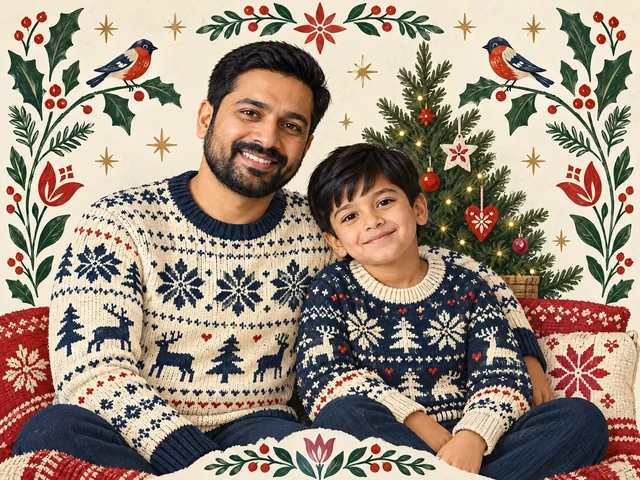
Upload a clear family photo and describe a card layout with a separate greeting area. Ask to preserve the people from your reference, then review every face and word before preparing your finished card.
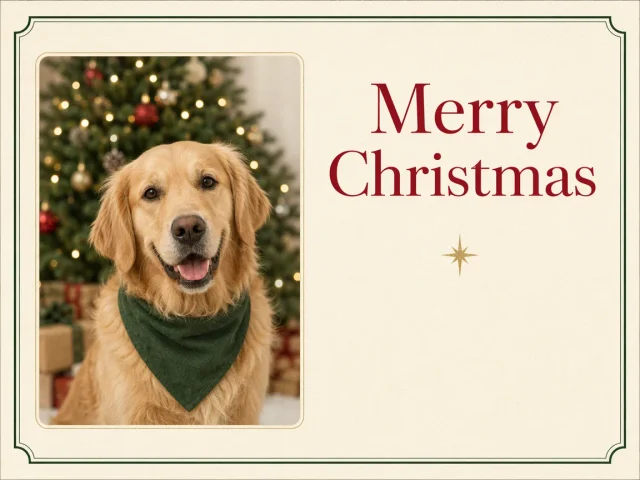
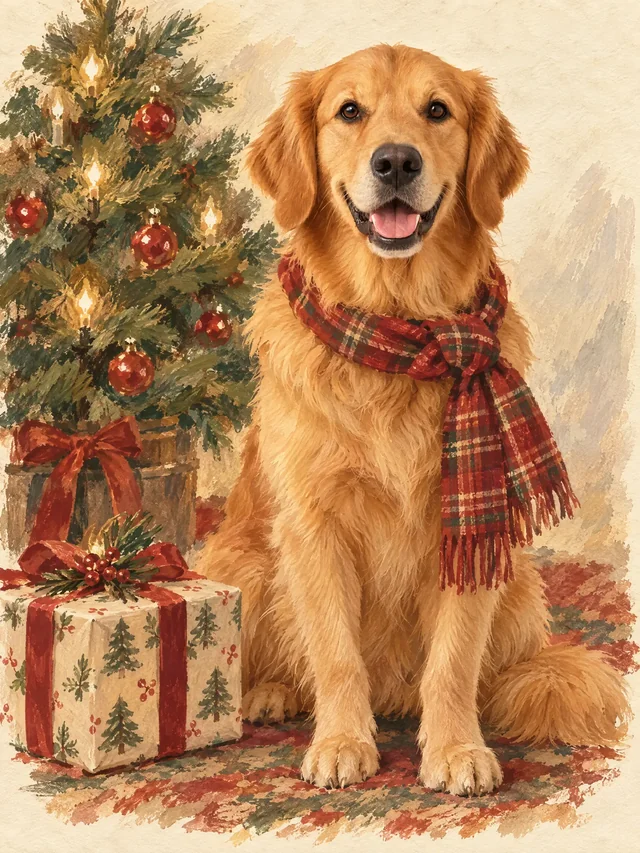
Use a clear pet photo as a reference and adapt the example’s photo-card layout. Keep the greeting separate from the subject, and check markings and lettering before sharing.
Start your card with a vintage family or pet illustration
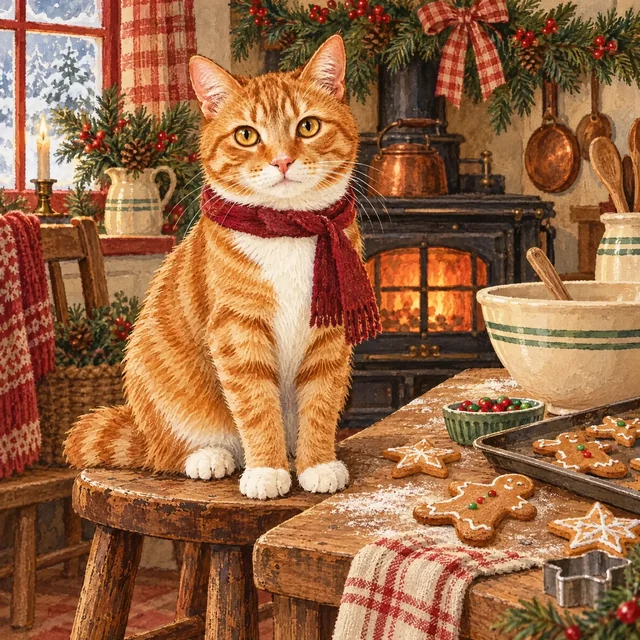
Use a Christmas morning family scene or a cozy gingerbread-kitchen pet illustration as the starting artwork. These examples are not finished greeting cards: add your message, arrange the type and check safe margins before sharing.
How to make an AI Christmas card from a photo or prompt
Choose a card idea, personalize the subject and greeting, then generate your Christmas card artwork in Canvas.
1
Choose an illustrated or photo card
Select Create Similar on a card design or an illustrated artwork starter to load its reusable prompt into the Hero. Your uploaded photo stays in place.
2
Personalize the subject and greeting
Edit the palette, illustration and exact greeting in the prompt. Add an optional family or pet photo if you want to use your own subject; the gallery photo-card subjects are fictional AI creations.
3
Create in Canvas
Continue with your current prompt and uploaded references. Sign in if needed, choose an available model and format, review the displayed credits, and generate. The existing card designs use GPT Image 2; the vintage illustration starters use GPT Image 2.5 Sunburst. Review the selected example settings and choose the final card format in Canvas.
4
Proofread and prepare the final card
Check spelling, faces, pet details and the full composition. Generated text and likeness can vary. Use a layout editor for exact wording, and confirm size, margins and bleed with your printer.
WATCH IT COME TO LIFE
Find a photo idea for your Christmas card
These videos show Christmas photo inspiration. Choose a card artwork example above to create your own greeting artwork.
PHOTO IDEAS FOR YOUR CARD
Explore Christmas portrait inspiration
Explore pet and portrait makeover ideas for your holiday greeting. This clip shows photo creation, rather than a finished card layout or printing workflow.
See a Christmas cat makeover for inspiration, then personalize a pet photo card artwork example. Add and proofread your greeting in your preferred editor.
AI Christmas card generator: frequently asked questions
It helps create a complete Christmas card image from a prompt and optional reference photo. Choose an original PromeAI example, edit the matching prompt in the Hero, and continue in Canvas. Six gallery designs include generated greetings; the minimal tree and paper-cut cards leave space to add your own message. The six vintage artwork starters are scene illustrations; add and proofread a greeting and layout to turn them into finished cards.
Yes. Upload a clear family photo and adapt the prompt to describe the people and a separate greeting area. Your photo and current prompt travel to Canvas. The family photo-card example uses fictional AI-generated adults, not a customer photograph. Review every face and likeness in your own result.
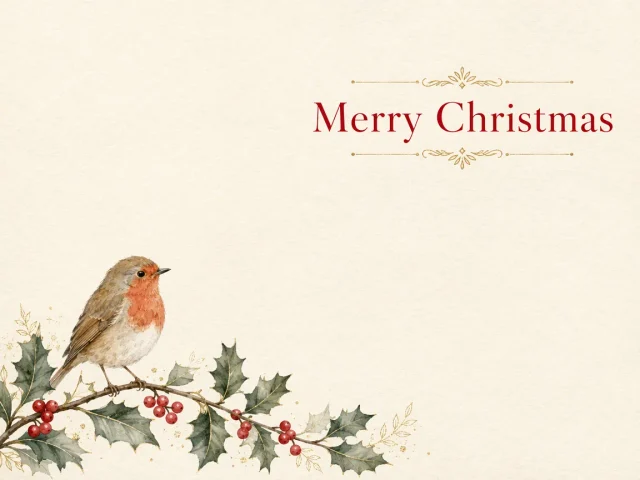
Yes. The eight card designs were generated without reference photos. Choose a wreath, winter cottage, gold tree, robin, minimal tree or paper-cut design to start from text. The six illustration starters use a mix of text-only and reference-based generation; review the selected example and adapt its prompt for your own subjects.
Yes. Choose the pet photo-card example, upload an optional clear pet photo, and describe your pet and the greeting layout in the prompt. The gallery dog is an original fictional AI pet. Review anatomy, markings and lettering after generating.
Six of the eight card designs show generated greetings; the minimal tree and paper-cut designs leave space for a message. The six illustration starters need a greeting and final layout. Generated lettering can contain mistakes, so proofread every result and use a layout editor for exact names, spelling and typography.
The images are not press-ready files. The eight card designs are 1152 × 864 pixels in a 4:3 landscape format. The six illustration starters have different sizes and aspect ratios; check the selected example and your generated result. Add or proofread the greeting, prepare the final layout, and confirm print size, resolution, margins, color requirements and bleed with your printer.
Describe the subject, material, palette, greeting and placement. For example: A watercolor robin on holly in the lower-left corner of an ivory 4:3 card, with the exact greeting Merry Christmas in red serif lettering at the upper right and generous clear space. Review generated words and refine them separately when needed.
Generating in Canvas uses the credits shown for your account, model and settings. Selecting a gallery example or editing its prompt here does not start a paid generation. Review the displayed cost in Canvas before generating.
Yes. Create your card artwork in Canvas, check the greeting and any faces or pet details, and use the resulting image in a digital card for email, messaging or social media. Adjust the final dimensions in an image editor for your chosen platform.
Create a Christmas card that feels personal.
Start with a photo or an illustrated card idea, personalize the prompt, and create your holiday greeting in Canvas.


 Create Similar
 Create Similar
 Create Similar
 Create Similar
 Create Similar
 Create Similar
 Create Similar
 Create Similar
 Create Similar
 Create Similar
 Create Similar
 Create Similar
 Create Similar