Oops! You’re running out of Coins. To keep using, please upgrade your plan or add more coins to your account.
A FESTIVE DETAIL. YOUR ORIGINAL PHOTO.
Add Santa Hat to Photo
Put a Santa hat on a photo you already have. Upload a portrait or pet picture, choose a classic red hat or another Christmas hat style, and customize the color, fabric and fit in Canvas.
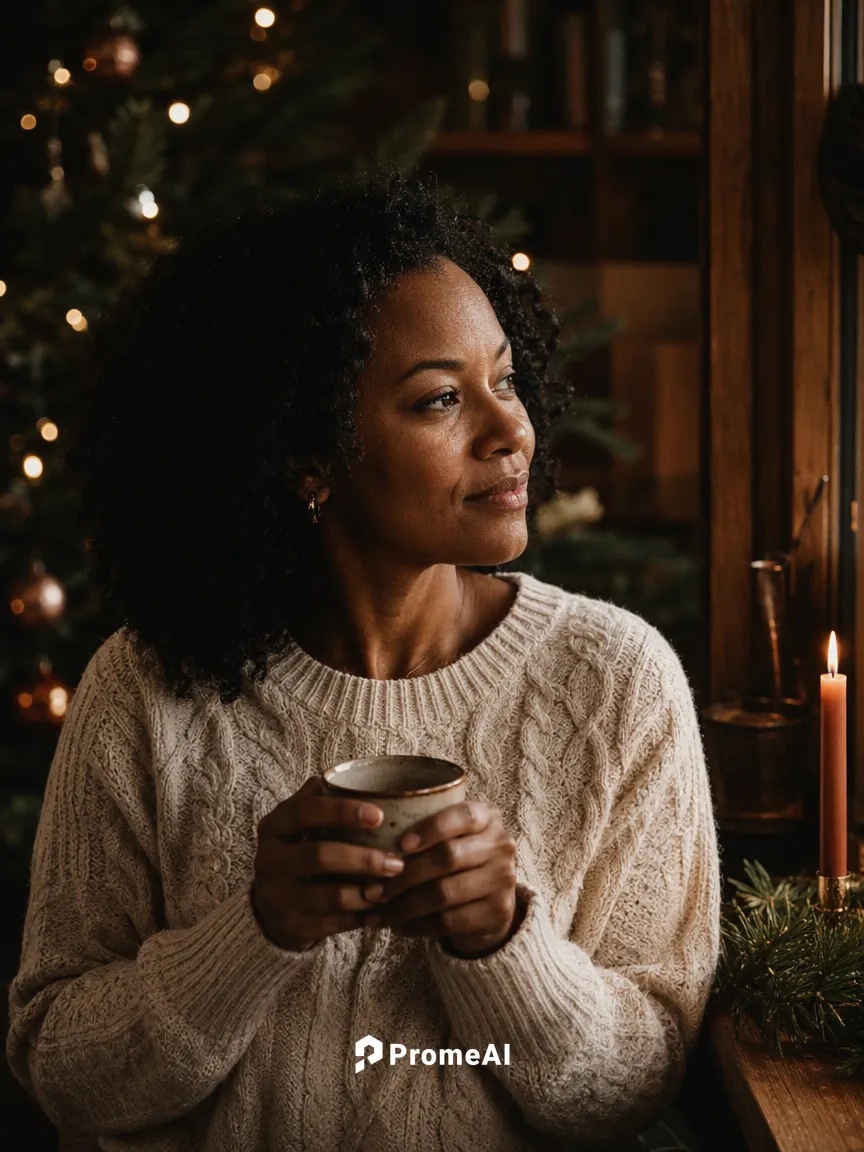
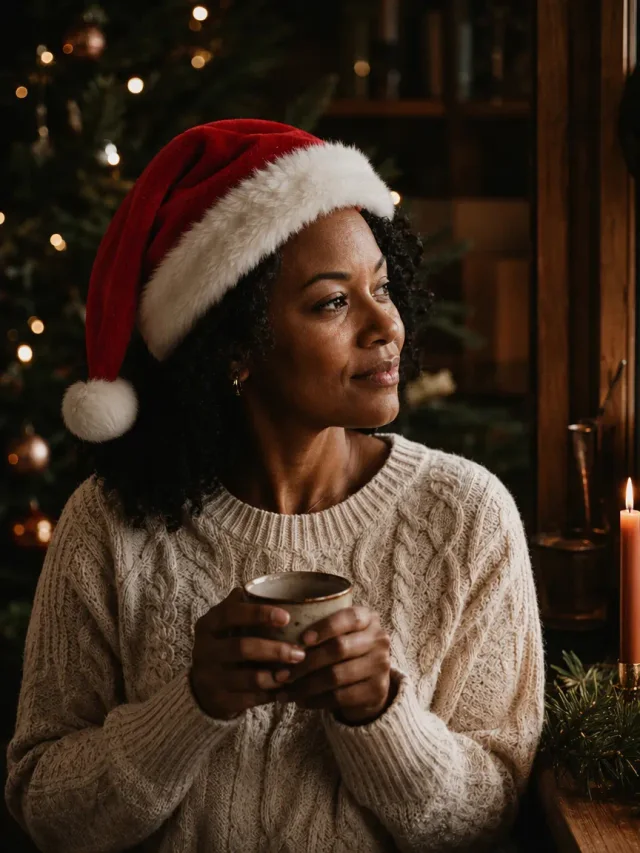
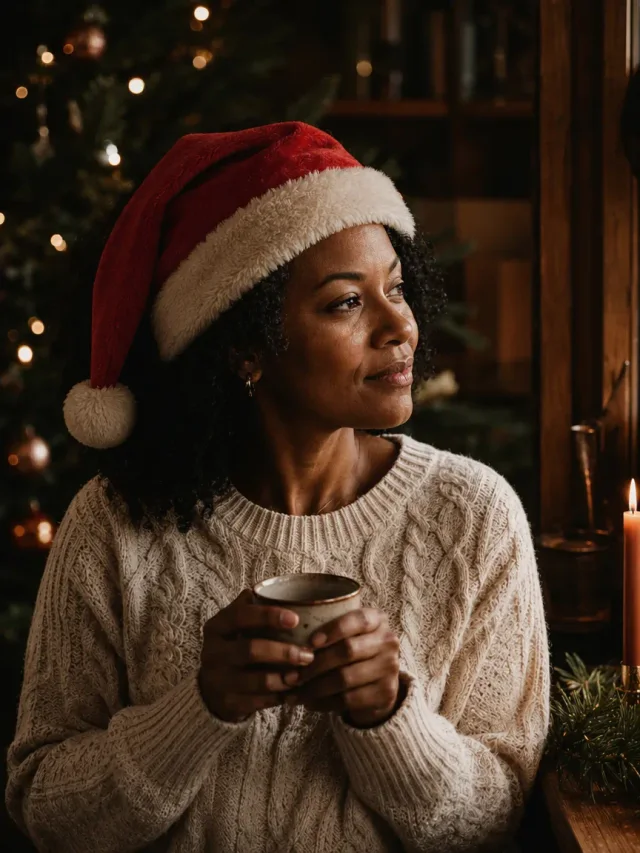
Start with a portrait you like and ask to keep the same face, expression, clothes and background. The original and edited photos here show the classic red hat on the same subject. AI can still alter small details, so compare your result before saving.
Verified Canvas edit: GPT Image 2, 864 × 1152, one reference image. Both examples use an original PromeAI-generated sample portrait. Compare faces, hair and background with your own original after editing.
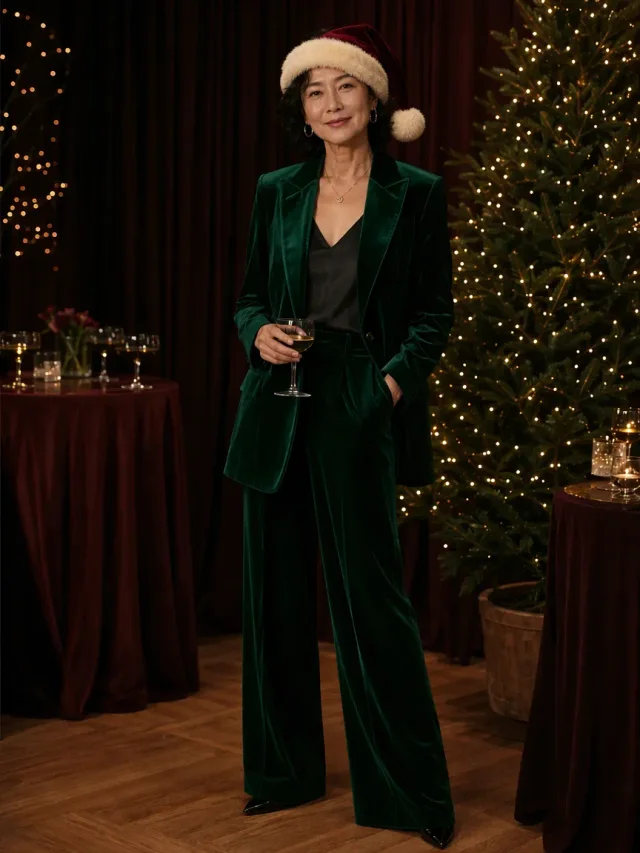
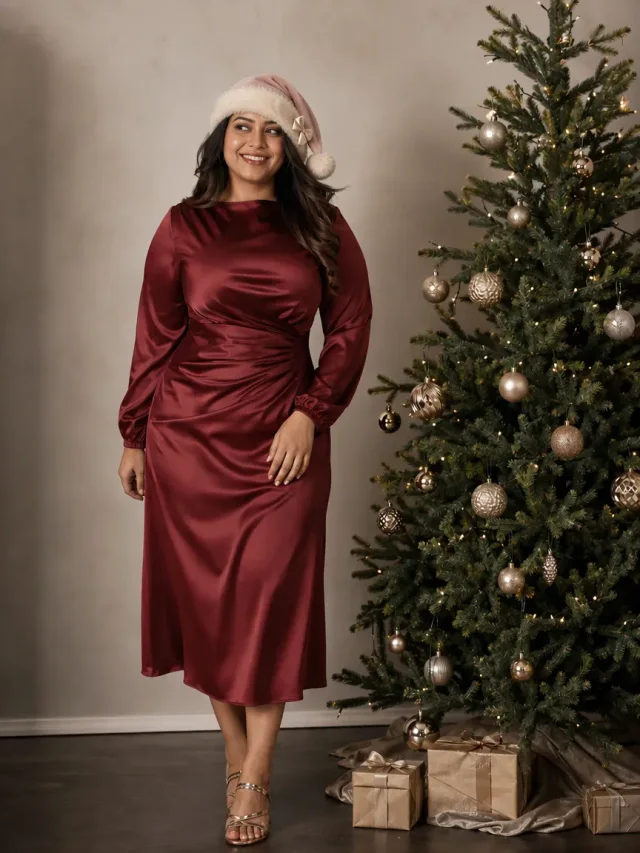
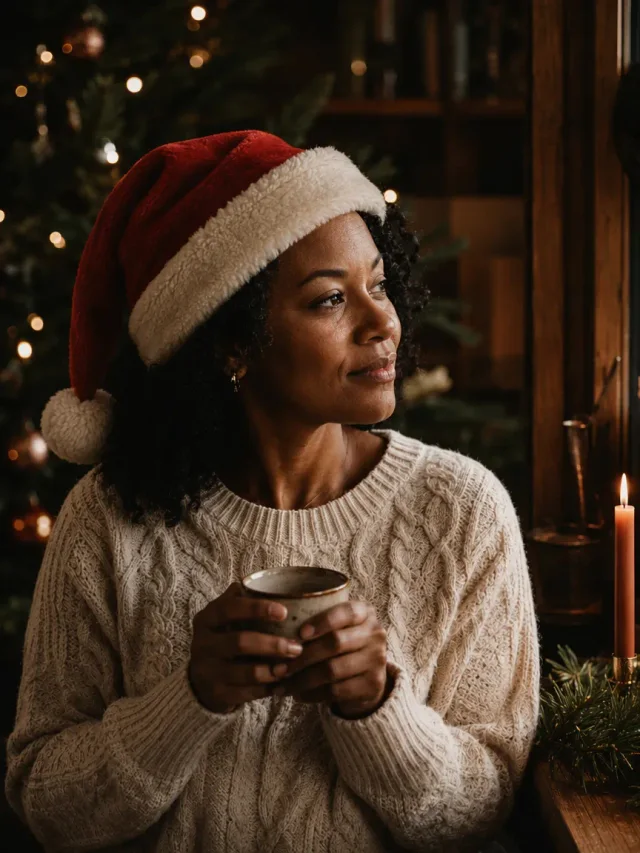
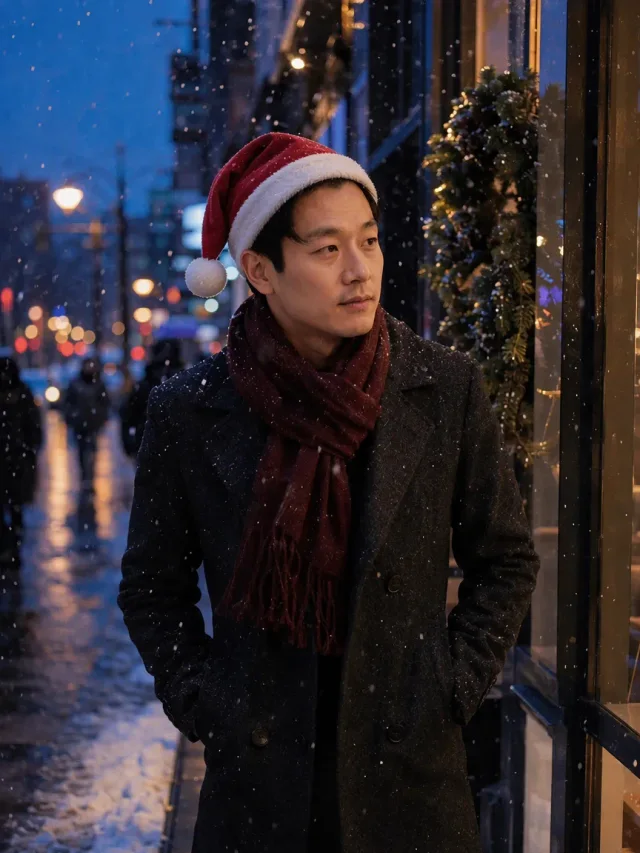
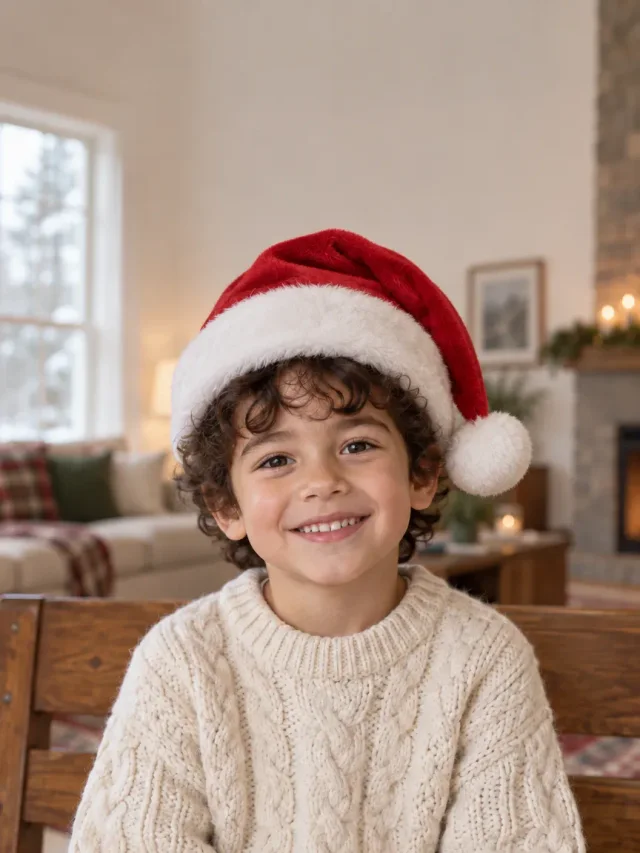
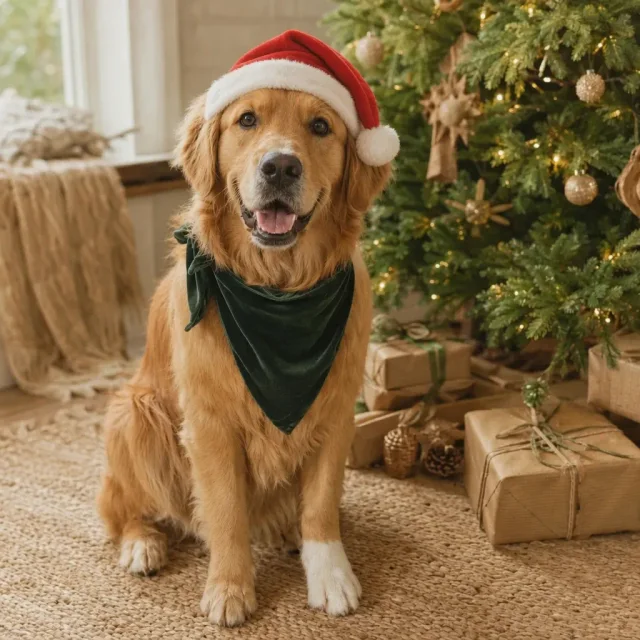
Choose a classic red Santa hat, fluffy fur, burgundy velvet, a pink hat or an elf hat. See the styles on portraits, children and a dog, then load a style and adapt its instructions to your photo.
10 original photo edits made in PromeAI Canvas. Each style includes an editable prompt. Compare your generated result with your original before sharing.
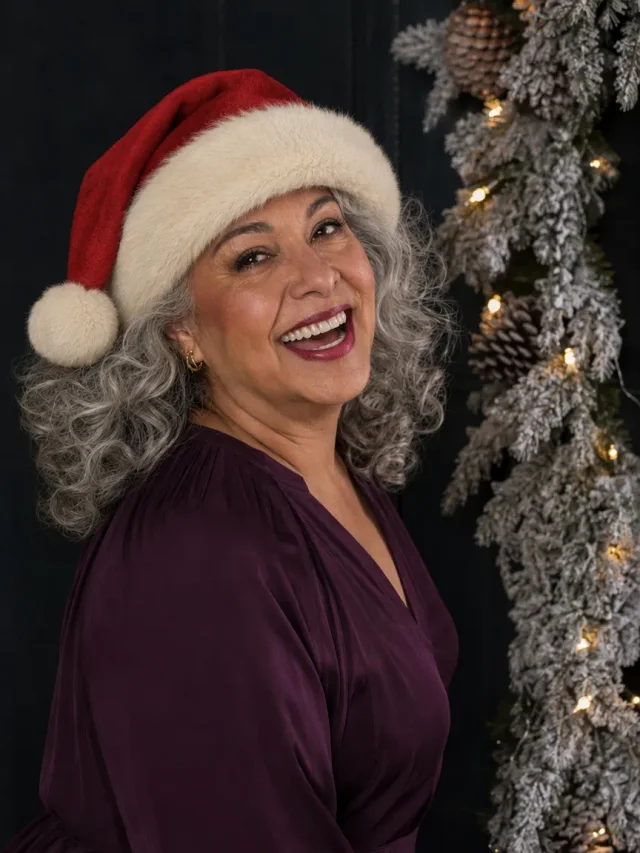
Go for a red Santa hat with a white cuff, a thicker fluffy brim or rich burgundy velvet. Use the selected prompt as a starting point, then change the fabric, brim width or pompom size to suit your photo.
For an angled portrait, ask the brim to follow the existing head tilt and keep the face turned the same way. Specify which side the pompom falls on and request a soft shadow under the cuff. Leave enough space above the head for the full hat.
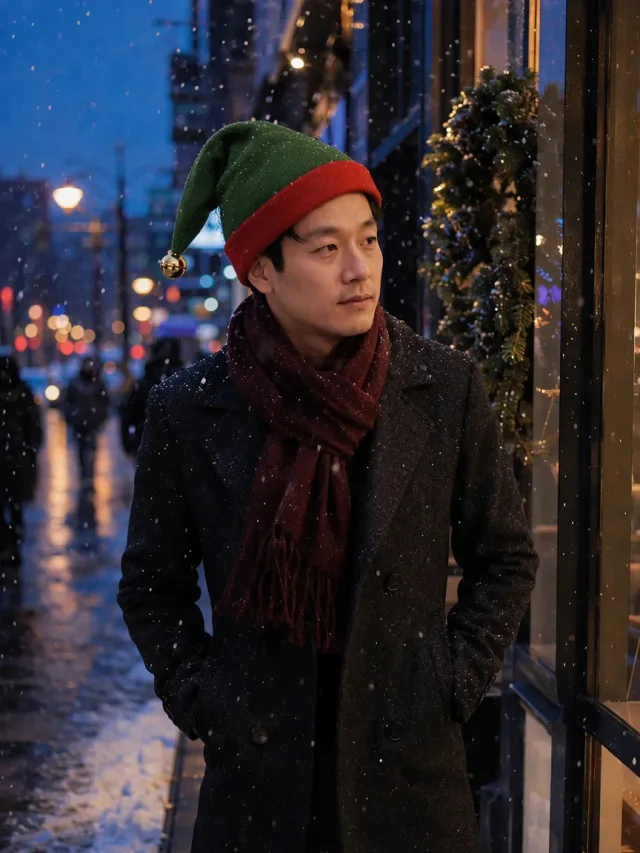
Choose the green elf look for a bent tip, red cuff and small gold bell. For a softer finish, try a blush-pink Santa hat with an ivory cuff and satin bow. Both styles have their own prompt, ready for you to adjust.
Use a clear photo with the whole head visible. Request a smaller hat for a child and a fit that leaves your pet’s eyes and ears clear. For a cat photo, adapt the pet prompt to preserve its whiskers, fur markings and ear shape.
If the hat sits too high, ask for the cuff to rest on the crown with a soft contact shadow. If it covers the eyes, request a higher, narrower brim. Regenerate in Canvas and compare again; for a local repair, open Erase & Replace separately and mark just the area to change.
Upload one photo, customize a hat and finish the edit in Canvas.
1
Upload your photo
Choose a JPG, PNG or WebP you have permission to edit. Keep the face or pet’s head sharp and leave some room above the crown for the hat.
2
Pick a style and customize the prompt
Select Create Similar on a gallery image to load its hat prompt. Change the color, material or tilt. In a group photo, identify the wearer by position or clothing.
3
Open Canvas and choose your settings
Select Add a Santa Hat and sign in if needed. Continue with your photo and current prompt, choose an image-editing model, match the original aspect ratio and check the credit cost.
4
Generate, compare and save
Check the face, hat edges, hair and background against your original. Adjust the prompt if the fit is off, then download the result you want to use.
WATCH IT COME TO LIFE
A Santa hat is just the beginning
See how a Santa hat photo idea can become a Christmas makeover, then try a hat on your own photo.
SANTA HAT & PHOTO INSPIRATION
Start with a Christmas hat photo idea
This pet and portrait example begins with a Santa hat idea and explores a wider Christmas makeover. Use the editor above to focus on adding a hat to your own photo.
Continue in Canvas to choose a model and settings, review credits, and generate. Results will vary.
Christmas profile pictures, family greetings and pet posts
Give a photo you already use a seasonal update.
Santa hat profile pictures
Put a Christmas hat on your usual Instagram or Discord profile photo. Leave space around the pompom and check the circular crop before updating your avatar.
Christmas card photos
Add a hat to a child or family portrait, then use the edited image in your own greeting or card design. Check every face and keep room for your message.
Holiday photos of your dog or cat
Make a festive post from an existing pet picture. Describe a small hat with clear eyes and ears, and check that the muzzle and fur markings still look familiar.
Make the hat edit your own
Keep your source photo, compare styles and refine the result.
YOUR PHOTO
Start with a familiar picture
Upload one original photo and keep it in place while you explore hats. Each style changes the editing instructions for that same picture.
YOUR STYLE
Adjust more than the color
Specify velvet or fluffy fur, a narrow or wide cuff, and where the tip should fall. Each style keeps its own prompt draft during this page session.
YOUR FINAL CHECK
Choose the result you want to share
Review the hat’s fit and the details you want to keep before downloading. Canvas lets you adjust the prompt and generation settings for another attempt.
Upload your photo, select a Santa or Christmas hat style and adjust the instructions. Choose Add a Santa Hat to continue in Canvas, sign in if needed, then select an image-editing model and review credits. Generate the edit, compare it with your original and download your chosen result.
The supplied prompts ask AI to preserve the face, expression, pose, clothes and background while adding the hat and its contact shadow. Small details can still change. Compare the output with your original and refine the prompt if the person or scene looks different.
Open this page in your phone’s browser and use Upload your photo to choose a picture. Select a hat, adjust the prompt and continue in Canvas. Use a JPG, PNG or WebP; convert your photo first if it is in another format.
Upload the portrait you use for your profile and choose a hat style. Leave space above and beside your head so the hat and pompom fit. After editing, check the image in your profile’s circular crop before saving your new avatar.
You can upload one group photo and identify who should wear a hat, such as the person on the left in the blue sweater. State whether you want one wearer or matching hats. Small or partly hidden heads are harder to edit, so check each face and hat afterward.
Use a clear photo with the whole head and ears visible. Start with the pet style and name your animal in the prompt. Ask for a hat that leaves the eyes and ears clear and preserves the muzzle, whiskers and fur markings. Check those details before sharing.
Upload one JPG, PNG or WebP with a clear head, visible facial details and some room above the crown. A tight crop, blurry face or partly hidden head makes the fit harder. A simple portrait is a useful starting point before trying a group photo.
You do not need a separate hat image for this workflow. Upload your photo and describe the hat you want AI to add. This page uses a reference photo and prompt in Canvas. It does not provide a sticker that you drag, rotate or resize by hand.
Ask for the cuff to rest on the crown above the eyebrows and follow the existing head angle. Request a smaller hat or narrower brim if it covers the face. Generate again in Canvas, or use Erase & Replace separately to mark and repair a small problem area.
You can explore the styles and edit their prompts here. Image generation follows the credits and membership available in your PromeAI account. Check the cost shown for your selected model and settings in Canvas before you generate.
Choose an available model that supports editing with a reference image. Match your original photo’s aspect ratio to reduce reframing. Select the resolution and quality you need, then review the credit cost before generating.
Your uploaded photo stays in place, and each style keeps its own prompt draft for the current page session. Switching back restores that draft. Save any text you want to keep before refreshing or leaving the page.
Put a Santa Hat on Your Favorite Photo
Choose your Santa hat style, upload a photo and make the edit your own in Canvas.




 Selected look Create Similar
 Create Similar
 Create Similar
 Create Similar
 Create Similar
 Create Similar
 Create Similar
 Create Similar
 Create Similar
 Create Similar