


 Use prompt ↗
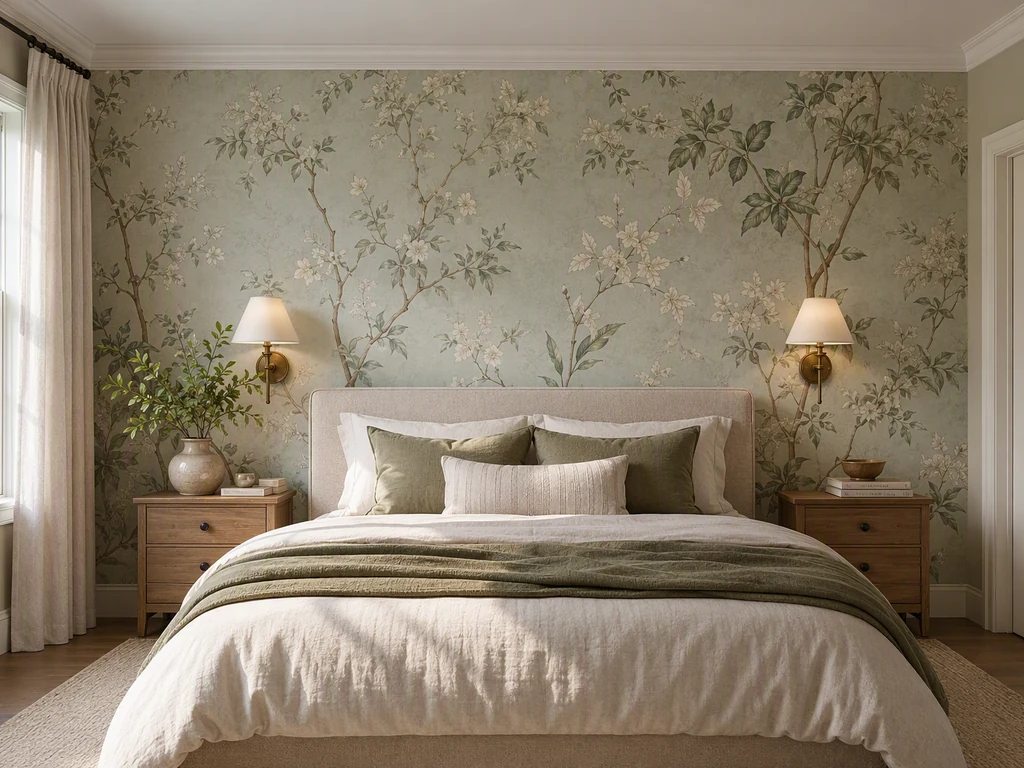
 Soft Botanical Wallpaper
Soft botanical headboard wall shown as bedroom wallpaper ideas inspiration
Compare six bedroom wallpaper concepts, from a quiet botanical wall to a panoramic mural. Consider light, motif scale, bedding and wood finishes, then use the matching editable prompt to develop a new concept in PromeAI.
 Use prompt↗
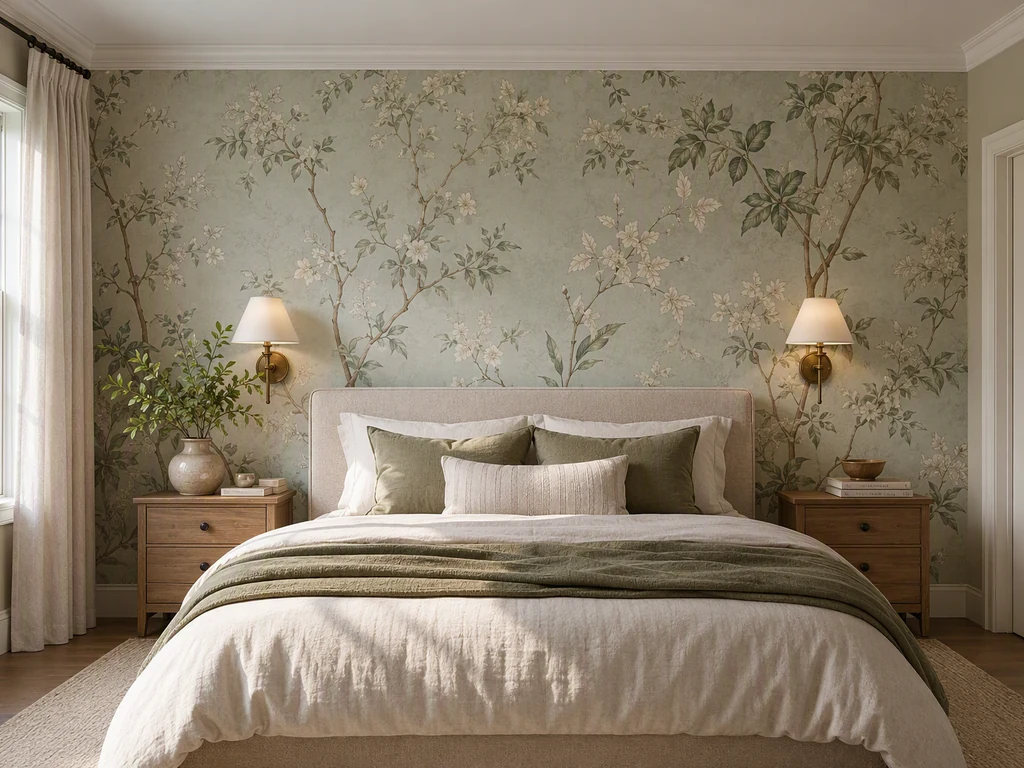
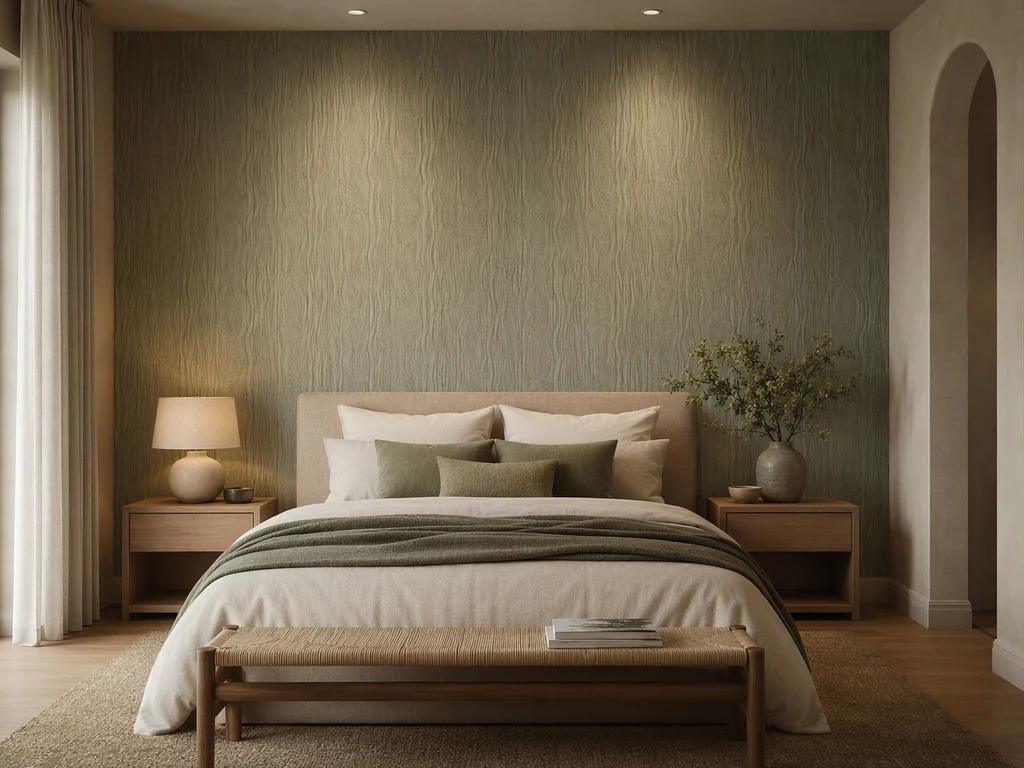
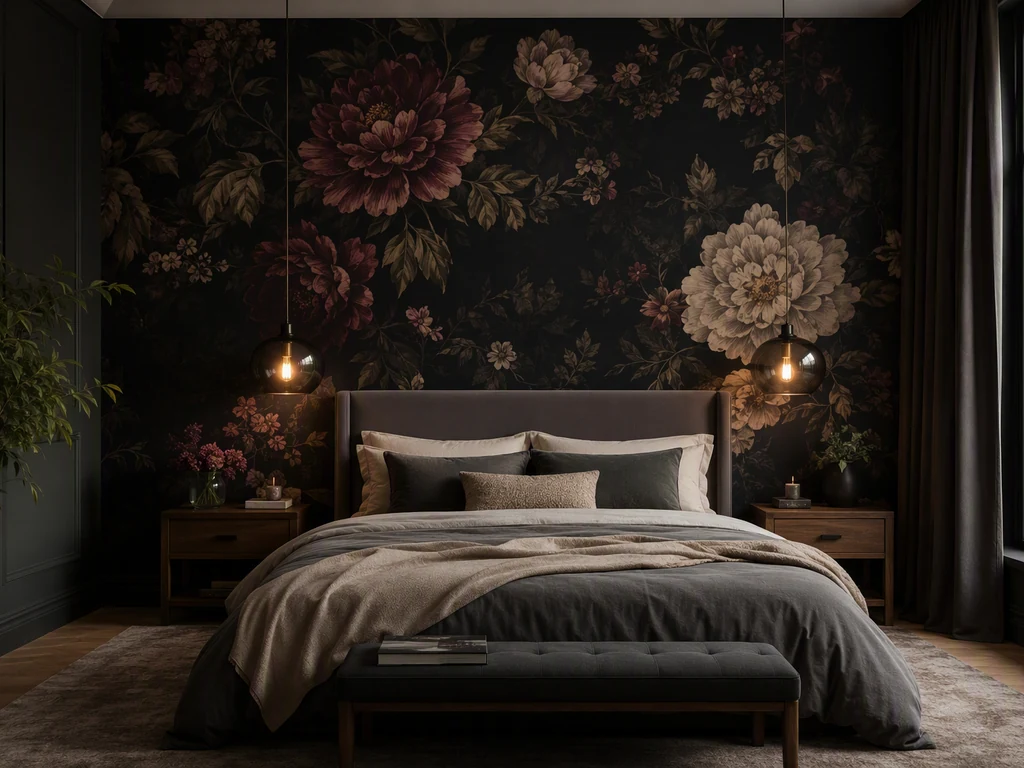
Decide whether the wallpaper should calm the room, create a headboard focal point, or wrap the space more immersively. The bed, windows, wardrobes, and lamps interrupt the pattern and determine the main view. Compare the six references for motif scale, darkness, direction, crop, daylight, nighttime lighting, and how the wall relates to bedding and upholstery.
Use prompt ↗ Soft botanical headboard wall shown as bedroom wallpaper ideas inspiration
 Use prompt ↗
 Calm tonal texture shown as bedroom wallpaper ideas inspiration
 Use prompt ↗
 Dramatic dark floral shown as bedroom wallpaper ideas inspiration
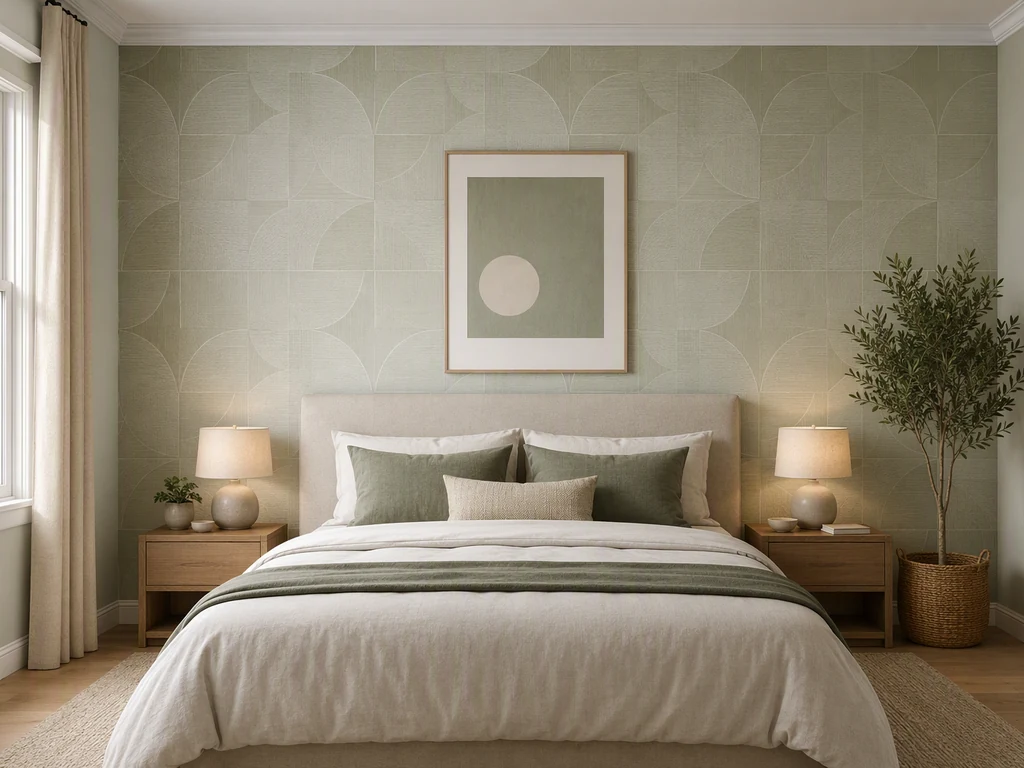 Use prompt ↗
 Gentle geometric pattern shown as bedroom wallpaper ideas inspiration
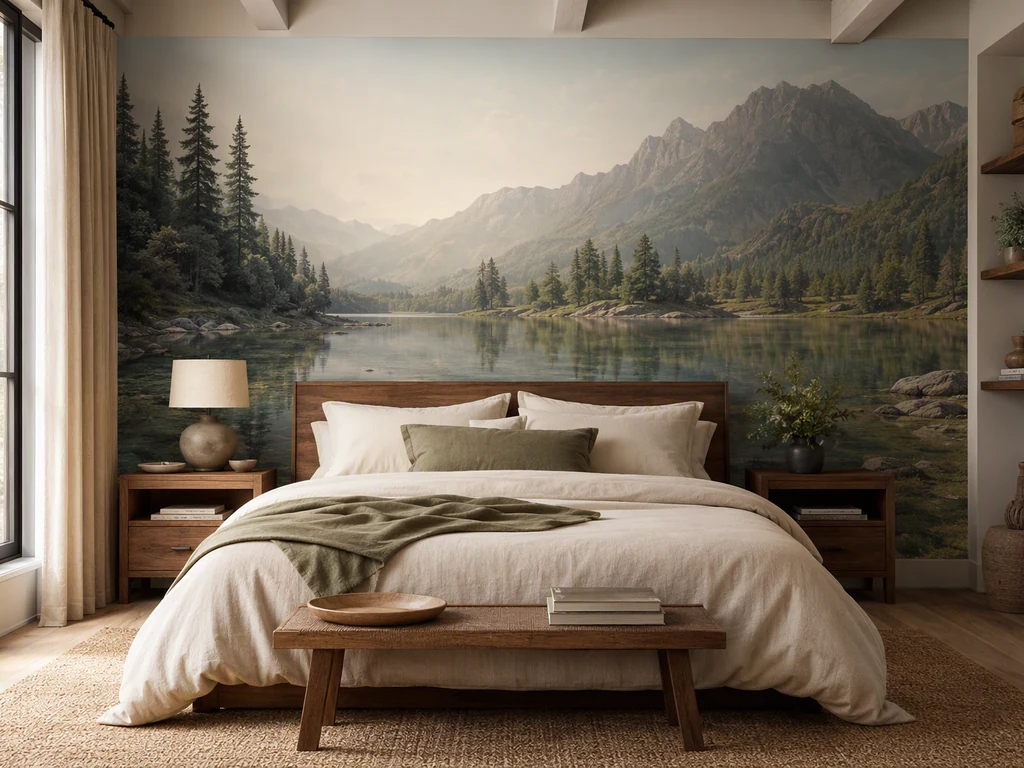 Use prompt ↗
 Panoramic landscape mural shown as bedroom wallpaper ideas inspiration
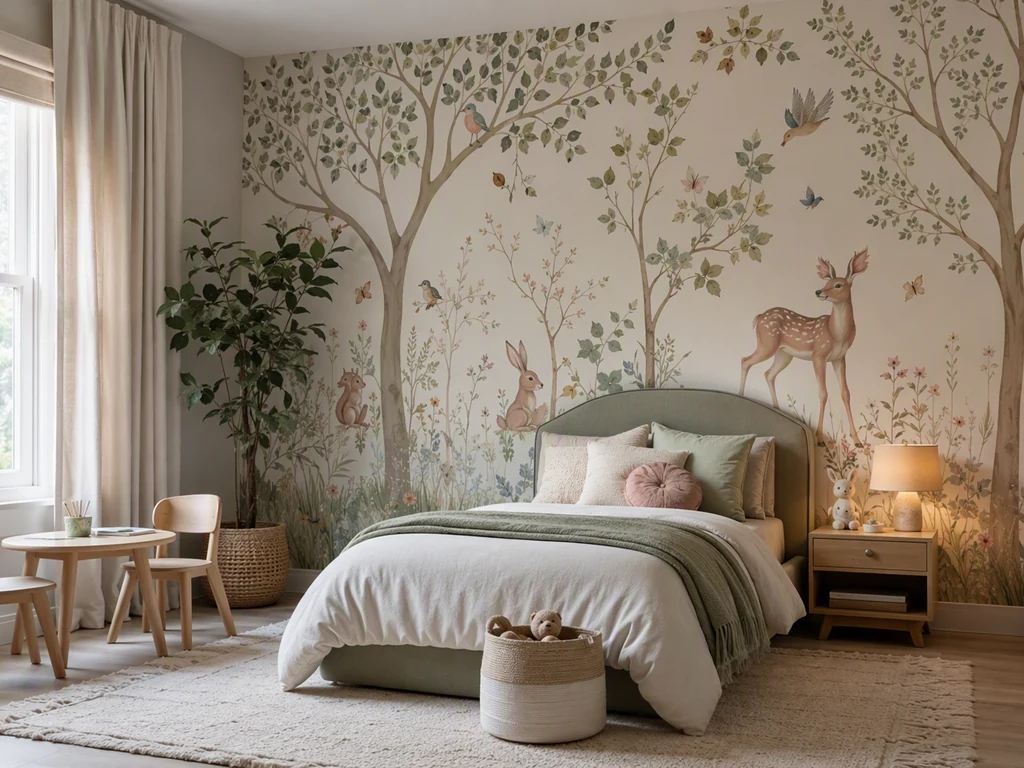 Use prompt ↗
 Playful illustrated bedroom wall shown as bedroom wallpaper ideas inspiration
Identify the wall seen on entry and the surfaces visible while resting. A headboard wall creates a clear focal point, while full coverage changes the entire atmosphere. Consider wardrobes, windows, sloped ceilings, and whether the pattern will be hidden by a tall headboard.
Mock up the motif at actual size behind the bed and beside bedside tables or lamps. Large scenic designs need a planned crop; small repeats create a more continuous texture. Check that important motif areas are not lost behind furniture or cut awkwardly at corners. For leopard print wallpaper, compare rosette size and contrast behind the headboard, then keep nearby bedding or curtains quieter so the wall remains the focal point.
Compare samples in morning light, afternoon shade, and the lamps used before sleep. Coordinate undertones with flooring, wood, bedding, and curtains. Confirm product, substrate, repeat, seam placement, and installation separately, especially when the wall condition or room humidity is uncertain.
Start by testing it on the wall behind the bed. Compare a muted, small-scale rosette pattern with a bolder repeat at normal viewing distance, and coordinate one or two colors with the bedding and wood finishes. Use a room visualization to explore the relationship, then confirm physical samples, repeat size and product specifications before installation.
Each button opens the matching editable prompt. It starts a new concept from text and does not import or edit the reference image. Review the prompt before generating; sign-in and existing generation credit or plan rules apply.
Each button opens the matching editable prompt. It starts a new concept from text and does not import or edit the reference image. Review the prompt before generating; sign-in and existing generation credit or plan rules apply.
Existing illustrative room concepts, not verified products or before-and-after results. The prepared prompts create new concepts; they do not import these images or reproduce a specific wallpaper product.

Technical support: tech@promeai.pro
Business collaboration: business@promeai.pro