


Refine Architectural and Interior Design Details
Make focused changes to an existing architecture or interior image—such as updating furniture colors, wall materials, windows, lighting, or decorative details—without redesigning the entire scene.
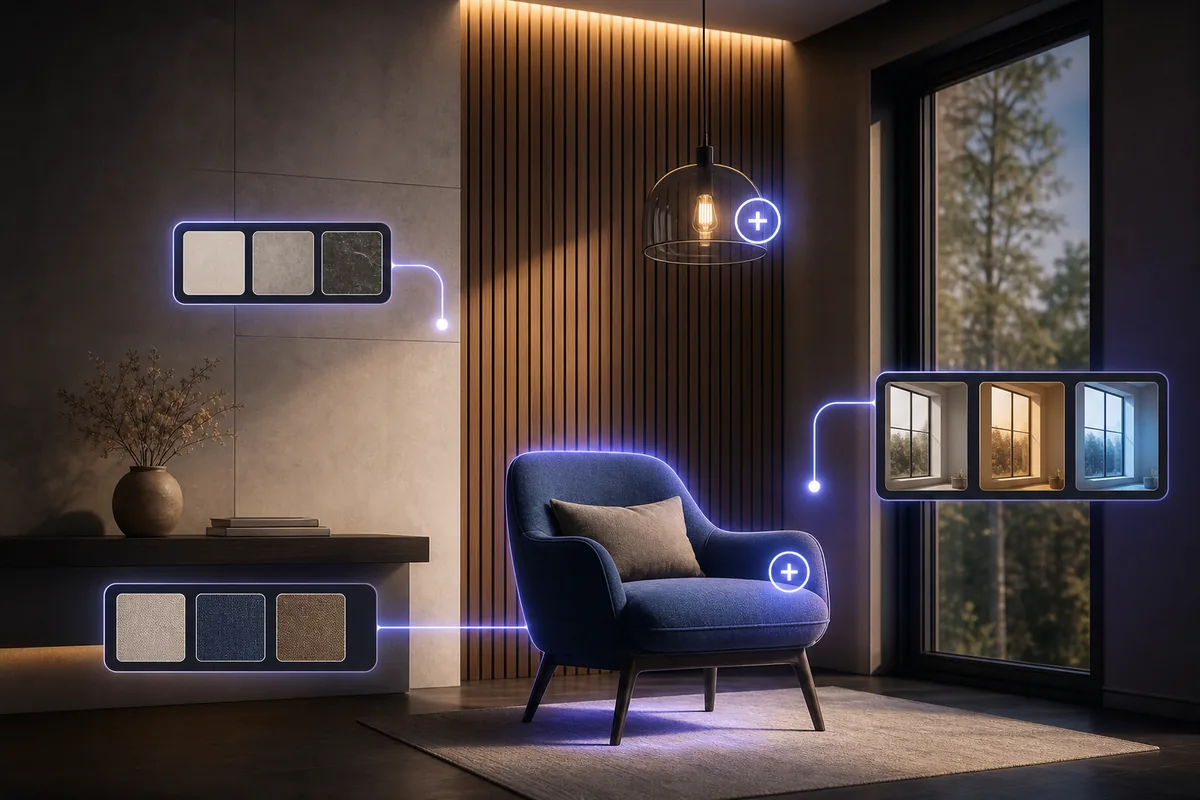
See the Workflow Run
The actual workflow — connected nodes you can run to preview each step.
Local Design Changes for Faster Revisions
Professional capabilities powered by AI.
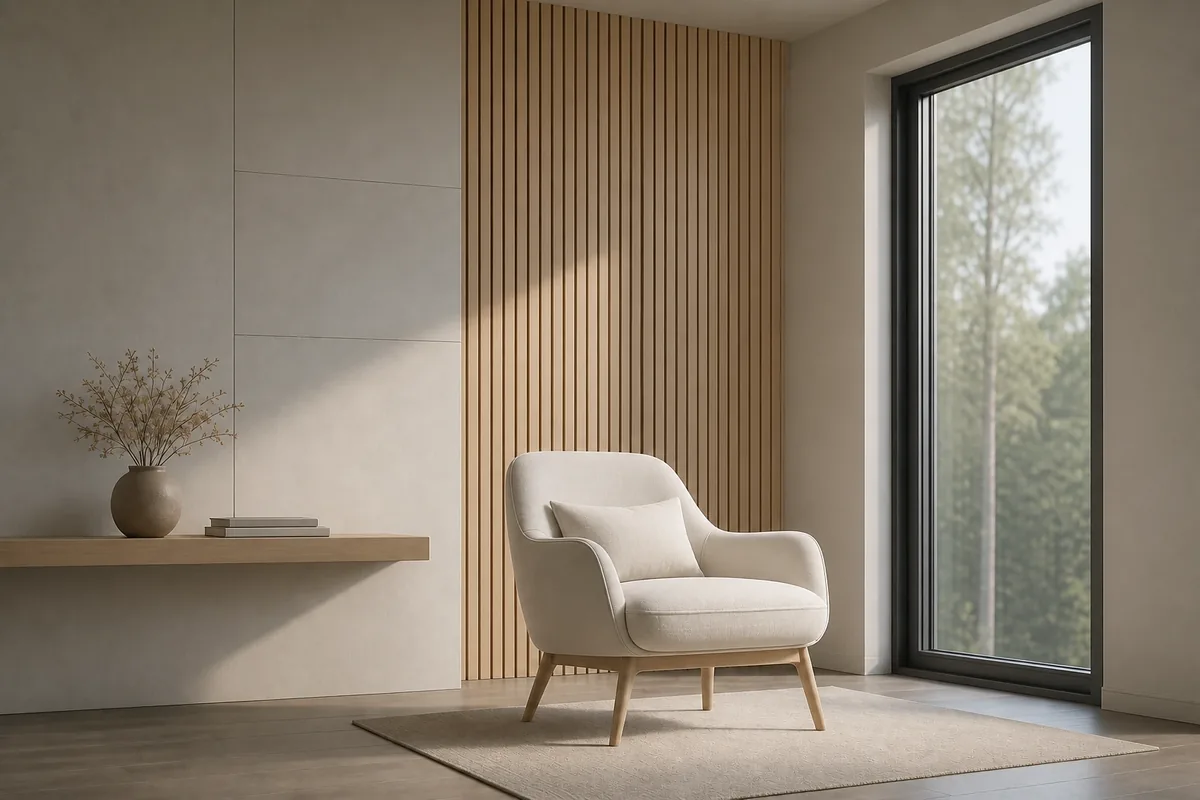
Respond to Client Feedback
Revise a specific material, color, fixture, or design detail without rebuilding the entire image.
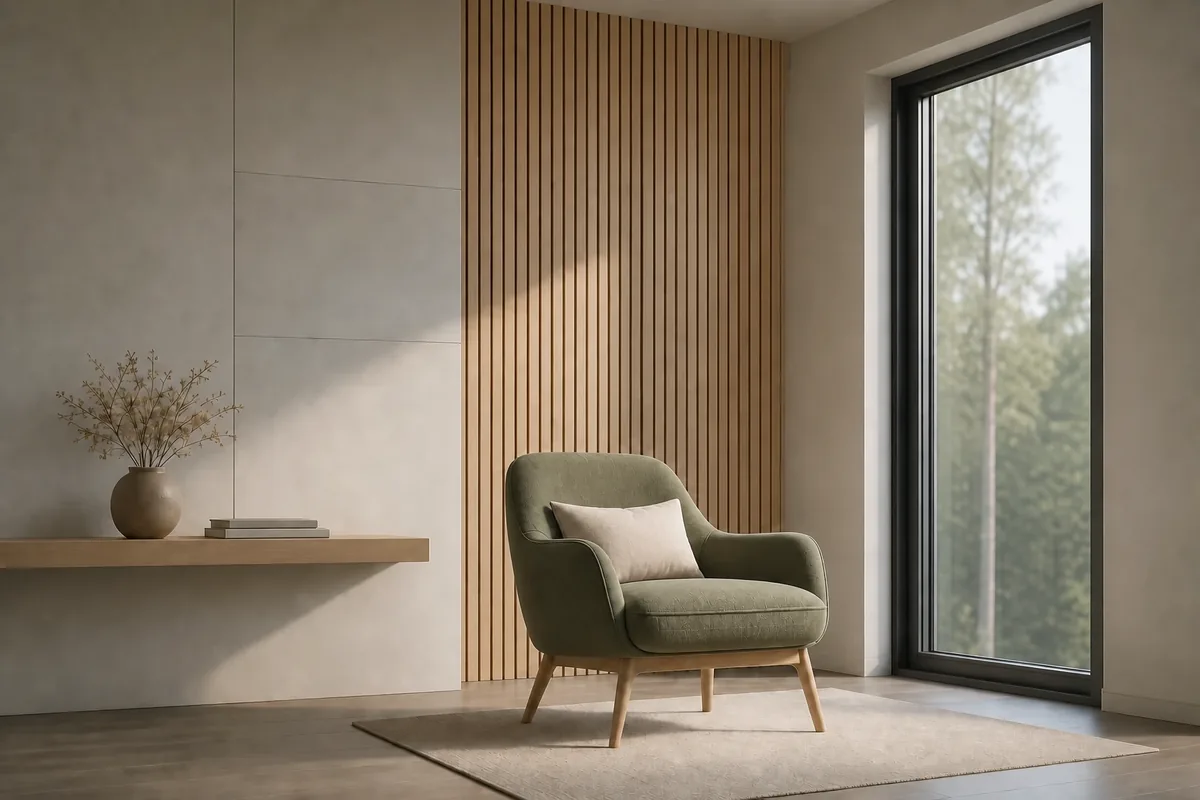
Compare Materials and Colors
Try a different finish, upholstery color, wall treatment, or decorative direction in the selected area.
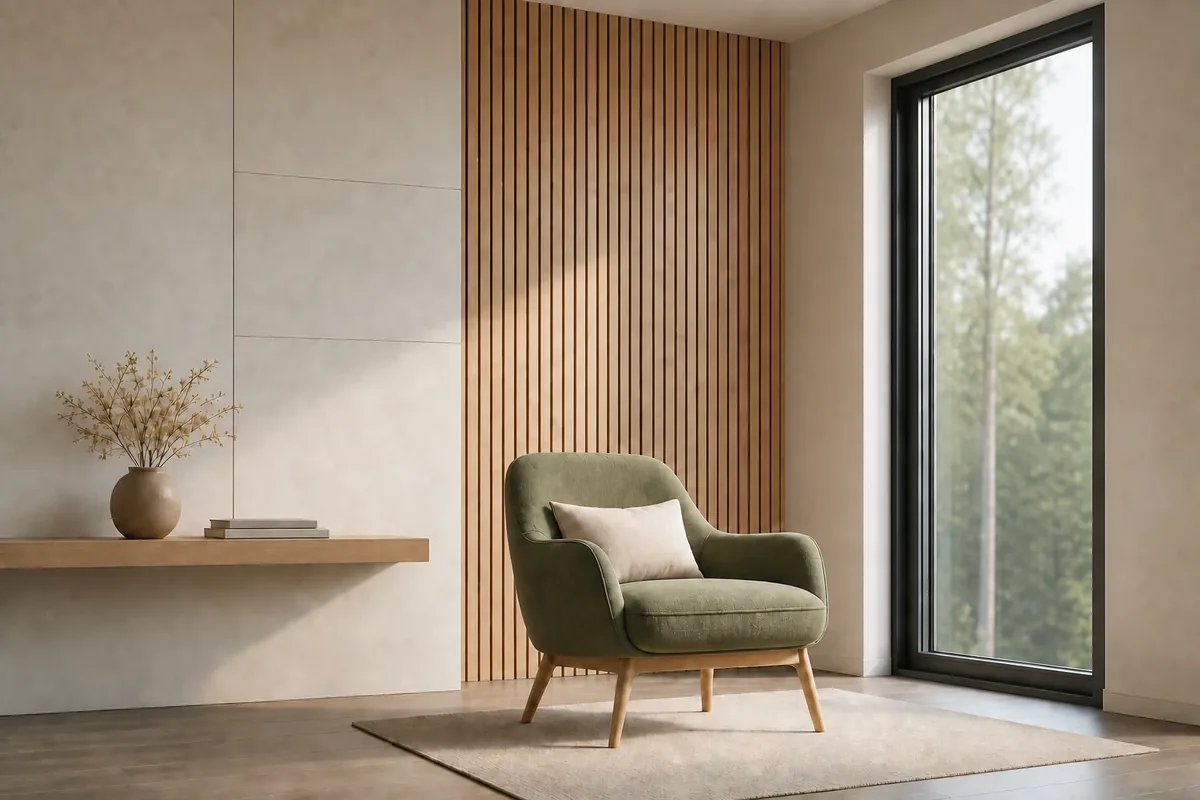
Correct Distracting Visual Details
Improve an element that feels inconsistent with the surrounding architecture, interior, or presentation.
How to Make a Local Edit Look Consistent
Match the existing perspective when changing furniture, windows, fixtures, or architectural details. An edit can look misplaced when its scale or viewing angle differs from the surrounding scene.
Follow the direction and softness of the existing light. New colors and materials should respond to the same highlights, shadows, and ambient conditions as nearby surfaces.
Inspect the boundary around the edited area. Edges, reflections, shadows, and adjacent surfaces often reveal whether a localized change blends naturally with the rest of the image.
Frequently Asked Questions
Refine a Detail Without Rebuilding the Scene
Update a selected material, color, object, or finish while keeping the existing design direction intact.

Technical support: tech@promeai.pro
Business collaboration: business@promeai.pro