


Expand an Image and Extend Its Composition
Add space beyond the original frame, complete missing scene content, adapt horizontal or vertical composition, and refine generated areas that do not blend naturally.
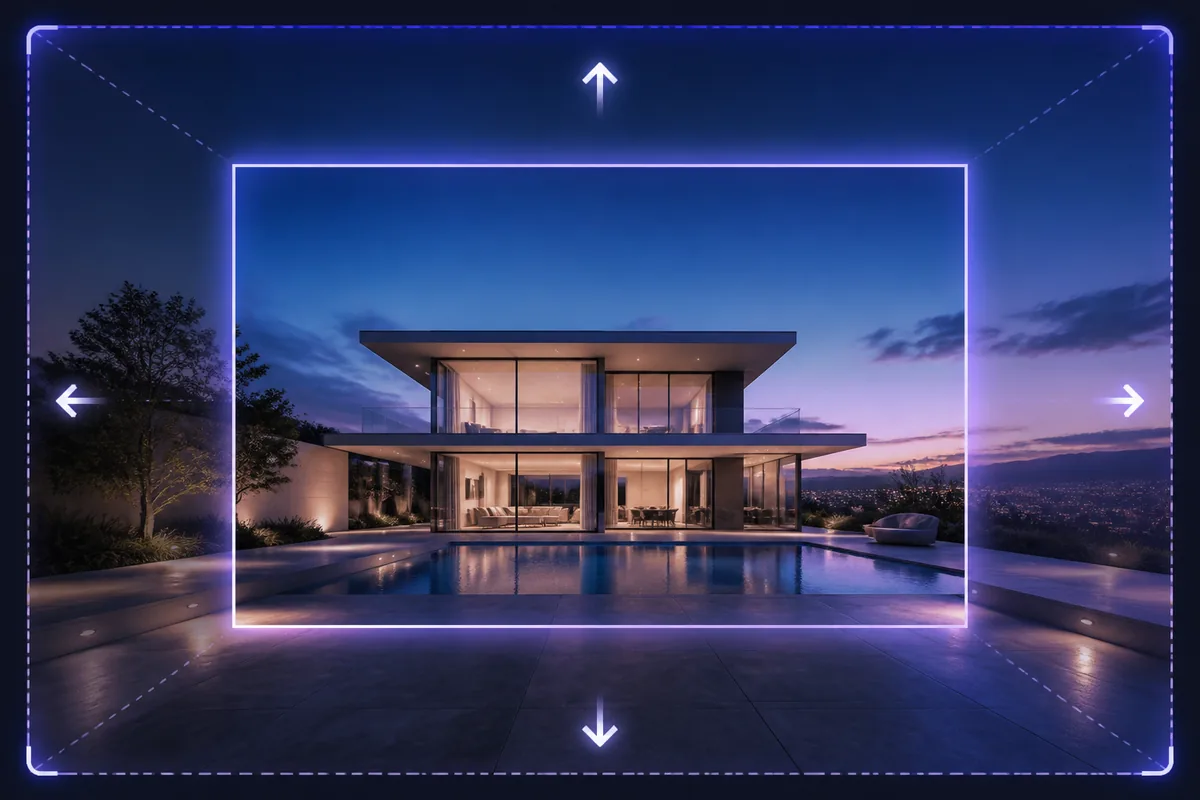
See the Workflow Run
The actual workflow — connected nodes you can run to preview each step.
Where More Canvas Creates a Better Composition
Professional capabilities powered by AI.
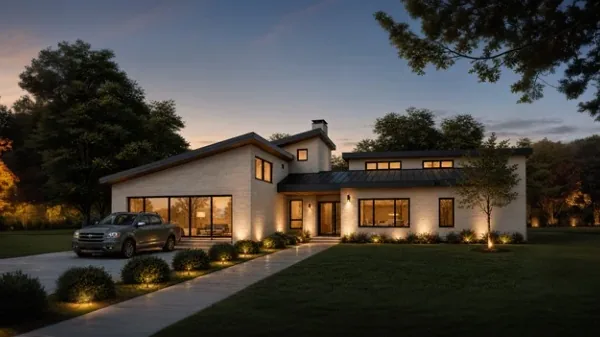
Adapt an Image to a New Aspect Ratio
Convert a portrait, landscape, banner, or social asset without relying on a destructive crop.
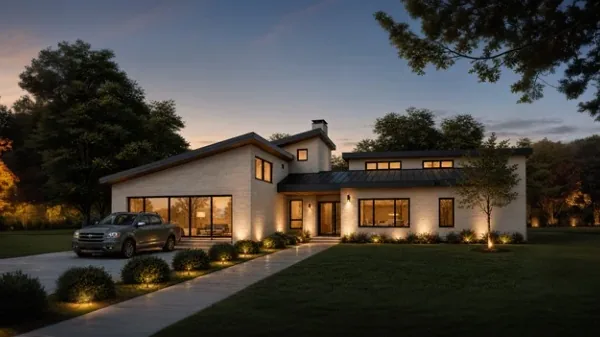
Create Space for Layout or Copy
Extend a quieter area where headlines, interface elements, or campaign information can be placed.
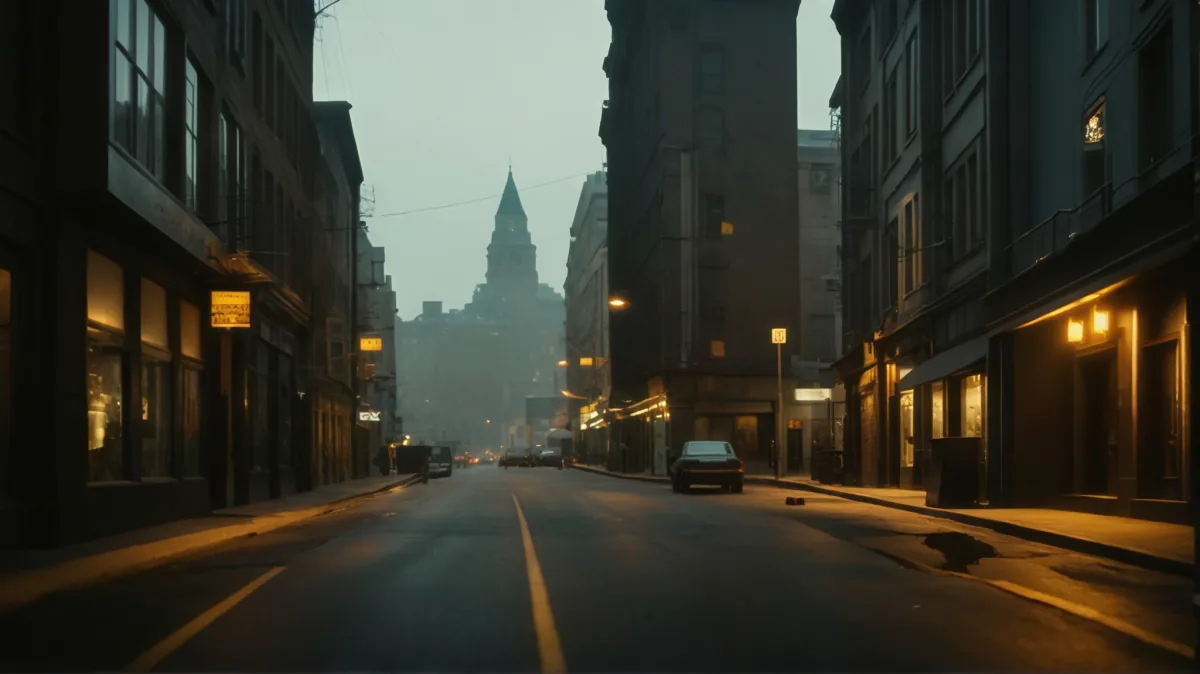
Reveal More of a Scene
Continue architecture, landscape, interiors, or backgrounds when the original framing feels too tight.
Extend the Visual Logic, Not Just the Pixels
Follow the original perspective, horizon, vanishing directions, light, and material patterns. Small inconsistencies become especially visible where architectural lines cross the former image edge.
New content should improve balance and purpose. Adding detail everywhere can weaken the focal point even when the generated extension looks plausible.
Inspect boundaries at full size. Repetition, texture discontinuity, changed object scale, and mismatched noise often reveal where the expansion begins.
Frequently Asked Questions
Give the Image the Space Its New Format Needs
Extend the scene, repair the transition, and keep the original focal point working in the wider composition.

Technical support: tech@promeai.pro
Business collaboration: business@promeai.pro