


Retouch and Enhance an Existing Portrait
Improve an existing portrait, model shot, or people-focused image with coordinated styling, targeted corrections, and a cleaner final presentation.
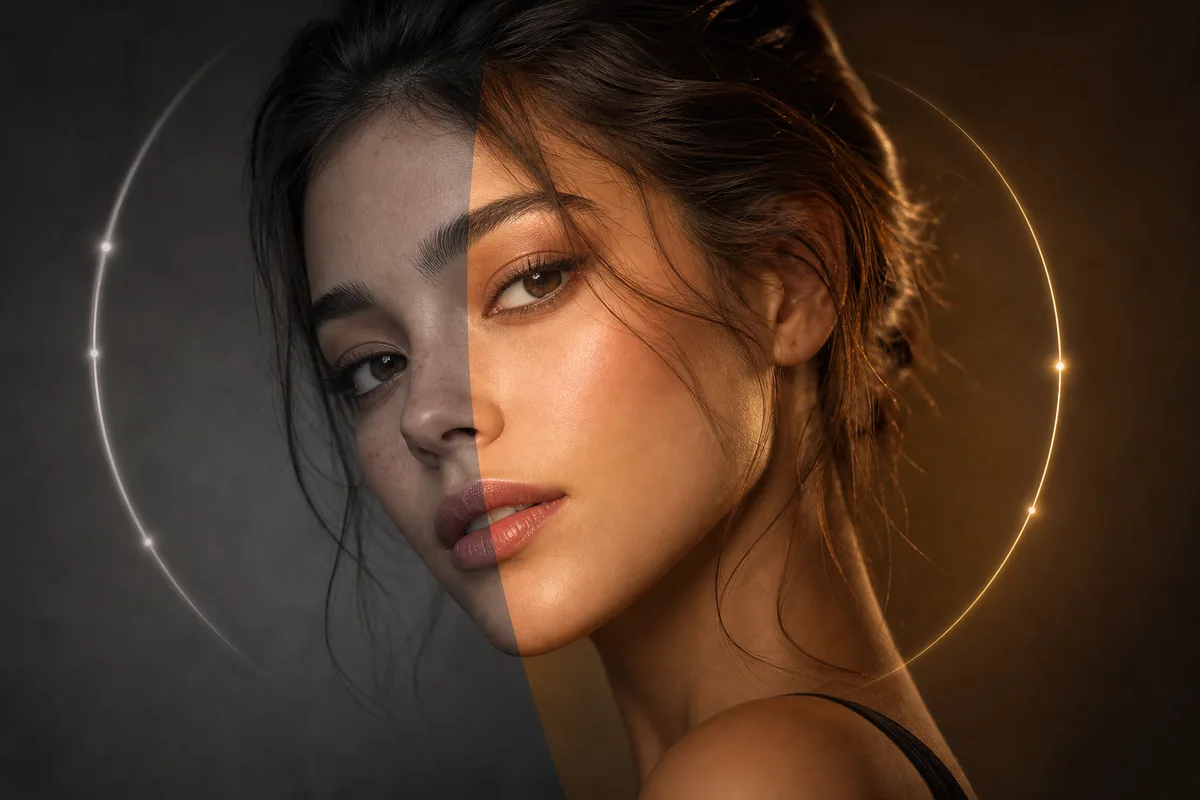
See the Workflow Run
The actual workflow — connected nodes you can run to preview each step.
When Portrait Enhancement Is the Right Fit
Professional capabilities powered by AI.
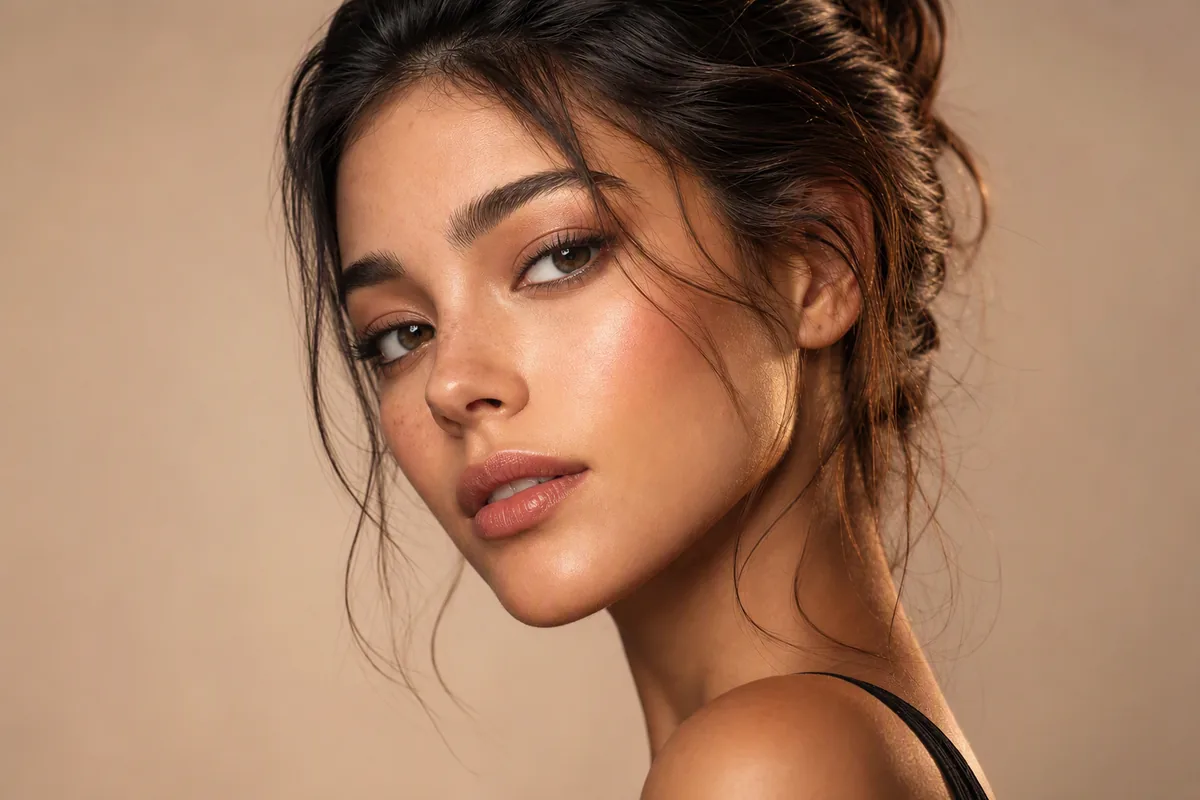
Polish a Model or Editorial Shot
Refine styling and visible details when the composition already works but the image needs a more finished appearance.
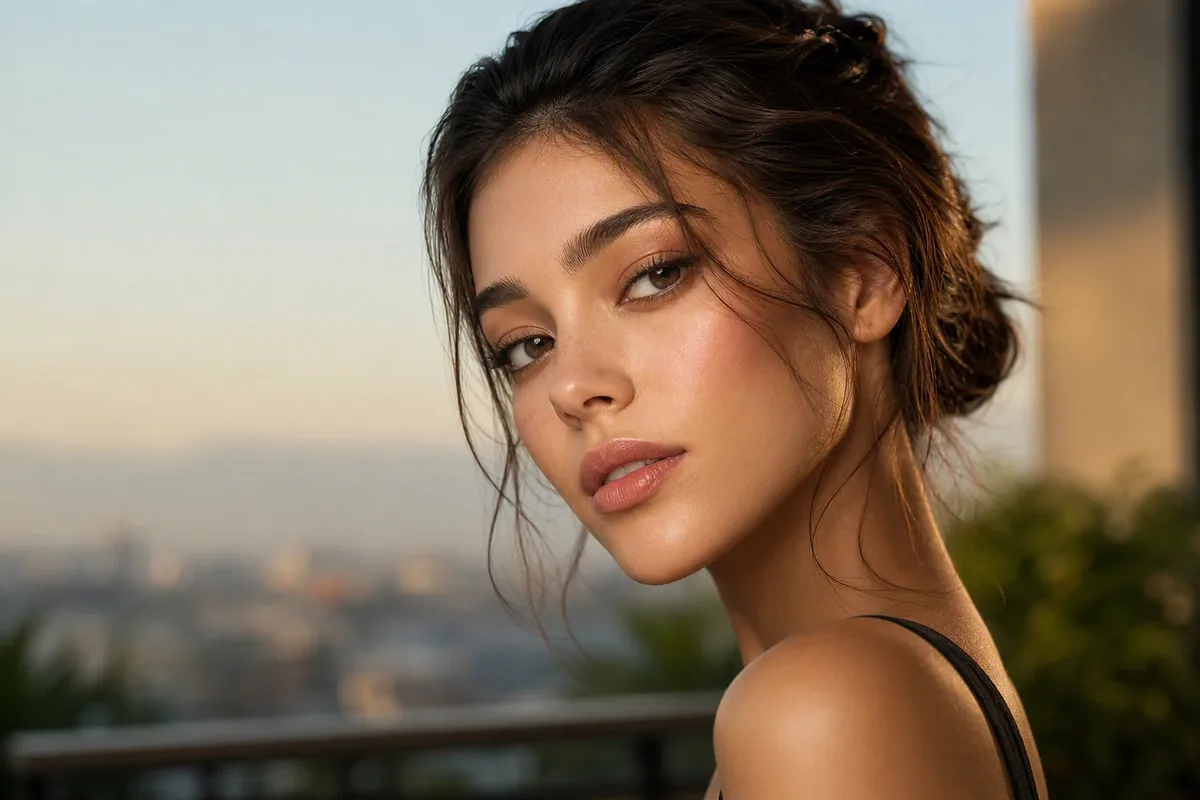
Improve a Personal Portrait
Correct localized distractions, uneven lighting, or presentation issues while retaining the character of the original photo.
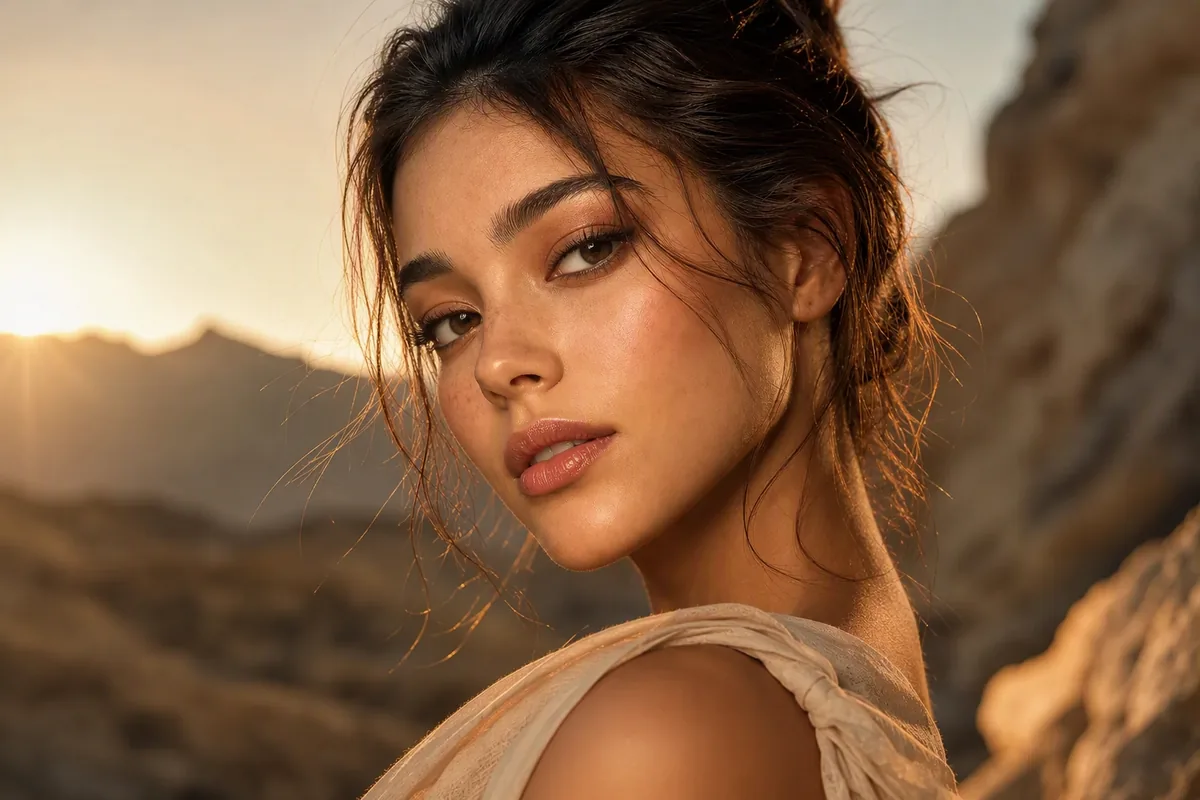
Refresh People-Focused Campaign Imagery
Bring portraits from a series closer in finish and visual tone for social, portfolio, or promotional use.
Keep the Person Recognizable While Refining the Image
A successful enhancement improves presentation without replacing the qualities that make the subject identifiable. Compare the eyes, facial proportions, expression, hairline, and distinctive features with the source.
Skin should retain plausible texture and tonal variation. Excessive smoothing can remove age, expression, and depth, while aggressive sharpening can exaggerate pores and edges.
Local changes also need to agree with the full photograph. Check whether retouched hair, clothing, background details, and highlights follow the same lighting and depth as the subject.
Frequently Asked Questions
Give the Portrait a More Finished Look
Refine the existing image while checking that the subject’s identity, expression, and natural detail remain credible.

Technical support: tech@promeai.pro
Business collaboration: business@promeai.pro