


Remove Objects and Retouch Selected Image Areas
Target an unwanted object, damaged detail, distracting flaw, or local region, then reconstruct the area so it works more naturally with the surrounding image.
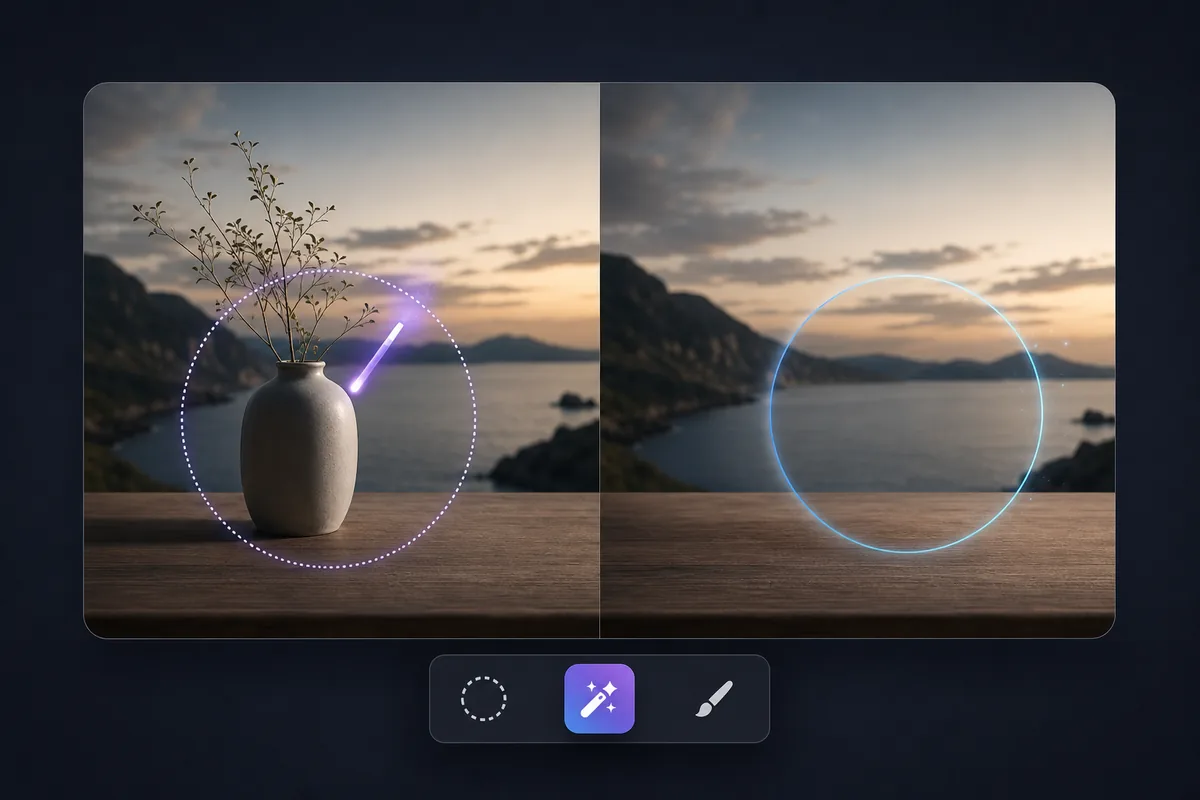
See the Workflow Run
The actual workflow — connected nodes you can run to preview each step.
Where a Local Edit Solves the Image Problem
Professional capabilities powered by AI.

Remove a Distracting Object
Clear unwanted people, furniture, signs, clutter, or other elements from the composition.
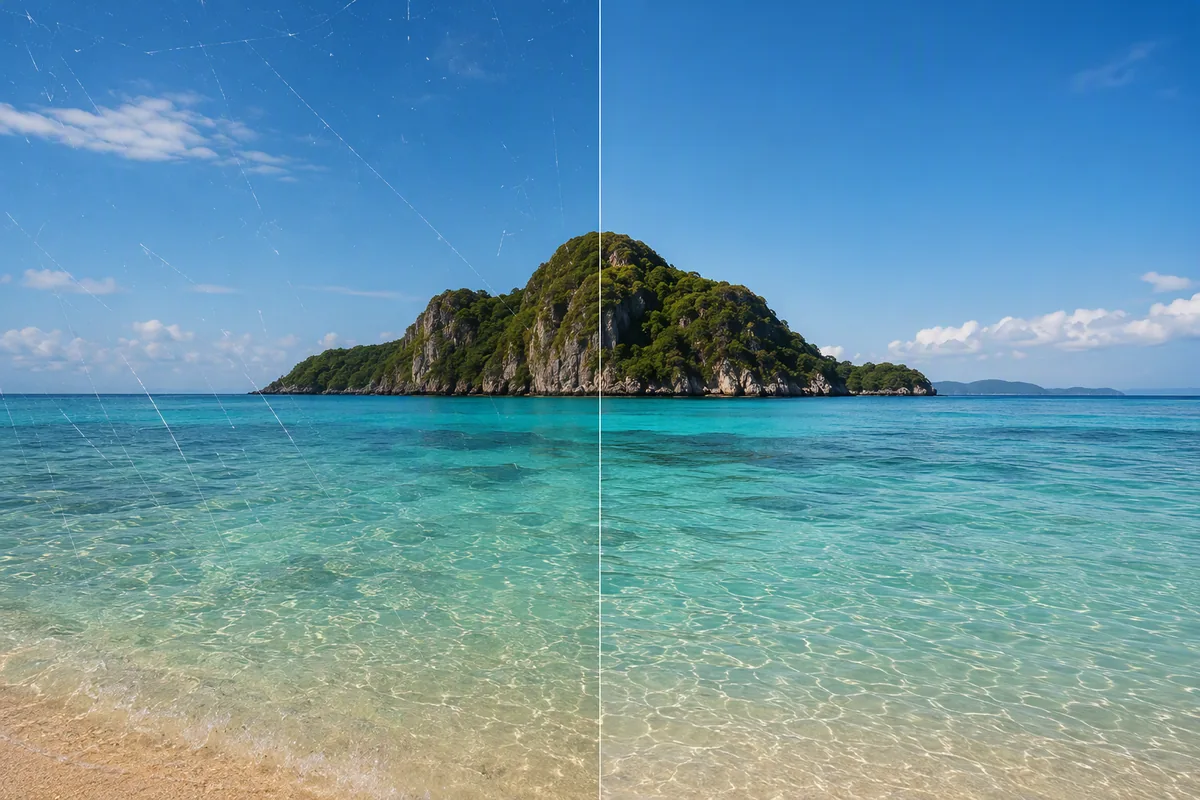
Repair a Visible Image Flaw
Reconstruct a damaged, incomplete, distorted, or poorly generated area.
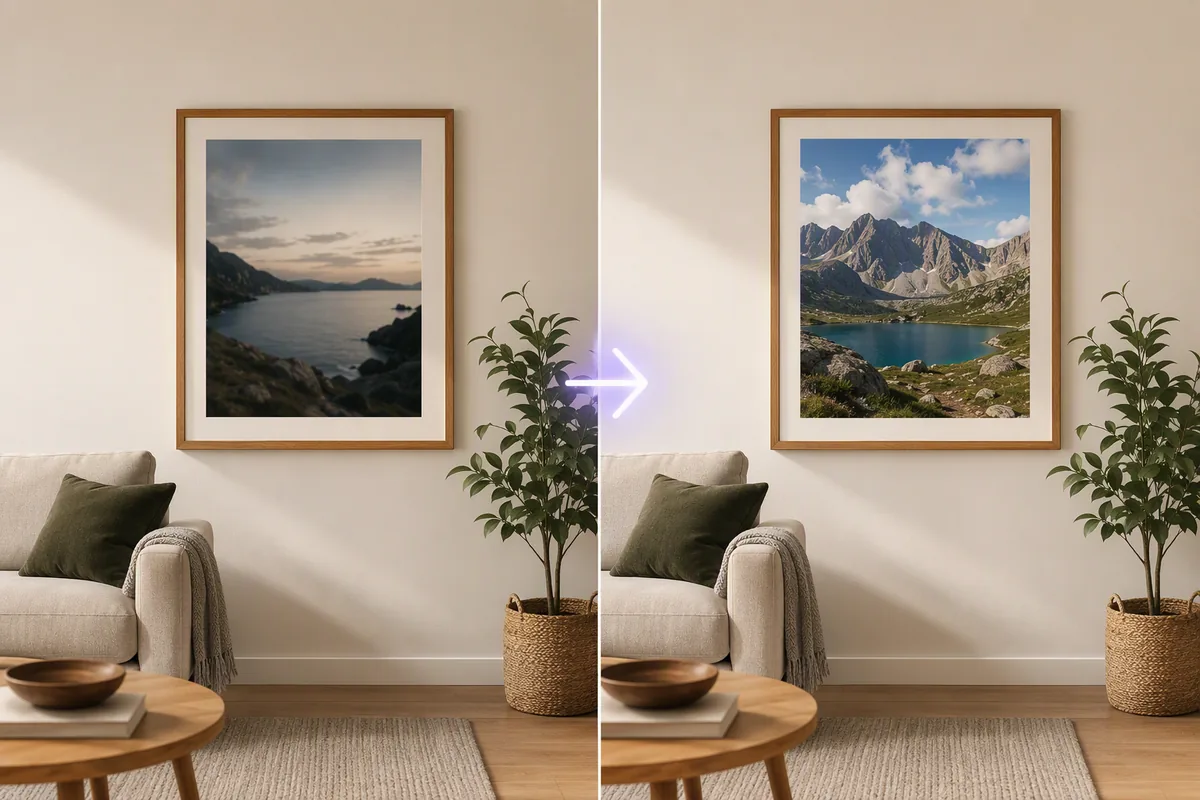
Replace One Local Element
Swap a selected object or background detail without starting a completely new image.
Make the Replacement Follow Its Surroundings
The edited region should share the scene’s perspective, scale, lighting, texture, and depth. A plausible object can still look pasted in when its shadow or viewpoint differs.
Include enough surrounding context in the selection for the new content to connect cleanly, but avoid masking unrelated details that need to remain stable.
Review repetitive backgrounds, straight lines, reflections, text, faces, and fine edges closely. These areas often reveal local repainting artifacts.
Frequently Asked Questions
Fix the Part of the Image That Draws the Wrong Attention
Remove, replace, or repair the selected region and check that the surrounding scene still feels coherent.

Technical support: tech@promeai.pro
Business collaboration: business@promeai.pro