


Prepare Product Images for E-commerce Use
Turn a product photo into a cleaner display image or transparent-background cutout that emphasizes the item and provides a more flexible basis for listings and commercial layouts.
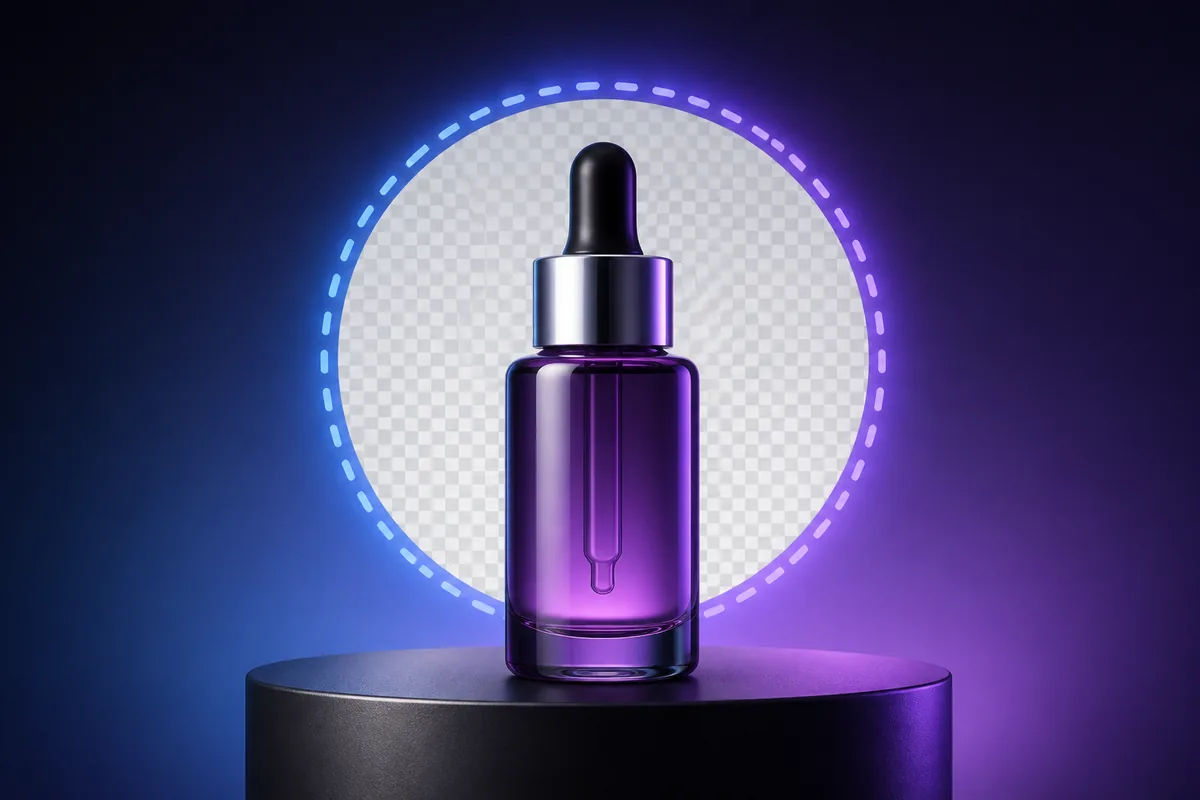
See the Workflow Run
The actual workflow — connected nodes you can run to preview each step.
Where a Clean Product Cutout Becomes More Useful
Professional capabilities powered by AI.
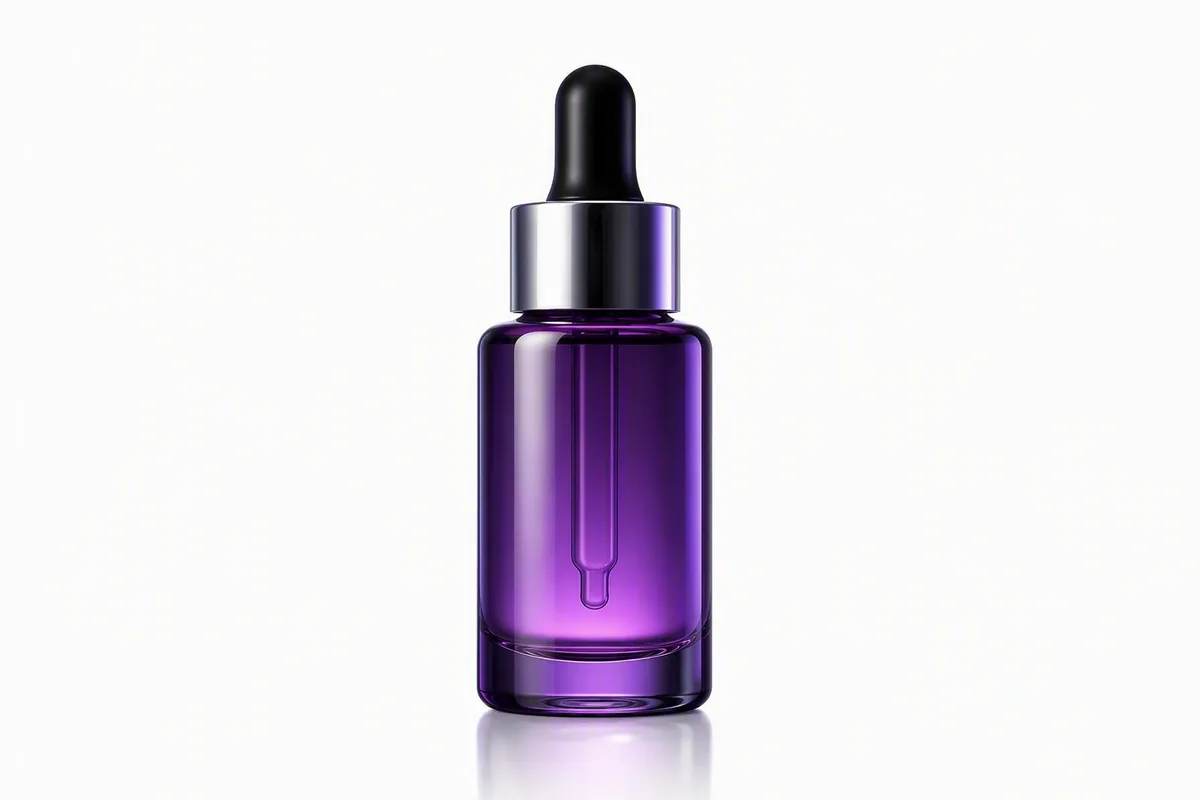
Prepare Marketplace Listings
Place the item on a clean or compliant background without distracting scene elements.

Build Merchandising Layouts
Use an isolated product in banners, comparison graphics, category pages, or promotional compositions.
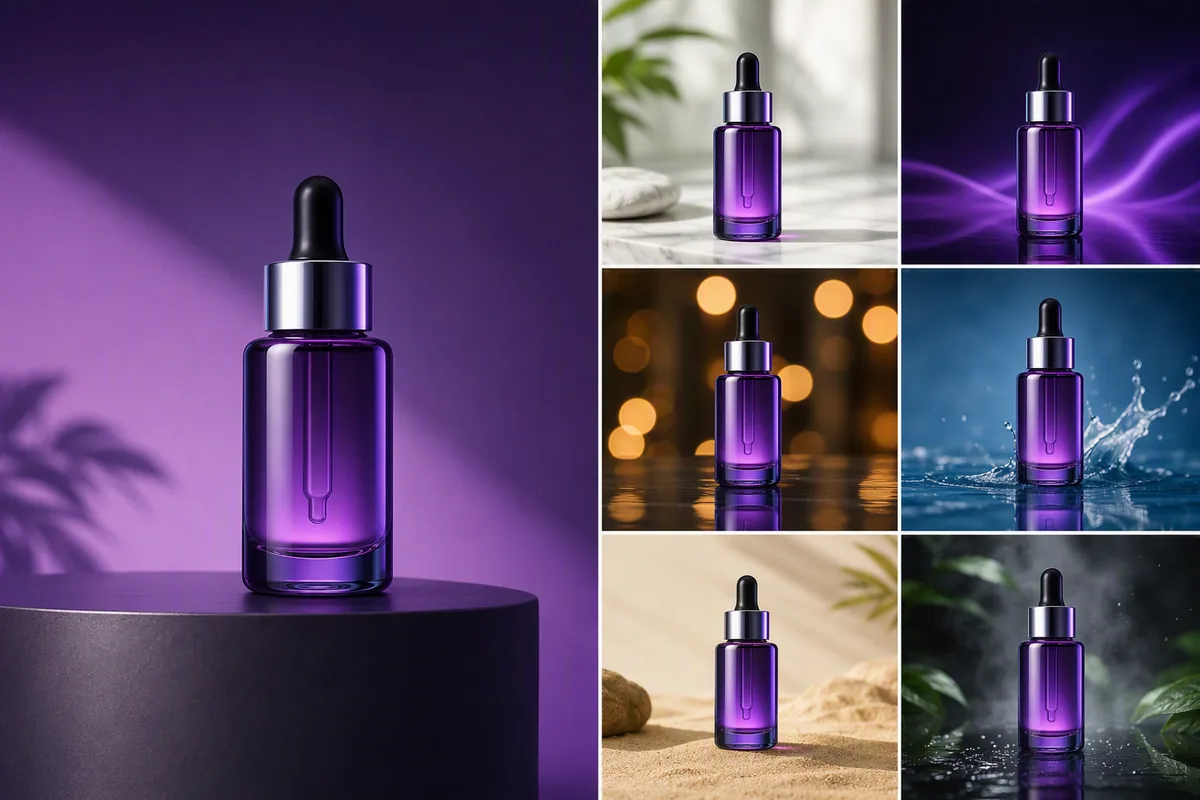
Create Advertising Variants
Reuse one product subject across different campaign backgrounds and formats.
Protect Product Accuracy While Improving Presentation
Check the silhouette against the source photo. Handles, straps, transparent parts, fine accessories, and contact shadows are common areas where an automated cutout can lose important information.
Enhancement should not invent commercial claims. Texture, color, proportions, labels, and included components need to remain representative of the item being sold.
Different platforms may require specific dimensions, background colors, margins, file formats, or content rules. Prepare the image according to the destination rather than assuming one output fits every channel.
Frequently Asked Questions
Give the Product a Cleaner Commercial Starting Point
Isolate the subject, review the important edges, and prepare an image that can work across listings and layouts.

Technical support: tech@promeai.pro
Business collaboration: business@promeai.pro