


Create a Product Marketing Video from Your Campaign Inputs
Combine your brand, product images, key selling points, promotional scenario, and publishing preferences into a short marketing video for the selected channel.
See the Workflow Run
The actual workflow — connected nodes you can run to preview each step.
Campaigns This Workflow Can Help Prepare
Professional capabilities powered by AI.
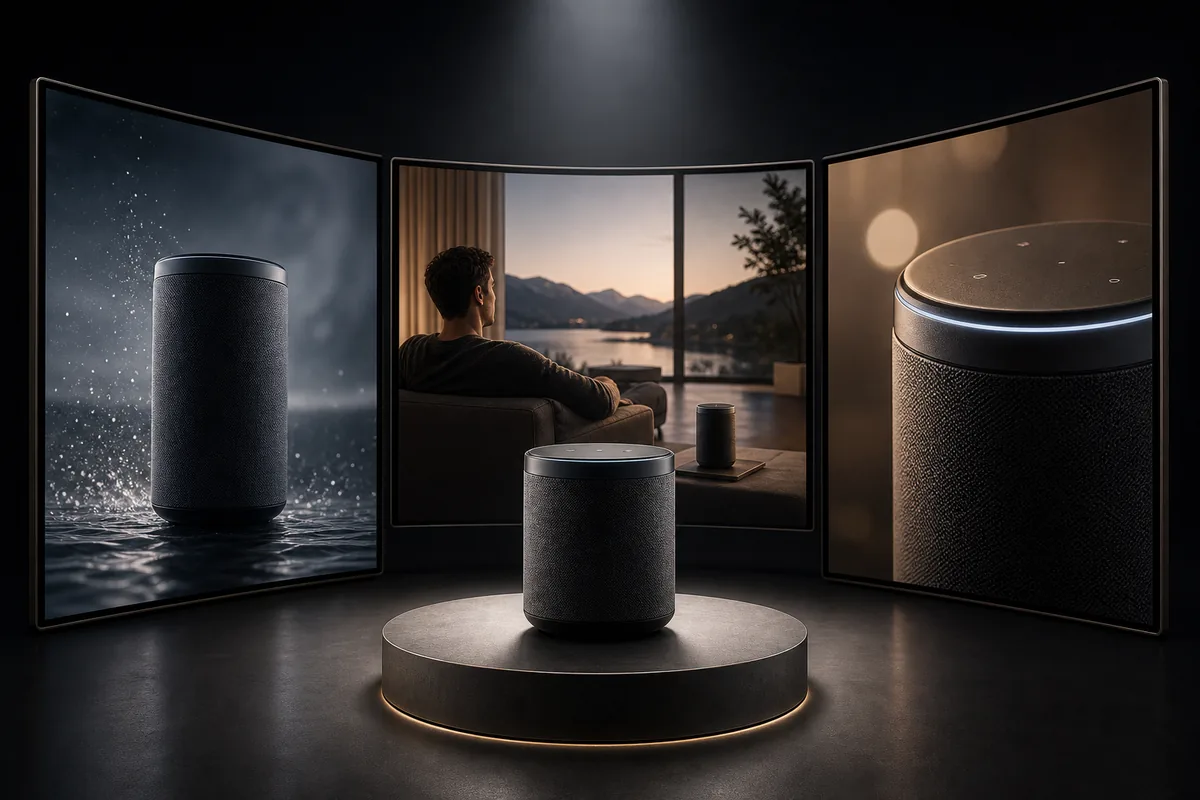
Short-Form Social Promotion
Build a vertical product video around a focused selling point for TikTok, Instagram Reels, or YouTube Shorts.
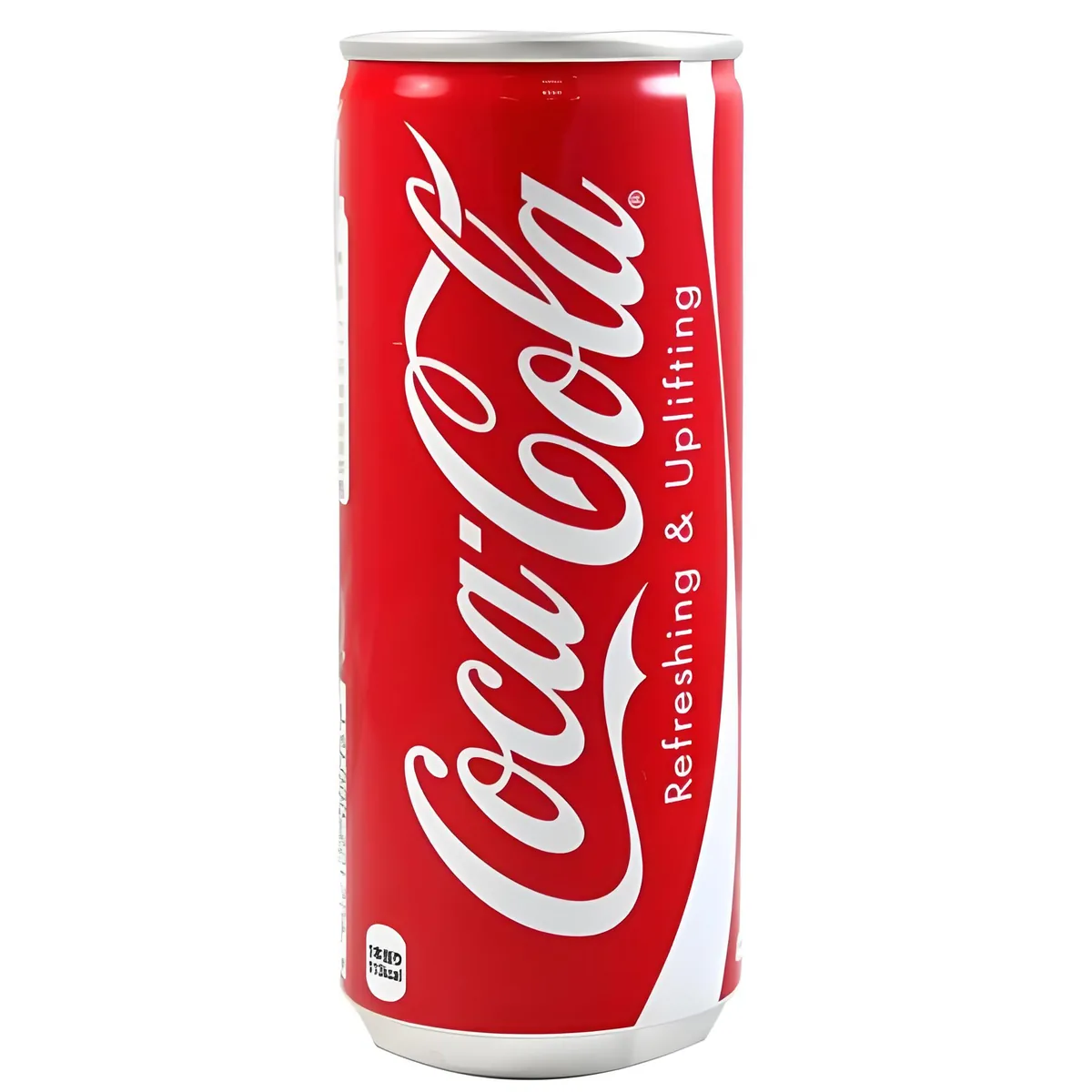
E-commerce Product Presentation
Turn product imagery and purchase-relevant benefits into a compact video for a product or campaign page.
Promotional Scenario Testing
Compare how the same product might be presented through a home-use demonstration, unboxing, premium showcase, or another selected context.
Match the Product Benefit to the Viewing Context
A marketing video becomes easier to understand when it gives one audience a clear reason to care. Select selling points that can be demonstrated or communicated within the available duration instead of trying to include every product claim.
The promotional scenario should make the benefit visible. Portability may be easier to show through use, while finish and packaging may benefit from closer product views and a more controlled setting.
Format choices affect the composition. Confirm that product details, text, and the main action remain readable in the selected aspect ratio and on the target platform.
Frequently Asked Questions
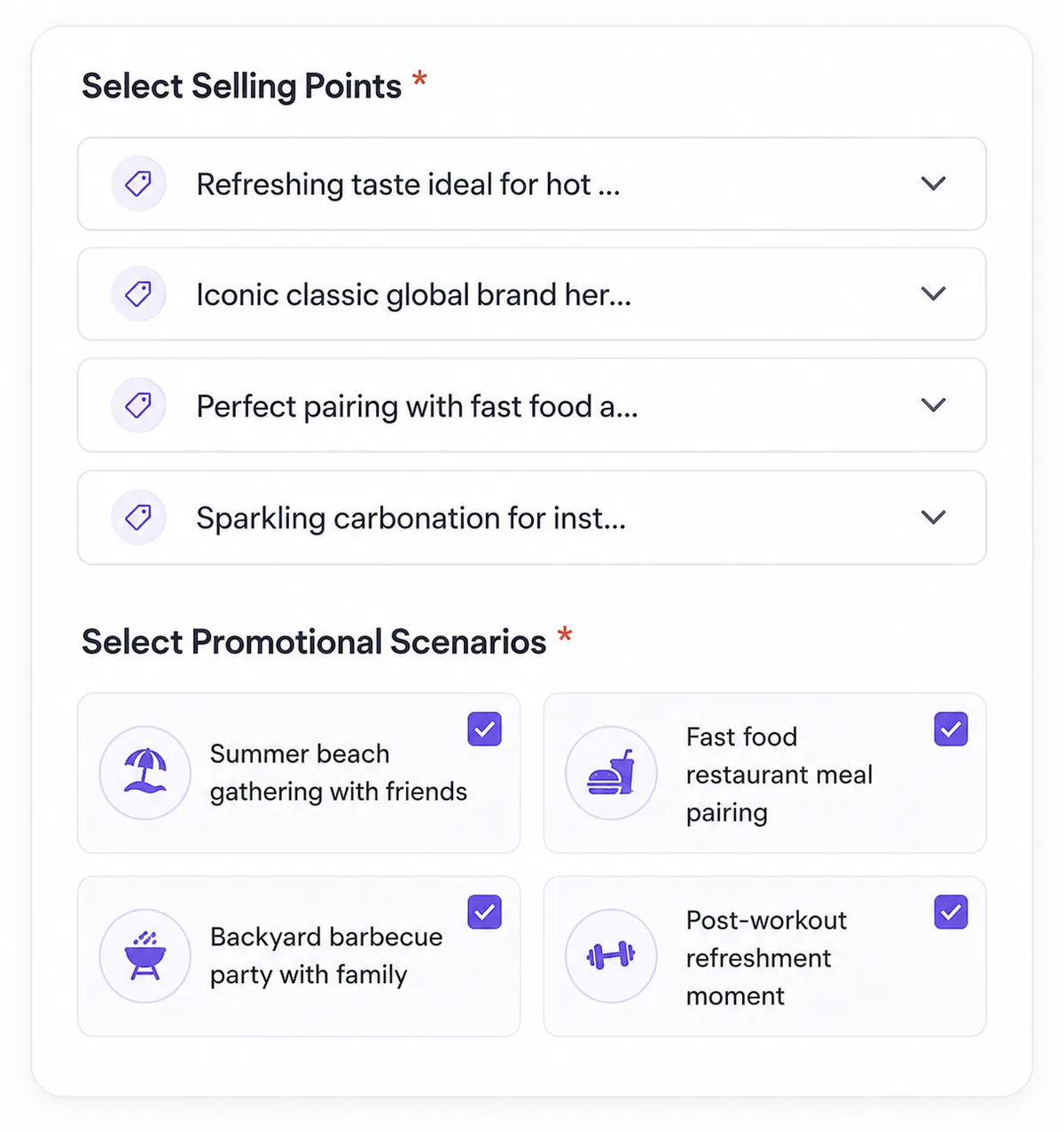
Turn the Campaign Inputs into a Product Video
Select the message, scenario, platform, format, and duration, then review the generated video before publishing.

Technical support: tech@promeai.pro
Business collaboration: business@promeai.pro