


Generate a Professional Headshot for Your Profile
Turn a portrait or profile-photo need into a clean business image with appropriate framing, lighting, clothing, and a neutral professional presentation.
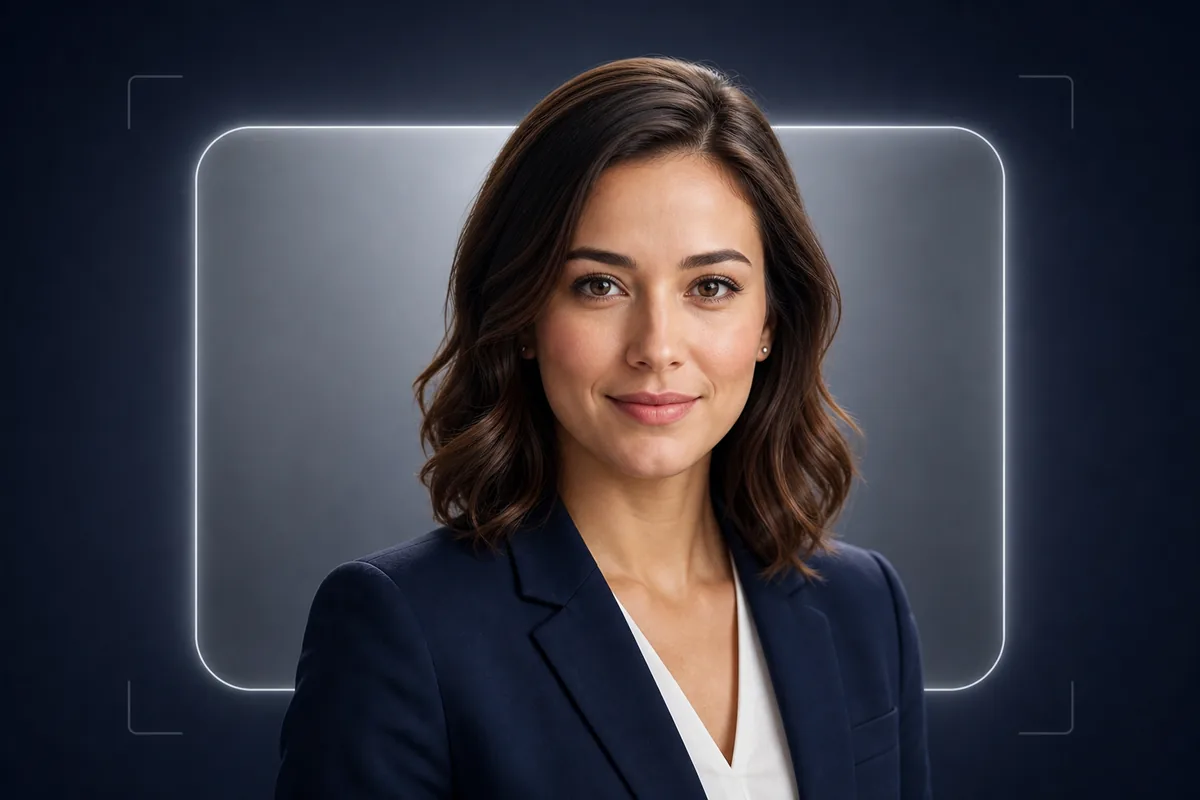
See the Workflow Run
The actual workflow — connected nodes you can run to preview each step.
Where a Professional Headshot Is Used
Professional capabilities powered by AI.
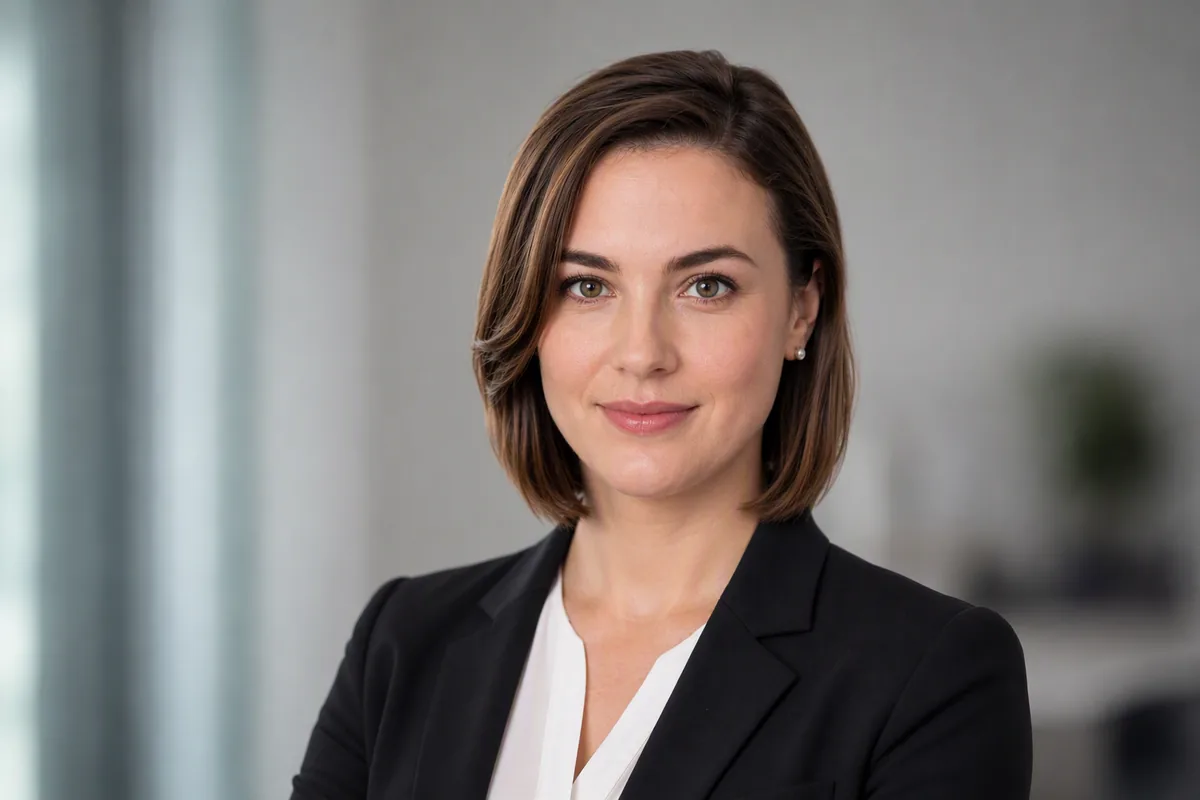
LinkedIn and Business Profiles
Create a clear, approachable portrait that remains readable at the small sizes used in professional networks and company directories.
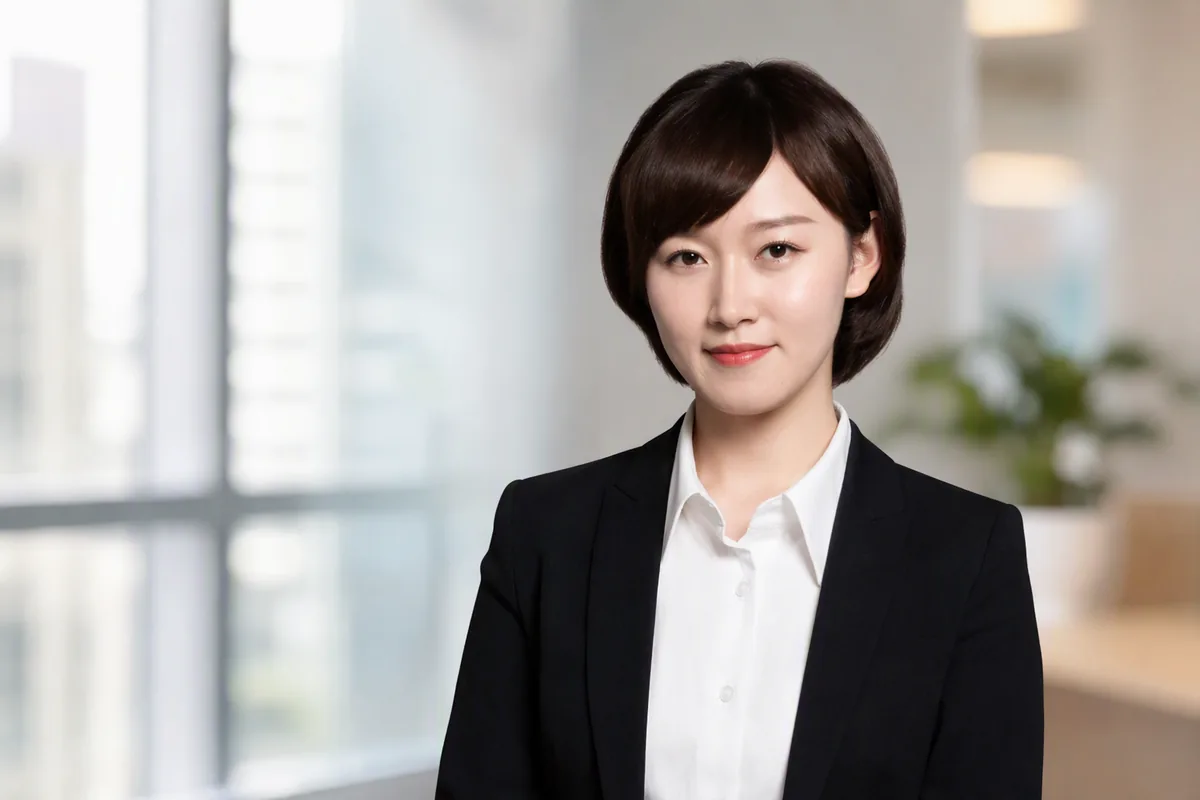
Speaker and Team Introductions
Prepare a polished profile image for event pages, proposals, team listings, or other professional materials.
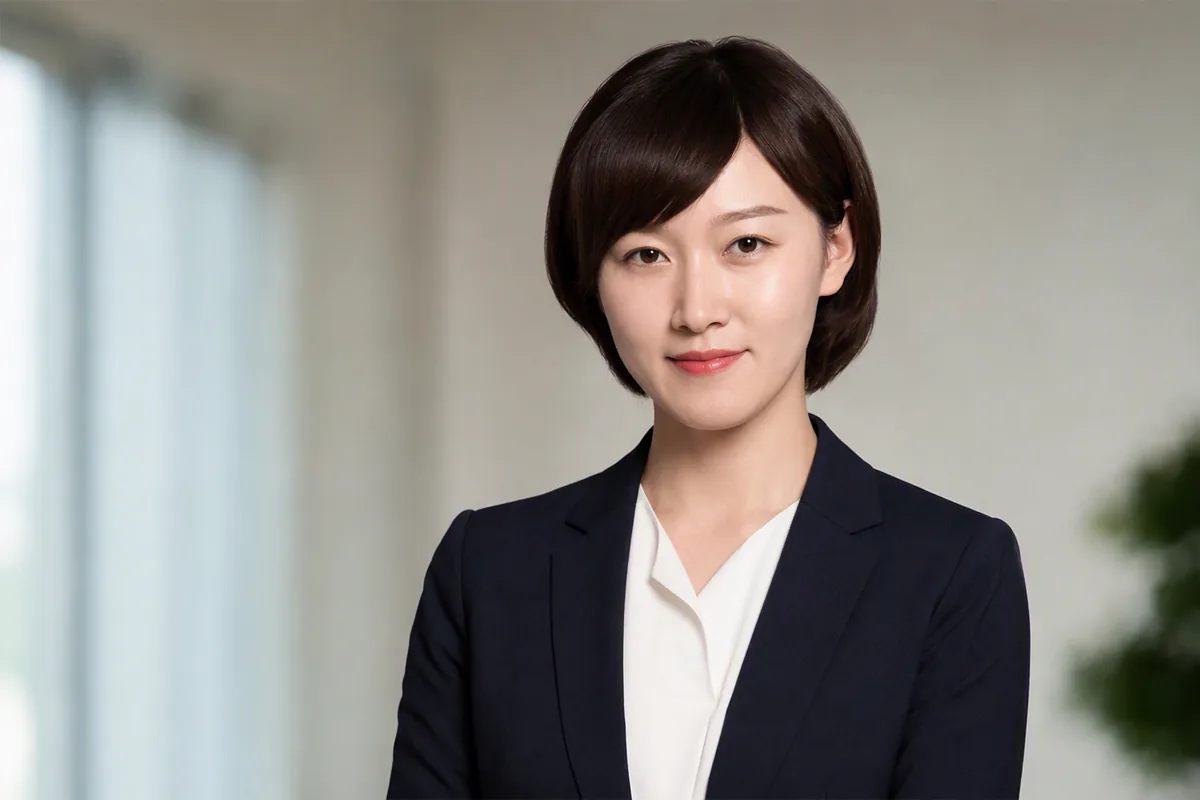
ID-Style Portrait Needs
Develop a straightforward portrait with neutral framing when a formal profile image is needed, while checking the recipient’s exact photo requirements separately.
Choose a Headshot That Fits Its Professional Context
A strong headshot communicates through expression, eye contact, posture, clothing, background, and crop. The right balance depends on whether the image is for a corporate directory, a creative portfolio, a speaker biography, or a public profile.
Keep the face recognizable and avoid finishing that removes natural skin texture or changes distinctive features. A polished result can still look credible and human.
Leave enough space around the head and shoulders for the intended platform’s crop. Before using the image for an official credential, confirm its rules for dimensions, background, pose, and generated imagery.
Frequently Asked Questions
Create a Headshot That Fits the Professional Setting
Generate a polished profile portrait, then check identity, crop, and presentation before putting it to use.

Technical support: tech@promeai.pro
Business collaboration: business@promeai.pro