


Create Posters and Social Media Visuals
Turn a campaign, event, or communication brief into a poster, cover, or social visual with a clear focal image, text-aware layout, and format-appropriate hierarchy.
See the Workflow Run
The actual workflow — connected nodes you can run to preview each step.
Where a Purpose-Built Visual Supports Communication
Professional capabilities powered by AI.
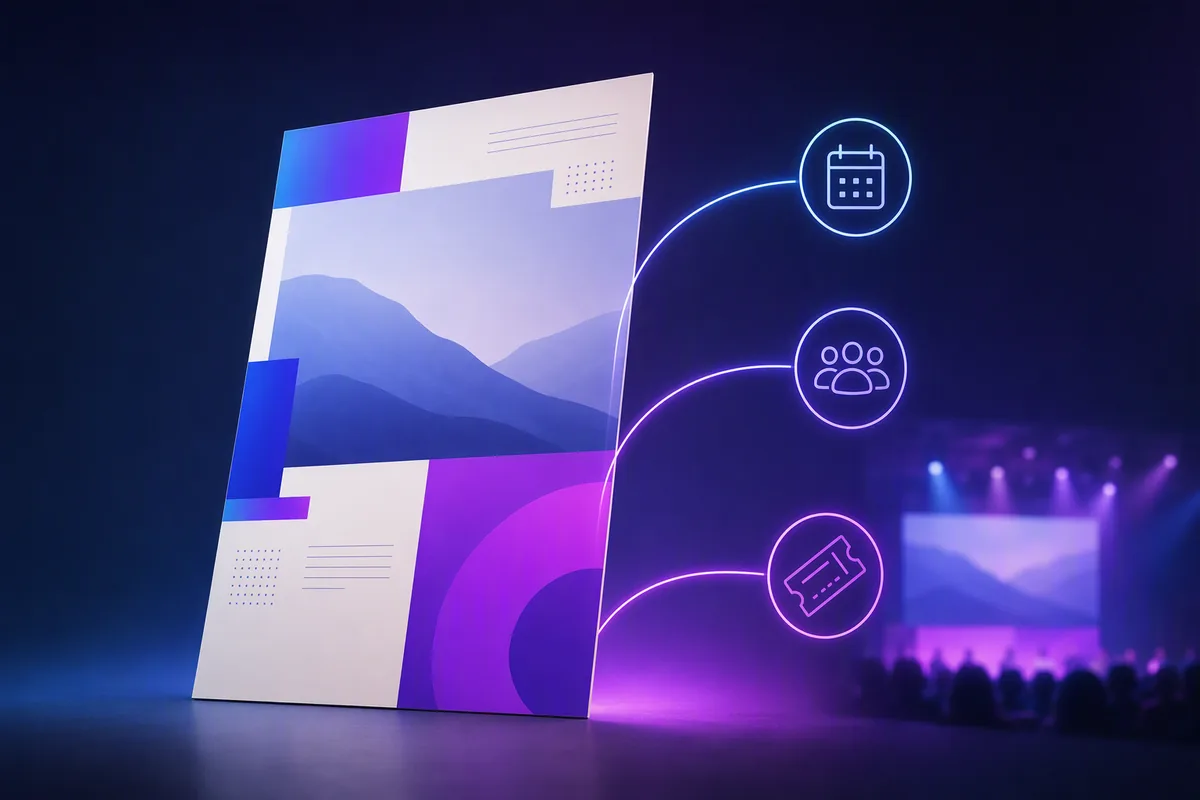
Promote an Event or Launch
Create a clear visual direction around the date, subject, offer, and intended audience.
Prepare a Social Campaign Asset
Build an image whose focal point and text space can adapt to platform-specific publishing needs.
Develop a Cover or Key Visual
Establish the central composition used across related communication and promotional materials.
Design the Image Around the Reading Order
Decide what the viewer should notice first, second, and third. Contrast, scale, position, and empty space should support that sequence.
Reserve readable areas for real text rather than relying on generated lettering. Important names, dates, prices, legal copy, and calls to action should be checked and typeset accurately.
Review the asset at its actual display size. Fine detail and long copy that look acceptable on a large canvas may fail in a mobile feed or thumbnail.
Frequently Asked Questions
Create a Visual That Leaves Room for the Message
Develop the focal image, hierarchy, and format together before final copy and branding are applied.

Technical support: tech@promeai.pro
Business collaboration: business@promeai.pro