


Turn a Sketch into a Finished Rendering
Develop a hand sketch, line drawing, or design draft into a more realistic visualization while using the original structure and composition as the guide.
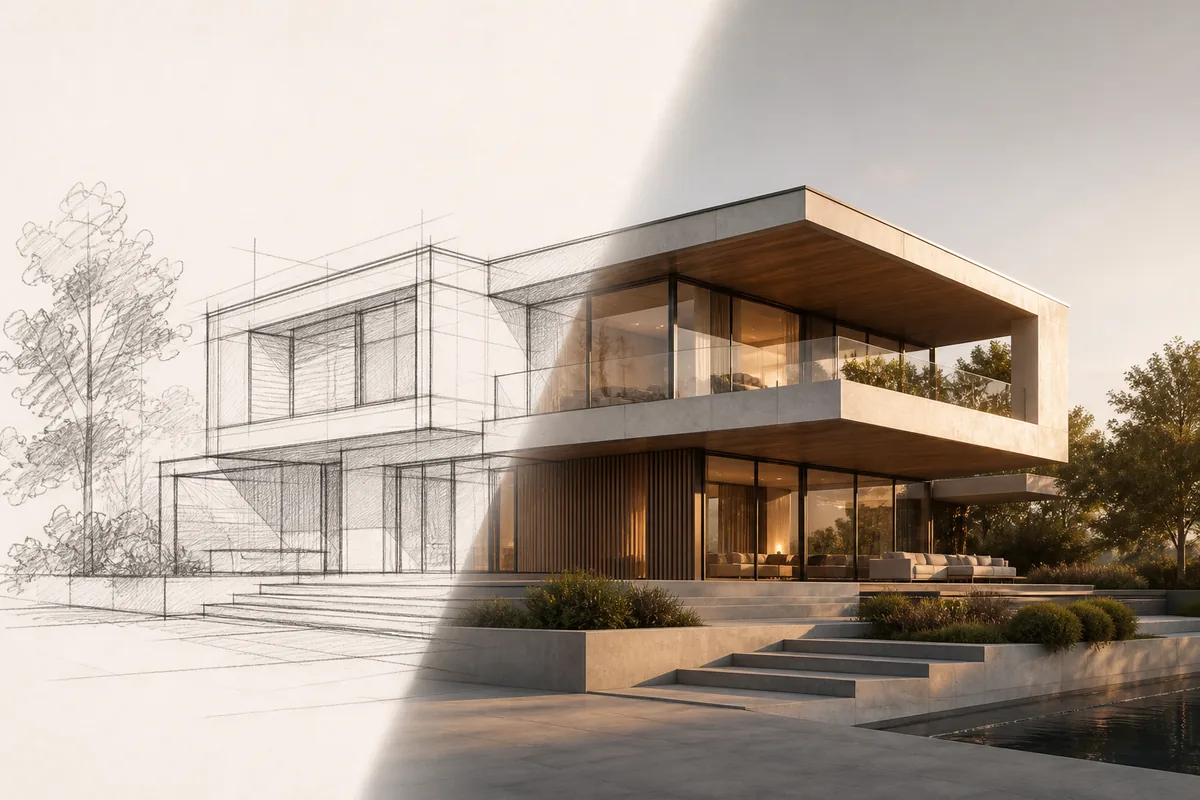
See the Workflow Run
The actual workflow — connected nodes you can run to preview each step.
When a Sketch Needs a More Complete Visual
Professional capabilities powered by AI.
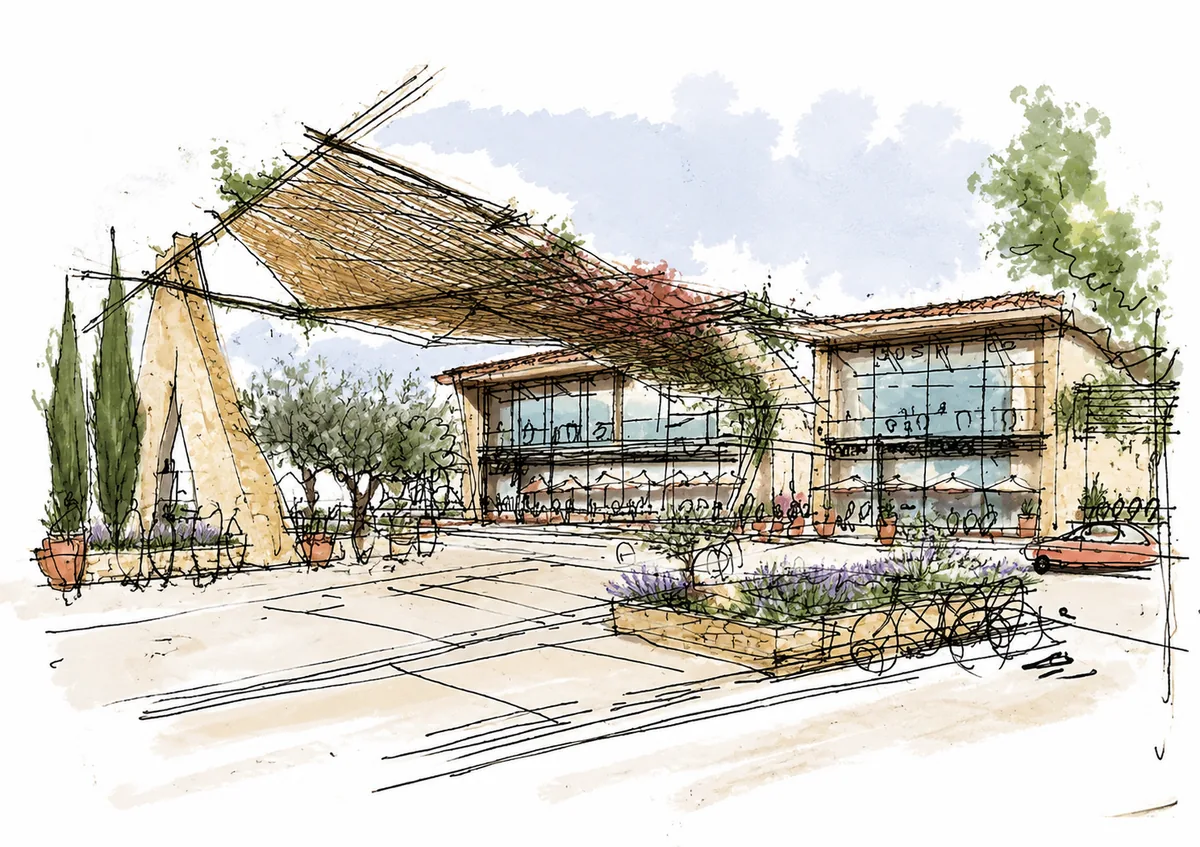
Develop an Early Design Draft
Give clients or collaborators a clearer view of a concept that currently exists only as loose lines or tonal indications.
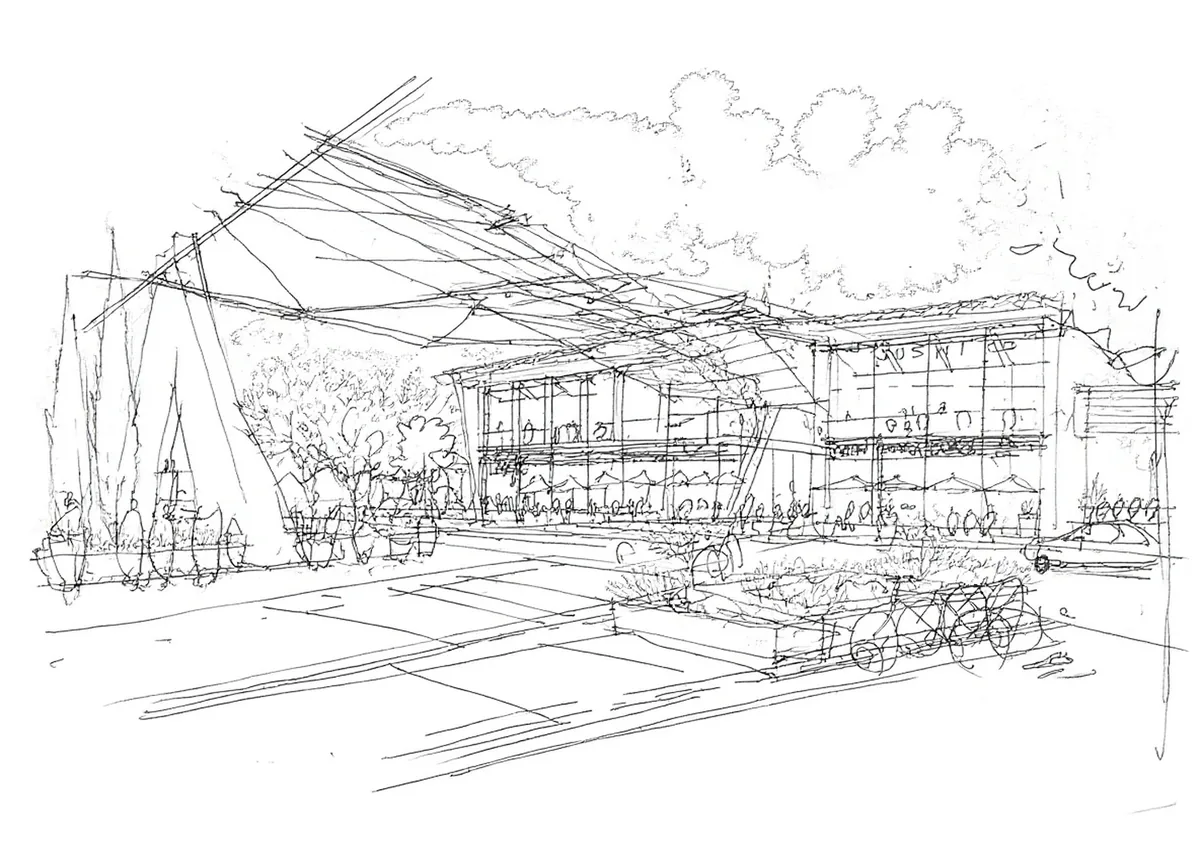
Render Clean Line Art
Add materials, lighting, and depth to a more resolved drawing while keeping its recognizable design structure.
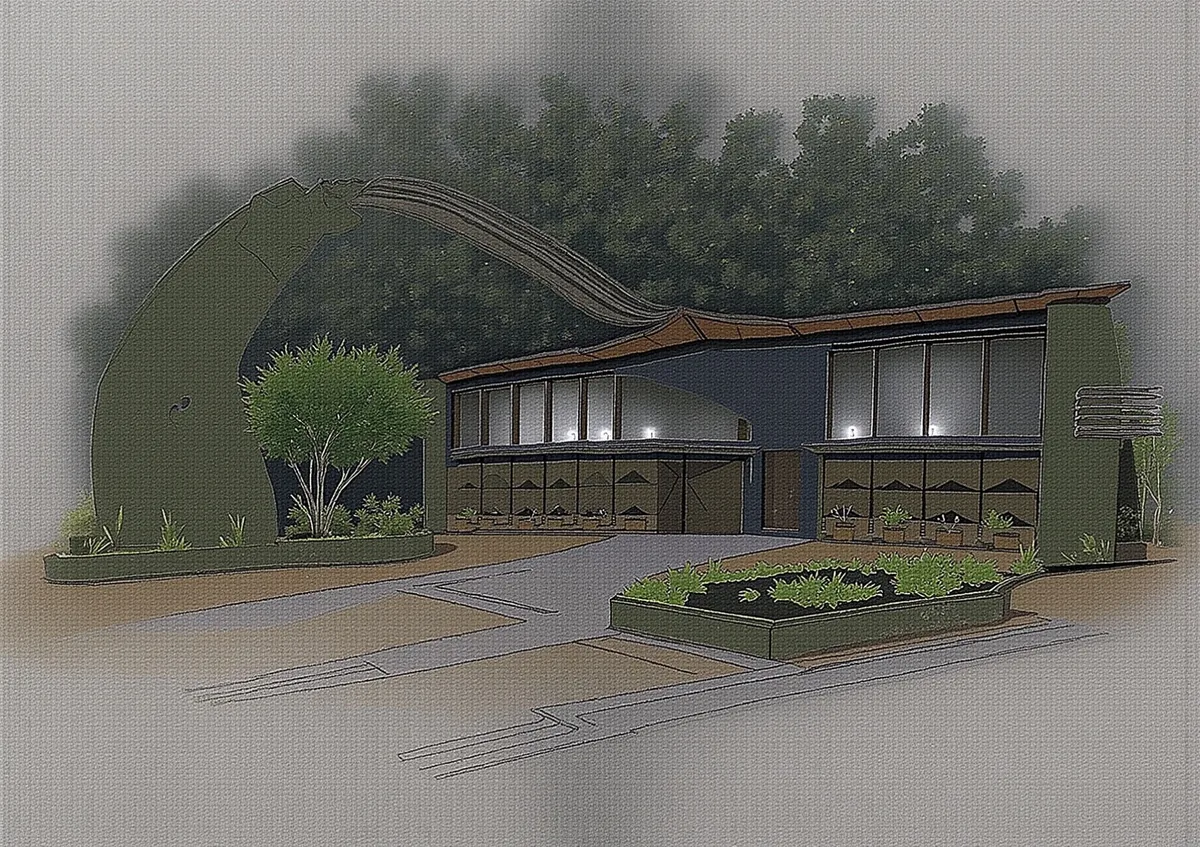
Prepare a Concept for Presentation
Create a polished visual from a selected sketch direction for discussion, review, or inclusion in an early-stage presentation.
Decide What the Sketch Must Continue to Control
The source may define different levels of certainty. Strong outlines can anchor geometry and composition, while lighter marks may leave more room for interpreting materials, background, atmosphere, and small details.
Identify the relationships that cannot change before rendering: silhouette, major edges, openings, product proportions, furniture placement, or another defining structure. Make those constraints visible in the source drawing.
A more realistic image can introduce details that were never resolved in the sketch. Treat those additions as visual proposals and check them against the intended design before presentation.
Frequently Asked Questions
Develop the Sketch into a Presentation-Ready Visual
Use the drawing as the structural guide, then review the rendered materials, lighting, and introduced details.

Technical support: tech@promeai.pro
Business collaboration: business@promeai.pro